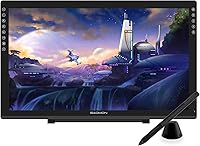
GAOMON PD2200 21.5-inch Pen Display Tablet
Overview
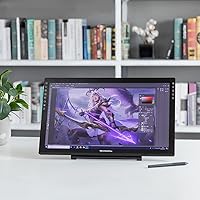
The GAOMON PD2200 21.5-inch Pen Display Tablet sits in a crowded mid-range market, but it earns attention for one straightforward reason: you get a full-laminated screen at a price point where most rivals still ship non-laminated panels. That single difference matters more than it sounds — lamination pulls the display surface closer to the glass, so your pen feels like it's touching the actual image rather than floating above it. GAOMON has quietly built a loyal following among artists and educators who want a credible Wacom alternative without the Cintiq price tag. This drawing monitor won't replace a professional studio setup, but it punches well above its weight for most creators.
Features & Benefits
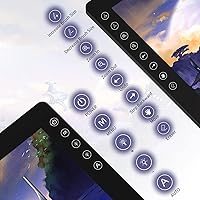
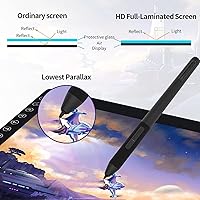
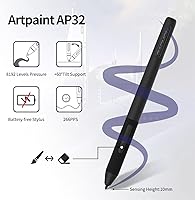
The full lamination is doing real work here — when you're laying down linework or blending colors, the reduced parallax keeps your strokes feeling precise rather than offset. Pair that with a color gamut hitting 130% sRGB, and illustrations genuinely pop on this drawing monitor without much manual calibration needed. The battery-free AP32 stylus handles 8192 pressure levels and reads tilt up to 60 degrees, which translates to natural variation when using a flat brush or soft eraser. Eight programmable touch buttons sit along the left edge and are easy to assign to your most-used shortcuts in Photoshop or Illustrator. Setup is handled through a single HDMI and USB connection — no dongles, no drama.
Best For
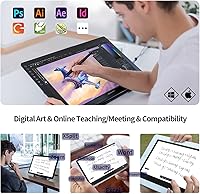
This pen display hits a sweet spot for a fairly specific crowd. Digital illustrators and concept artists who have outgrown a screenless tablet will find the 21.5-inch surface gives them real room to work without paying Cintiq prices. Online teachers and tutors benefit too — annotating slides or marking up PDFs during a Zoom session feels far more natural here than with a mouse. Art and design students looking to step up their setup, alongside remote workers who regularly sign contracts or review documents, will both find daily value. It can also pull double duty as a secondary monitor, which is a practical bonus for anyone working with a compact desk arrangement.
User Feedback
With over 6,600 ratings averaging 4.3 out of 5 stars, the GAOMON 21.5-inch tablet has clearly won over a large and varied user base. Buyers consistently highlight screen clarity and pen responsiveness as standout positives — many mention being pleasantly surprised given the price tier. The size-to-value ratio comes up often, especially from users who cross-shopped it against similarly priced Huion Kamvas options. That said, the driver software is a recurring pain point: installation can be awkward, particularly on Mac, and some users report needing to reinstall after OS updates. Stand stability on smooth desks also gets flagged occasionally. Color accuracy out of the box is decent but benefits noticeably from a quick manual calibration before serious work.
Pros
- Full-laminated screen at this price tier is genuinely rare and makes pen strokes feel accurate and direct.
- The 21.5-inch active area gives illustrators and designers real room to work without feeling cramped.
- Battery-free stylus means no mid-session charging interruptions during long drawing or teaching sessions.
- 8192 pressure levels and 60-degree tilt support translate to natural, expressive brushwork in most major apps.
- 130% sRGB color volume makes illustrations look vibrant after a quick calibration pass.
- Eight programmable shortcut buttons are well-placed and easy to assign in Photoshop or Illustrator.
- HDMI and USB setup is refreshingly simple — most users are up and running within minutes.
- The included stand adds genuine desk value; you are not hunting for accessories after unboxing.
- Over 6,600 ratings averaging 4.3 stars suggests a broad, mostly satisfied user base across skill levels.
- Competes favorably against Huion Kamvas options at a similar size, giving buyers real alternatives to compare.
Cons
- Driver installation can be frustrating, especially on Mac, and may require reinstalling after OS updates.
- Color accuracy out of the box is inconsistent — manual calibration is almost always necessary for serious work.
- The stand can feel unstable on smooth desk surfaces, which gets distracting during detailed drawing sessions.
- 1920x1080 resolution on a 21.5-inch panel produces a lower pixel density than some rival displays at this size.
- No touch input on the drawing surface limits workflow options compared to newer competing models.
- The anti-glare film, while functional, can slightly soften the perceived sharpness of fine linework.
- At nearly 8.5 pounds, this drawing monitor is not practical for travel or flexible workspace setups.
- Customer support responsiveness has received mixed reviews, which is worth factoring into a long-term purchase decision.
Ratings
The scores below for the GAOMON PD2200 21.5-inch Pen Display Tablet were generated by AI after analyzing thousands of verified global user reviews, with spam, bot submissions, and incentivized feedback actively filtered out. Each category reflects the full range of real buyer experiences — not just the highlights — so both genuine strengths and honest frustrations are represented in every score.
Value for Money
Screen Quality
Pen Performance
Driver & Software
Build Quality
Stand Stability
Shortcut Keys
Anti-Glare Coating
Setup Experience
Color Accuracy
Pen Comfort & Ergonomics
Compatibility
Portability
Display Brightness
Suitable for:
The GAOMON PD2200 21.5-inch Pen Display Tablet is a strong fit for digital illustrators, concept artists, and graphic designers who want a large, responsive drawing surface without spending professional-studio money. Students in art or design programs will find the 21.5-inch full-laminated screen a meaningful upgrade from a screenless tablet — the difference in day-to-day comfort is real. Online teachers and tutors who annotate slides, mark up documents, or write on virtual whiteboards during live sessions will also get genuine daily value from this drawing monitor. Remote workers who frequently sign contracts or review PDFs benefit too, since the pen input is far more natural than mouse-clicking through signature fields. If you want a setup that can double as a secondary display when you are not drawing, this pen display handles that role reasonably well for a home or studio desk.
Not suitable for:
The GAOMON PD2200 21.5-inch Pen Display Tablet is not the right call for professional print designers or colorists who require factory-calibrated, studio-accurate color straight out of the box — the panel needs manual calibration before color-critical work, and even then it is not competing with high-end reference monitors. Artists who rely heavily on touch gestures will also find it limiting, since this drawing monitor offers touch shortcut buttons rather than a full touch-enabled surface. If you are a heavy Mac user who frequently updates your OS, be prepared for occasional driver friction — it is a documented pattern with this device, not an isolated complaint. Buyers wanting a tablet they can use comfortably on the go should look elsewhere; at nearly 8.5 pounds with a fixed stand, this is a desk-bound tool. Professionals already invested in the Wacom ecosystem — with existing pen compatibility and workflow integrations — will likely find switching costs outweigh the savings.
Specifications
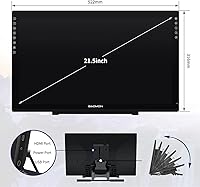
- Screen Size: The active display measures 21.5 inches diagonally, providing a spacious drawing surface suited for detailed illustration and annotation work.
- Resolution: The panel runs at 1920 x 1080 (16:9 Full HD), delivering clear, sharp visuals for everyday creative and educational tasks.
- Color Gamut: The display covers 130% sRGB and 92% NTSC color volume, which is notably wide for a pen display in this price range.
- Full Lamination: The screen uses full-lamination technology, bonding the glass and display layers to minimize parallax and improve drawing accuracy.
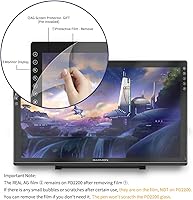
- Anti-Glare Film: A factory-applied anti-glare film is pre-installed on the screen surface to reduce reflections without requiring the user to apply film manually.
- Pen Model: The included AP32 stylus is battery-free and connects via electromagnetic resonance, eliminating the need to charge or replace batteries.
- Pressure Sensitivity: The AP32 pen supports 8192 levels of pressure sensitivity, allowing for fine gradations in line weight and brush opacity.
- Tilt Support: The stylus recognizes tilt angles up to 60 degrees, enabling natural shading and brush-angle variation similar to traditional media.
- Shortcut Keys: Eight touch-sensitive shortcut buttons are built into the display bezel and can be fully customized through the GAOMON driver software.
- Connectivity: The tablet connects to a computer via HDMI for video output and USB for pen data and power, using two cables in total.
- OS Compatibility: The device supports Windows 7 or later and macOS 10.12 or later, covering the vast majority of current desktop and laptop systems.
- Contrast Ratio: The panel offers a 1000:1 contrast ratio, producing clear differentiation between dark shadows and bright highlights in artwork.
- Response Time: The display has a 25ms response time, which is adequate for drawing and annotation but not optimized for fast motion or gaming.
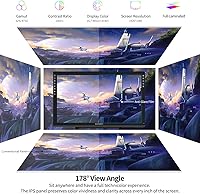
- Viewing Angle: Maximum viewing angles reach 89 degrees horizontally and vertically, meaning color and brightness remain consistent when viewed from most positions.
- Active Area: The usable drawing surface measures 476.64 x 268.11mm (approximately 18.8 x 10.6 inches), offering substantial room for detailed work.
- Dimensions: The full unit measures 20.55 x 12.44 x 0.1 inches, making it a large-format tablet intended for permanent desk placement rather than portability.
- Weight: The tablet body weighs 8.47 pounds, which is substantial and reinforces its nature as a stationary studio or desk tool.
- Stand: A physical stand is included in the box, allowing the tablet to be propped at a fixed angle without purchasing a separate accessory.
- Pen Nibs: Eight replacement nibs are stored inside the included pen holder, providing a reasonable supply for extended use before needing to reorder.
- Stylus Dock: A dedicated pen holder is included to store the AP32 stylus and its replacement nibs when not in use.
Related Reviews
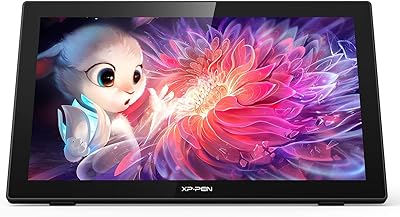
XP-Pen Artist 22 2nd Gen Pen Display
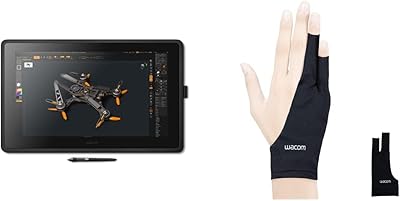
Wacom Cintiq 22 21.5-inch Pen Display
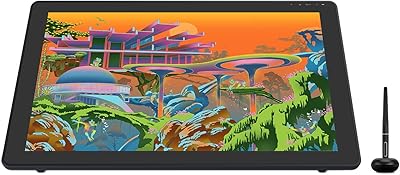
HUION Kamvas 22 Plus 21.5-inch Pen Display
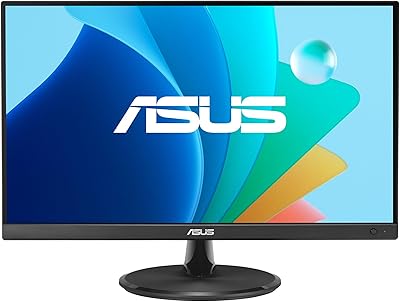
ASUS VP229Q 21.5-inch IPS Monitor
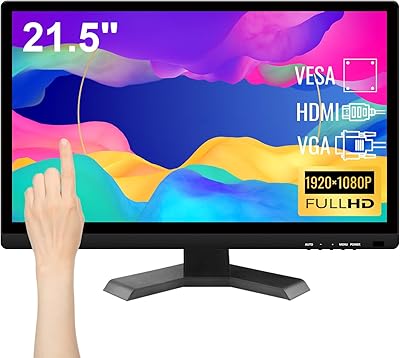
Pisichen HD-215TS 21.5-inch Touchscreen Monitor
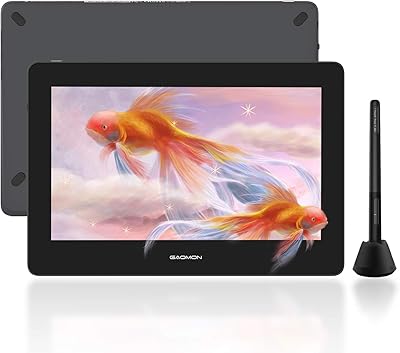
GAOMON PD1220 11.6-inch Pen Display
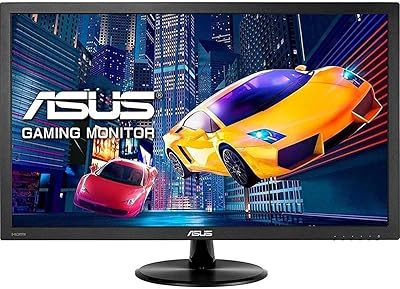
ASUS VP228HE 21.5-inch Gaming Monitor
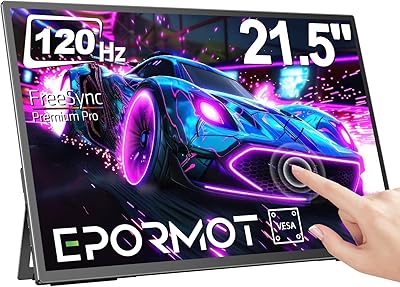
EPORMOT 21.5-inch Portable Touchscreen Monitor
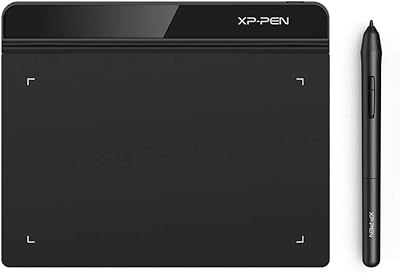
XP-Pen Star G640 6x4 Graphics Tablet