Overview
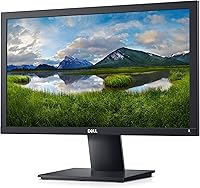
The Dell E2020H 19.5-Inch Monitor is exactly what it looks like: a no-nonsense office display built for getting work done, not turning heads. At under 20 inches, this compact display fits comfortably on crowded desks or in tight cubicles where a larger screen simply has no place. The HD+ 1600x900 resolution is honest about its purpose — spreadsheets, email, and document editing look clean and readable, but this is not the screen you want for photo editing or binge-watching. Connectivity covers VGA and DisplayPort, which is practical for both newer setups and older office machines still running legacy ports. This is a workhorse, not a showpiece.
Features & Benefits
A few things stand out about the E2020H beyond its price point. ComfortView technology reduces blue light output at the hardware level, which genuinely helps during long work sessions — your eyes feel less strained by late afternoon compared to a standard panel. The anti-glare surface handles bright office lighting without becoming a mirror, which is more useful day-to-day than it sounds. The slimmer chassis and integrated cable routing keep the desk looking tidy. Dell also ships this compact display in largely recycled, Styrofoam-free packaging, and it draws low power in real use — not just certified on paper. Dell Display Manager makes quick window arrangements straightforward.
Best For
This Dell office monitor makes the most sense for a specific kind of buyer. If you are an office worker, student, or remote employee who needs a reliable second screen for documents, email, or video calls, the E2020H covers the basics without unnecessary extras. Budget IT deployments will appreciate the cost efficiency and Dell's dependable build quality at scale. If your desktop or laptop still relies on VGA, the dual-port setup solves that compatibility problem immediately. It is also a smart fit for cramped desks where a larger monitor would feel overwhelming. That said, if sharp visuals matter to you, look elsewhere.
User Feedback
Buyers generally rate this Dell office monitor well, and the reasons are consistent: it arrives ready to use, the stand assembles quickly, and the image is clear enough for text-heavy work. Build quality earns frequent praise — it feels solid in a way that cheaper off-brand displays often do not. The main frustrations cluster around two areas. First, the 1600x900 resolution disappoints users who expected 1080p at this size, especially when running it as a primary screen. Second, the tilt-only stand offers no height or pivot adjustment, which is a real ergonomic limitation. A few buyers also note that brightness levels can feel inadequate in very well-lit rooms.
Pros
- Plug-and-play setup takes minutes — no driver hunting or configuration headaches.
- Dell build quality is noticeably solid for the price tier, with no flex or cheap-feeling plastic.
- ComfortView low blue light is a hardware-level feature, not just a software filter, making long sessions genuinely more comfortable.
- The anti-glare coating handles bright office lighting better than glossy panels at a similar price.
- Both VGA and DisplayPort ports are included, covering a wider range of machines than most compact displays.
- The E2020H draws very little power during normal use, which matters for always-on office environments.
- Dell Display Manager makes arranging multiple windows side by side quick and repeatable.
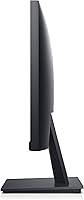
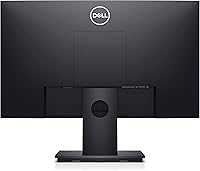
- The slim profile and clean cable routing help keep a small desk from feeling cluttered.
- At 6.47 pounds, this compact display is easy to reposition or move between setups.
- Styrofoam-free, recycled packaging is a small but appreciated detail for environmentally conscious buyers.
Cons
- The 1600x900 resolution is below today's mainstream standard and can look noticeably soft on a primary screen.
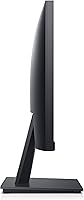
- The stand only tilts — no height adjustment, swivel, or pivot means ergonomic compromises for many users.
- Brightness levels may feel underwhelming in very well-lit rooms or near windows.
- Color accuracy is limited, making this a poor choice for any work involving photos, design, or video.
- The 60Hz refresh rate rules out this display for even casual gaming.
- No USB hub, headphone jack, or HDMI port — connectivity is bare-bones beyond the two display inputs.
- Users upgrading from a 1080p monitor will feel the resolution step-down immediately and may struggle to go back.
- The stand feels adequate but offers no premium feel — it wobbles slightly if the desk is bumped.
- At 19.5 inches, the screen may feel cramped for users wanting to tile multiple windows side by side.
- No built-in speakers, which limits usefulness as a standalone workstation display.
Ratings
The scores below reflect our AI-driven analysis of verified global buyer reviews for the Dell E2020H 19.5-Inch Monitor, with spam, bot-submitted, and incentivized feedback actively filtered out before scoring. Each category is weighted against real-world usage patterns reported by actual owners, from first-time setup through months of daily use. Both the genuine strengths and the recurring frustrations are factored in transparently — nothing is glossed over.
Value for Money
Display Clarity
Eye Comfort
Build Quality
Ergonomics & Adjustability
Setup & Ease of Use
Anti-Glare Performance
Connectivity
Color Accuracy
Brightness & Contrast
Energy Efficiency
Desk Footprint
Software & Productivity Tools
Packaging & Unboxing
Suitable for:
The Dell E2020H 19.5-Inch Monitor is a strong fit for anyone who needs a dependable, low-maintenance display without paying for features they will never use. Office workers who spend their days in spreadsheets, email clients, and browser tabs will find the screen perfectly adequate — text is sharp, the anti-glare surface keeps reflections in check, and the ComfortView panel makes all-day use far easier on the eyes. Students setting up a first desk workstation get a trusted brand at a sensible price point, with simple plug-and-play setup that requires no technical knowledge. Small businesses or IT managers deploying multiple workstations on tight budgets will especially appreciate the consistent Dell build quality and the low power consumption that adds up to real savings over time. If your machine still outputs via VGA, the dual-port connectivity is a practical lifeline that most newer monitors have already dropped. Anyone replacing an old, failing display and just needing something that works reliably will not be disappointed.
Not suitable for:
The Dell E2020H 19.5-Inch Monitor is a harder sell the moment your needs go beyond basic productivity. Creative professionals, photographers, or anyone who depends on accurate color reproduction should look elsewhere — this panel was not designed for color-critical work, and the HD+ resolution limits fine detail at this screen size. Users who have grown accustomed to 1080p or higher will likely find the 1600x900 image noticeably soft, particularly on a primary screen used for extended periods. The tilt-only stand is a genuine ergonomic shortcoming: there is no height adjustment, swivel, or pivot, which can be a real problem for users who need to fine-tune their viewing angle for comfort. If you plan to use this compact display for video streaming, gaming, or media consumption, the resolution and 60Hz refresh rate will feel limiting fairly quickly. Those with bright ambient lighting who cannot position the screen carefully may also find brightness levels fall short of what they need.
Specifications
- Screen Size: The display measures 19.5 inches diagonally, making it one of the more compact options in the modern flat-panel monitor market.
- Resolution: Native resolution is 1600x900 HD+, which delivers clear text and usable detail for office productivity tasks at this screen size.
- Aspect Ratio: The panel uses a standard 16:9 widescreen aspect ratio, compatible with virtually all modern operating systems and video outputs.
- Refresh Rate: The display runs at a fixed 60Hz refresh rate, which is standard for office-focused monitors and adequate for everyday computing use.
- Panel Type: An LED-backlit panel provides consistent brightness across the screen while keeping overall power draw low during normal operation.
- Screen Surface: The anti-glare coating reduces reflections from overhead lighting and nearby windows, improving readability in typical office environments.
- Connectivity: The monitor includes one VGA port and one DisplayPort input, covering both legacy and current-generation display output standards.
- Eye Care: ComfortView technology lowers harmful blue light emissions at the hardware level to reduce eye strain during extended work sessions.
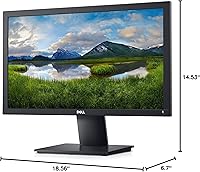
- Dimensions: The unit measures 6.7 x 18.56 x 14.53 inches with the stand attached, offering a compact footprint suitable for tight desk setups.
- Weight: The monitor weighs 6.47 pounds, making it light enough to reposition easily or move between workstations without assistance.
- Stand Adjustment: The included stand supports tilt adjustment only; height, swivel, and pivot adjustments are not available without a third-party VESA mount.
- VESA Compatibility: The monitor supports VESA mounting, allowing users to attach it to a compatible wall mount or monitor arm for improved ergonomic positioning.
- Certifications: The E2020H holds ENERGY STAR, EPEAT Gold, and TCO certifications, confirming it meets recognized standards for energy efficiency and environmental responsibility.
- Software: Dell Display Manager is included and features an Easy Arrange function that lets users tile application windows quickly across one or multiple connected screens.
- Color: The monitor is available in black with a matte finish that blends into standard office and home desk environments without drawing attention.
- Packaging: The product ships in Styrofoam-free packaging made with at least 75% recycled cardboard, reducing material waste in the supply chain.
- Power Efficiency: Consistent with its ENERGY STAR certification, the monitor is designed to consume minimal power both during active use and in standby mode.
- Manufacturer: The monitor is designed and manufactured by Dell Technologies, a company with a long track record of producing reliable commercial and consumer display hardware.
Related Reviews
Dell 1908FP 19-Inch Flat Panel Monitor
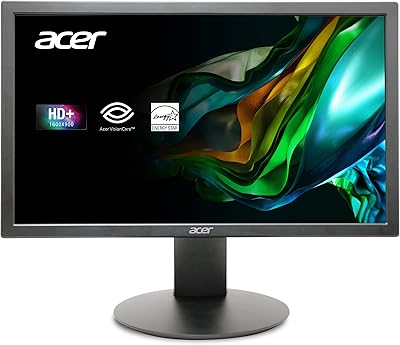
Acer K202Q bi 19.5-inch Monitor
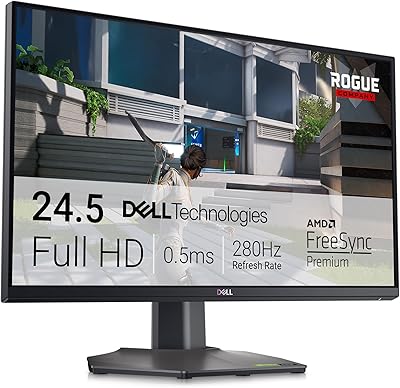
Dell G2524H 24.5-inch Gaming Monitor
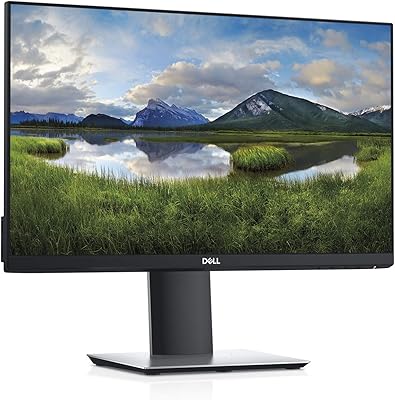
Dell P2219H 21.5-inch FHD Monitor
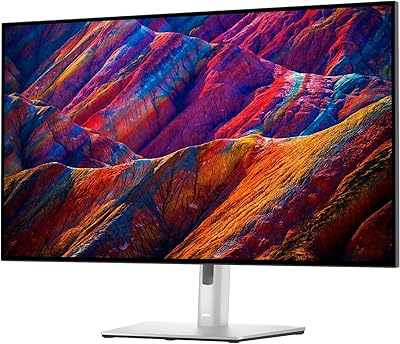
Dell UltraSharp U3223QE 31.5-inch 4K UHD Monitor
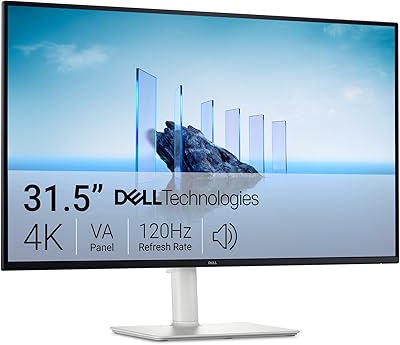
Dell S3225QS 32-inch 4K Monitor
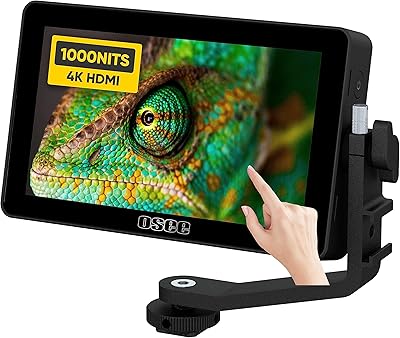
osee Lilmon 5 5.5″
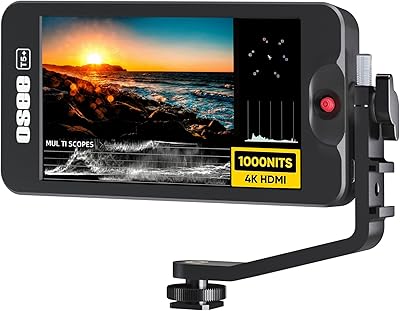
Osee T5+ 5.5-inch Camera Monitor
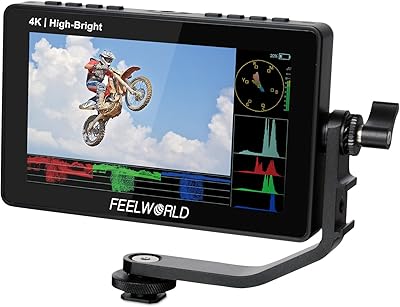
Feelworld F5 ProX 5.5″ Field Monitor