

Overview
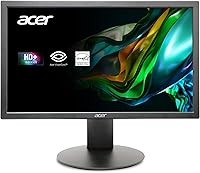
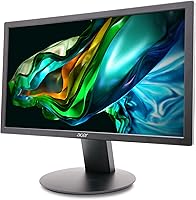
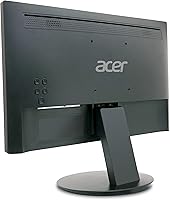
The Acer K202Q bi 19.5-inch Monitor is a straightforward, no-fuss display built for people who just need a screen that works. It sits firmly in the entry-level category — and it knows that. The compact 19.5-inch footprint fits comfortably on crowded desks where a larger panel simply wouldn't, making it a practical pick for tight home offices or smaller workstations. With over 1,400 ratings averaging 4.5 stars and a spot in the top 10 of Amazon's computer monitor category, it clearly resonates with buyers. Just keep expectations honest: this isn't a display built for color-critical work or fast-paced gaming. It's a reliable everyday workhorse, nothing more and nothing less.
Features & Benefits
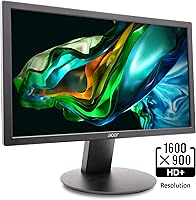
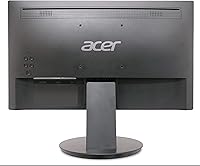
The K202Q bi runs on a TN panel at 1600x900, which is enough resolution for spreadsheets, browser tabs, and video calls without feeling cramped. The 75Hz refresh rate won't rival a gaming display, but it does make everyday scrolling feel a touch smoother than a typical 60Hz office screen. Where this 19.5-inch display genuinely earns its keep is in eye comfort features — the BlueLight Filter and Flickerless technology make a real difference during back-to-back work sessions. Connectivity covers both HDMI and VGA, so it pairs cleanly with new laptops and older desktop towers alike. It's also VESA-compatible, meaning you can free up desk space with an arm mount without any hassle.
Best For
This Acer budget monitor hits a sweet spot for a specific set of buyers. Home office workers who spend most of their day in documents, email, and video calls will find it more than capable for the job. Students setting up their first proper desk will appreciate the low cost of entry. Small businesses outfitting multiple workstations can stretch their budget significantly without sacrificing basic usability. It's also a rare find for anyone still running older hardware, since the VGA port keeps legacy PCs in the game. The compact form factor makes it especially practical in dorm rooms, small apartments, or any workspace where desk real estate is tight.
User Feedback
Buyers consistently highlight how quick setup is — plugging in and going within minutes, helped by the included HDMI cable. The eye comfort features get genuine praise from people working long hours, which tracks with what Acer promises. That said, the feedback isn't universally glowing. The TN panel's narrow viewing angles come up regularly; shift your head too far to one side and colors visibly shift. A handful of users also wish for more screen space to spread out multiple windows — 1600x900 does have its limits. Still, the durability feedback is encouraging, with many reporting months of trouble-free use. For the price tier, the overall sentiment is solidly positive.
Pros
- Setup takes minutes, and an HDMI cable is included right in the box.
- The BlueLight Filter genuinely reduces eye fatigue during long work-from-home sessions.
- At 4.45 lbs, the K202Q bi is light enough to reposition or wall-mount without effort.
- VESA compatibility lets you use an arm or wall bracket to reclaim valuable desk space.
- Both HDMI and VGA ports mean it works with virtually any desktop or laptop, old or new.
- The 75Hz refresh rate makes everyday scrolling and browsing noticeably smoother than a standard 60Hz display.
- Durability holds up well — many buyers report trouble-free performance after months of daily use.
- The compact footprint is a natural fit for small desks, dorm rooms, or tight office setups.
- A 4.5-star average across more than 1,400 ratings signals consistent satisfaction at this price tier.
Cons
- The TN panel's narrow viewing angles cause colors to visibly shift if you are not sitting directly in front.
- At 1600x900, multitasking with several windows tiled side by side quickly starts to feel cramped.
- The glossy screen surface picks up reflections and glare in bright or sunny work environments.
- Color accuracy lags well behind IPS displays, making this a poor choice for visual or creative work.
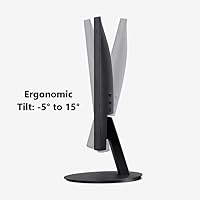
- The stand offers limited ergonomic adjustment, so a separate arm or monitor riser may be needed for comfort.
- HD+ resolution looks noticeably soft next to modern 1080p or higher displays at a similar screen size.
- No USB hub or extra connectivity ports means all cable routing remains entirely on your desk.
- A 6ms response time is passable for documents but will disappoint anyone watching fast-motion video content.
Ratings
The Acer K202Q bi 19.5-inch Monitor has been evaluated using AI-assisted analysis of thousands of verified global buyer reviews, with systematic filtering applied to remove bot-generated, incentivized, and duplicate submissions before any scoring was calculated. The resulting scores transparently surface both where this budget display genuinely delivers and where real-world buyers consistently run into friction. Every category score is grounded in aggregated ownership experience — not manufacturer claims.
Value for Money
Image Clarity
Eye Comfort
Build Quality
Setup Experience
Connectivity
Ergonomics
Refresh Rate
Viewing Angles
Multitasking
Color Accuracy
Long-term Durability
Glare & Reflections
Suitable for:
The Acer K202Q bi 19.5-inch Monitor is a smart, practical pick for anyone who needs a dependable screen for daily productivity without stretching their budget. Home office workers who live inside spreadsheets, email clients, and browser tabs will find it covers every base they actually need. Students setting up their first dedicated workspace get a solid display for the money, and the compact footprint won't swallow a small desk. Small businesses equipping multiple workstations at once will appreciate how far a modest budget stretches when buying several units. Anyone still running a desktop with a VGA-only output will also find this one of the few modern monitors that still supports that connection. If your priority is a low-maintenance, eye-comfortable screen for everyday work tasks, this 19.5-inch display fits the bill cleanly.
Not suitable for:
The Acer K202Q bi 19.5-inch Monitor is a poor match for anyone whose work depends on accurate color reproduction, wide viewing angles, or high pixel density. Graphic designers, photo editors, and video professionals will run into the TN panel's limitations quickly — colors shift noticeably when you are not sitting dead-center, and 1600x900 simply lacks the sharpness that detail-oriented creative work demands. Gamers will also find it underwhelming; 75Hz is a modest step up from 60Hz, but it falls well short of the 144Hz or higher that competitive or fast-paced gaming benefits from. If you regularly tile three or four windows side by side, the screen real estate at this resolution starts to feel genuinely cramped in a way that hurts productivity. Buyers expecting rich, vibrant visuals comparable to an IPS panel will be disappointed — the glossy TN surface also picks up glare in bright rooms, adding further frustration.
Specifications
- Screen Size: The display measures 19.5 inches diagonally, offering a compact footprint well suited to smaller desks and multi-monitor setups.
- Resolution: Native resolution is 1600x900 (HD+), providing adequate pixel density for document work, web browsing, and video calls at this screen size.
- Panel Type: Uses a TN (Twisted Nematic) panel, which delivers fast pixel response times but has narrower viewing angles compared to IPS technology.
- Refresh Rate: Runs at 75Hz, offering marginally smoother motion during scrolling and everyday tasks than a standard 60Hz office display.
- Response Time: Rated at 6ms grey-to-grey, which is acceptable for productivity use but not competitive for fast-paced gaming or high-motion content.
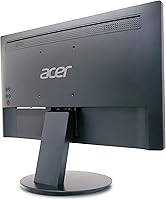
- Ports: Equipped with one HDMI port and one VGA port, covering both modern and legacy hardware connections without the need for adapters in most setups.
- VESA Mount: Compliant with the 100x100mm VESA standard, allowing the monitor to be mounted on most third-party wall brackets or monitor arms.
- Weight: The unit weighs 4.45 lbs, making it lightweight enough to reposition easily or mount on a standard arm without load concerns.
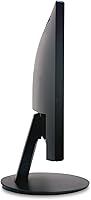
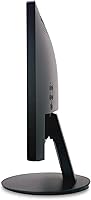
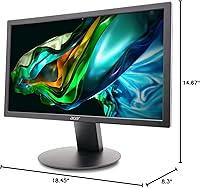
- Dimensions: Overall dimensions measure 18.45 inches wide, 14.67 inches tall, and 8.3 inches deep including the factory stand.
- Aspect Ratio: Features a 16:9 widescreen aspect ratio, which is the standard format for productivity software, streaming video, and web content.
- Screen Surface: The panel has a glossy surface finish, which can enhance color vibrancy but may introduce reflections in brightly lit environments.
- Eye Care: Incorporates Acer VisionCare technologies including a BlueLight Filter and Flickerless (flicker-free) backlight to reduce eye strain during extended use.
- Color: Available in a matte black finish on the bezel and stand, consistent with standard professional and home office aesthetics.
- In the Box: Package includes the monitor, factory stand, power cable, and one HDMI cable, so no additional cable purchase is required for an HDMI setup.
- Brand: Manufactured by Acer, a globally recognized electronics brand with an established lineup of entry-level to professional-grade display products.
Related Reviews
Dell E2020H 19.5-Inch Monitor
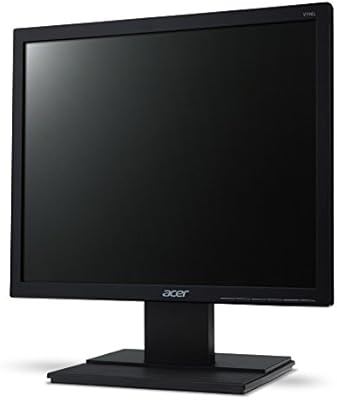
Acer V196L Bb 19-inch IPS Monitor
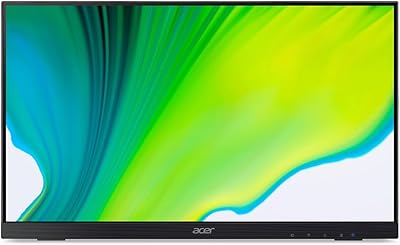
Acer UT222Q 21.5″ Touch Monitor

Acer Nitro KG251Q 24.5-inch Gaming Monitor
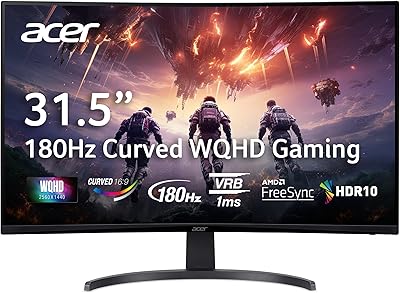
Acer Nitro EDA323QU 31.5-inch Curved Gaming Monitor
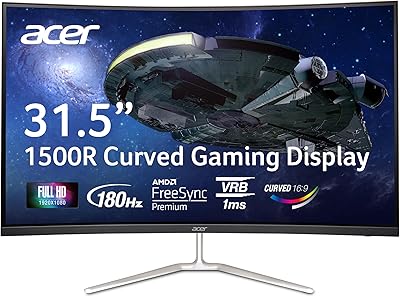
Acer Nitro EDA320Q 31.5″ Curved Gaming Monitor
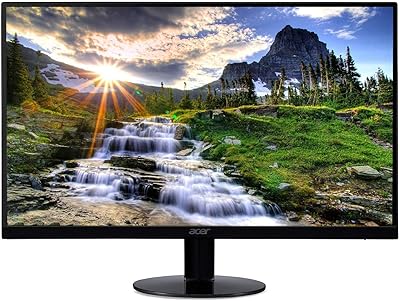
Acer SB220Q 21.5-inch IPS Monitor
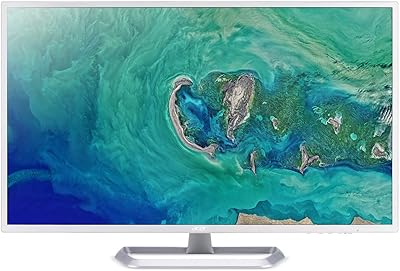
Acer EZ321Q wi 31.5″ IPS Monitor
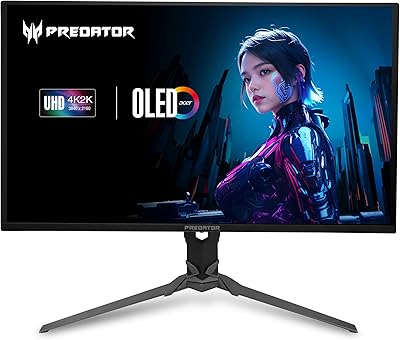
Acer Predator X32 31.5-inch 4K UHD OLED Gaming Monitor