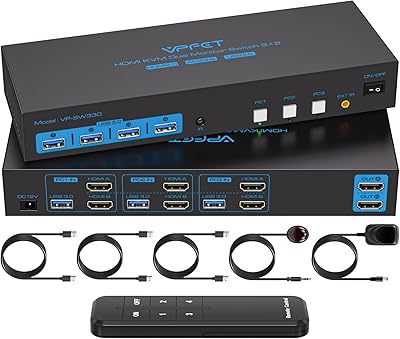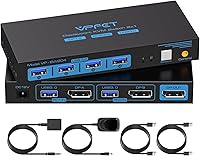
Overview
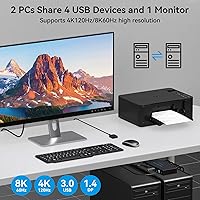
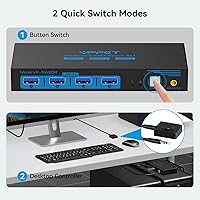
The CMSTEDCD SW204N DisplayPort KVM Switch sits in a practical sweet spot for anyone tired of juggling two keyboards, two mice, and a tangle of cables across a dual-PC desk. One button press hands control of your monitor, keyboard, and mouse to whichever machine you need — no unplugging, no swapping. The 8K@60Hz resolution ceiling is genuinely impressive at this price point, and the included wired desktop controller means you never have to reach behind your desk to flip sources. Two caveats worth knowing upfront: there is no hotkey support, and it does not work with MacBooks at all.
Features & Benefits
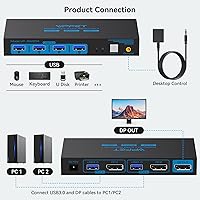
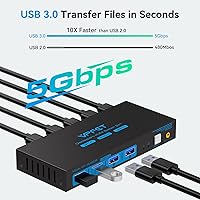
This DP KVM switch runs on DisplayPort 1.4, handling 4K and 1440p without issue — the 8K ceiling is real, but reaching it requires a separately purchased certified DP 1.4 cable and the included 12V DC adapter actively connected. Four USB 3.0 ports move data at up to 5Gbps and remain compatible with older USB devices too. The external power supply is a smart design call; your peripherals draw stable, consistent power rather than depending on whatever your PC happens to provide. Two USB cables are already in the box, so basic setup requires very little extra spending out of the gate.
Best For
The SW204N makes the most sense for Windows desktop users running two machines — a home PC alongside a work laptop, or a gaming rig next to a creative workstation — on a single DisplayPort monitor. If both machines already have DP outputs, there is no need for finicky adapters or conversion cables, which is a genuine advantage over HDMI-based alternatives. It also handles peripheral sharing well for anyone routing a webcam, printer, or external drive through the switch. Just bear in mind this is not a fit for MacBook users, and anyone reliant on hotkey switching will need to rethink their workflow entirely.
User Feedback
Buyers rate this two-port switch at a solid 4.3 stars, and the most consistent praise centres on how little effort setup takes — plug everything in and it works. The wired desktop controller earns specific mentions; people genuinely appreciate not digging behind their desk every time they change machines. On the downside, a noticeable share of users report display flickering when cables exceed three feet or fall short of the DP 1.4 standard, so cable quality really does matter here. Macro-enabled keyboards and high-draw USB devices have also tripped up some buyers. That said, most 4K users report clean, stable output with no special cable upgrades needed.
Pros
- Setup is straightforward — most users report being up and running within minutes of unboxing.
- The wired desktop controller is a genuine convenience, letting you switch sources without touching the main unit.
- Supports resolutions up to 8K@60Hz, giving 4K and 1440p users plenty of headroom for future-proofing.
- Four USB 3.0 ports handle peripherals like webcams, printers, and drives across both connected PCs.
- The external 12V power adapter keeps USB devices running stably, independent of host PC power output.
- Two USB 3.0 cables are included in the box, so basic cabling needs are covered from day one.
- LED indicators make it immediately obvious which computer is currently in control.
- The compact body can be tucked out of sight while the controller remains accessible on the desktop.
- Backward compatibility with USB 2.0 and older standards means legacy peripherals work without adapters.
- At 4K, multiple buyers confirm clean, flicker-free output without needing to upgrade their cables.
Cons
- No hotkey or keyboard shortcut switching — every source change requires a physical button press.
- Not compatible with MacBooks in any configuration, which rules out a large share of potential buyers.
- Flickering and signal instability are commonly reported when cables exceed three feet or lack DP 1.4 certification.
- Achieving the advertised 8K resolution requires purchasing a certified DP 1.4 cable separately.
- High-draw USB devices, such as bus-powered external hard drives, may not operate reliably through the switch.
- Macro-enabled keyboards and gaming mice with advanced firmware have caused connectivity issues for some users.
- Only one monitor is supported, making it a non-starter for multi-display workstation setups.
- The 12V adapter must be connected for stable USB performance, adding one more cable to manage.
- HDMI sources and conversion cables are explicitly unsupported, limiting compatibility to native DP outputs only.
Ratings
The scores below for the CMSTEDCD SW204N DisplayPort KVM Switch were generated by our AI engine after analyzing verified buyer reviews from multiple global markets, with spam, bot-submitted, and incentivized feedback actively filtered out before scoring. Each category reflects the honest distribution of real user experiences — strengths and frustrations weighted equally — so you get a clear picture of where this switch earns its keep and where it falls short.
Ease of Setup
Video Signal Stability
USB Peripheral Reliability
Switching Convenience
Resolution & Bandwidth
Build Quality
Cable Management
Compatibility Range
Value for Money
Package Contents
Power Design
Daily Workflow Impact
Documentation & Support
Suitable for:
The CMSTEDCD SW204N DisplayPort KVM Switch is built for Windows desktop users who regularly work across two machines and are tired of the physical hassle that comes with it. If you run a personal PC alongside a work computer, or you split time between a gaming rig and a creative workstation, this switch keeps your desk clean and your workflow uninterrupted. It fits naturally into any setup already built around a DisplayPort monitor, since it skips the adapter headaches that come with HDMI-based alternatives. The four USB 3.0 ports mean you can route a webcam, a printer, and an external drive through the switch without constantly replugging — a real advantage for anyone with a moderately busy peripheral setup. At 1440p or 4K, it performs reliably without needing any special cable upgrades beyond what is already included.
Not suitable for:
Anyone with a MacBook should stop reading here — the SW204N is explicitly incompatible with Apple laptops, and no workaround changes that. Power users who rely on keyboard shortcuts to switch between sources will also find this switch frustrating, since hotkey toggling is simply not supported; you have to physically press the button or use the wired controller every single time. If your workflow demands multi-monitor support, this is not the right tool — it handles exactly one display. Users who connect high-power USB devices like large external hard drives may also run into stability issues unless those drives have their own independent power source. Finally, anyone expecting true plug-and-play 8K performance should know that achieving that resolution requires a separately sourced certified DP 1.4 cable, not just the ones bundled in the box.
Specifications
- Brand & Model: Manufactured by CMSTEDCD under the model designation SW204N.
- Computers Supported: Connects two computers or laptops simultaneously, sharing a single monitor and peripheral set.
- Monitor Output: One DisplayPort 1.4 output port connects to the display, supporting a single monitor only.
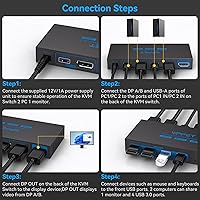
- PC Input Ports: Each computer connects via one DP 1.4 port and one USB-A port on the switch.
- Max Resolution: Supports video output up to 8K@60Hz when used with a certified DP 1.4 cable and external power connected.
- USB Ports: Four USB 3.0 ports are available for peripherals, each transferring data at up to 5Gbps.
- USB Compatibility: All four USB ports are backward compatible with USB 2.0, 1.1, and 1.0 devices.
- Switching Method: Source switching is performed via a physical button on the unit or the included wired desktop controller.
- Hotkey Support: Keyboard shortcut switching is not supported; only physical button or wired controller inputs are accepted.
- Power Supply: An external 12V DC power adapter is included and must be connected for stable USB device operation.
- Included Cables: Two USB 3.0 cables are included in the package; DP cables are not included and must be sourced separately.
- Dimensions: The main unit measures 5.9 × 2.55 × 0.86 inches, making it compact enough to be tucked behind a monitor.
- Weight: The unit weighs 1.17 pounds, which is typical for a powered desktop KVM switch in this category.
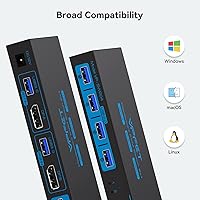
- Mac Compatibility: MacBooks are explicitly not supported; this switch is designed for Windows-based computers only.
- Conversion Cables: HDMI-to-DP adapters, active converters, and hub-based connections are not supported and will prevent proper operation.
- LED Indicators: Onboard LED indicators show which computer is currently the active signal source at any given time.
- Recommended Cable Length: DP cables used with the switch should not exceed 6 feet, and 3.3-foot certified DP 1.4 cables are recommended for best stability.
Related Reviews
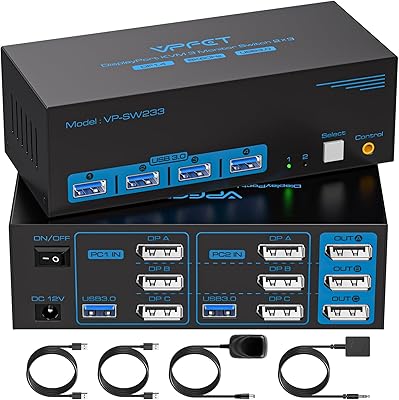
CMSTEDCD Triple Monitor DisplayPort KVM Switch
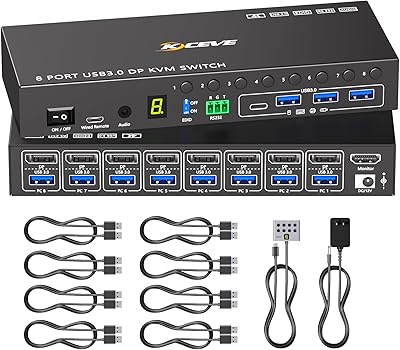
MLEEDA 8-Port DisplayPort KVM Switch
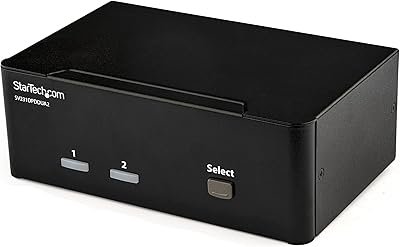
StarTech SV231DPDDUA2 Dual-Monitor DisplayPort KVM Switch

DiamondTiger KS304DL 4-Port DisplayPort KVM Switch
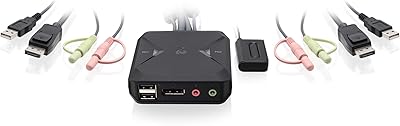
IOGEAR 2-Port USB DisplayPort KVM Switch
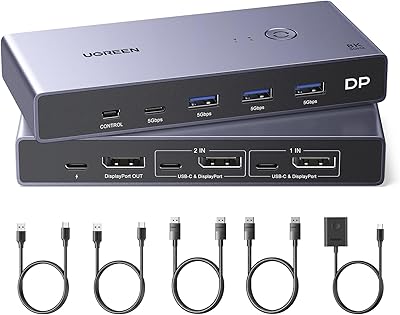
UGREEN 8K DisplayPort KVM Switch
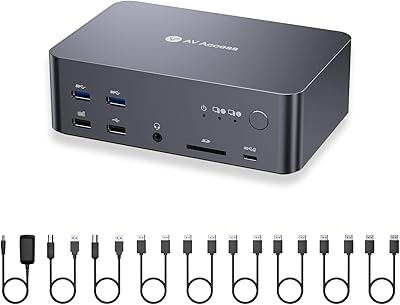
AV Access iDock D23
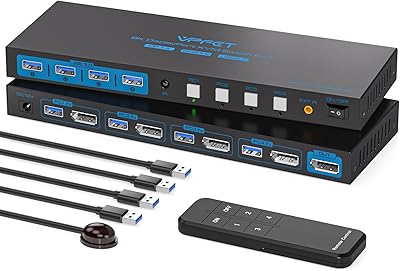
AILVLVNG 8K@60Hz DisplayPort KVM Switch 4-Port
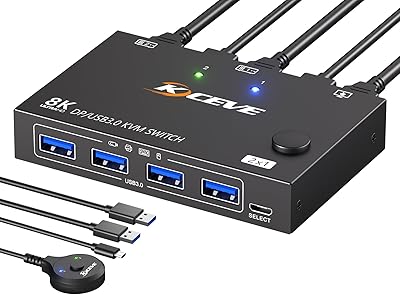
MLEEDA 201DPA DisplayPort KVM Switch