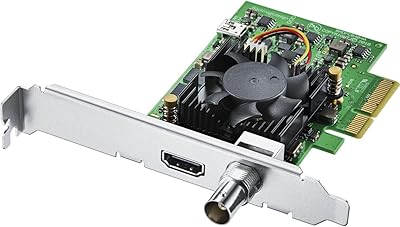
Blackmagic Design DaVinci Resolve Studio Software License
Overview
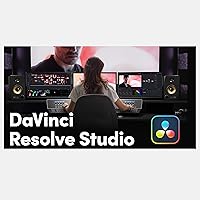
The Blackmagic Design DaVinci Resolve Studio Software License is about as close as you get to a complete post-production suite in a single purchase — no subscriptions, no recurring fees, just a one-time key that unlocks the full platform. Blackmagic's free version is genuinely capable, but this Studio license removes the ceiling entirely: collaborative tools, advanced noise reduction, and GPU-accelerated effects that the free tier simply doesn't offer. Hollywood colorists have been using this software on major productions for years, and independent filmmakers have caught on fast. What you're buying here is a digital license key — no physical box, no disc.
Features & Benefits
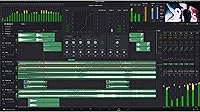
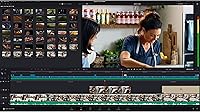
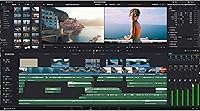
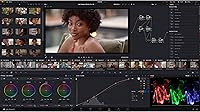
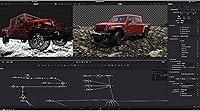
At its core, this post-production software brings editing, color grading, Fusion VFX, and Fairlight audio into one unified timeline — which sounds simple until you realize how much context-switching that actually eliminates. The node-based color grading system is genuinely powerful: you can layer corrections, apply LUTs, and work in HDR without jumping between applications. GPU-accelerated noise reduction is the kind of tool that used to cost thousands separately. Collaboration features let multiple team members — an editor and a colorist, for instance — work on the same project simultaneously. It supports RAW formats from major camera brands, which matters if you're shooting on anything above a consumer body.
Best For
This Studio license makes the most sense for freelance editors and colorists who bill by project and can't justify a monthly software subscription eating into their margins. Small production houses that want a single application handling the full pipeline — from rough cut to color finish to audio mix — will find real value here. Creators moving up from entry-level tools like iMovie or the free DaVinci tier will notice an immediate jump in capability, particularly in color control. Film students and instructors also benefit, since the software is genuinely used on professional sets and industry-standard workflows transfer directly to real jobs.
User Feedback
Buyers consistently highlight the depth of the color tools and the relief of paying once instead of subscribing indefinitely — those two points come up repeatedly in positive reviews. That said, hardware demands are a real sticking point: the software requires at least 32 GB of RAM and a capable dedicated GPU, and users on older machines report sluggish performance or outright incompatibility. License key delivery experiences are mixed, with some buyers receiving their key quickly and others facing delays. A few reviewers also flagged that the listing reflects an older version number, so confirming compatibility with the current release before purchasing is genuinely worth doing.
Pros
- One-time purchase with no recurring subscription fees — a genuine long-term cost advantage for active editors.
- Brings editing, color grading, audio mixing, and VFX into a single unified application.
- Node-based color grading system is among the most powerful available in any software at any price.
- GPU-accelerated noise reduction works at a quality level that used to require dedicated standalone tools.
- Multi-user collaboration lets editors and colorists work on the same project at the same time.
- Supports RAW formats from major professional camera brands straight out of the box.
- HDR grading workflows are fully supported, keeping pace with modern delivery requirements.
- Used on professional Hollywood productions — skills developed here are directly industry-relevant.
- The free tier exists as a genuine trial, so buyers can test the workflow before committing to the Studio key.
Cons
- Minimum 32 GB of RAM is a hard requirement — older or budget machines will struggle significantly.
- The learning curve is steep enough that new users should budget real time for training before expecting productivity.
- License key delivery through this listing has been inconsistent, with some buyers experiencing delays.
- The listed version number may not match the current release, creating potential compatibility uncertainty.
- A dedicated GPU is non-negotiable; integrated graphics are not supported for serious work.
- No mobile version exists, so editing is tied entirely to a desktop or laptop workstation.
- Major version upgrades have historically not always been free — future-proofing the license has limits.
- The interface can feel overwhelming for anyone migrating from simpler timeline-based editors.
- CentOS 7.3 Linux support is narrow and may not suit users on more common Linux distributions.
Ratings
The scores below were generated by our AI after analyzing thousands of verified global user reviews for the Blackmagic Design DaVinci Resolve Studio Software License, with spam, bot activity, and incentivized feedback actively filtered out. Every category reflects what real buyers experienced — the genuine strengths that earned loyalty and the friction points that caused frustration. Nothing has been smoothed over.
Color Grading Depth
Value for Money
Feature Completeness
Hardware Demands
Learning Curve
License Delivery
Collaboration Tools
Codec & Format Support
Noise Reduction Quality
OS Compatibility
Audio Post Tools
Update & Version Policy
Interface Design
Suitable for:
The Blackmagic Design DaVinci Resolve Studio Software License is a strong fit for anyone who works in video production seriously enough to feel the ceiling of free or entry-level tools. Freelance colorists and editors will appreciate the one-time cost structure most — if you bill clients regularly, eliminating a monthly software subscription improves your margins over time without sacrificing capability. Small production companies that currently juggle separate applications for editing, grading, audio mixing, and visual effects will find real efficiency gains in having all of those disciplines live inside a single project file. Content creators who shoot on professional or semi-professional cameras with RAW output will also unlock meaningful value here, since this Studio license fully supports those formats with the GPU-accelerated performance to handle them. Film students and educators benefit too, because learning on the same platform used in professional post-production pipelines means skills transfer directly to industry work.
Not suitable for:
The Blackmagic Design DaVinci Resolve Studio Software License is not the right call for casual video editors, weekend hobbyists, or anyone whose current machine does not meet the hardware requirements. The software demands at least 32 GB of RAM and a dedicated GPU with at least 2 GB of VRAM — buyers on older laptops or budget desktops may find performance painful or the software outright unstable. If you are only cutting together family videos, travel vlogs, or basic social content, the free version of DaVinci Resolve covers those needs without spending anything. The learning curve is also real and steep; this is not software you open and figure out in an afternoon, and buyers expecting an intuitive drag-and-drop experience similar to iMovie or CapCut will likely feel overwhelmed. Finally, buyers should verify version compatibility before purchasing this listing, as the version number reflected may not correspond to the latest release available directly from Blackmagic Design.
Specifications
- License Type: Perpetual, one-time purchase license with no recurring subscription fees required.
- Delivery Method: Delivered as a digital license key — no physical disc or box is included with this purchase.
- Manufacturer: Developed and published by Blackmagic Design, an Australian professional audiovisual equipment company.
- Model Number: The official model number for this license is BM-DV/RESSTUD.
- Compatible OS: Supports macOS 10.14 or later, Windows 10, and CentOS 7.3 Linux distributions.
- Minimum RAM: A minimum of 32 GB of system RAM is required for stable operation.
- Minimum VRAM: At least 2 GB of dedicated GPU VRAM is required; integrated graphics are not supported.
- GPU Requirement: A dedicated discrete GPU is mandatory — the software does not run on integrated graphics solutions.
- Noise Reduction: Includes GPU-accelerated temporal and spatial noise reduction tools not available in the free version.
- VFX Module: Ships with the Fusion visual effects module for compositing, motion graphics, and 3D work inside the same application.
- Audio Module: Includes the Fairlight audio post-production environment for mixing, sweetening, and mastering directly within the project.
- Collaboration: Multi-user collaboration tools allow editors, colorists, and audio engineers to work on the same project simultaneously.
- HDR Support: Full HDR grading workflow support is included, covering standard HDR formats used in broadcast and streaming delivery.
- Codec Support: Supports a broad range of professional codecs including RAW formats from major camera manufacturers such as ARRI, RED, and Sony.
- Color Tools: Features a node-based color grading system with HDR wheels, curves, qualifiers, and LUT import and export support.
- First Available: This product was first listed and made available for purchase in October 2017.
Related Reviews
Blackmagic Design DaVinci Resolve Mini Panel
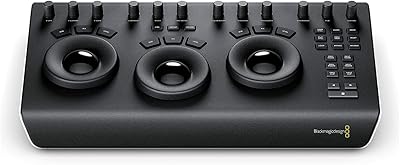
Blackmagic Design DaVinci Resolve Micro Color Panel
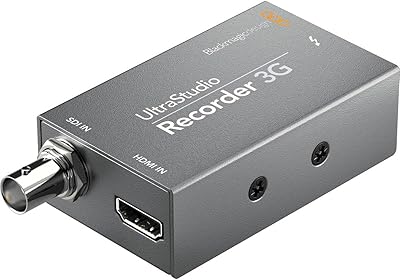
Blackmagic Design UltraStudio Recorder 3G
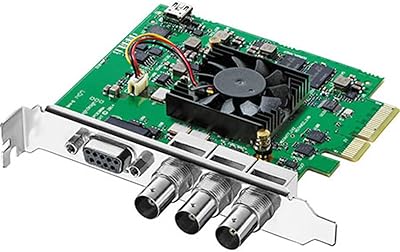
Blackmagic Design DeckLink SDI 4K
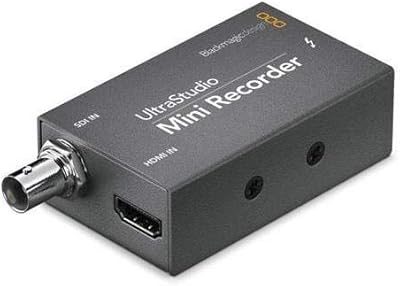
Blackmagic Design UltraStudio Mini Recorder Capture Device
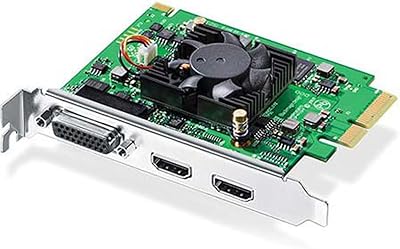
Blackmagic Design Intensity Pro 4K
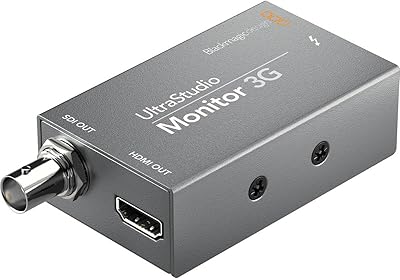
Blackmagic Design UltraStudio Monitor 3G
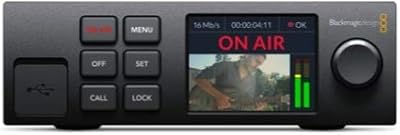
Blackmagic Design Web Presenter HD Streaming Encoder

Blackmagic Design ATEM Mini Extreme ISO