ASUS VY249HF-W 23.8-inch 1080p IPS Monitor


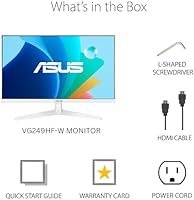
Overview
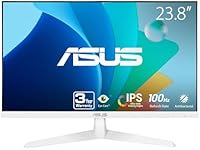
The ASUS VY249HF-W 23.8-inch 1080p IPS Monitor arrived in late 2024 as a straightforward, no-nonsense option for people who want a reliable daily driver without overspending. What immediately stands out is the white colorway — genuinely rare at this price point, and a welcome change from the all-black monitors that dominate most desks. At 23.8 inches, it fits comfortably on tighter work surfaces without feeling cramped. That said, set expectations accordingly: this is a 100Hz 1080p panel, built for productivity and casual use, not competitive gaming or color-critical professional work. It does what it promises, and for many buyers, that is exactly enough.
Features & Benefits
The IPS panel technology is the foundation here — colors stay consistent whether you are looking straight on or from a wide angle, which matters when sharing your screen or working with others nearby. The jump from 60Hz to 100Hz is subtle but real; scrolling feels smoother and casual gaming is noticeably more fluid. Adaptive Sync keeps things tear-free regardless of which GPU you are running. Where this ASUS eye care monitor genuinely stands apart, though, is the Eye Care Plus suite. The Color Augmentation mode for color-vision deficiency is a thoughtful, functional accessibility feature. Flicker-free backlighting and a blue light filter round things out, and a bundled month of Adobe Creative Cloud adds short-term value for creative newcomers.
Best For
This 24-inch IPS panel makes the most sense for students, home office workers, and anyone who logs long hours in front of a screen and feels it by the end of the day. The eye strain reduction features are the real draw here. Casual gamers stepping up from a 60Hz laptop display will be satisfied — just don't expect it to replace a purpose-built gaming monitor. The white design is genuinely appealing for minimalist desk setups. And if you or someone you know has color vision deficiency, the Color Augmentation mode is one of the few accessible features in this price range that directly and meaningfully addresses that need.
User Feedback
With over 2,000 ratings and a strong 4.4-star average, the VY249HF-W has earned its standing honestly. Buyers consistently praise the out-of-the-box brightness and color accuracy, noting the panel looks great without any manual calibration. The matte finish also earns positive mentions for cutting down on glare. On the downside, the port situation frustrates people — a single HDMI 1.4 and no DisplayPort limits multi-device flexibility. Several reviewers also wish the stand had more adjustability, since the fixed tilt-only base does not suit every ergonomic setup. The antibacterial bezel treatment and rest reminder rarely come up unprompted, but buyers who notice them tend to view both as genuinely useful, practical touches.
Pros
- IPS panel delivers consistent, accurate colors right out of the box with no manual calibration needed.
- The jump to 100Hz makes everyday scrolling and light gaming noticeably smoother than a standard 60Hz display.
- Adaptive Sync works across GPU brands, so you are not locked into a specific ecosystem.
- Flicker-free backlight and blue light filter genuinely reduce eye fatigue during long work sessions.
- Color Augmentation mode is a rare, practical accessibility feature for users with color vision deficiency.
- The white colorway stands out in a market dominated by black plastic and suits minimal desk setups well.
- Matte screen finish handles ambient light well and cuts down on distracting reflections.
- Antibacterial treatment on the bezel and hotkeys is a thoughtful hygiene detail in shared or high-touch environments.
- A three-year warranty provides solid long-term coverage for a monitor in this price range.
- Bundled Adobe Creative Cloud access adds short-term value for anyone just getting into creative software.
Cons
- A single HDMI 1.4 port severely limits connectivity for users with multiple devices or newer hardware.
- No DisplayPort means you cannot take full advantage of higher frame rates from modern graphics cards.
- The stand only tilts, with no height or swivel adjustment, which is a real ergonomic drawback.
- No USB hub means your desk does not gain any extra ports by adding this monitor.
- 1080p resolution can look noticeably soft on a nearly 24-inch panel when sitting close to the screen.
- The rest reminder and color augmentation features are buried in menus and not easy to discover without reading the manual.
- No built-in speakers means you are entirely dependent on the earphone jack or external audio solutions.
- The single input makes switching between a work laptop and a personal machine genuinely inconvenient without a separate switch.
Ratings
The scores below reflect an AI-driven analysis of thousands of verified purchase reviews for the ASUS VY249HF-W 23.8-inch 1080p IPS Monitor, sourced from buyers worldwide with spam, incentivized, and bot-generated feedback actively filtered out. Both what works well and what genuinely frustrates buyers are represented here without sugarcoating. The result is an honest, balanced picture of where this monitor earns its praise and where it falls short.
Image Quality
Eye Comfort
Color Accuracy
Refresh Rate & Smoothness
Connectivity
Stand & Ergonomics
Build Quality
Brightness & Glare Handling
Accessibility Features
Value for Money
Setup & Installation
Design & Aesthetics
Gaming Performance
Warranty & Support
Suitable for:
The ASUS VY249HF-W 23.8-inch 1080p IPS Monitor is a strong fit for students, remote workers, and anyone who spends the majority of their day in front of a screen and feels the physical toll of it. The Eye Care Plus suite — combining a blue light filter, flicker-free backlight, and a built-in rest reminder — is genuinely practical for people who struggle with end-of-day headaches or eye fatigue. Buyers with color vision deficiency will find the Color Augmentation mode to be a rare and meaningful accessibility feature at this price tier. Casual gamers upgrading from a 60Hz laptop display or aging monitor will appreciate the smoother feel without needing to commit to a premium refresh rate panel. The white finish also makes this a natural choice for anyone putting together a clean, minimal desk aesthetic where most competing monitors simply do not fit the look.
Not suitable for:
Buyers who need serious connectivity flexibility should look elsewhere — the VY249HF-W offers only a single HDMI 1.4 port and an earphone jack, with no DisplayPort, USB hub, or multi-input switching to speak of. Competitive or enthusiast gamers chasing high frame rates will find 100Hz a hard ceiling, and 1080p resolution starts to show its limits on a near-24-inch panel when viewed up close for extended periods. Creative professionals who rely on color accuracy for print work or photo editing would be better served by a panel with factory calibration and wider color gamut coverage. The stand offers tilt adjustment only, which is a genuine ergonomic shortcoming for taller users or those with specific monitor positioning needs. If you regularly switch between multiple devices or need a monitor that can do double duty as a productivity hub, the limited port selection on this 24-inch IPS panel will become a recurring frustration.
Specifications
- Panel Type: This monitor uses an IPS (In-Plane Switching) panel, which provides consistent color and contrast across a wide viewing angle compared to TN alternatives.
- Screen Size: The active display area measures 23.8 inches diagonally, making it a practical fit for most standard desks without dominating the workspace.
- Resolution: Native resolution is 1920x1080 Full HD, delivering clear and sharp visuals for everyday productivity, media consumption, and casual gaming at this screen size.
- Refresh Rate: The panel runs at up to 100Hz, offering a meaningful smoothness improvement over standard 60Hz displays for both gaming and general desktop use.
- Response Time: ASUS rates the response time at 1ms MPRT, which helps reduce motion blur during fast-moving content and light gaming sessions.
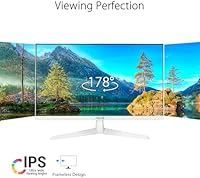
- Viewing Angle: The IPS panel supports 178-degree horizontal and vertical viewing angles, so colors and brightness remain accurate even when viewed from the side.
- Adaptive Sync: Adaptive Sync is supported, reducing screen tearing and stuttering across a range of frame rates regardless of the connected GPU brand.
- Eye Care Suite: The Eye Care Plus suite includes a flicker-free backlight, ultra-low blue light filter, Color Augmentation mode for color-vision deficiency, and a built-in Rest Reminder.
- Surface Finish: The screen uses a matte anti-glare coating that diffuses ambient light reflections, which is particularly useful in brightly lit rooms.
- Connectivity: Port options include one HDMI 1.4 input and a single earphone jack; there is no DisplayPort, USB hub, or additional video inputs on this model.
- Antibacterial Coating: The monitor bezel and physical hotkeys are treated with a proprietary antibacterial coating designed to inhibit the growth of bacteria and fungi over time.
- Color: The exterior housing is finished in white, a deliberate design choice that sets it apart from the predominantly black monitors available in this price category.
- Dimensions: The assembled monitor (with stand) measures approximately 21.3 inches wide, 15.5 inches tall, and 7.3 inches deep, fitting comfortably on compact desks.
- Weight: The full unit with stand weighs 7.5 pounds, making it easy to reposition or move without assistance.
- Stand Adjustment: The included stand supports tilt adjustment only; there is no height, swivel, or pivot adjustment built into the base.
- Aspect Ratio: The display uses a standard 16:9 widescreen aspect ratio, compatible with virtually all modern video content, productivity software, and gaming titles.
- Warranty: ASUS covers this monitor with a three-year warranty, which is notably generous for a display in this price segment.
- Bundle Inclusion: Each unit includes a complimentary one-month subscription to Adobe Creative Cloud, valid through August 2026, which adds practical short-term value for new creative users.
Related Reviews
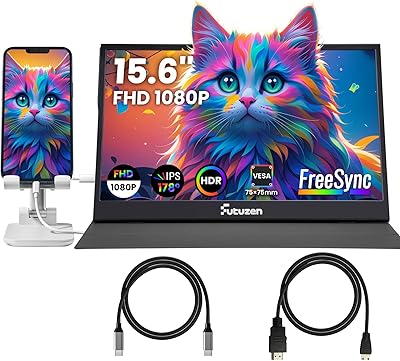
Futuzen 23.8-inch 1080p 100Hz IPS Monitor
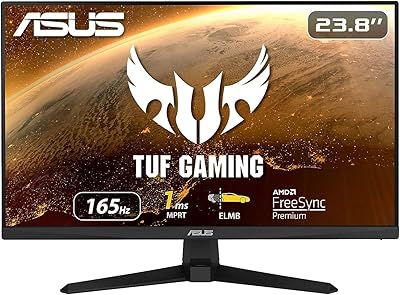
ASUS VG249Q1A 23.8-inch Gaming Monitor
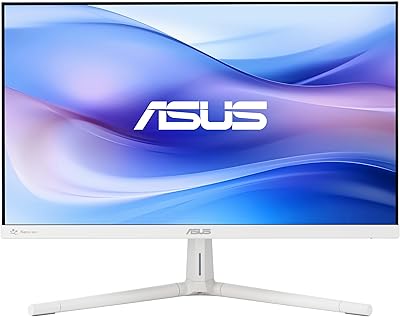
ASUS VU249HFI-W 24-inch IPS Monitor
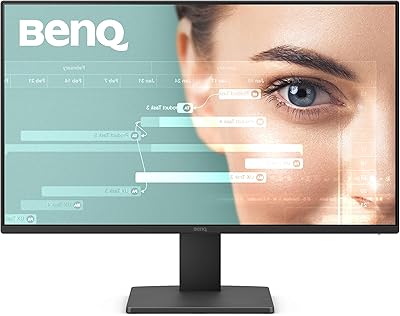
BenQ GW2491 24-Inch IPS Monitor
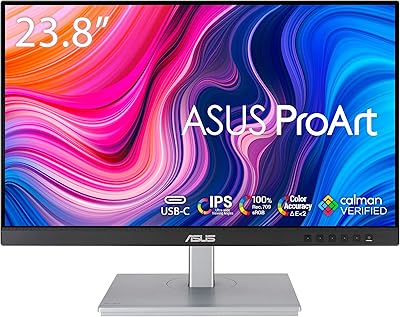
ASUS ProArt PA247CV 23.8-inch Monitor
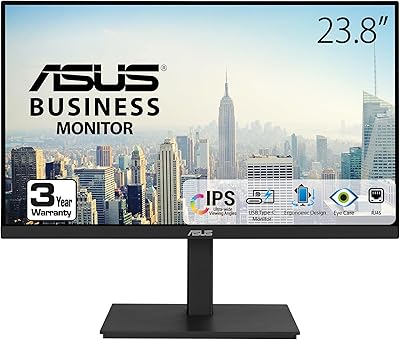
ASUS VA24ECPSN 24-inch Docking Monitor
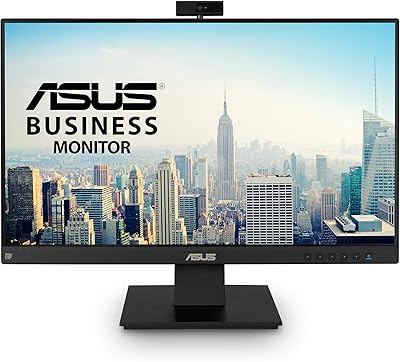
ASUS BE24EQK 23.8-inch Business Monitor
Dell S2425HS 23.8-inch FHD Monitor
ASUS VA329HE 32-inch IPS Monitor