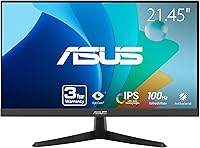
ASUS VY229HF 22-inch Full HD IPS Monitor


Overview
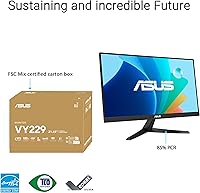
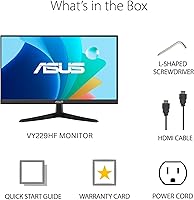
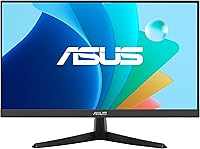
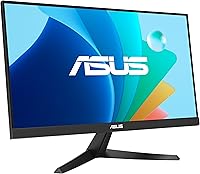
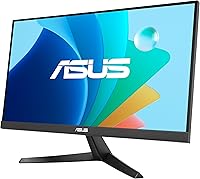
The ASUS VY229HF 22-inch Full HD IPS Monitor landed in April 2024 as a straightforward, well-priced option for anyone who wants a reliable everyday display without overspending. ASUS has built a real reputation around eye care technology, and at this price tier, that focus genuinely sets this ASUS eye care monitor apart from similarly priced competitors. The actual viewable area comes in at 21.45 inches — close enough to 22 that it won't disappoint — and the matte IPS panel handles glare sensibly in typical home or office lighting. Out of the box, you get an HDMI cable, power cord, and a one-month Adobe Creative Cloud subscription thrown in.
Features & Benefits
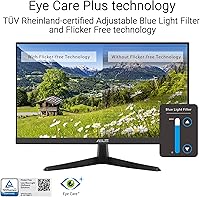
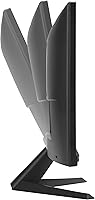
At 100Hz with 1ms MPRT response, the VY229HF handles everyday video and casual gaming noticeably better than a standard 60Hz display — motion looks cleaner, and fast-paced content doesn't blur the way it would on a slower panel. Adaptive Sync keeps things tear-free regardless of whether you're on an AMD or NVIDIA GPU. Where this 22-inch IPS display really earns attention is the Eye Care Plus suite: Color Augmentation helps users with color-vision deficiency distinguish colors more easily, while the Rest Reminder prompts regular breaks. Blue Light filtering and flicker-free certification add further protection during long sessions. The stand tilts, but no height adjustment is available.
Best For
This ASUS eye care monitor is a natural pick for home office workers who log long hours and want a screen that won't punish their eyes by end of day. Students get a capable, no-fuss display that handles lectures, writing, and occasional streaming without complaint. Casual gamers will appreciate smoother visuals compared to a basic 60Hz screen, though anyone chasing competitive performance should look elsewhere. The Color Augmentation mode makes this a notably accessible choice for users with color-vision deficiency — that's a rare feature at this price. It also works well as a secondary display where clean image quality and compact size matter more than a full feature set.
User Feedback
With a 4.6-star average across more than 3,500 ratings, the VY229HF has clearly earned genuine loyalty. Buyers consistently highlight how good the image looks straight out of the box and how effective the eye comfort features are during extended work sessions — that's hard to fake at scale. On the critical side, a recurring point is the stand: tilt-only adjustment frustrates users who need more ergonomic flexibility, especially in shared desk setups. The absence of built-in speakers or a USB hub also comes up, so budget for extras if those matter. Setup is generally reported as quick and painless, and most buyers feel the overall package delivers solid value.
Pros
- IPS panel delivers accurate, consistent colors that hold up well for both work and media consumption.
- 100Hz refresh rate provides a noticeably smoother experience over standard 60Hz displays for everyday use.
- Adaptive Sync works across GPU brands, reducing screen tearing without compatibility headaches.
- Blue Light Filter and Flicker Free certification genuinely help reduce eye fatigue during long sessions.
- Color Augmentation mode is a rare and practical accessibility feature for users with color-vision deficiency.
- Matte screen surface handles glare well in bright rooms, making it versatile across home and office environments.
- Rest Reminder is a useful nudge for anyone who tends to lose track of time during long work stretches.
- Setup is quick and straightforward, with an HDMI cable included so you can get started right out of the box.
- A 3-year warranty offers solid long-term protection that is uncommon at this price tier.
- Over 3,500 ratings averaging 4.6 stars reflects broad, sustained buyer satisfaction rather than a short-lived spike.
Cons
- Tilt-only stand adjustment limits ergonomic flexibility, which can be a real problem for posture-conscious users.
- No height, swivel, or pivot adjustment means buyers with specific setup needs may require a separate monitor arm.
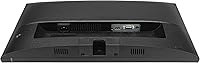
- Single HDMI port restricts connectivity for users who switch between multiple devices regularly.
- No built-in speakers means an additional purchase if you want desktop audio without external clutter.
- No USB hub integrated into the stand, which is increasingly common even at this price point.
- 1080p resolution may feel limiting on a 22-inch screen for users accustomed to sharper QHD displays.
- The 1ms spec is MPRT, not GTG — real-world pixel response is slower than the headline figure implies.
- Not suited for professional color work where wide color gamut and factory calibration are required.
Ratings
The scores below reflect an AI-driven analysis of thousands of verified buyer reviews for the ASUS VY229HF 22-inch Full HD IPS Monitor, with spam, bot-generated, and incentivized submissions actively filtered out to ensure accuracy. Ratings are calibrated to capture what real users consistently praised as well as the frustrations that surfaced repeatedly across global feedback. Both the standout strengths and the genuine limitations are reflected here without sugarcoating.
Value for Money
Eye Comfort & Eye Care
Image Quality
Refresh Rate & Motion
Glare & Screen Surface
Adaptive Sync Performance
Ergonomics & Stand
Connectivity
Color Augmentation Accessibility
Setup & Out-of-Box Experience
Build Quality & Design
Audio
Warranty & Brand Support
Suitable for:
The ASUS VY229HF 22-inch Full HD IPS Monitor is a strong fit for anyone who spends the bulk of their day in front of a screen and wants meaningful eye comfort without paying a premium price. Home office workers will appreciate the combination of a flicker-free, blue light filtered IPS panel and the built-in Rest Reminder — small touches that add up over a long workday. Students setting up a first desk or a dorm workspace will find it covers every base: clean 1080p visuals, a matte surface that handles overhead lighting without glare, and a compact footprint that doesn't overwhelm a small desk. The Color Augmentation mode makes it a genuinely thoughtful pick for users with color-vision deficiency, a feature that's rare to find at this price point. Casual gamers stepping up from a 60Hz display will notice the improvement at 100Hz, and Adaptive Sync keeps tearing out of the picture regardless of GPU brand. It also slots in neatly as a secondary monitor where solid image quality, manageable size, and value are the deciding factors.
Not suitable for:
The ASUS VY229HF 22-inch Full HD IPS Monitor has clear limits that matter depending on what you're expecting from it. Competitive or serious gamers who need high refresh rates above 100Hz, sub-millisecond GTG response, or advanced gaming features like crosshair overlays and variable overdrive will find this display underwhelming — it was never designed for that crowd. Anyone who needs ergonomic flexibility will run into a real frustration: the stand only tilts, with no height adjustment or pivot, which can be awkward in multi-user setups or for users who need precise positioning for posture or accessibility reasons. Content creators who need accurate, wide color gamut coverage for professional photo or video editing should look at panels with higher color volume specifications. The single HDMI port limits connectivity options for users managing multiple devices simultaneously. And if you were hoping for built-in speakers to keep your desk clean, you will need to budget for external audio separately.
Specifications
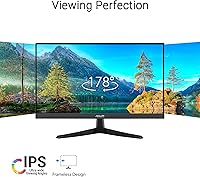
- Panel Type: The display uses an IPS (In-Plane Switching) panel, which provides consistent colors and wide viewing angles compared to TN alternatives.
- Screen Size: The physical screen measures 22 inches diagonally, with an actual viewable area of 21.45 inches.
- Resolution: Native resolution is 1920x1080 (Full HD 1080p), delivering a standard pixel density suitable for everyday computing and media.
- Refresh Rate: The panel runs at a maximum of 100Hz, offering noticeably smoother motion than a standard 60Hz display.
- Response Time: Rated at 1ms MPRT (Moving Picture Response Time) via SmoothMotion technology, which reduces motion blur during fast-moving content.
- Aspect Ratio: Standard 16:9 widescreen aspect ratio, compatible with virtually all modern video content and operating system layouts.
- Surface Finish: The screen uses a matte anti-glare coating that reduces reflections in brightly lit rooms without significantly impacting image clarity.
- Adaptive Sync: Adaptive Sync is supported, reducing screen tearing and stuttering across compatible AMD and NVIDIA graphics cards.
- Eye Care: ASUS Eye Care Plus technology includes a Blue Light Filter, Flicker Free certification, Color Augmentation mode, and a built-in Rest Reminder.
- Color Augmentation: The Color Augmentation mode assists users with color-vision deficiency by adjusting on-screen colors to improve color distinction.
- Connectivity: The monitor includes one HDMI port as its primary video input; an HDMI cable is included in the box.
- Ergonomics: The stand supports tilt adjustment only; height, swivel, and pivot adjustments are not available on this model.
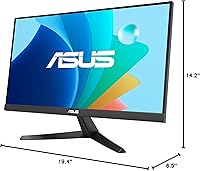
- Dimensions: The monitor measures 6.5 x 19.4 x 14.2 inches (depth x width x height) with the stand attached.
- Weight: Total weight with stand is 6 pounds, making it easy to reposition on a desk or transport if needed.
- Warranty: ASUS covers this monitor with a 3-year manufacturer warranty, which is notably generous for a display in this price category.
- In the Box: Package includes the monitor, HDMI cable, power cord, warranty card, quick start guide, and a 1-month Adobe Creative Cloud access code.
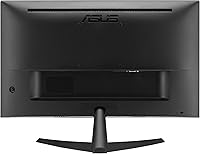
- VESA Mount: The monitor is compatible with standard VESA mounting, allowing use with third-party monitor arms or wall mounts if the built-in stand is insufficient.
- Release Date: The VY229HF first became available in April 2024, making it a relatively recent entry in the budget IPS monitor segment.
Related Reviews
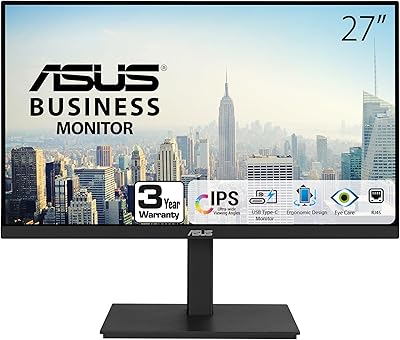
ASUS VA27ECPSN 27-inch Docking Monitor
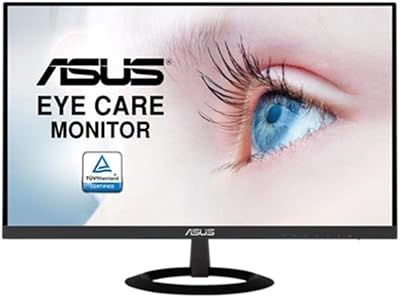
ASUS VZ279HE 27-inch IPS Monitor
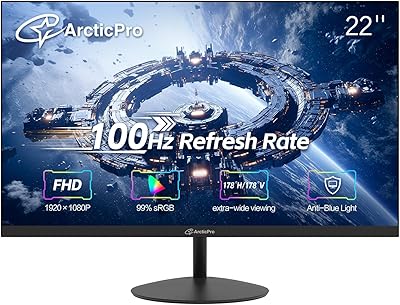
ArcticPro AD22ZFA 22-inch FHD Monitor
ASUS VA279HAE 27″ Full HD Monitor
ASUS VA27DQ 27-inch IPS Monitor
Philips 221V8LB3 22-Inch Full HD Monitor
ViewSonic VA2247-MH 22-inch Monitor
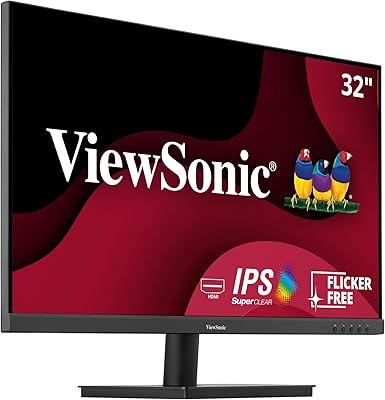
ViewSonic VA3209M 32-inch FHD IPS Monitor
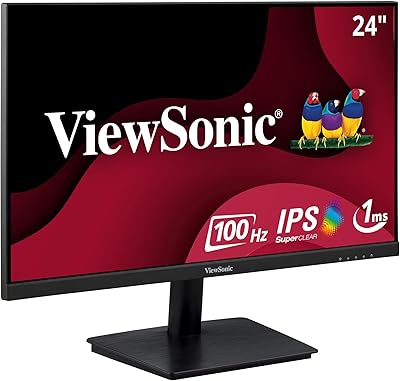
ViewSonic VA2409M 24-inch IPS Monitor
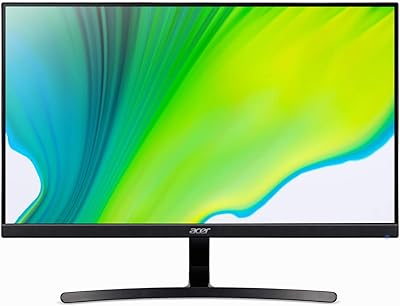
Acer K243Y 24-inch Full HD IPS Monitor