Overview
The ASUS VG248QG 24″ Gaming Monitor arrived in 2019 and has quietly held its ground in a market that keeps pushing resolution and refresh rates higher. It sits comfortably in ASUS's performance-focused gaming lineup — not flagship, but far from entry-level. What it offers is a fast, focused experience built around competitive play rather than cinematic visuals. The 1080p resolution is a deliberate trade-off: you get buttery motion clarity in exchange for the pixel density you'd find on a 1440p panel. If you're a content creator or care deeply about color fidelity, this display will leave you wanting more.
Features & Benefits
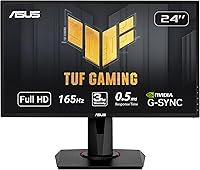
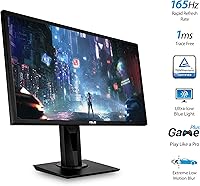
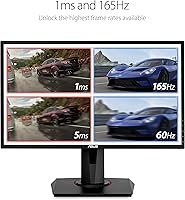
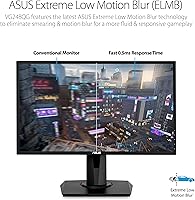
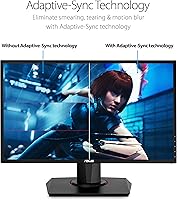
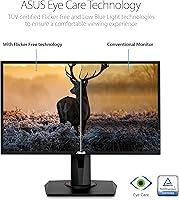
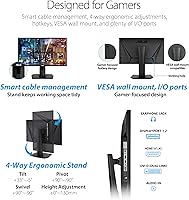
The 165Hz refresh rate is where the VG248QG earns its reputation. In fast-paced titles like Valorant or CS2, the difference between this and a standard 144Hz panel is subtle but real — tracking moving targets just feels tighter. The 0.5ms GTG response time keeps ghosting virtually nonexistent. G-SYNC handles variable frame rates well, though you'll need a compatible NVIDIA GPU to use it properly. The ergonomic stand is genuinely excellent — full tilt, swivel, pivot, and height adjustment puts this ahead of many competitors that still ship with fixed mounts. ASUS Eye Care's flicker-free backlight does make a noticeable difference during extended sessions.
Best For
This 24-inch display is squarely built for competitive FPS players who care more about frame rate than pixel count. It pairs especially well with mid-range GPUs that can comfortably push high frame rates at 1080p — a setup that genuinely benefits from a high-refresh screen. The adjustable stand makes it practical for mixed-use environments, like a desk that doubles as an office workstation and a gaming setup. Buyers stepping up from a 60Hz or even a 144Hz monitor will feel an immediate improvement. It is not the right pick for anyone doing photo editing, video work, or gaming at 1440p and above.
User Feedback
With over 9,000 ratings and a 4.5-star average, the VG248QG has a track record that's hard to argue with. Buyers consistently praise the motion clarity and the flexibility of the stand, which gets called out far more often than on comparable monitors. The honest criticism centers on the TN panel's limitations — narrow viewing angles and colors that look noticeably washed out the moment you shift off-axis. A portion of reviewers mention minor backlight bleed, though it rarely appears to be a widespread issue. The consensus is clear: if the use case fits, owners are very happy; those who wanted richer color reproduction tend to feel the trade-off.
Pros
- The 165Hz refresh rate keeps fast-paced gameplay visually sharp and responsive in a way that lower-refresh monitors simply cannot match.
- G-SYNC eliminates screen tearing without needing to cap frame rates, making the gaming experience noticeably cleaner.
- The 0.5ms GTG response time keeps motion blur and ghosting to a minimum even in the most chaotic in-game moments.
- A fully adjustable stand — tilt, swivel, pivot, and height — is a feature many competing monitors in this range skip entirely.
- The flicker-free backlight makes extended gaming or work sessions easier on the eyes compared to monitors without this feature.
- GamePlus overlays like the crosshair and FPS counter are genuinely useful for competitive players and add no meaningful clutter.
- With over 9,000 ratings averaging 4.5 stars, real-world reliability and buyer satisfaction are well-documented.
- VESA compatibility gives you a clean wall-mount or arm upgrade path if you want to free up desk space later.
- The built-in USB hub adds everyday convenience for connecting peripherals without reaching around to your PC.
Cons
- The TN panel produces noticeably weaker color accuracy and saturation compared to IPS monitors at a similar price.
- Viewing angles are narrow — colors and contrast shift visibly when looking at the screen from even a slight off-axis position.
- Some users report minor backlight bleed, which can be distracting in dark game environments or when watching dark content.
- G-SYNC requires a compatible NVIDIA GPU, so AMD users cannot access one of this display's most promoted features.
- At 1080p on a 24-inch screen, the pixel density is adequate for gaming but feels dated next to 1440p alternatives in the same bracket.
- DVI is included as a port option but is largely obsolete, and using it will limit you to lower refresh rates — DisplayPort is the only way to hit 165Hz.
- The on-screen display menu interface is functional but dated and can feel slow to navigate compared to newer monitor software.
- No built-in speakers, which is a minor but real inconvenience for users who prefer a cleaner desk setup without separate audio gear.
Ratings
The scores below reflect what real buyers actually experience with the ASUS VG248QG 24″ Gaming Monitor, generated by AI after analyzing thousands of verified global reviews with spam, bot activity, and incentivized feedback actively filtered out. This display earns genuine praise in several areas but also carries real limitations that vary significantly depending on how and where you use it. Both sides of that picture are represented here without sugarcoating.
Gaming Performance
Motion Clarity
G-SYNC Integration
Color Accuracy
Viewing Angles
Ergonomics & Stand
Build Quality
Eye Comfort
Connectivity
GamePlus & OSD
Setup & Out-of-Box Experience
Value for Money
Backlight Uniformity
Long-Term Reliability
Suitable for:
The ASUS VG248QG 24″ Gaming Monitor is a strong fit for competitive PC gamers who play fast-paced titles like CS2, Valorant, or Apex Legends, where frame rate and response time matter far more than resolution. If your GPU comfortably pushes high frame rates at 1080p, this display lets you actually feel that performance rather than bottleneck it on a slower screen. It also works well for buyers who spend long hours in front of a screen and want a monitor that won't punish their eyes — the flicker-free backlight and blue light filter are genuine quality-of-life additions, not just marketing checkboxes. The fully adjustable stand makes it practical for shared desks or anyone who needs to dial in a precise ergonomic position. Upgraders coming from a 60Hz or 144Hz panel will likely find the jump to 165Hz immediately satisfying.
Not suitable for:
The ASUS VG248QG 24″ Gaming Monitor is the wrong tool for anyone whose work or play depends on accurate, vibrant color reproduction. The TN panel at the core of this display trades color gamut and viewing angles for speed, which is a fine deal for a competitive gamer but a frustrating one for a photographer, video editor, or illustrator. Watching movies or working with wide color content off-axis will produce noticeably washed-out results. Gamers who have already made the jump to 1440p or 4K will find 1080p a step backward in visual clarity, especially at 24 inches where the pixel density difference is noticeable. Those without a compatible NVIDIA GPU also cannot take full advantage of G-SYNC, which removes one of the display's headline selling points. If you are shopping for a single monitor to cover both creative work and gaming equally well, an IPS-based alternative would serve you better.
Specifications
- Panel Type: Uses a TN (Twisted Nematic) panel, prioritizing fast pixel response over wide color gamut or viewing angle performance.
- Screen Size: 24-inch flat display with a 16:9 aspect ratio, a common choice for competitive gaming setups with limited desk space.
- Resolution: Native 1920x1080 (Full HD) resolution, optimized for high frame rate output rather than pixel density.
- Refresh Rate: Runs at 165Hz natively and is overclockable, with a base mode of 144Hz available for users who prefer to stay within standard spec.
- Response Time: 0.5ms GTG (gray-to-gray) response time, reducing motion blur and ghosting in fast-moving on-screen content.
- Sync Technology: NVIDIA G-SYNC compatible, requiring a G-SYNC-supported NVIDIA GPU to eliminate screen tearing and stutter during variable frame rate gameplay.
- Connectivity: Includes one DisplayPort 1.2, one HDMI port, and one DVI-DL port; DisplayPort is required to reach the full 165Hz refresh rate.
- USB Hub: Integrated USB hub with one USB 2.0 and one USB 3.0 downstream port for connecting peripherals directly to the monitor.
- Stand Adjustments: Fully ergonomic stand supports tilt, swivel, pivot (portrait mode), and height adjustment for flexible positioning.
- VESA Mount: VESA wall-mount compatible, allowing the monitor to be mounted on a third-party arm or wall bracket using a standard pattern.
- Eye Care: Equipped with a flicker-free backlight and a software-selectable blue light filter to reduce visual fatigue during extended use.
- GamePlus Features: On-screen GamePlus overlay includes a customizable crosshair, an FPS counter, a timer, and a display alignment tool for multi-monitor setups.
- GameVisual Modes: Six preset GameVisual picture modes (including FPS, Racing, and RTS) allow quick color profile switching based on game genre.
- Dimensions: Measures 8.31 x 22.09 x 14.13 inches (depth x width x height) with the stand attached.
- Weight: Complete unit with stand weighs 11.5 pounds, making it manageable for single-person setup and repositioning.
- Surface Finish: Flat, non-curved screen with a matte anti-glare coating to minimize reflections in mixed-lighting environments.
- Power Input: Rated for 240 volts input, with an internal power supply — no external power brick required.
- Audio Output: No built-in speakers; a 3.5mm headphone jack is included for direct audio output from the monitor.
Related Reviews
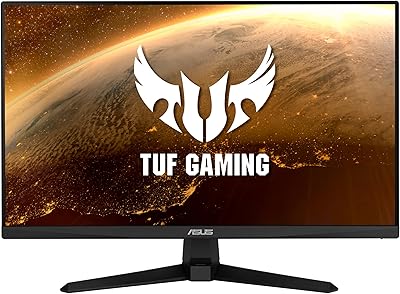
ASUS VG247Q1A 24-Inch Gaming Monitor
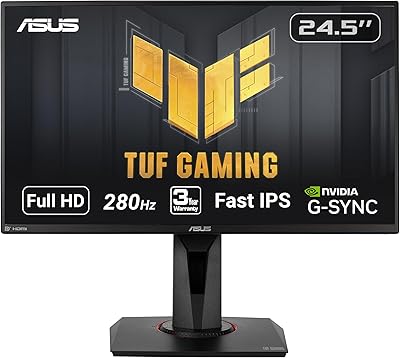
ASUS TUF Gaming VG259QM 24.5″ Gaming Monitor
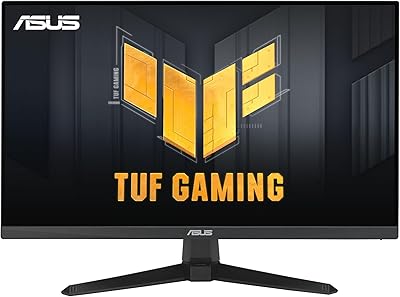
ASUS VG249QE5A 24-inch Gaming Monitor
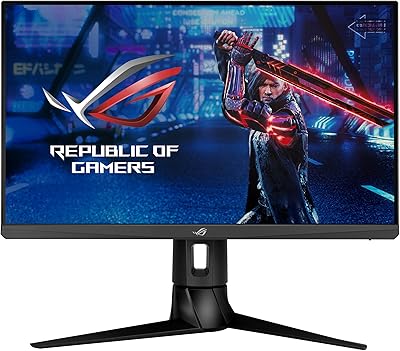
ASUS ROG Strix XG249CM 24-inch Gaming Monitor
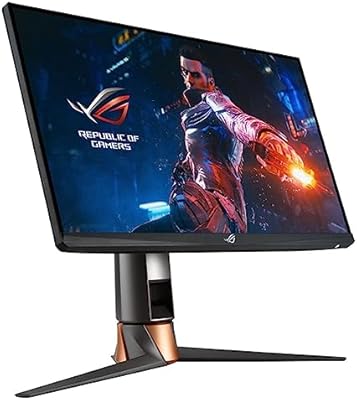
ASUS ROG Swift PG259QN 24.5” 360Hz Gaming Monitor

ASUS ROG Strix XG259QNS 24.5-inch Gaming Monitor
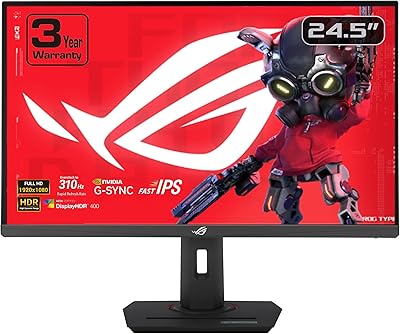
ASUS ROG Strix XG259CMS 24.5-inch Gaming Monitor
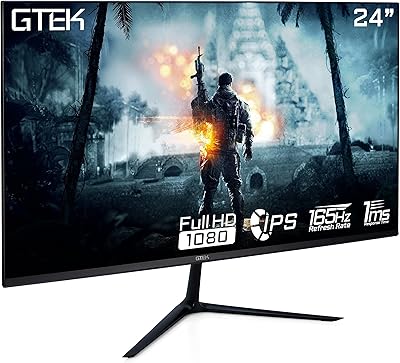
GTek F2465P 24-inch Gaming Monitor
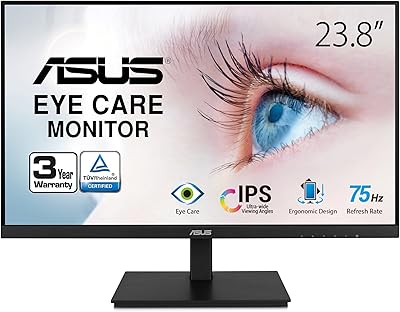
ASUS VA24DQSB 24-inch IPS Monitor