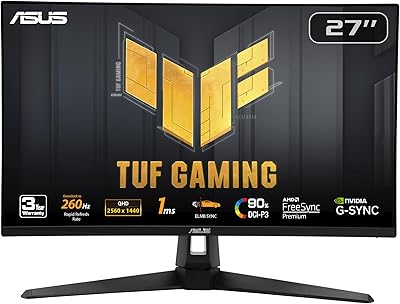
ASUS TUF Gaming VG279QM1A 27-inch 1080P HDR Monitor
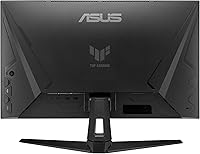
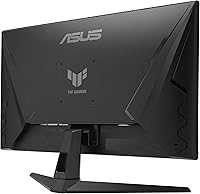
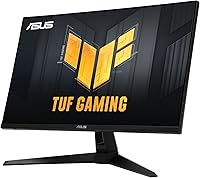
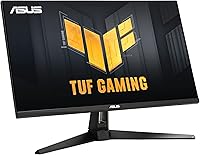
Overview
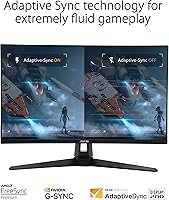
The ASUS TUF Gaming VG279QM1A 27-inch 1080P HDR Monitor offers a powerful combination of speed and clarity, designed for gamers who demand top performance. This monitor features a 280Hz refresh rate and 1ms response time, ensuring ultra-smooth gameplay with virtually no motion blur. The Fast IPS panel delivers sharp, vibrant colors, while HDR-10 support boosts visual contrast for richer darks and brighter highlights. With G-SYNC and FreeSync compatibility, this monitor provides a seamless, tear-free experience for a competitive edge.
Features & Benefits
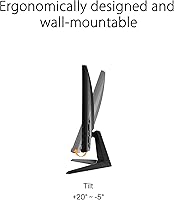
This ASUS TUF Gaming monitor stands out for its ultra-smooth motion enabled by the 280Hz overclockable refresh rate, perfect for fast-paced gaming. The inclusion of Extreme Low Motion Blur Sync technology reduces ghosting, making fast-moving scenes crystal clear. Compatibility with both G-SYNC and FreeSync ensures a smooth, tear-free gaming experience across different platforms. Additional features like built-in speakers, a tilt-adjustable stand, and VESA mount support enhance flexibility for various setups, making this monitor a versatile option for gamers.
Best For
This 27-inch gaming display is ideal for competitive gamers seeking high refresh rates and low latency to stay ahead in fast-paced action. Its G-SYNC and FreeSync support make it perfect for those who prioritize smooth, tear-free gaming. Players who value vivid, high-quality visuals will also appreciate the HDR-10 support for improved contrast and color depth. The VESA mount compatibility is especially beneficial for gamers with limited desk space, as it allows for customizable and efficient monitor placement.
User Feedback
Users generally praise the ASUS TUF Gaming VG279QM1A for its exceptional clarity and 280Hz refresh rate, which make fast games feel fluid and responsive. Many appreciate the IPS panel’s color accuracy, offering a superior visual experience. However, some have reported occasional challenges with configuring G-SYNC and FreeSync for optimal performance. Overall, feedback is overwhelmingly positive, with users highlighting the value for money and how this monitor balances high-end features with a reasonable price tag.
Pros
- The 280Hz refresh rate ensures ultra-smooth motion, perfect for fast-paced games like shooters and racing titles.
- IPS panel delivers vibrant colors and great viewing angles, enhancing visual quality for gaming and multimedia.
- G-SYNC and FreeSync support eliminates screen tearing, providing a seamless gaming experience.
- HDR-10 support enhances dark and bright game scenes, improving overall contrast and detail.
- VESA mount compatibility offers flexible setup options, making it ideal for users with limited desk space.
- Built-in speakers offer convenient audio without the need for external speakers or headphones, especially for quick setups.
Cons
- Some users report occasional challenges with G-SYNC/FreeSync configuration, requiring additional setup adjustments.
- The built-in speakers, while functional, are not suitable for users seeking high-quality sound for immersive gaming or movies.
- The monitor’s stand lacks advanced adjustability options, limiting ergonomic customization for some users.
- A few users found the out-of-box color calibration needing fine-tuning, especially for professional-grade color accuracy.
- For users with very high-end gaming setups, the 1080p resolution may feel limiting compared to higher resolutions like 1440p or 4K.
- Some buyers found the monitor to be bulky, especially when set up with additional peripherals or in tight spaces.
Ratings
After analyzing verified user reviews worldwide across multiple languages and platforms, we provide this detailed review of the ASUS TUF Gaming VG279QM1A 27-inch 1080P HDR Monitor. Authentic feedback from users highlights both strengths and pain points, and all low-quality or incentivized reviews were filtered out. The following ratings reflect the overall sentiment, with both positive and negative aspects considered in each category. Insights were gathered from a diverse set of sources to ensure balanced and accurate results.
Display Quality
Refresh Rate Performance
Color Accuracy
G-SYNC/FreeSync Compatibility
Build Quality
VESA Mount Compatibility
Setup & Installation
Built-in Audio
Ease of Use
Overall Value
Customer Support & Warranty
Price Stability
Suitable for:
The ASUS TUF Gaming VG279QM1A 27-inch 1080P HDR Monitor is ideal for competitive gamers and those who value high-refresh-rate displays. With its 280Hz overclockable refresh rate, low response time, and G-SYNC/FreeSync compatibility, this monitor ensures smooth and tear-free gameplay, making it an excellent choice for fast-paced games like shooters or racing titles. Additionally, its vibrant colors, HDR-10 support, and accurate IPS panel make it a great fit for gamers who appreciate rich visuals. This device is also well-suited for users with limited desk space, as its VESA mount compatibility offers flexibility for compact setups. Overall, this monitor serves gamers who need top-tier performance without breaking the bank, particularly those who want seamless, fast gaming with vivid visuals.
Not suitable for:
While this monitor excels in gaming performance, it may not be the best option for users seeking premium audio or professional-grade color accuracy. The built-in speakers, while convenient, lack the quality required for serious audio-centric tasks, and some users found color calibration out of the box to be less than ideal for precise design work. Additionally, those with specific needs for a more premium stand or a more refined aesthetic might find the design somewhat lacking compared to higher-end models. Users expecting plug-and-play perfection with minimal configuration may also find the setup of G-SYNC/FreeSync challenging, as a few have reported difficulty in configuring these features on certain systems. In short, if you're looking for a monitor focused on design work or superior sound quality, this may not be the best fit.
Specifications
- Screen Size: The monitor features a 27-inch display, providing ample screen real estate for gaming and multimedia use.
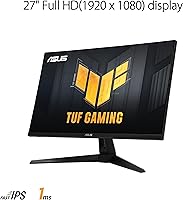
- Resolution: It has a Full HD resolution of 1920x1080, delivering clear and sharp visuals.
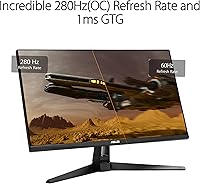
- Refresh Rate: The monitor supports a 280Hz refresh rate, ensuring ultra-smooth motion for fast-paced games.
- Response Time: With a 1ms response time, it minimizes motion blur and ghosting for faster, more responsive gameplay.
- Panel Type: This device uses a Fast IPS panel, offering excellent color accuracy and wide viewing angles.
- G-SYNC Compatibility: The monitor is G-SYNC compatible, helping to eliminate screen tearing and provide smoother gameplay for NVIDIA GPU users.
- FreeSync Premium: It also supports FreeSync Premium, ensuring tear-free gaming with compatible AMD graphics cards.
- HDR Support: The monitor supports HDR-10, enhancing the brightness and contrast for more vivid and dynamic visuals.
- Color Accuracy: With 100% sRGB color support, it delivers vibrant and accurate color reproduction for immersive visuals.
- Extreme Low Motion Blur: Equipped with Extreme Low Motion Blur Sync technology, it ensures clear and smooth movement during fast-paced gaming.
- Built-in Speakers: The monitor features built-in speakers for convenient audio, eliminating the need for external speakers.
- VESA Mount Compatibility: It supports VESA mounting, allowing for flexible setup options, especially in space-constrained environments.
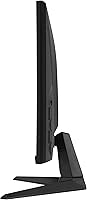
- Tilt Adjustment: The monitor comes with a tilt-adjustable stand, providing ergonomic comfort and customizable viewing angles.
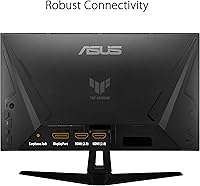
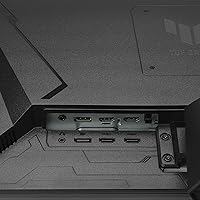
- Display Inputs: It has HDMI and DisplayPort inputs, ensuring broad compatibility with gaming PCs and consoles.
- Weight: The monitor weighs 11.24 lbs, making it sturdy but manageable for desk setups.
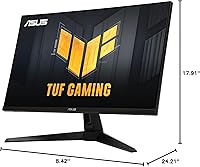
- Dimensions: Its dimensions are 24.21 x 8.42 x 17.91 inches, suitable for most standard desks and gaming setups.
- Color Support: The monitor supports a wide color gamut with 100% sRGB, providing vibrant visuals for both gaming and content creation.
- Power Consumption: It is energy efficient with relatively low power consumption, ideal for long gaming sessions.
- Warranty: The monitor comes with a standard manufacturer warranty for peace of mind and support.
Related Reviews
ASUS TUF Gaming VG277Q1A 27″ Gaming Monitor
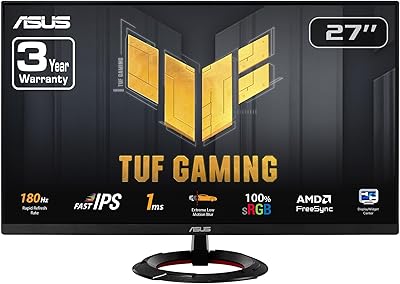
ASUS TUF Gaming VG279Q3R 27-inch 1080p Monitor

ASUS VZ279QG1R 27-inch Gaming Monitor
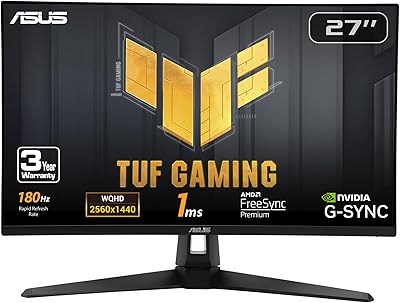
ASUS VG27AQ3A 27-inch QHD Gaming Monitor
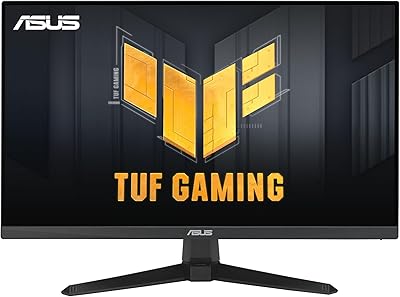
ASUS VG249QE5A 24-inch Gaming Monitor

ASUS VG27VH1B 27-inch Curved Gaming Monitor
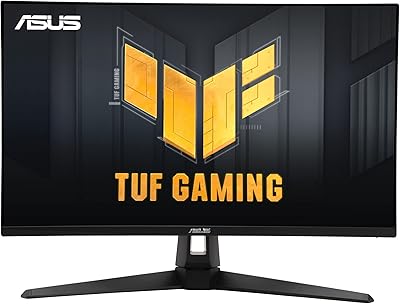
ASUS VG27UQ1A 27-inch 4K Gaming Monitor
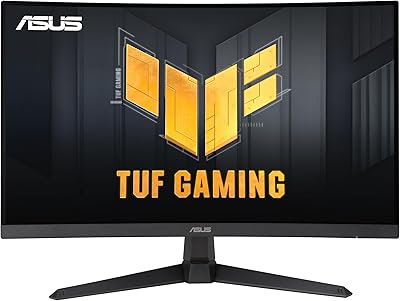
ASUS TUF Gaming VG27VQ3B 27-inch Curved Monitor
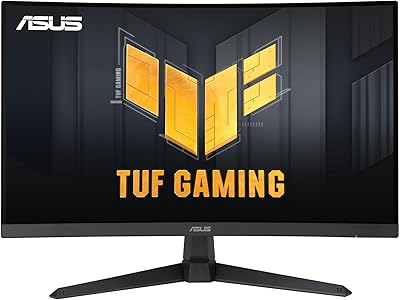
ASUS TUF Gaming VG27WQ3B 27-inch Gaming Monitor