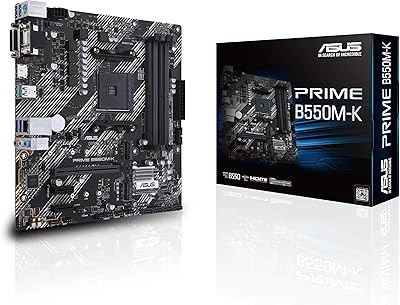
ASUS Prime B550-PLUS AC-HES ATX Motherboard
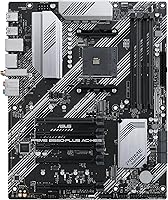
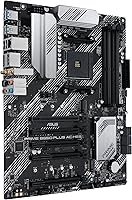
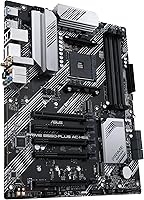

Overview
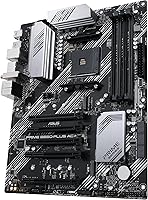
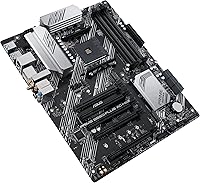
The ASUS Prime B550-PLUS AC-HES ATX Motherboard arrived in early 2024 as a practical answer for builders who want Ryzen 5000 compatibility without climbing into X570 territory. The AC-HES variant matters here — it means built-in Wi-Fi 5, which the standard B550-PLUS lacks. As an ATX board, it fits most full and mid-tower cases with room for multiple expansion cards. ASUS Prime has long been the brand's approachable, no-nonsense tier: dependable components, a clean layout, and none of the overengineered extras that add cost without adding value for typical builds. The price-to-feature ratio is genuinely strong.
Features & Benefits
PCIe 4.0 is the headline spec here, and it pulls real weight — pair it with a Gen 4 NVMe drive and you get full-speed sequential reads without the board becoming a bottleneck. The dual M.2 slots keep storage fast and the inside of your case tidy, cutting out the rats' nest of SATA cables. VRM delivery is handled by an 8+1 DrMOS power stage setup, which means a Ryzen 9 5950X won't cause stability headaches under sustained loads. Wi-Fi 5 covers standard home networking just fine, though it won't max out a Wi-Fi 6 router. USB coverage is solid front and back.
Best For
This ASUS AM4 motherboard makes the most sense for builders centering a rig around a Ryzen 5000 CPU — whether that's a 5600 for a capable gaming desktop or a 5900X for heavier workloads. It's well-matched for anyone who wants onboard wireless without spending extra. First-time builders benefit from ASUS's UEFI, which is among the more intuitive in the industry, and Fan Xpert 2 removes a lot of guesswork from cooling management. It also suits office or productivity builds where CEC Tier II power compliance matters. Just be clear-eyed: AM4 is a mature, not expanding, platform.
User Feedback
With over 11,000 ratings and a #1 bestseller rank in its category, the Prime B550-PLUS AC-HES clearly resonates with buyers. The most consistent praise centers on how painless setup is — BIOS detection tends to work well out of the box, and memory kits at XMP profiles clock in reliably. Build quality and component layout get frequent nods. On the critical side, some users flag that PCIe slot spacing isn't ideal for larger GPU coolers, and a few note that Wi-Fi 5 feels behind the curve compared to what competing boards now offer at similar prices. Long-term reliability reports are largely positive.
Pros
- PCIe 4.0 support keeps NVMe storage and GPU bandwidth from becoming a bottleneck in current-gen builds.
- Dual M.2 slots make for a clean, cable-free storage setup that most boards at this price don't offer.
- The 8+1 DrMOS VRM handles high core-count Ryzen processors without throttling under sustained workloads.
- Built-in Wi-Fi 5 saves the cost and hassle of adding a separate wireless adapter.
- ASUS UEFI is among the most approachable for first-time builders, with a clean layout and sensible defaults.
- Memory kits run stably at XMP profiles, with reliable compatibility across a wide range of DDR4 modules.
- USB 3.2 Gen 2 Type-C on the rear panel means fast, modern peripheral connections without needing a hub.
- Aura Sync with both standard and addressable RGB headers gives lighting flexibility without forcing a specific ecosystem.
- Broad CPU support spans Ryzen 3000 through 5000 series, making it useful for a range of upgrade scenarios.
- Over 11,000 buyer ratings point to a consistent real-world ownership experience across diverse build types.
Cons
- Wi-Fi 5 is functional but will not max out a modern Wi-Fi 6 or 6E router.
- PCIe slot spacing can make it awkward to seat large triple-fan GPUs alongside other expansion cards.
- AM4 has no upgrade path beyond Ryzen 5000, so this board has a hard ceiling for CPU longevity.
- Only 1Gb Ethernet is included — builders on 2.5Gb home networks will need an add-in card.
- The board lacks a Q-Flash Plus or similar BIOS flashback feature, which can complicate recovery from a failed update.
- Fan header count may fall short for builders running large custom cooling setups with many case fans.
- No onboard POST code display or diagnostic LEDs, making early troubleshooting harder for beginners.
- DDR4 only — builders considering a future platform move to DDR5 systems will need to replace their memory entirely.
Ratings
The scores below for the ASUS Prime B550-PLUS AC-HES ATX Motherboard were generated by our AI engine after processing thousands of verified global buyer reviews, with spam, bot activity, and incentivized submissions actively filtered out. Each category reflects the honest spread of real builder experiences — strengths and frustrations alike — weighted by how frequently a sentiment appeared across independent sources. Nothing has been softened to favor the brand.
Value for Money
Build Quality
BIOS & UEFI Experience
CPU Power Delivery
Memory Compatibility & Stability
Storage Performance
Onboard Wi-Fi
Wired Networking
USB Connectivity
Thermal Management
PCIe Layout & Expansion
RGB & Aesthetics
Setup & Installation
Long-Term Reliability
Platform Longevity
Suitable for:
The ASUS Prime B550-PLUS AC-HES ATX Motherboard is a strong match for builders who want a dependable, feature-complete foundation for a Ryzen 5000 series build without stretching into high-end chipset pricing. If you're putting together a capable gaming desktop, a home workstation, or a reliable everyday PC around a Ryzen 5 or Ryzen 7 CPU, this board covers all the bases without unnecessary excess. First-time builders in particular will appreciate how straightforward the UEFI setup is, and Fan Xpert 2 takes the guesswork out of cooling configuration. Builders who need wireless connectivity but don't want to buy a separate Wi-Fi card will find the built-in 802.11ac a genuine convenience for typical home or small office networking. It also fits well in office environments where CEC Tier II power compliance is a procurement consideration.
Not suitable for:
Builders looking for a forward-looking platform should think carefully before committing to this board — AM4 and B550 are mature, well-supported technologies, but there is no upgrade path beyond the current Ryzen 5000 generation, so it is not a smart pick if you plan to move to AM5 or next-generation CPUs within a few years. Enthusiasts who want serious overclocking headroom or advanced memory tuning options may find a higher-end chipset more rewarding. The onboard Wi-Fi 5 will feel limiting to anyone with a Wi-Fi 6 or 6E router who wants to take full advantage of their network hardware. Content creators or workstation users who need multiple full-length PCIe slots will also run into slot spacing constraints. And if your build centers on an older Ryzen 3000 APU rather than a dedicated GPU, this board works but is arguably more than you need.
Specifications
- CPU Socket: Uses the AMD AM4 socket, compatible with Ryzen 3000, 4000G, 5000G, and 5000 series desktop processors.
- Chipset: Built on the AMD B550 chipset, which supports PCIe 4.0 on the primary slot and M.2 slot when paired with a Ryzen 5000 or 3000 series CPU.
- Form Factor: Standard ATX at 12.01 x 9.53 inches, fitting most full-tower and mid-tower cases without clearance issues.
- Memory Support: Four DDR4 DIMM slots support up to 128GB of RAM with speeds up to 4866MHz via ASUS OptiMem overclocking profiles.
- Storage: Includes two M.2 slots (PCIe 4.0 and PCIe 3.0) and multiple SATA 6Gbps ports for traditional drives.
- PCIe Slots: Primary x16 slot runs at PCIe 4.0 when a compatible Ryzen 5000 or 3000 CPU is installed, with additional x1 slots for expansion cards.
- Networking: Onboard Intel Wi-Fi 5 (802.11ac, dual-band) and a 1Gb Realtek Ethernet port provide wired and wireless connectivity out of the box.
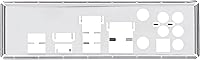
- Rear USB: Rear I/O includes USB 3.2 Gen 2 Type-A and Type-C ports alongside USB 3.2 Gen 1 and USB 2.0 ports for legacy peripherals.
- Front Panel USB: Front panel headers support USB 3.2 Gen 1 Type-A, USB 3.2 Gen 1 Type-C, and four USB 2.0 ports for chassis connections.
- VRM Design: An 8+1 DrMOS power stage configuration with alloy chokes and high-endurance capacitors ensures stable CPU power delivery under sustained load.
- Cooling Headers: Multiple hybrid fan headers support both PWM and DC fans and are manageable through the ASUS Fan Xpert 2 software utility.
- Heatsinks: Dedicated VRM and PCH heatsinks are included to keep critical board components thermally stable during extended use.
- RGB Support: One standard RGB header and one Addressable Gen 2 header allow integration with Aura Sync-compatible lighting accessories and strips.
- Audio: Onboard Realtek audio with capacitor shielding on the PCB delivers clean separation between front and rear audio channels.
- Weight: The board weighs 1.98 pounds, typical for a fully equipped ATX motherboard with heatsink coverage on VRM and PCH zones.
- Power Connectors: Requires a standard 24-pin ATX main connector and one 8-pin EPS CPU power connector for proper operation.
- Protection Suite: ASUS 5X Protection III includes LANGuard surge protection, DRAM overcurrent protection, overvoltage protection, and SafeSlot Core on the primary PCIe slot.
- Power Efficiency: CEC Tier II ready, meaning it meets power efficiency requirements relevant for office and commercial deployment scenarios.
Related Reviews
ASUS TUF Gaming B550-PLUS WiFi II ATX Motherboard
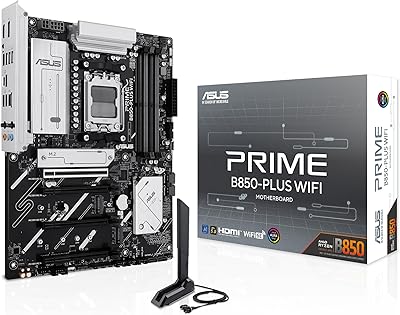
ASUS Prime B850-Plus WiFi ATX Motherboard
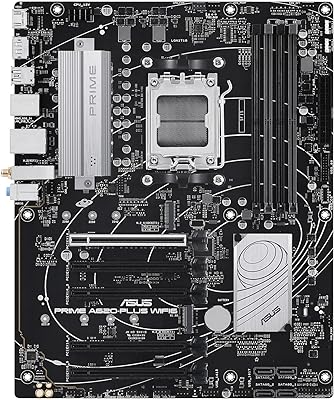
ASUS Prime A620-PLUS WiFi 6 ATX Motherboard

ASUS Prime X299-A II ATX Motherboard
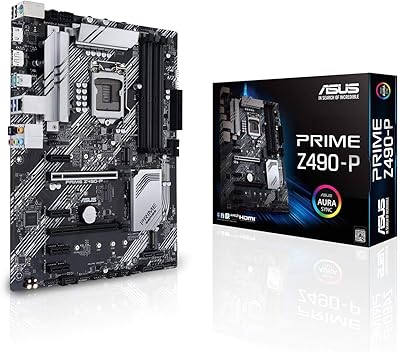
ASUS Prime Z490-P ATX Motherboard
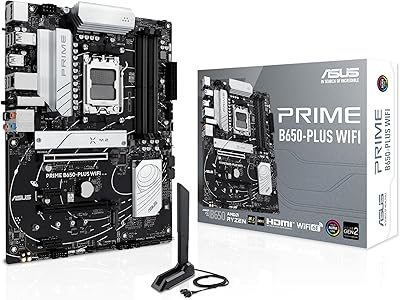
ASUS Prime B650-PLUS WiFi AM5 Motherboard
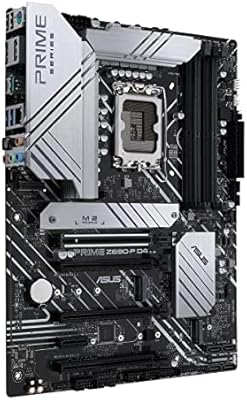
ASUS Prime Z690-P D4 ATX Motherboard
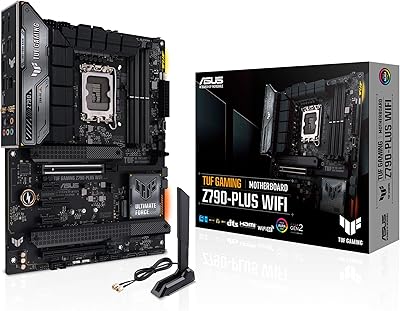
ASUS TUF Gaming Z790-Plus WiFi
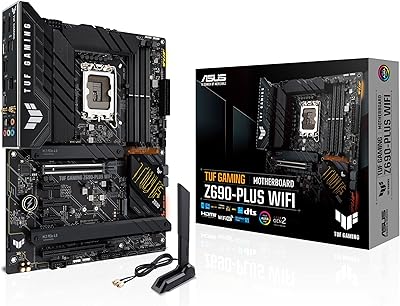
ASUS TUF Gaming Z690-Plus WiFi Motherboard