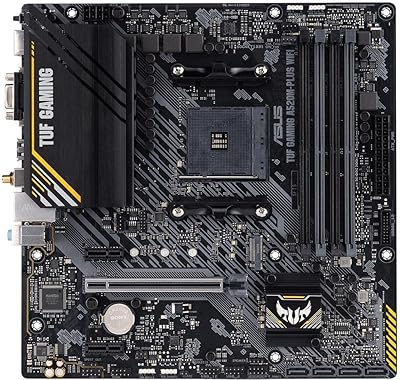
ASUS Prime A620-PLUS WiFi 6 ATX Motherboard
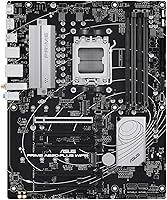
Overview
The ASUS Prime A620-PLUS WiFi 6 ATX Motherboard arrived in February 2024 as a straightforward answer to a real question: how much board do you actually need for a solid Ryzen 7000 or 8000 build? The AMD A620 chipset sits below B650 in AMD's lineup, which means no CPU overclocking and fewer PCIe lanes — trade-offs worth knowing upfront. What you get in return is a full ATX layout with room for proper airflow, expansion cards, and tidy cable management, at a price that keeps the overall build budget sensible. This is a capable, well-featured foundation, not a performance flagship.
Features & Benefits
Built-in WiFi 6 is one of those features that sounds like a checkbox item until you actually skip running an Ethernet cable across the room — at that point it becomes genuinely useful. The Prime A620-PLUS pairs that with dual M.2 slots running PCIe 4.0, so fast NVMe drives slot in without displacing your SATA ports for secondary storage. DDR5 support reaches up to 7600 MHz thanks to ASUS OptiMem II trace routing, which is better than you would typically expect at this chipset tier. Both front and rear USB Type-C headers run at 5Gbps, and the onboard AI noise cancelation is a real differentiator for anyone streaming or jumping between video calls.
Best For
This ASUS A620 board makes the most sense for first-time AMD builders who want a genuinely modern platform — DDR5, fast storage, wireless connectivity — without the cost bump of a B650 board. It is also a strong pick for hybrid workers who spend significant time in video meetings, since having WiFi 6 and noise-canceling audio baked in removes two common peripheral frustrations at once. Enthusiasts on tighter budgets will appreciate Aura Sync headers and dual M.2 without paying a premium chipset price. That said, skip it if aggressive CPU overclocking or PCIe 5.0 storage bandwidth are hard requirements for your workflow.
User Feedback
With a 4.5-star average across over 1,400 ratings, this mid-range AM5 motherboard has clearly landed well with most buyers. The most consistent praise centers on BIOS accessibility — people with no prior AMD experience report getting up and running without much friction, which matters for first-timers. WiFi 6 stability earns positive mentions in real-world conditions too. The honest caveats: a handful of users were caught off guard by the A620 chipset's overclocking limitations, which is not unique to ASUS but worth understanding before buying. There are also occasional notes about RAM compatibility quirks and VRM temperatures under sustained heavy loads — not dealbreakers, but worth factoring in if you plan to run a higher-TDP processor.
Pros
- Built-in WiFi 6 works reliably right out of the box with no adapter or driver hassle.
- Dual M.2 PCIe 4.0 slots let you run fast NVMe storage without giving up any SATA ports.
- DDR5 support up to 7600 MHz is notably generous for an A620-tier board.
- The BIOS is accessible and beginner-friendly, which matters a lot for first-time AM5 builders.
- Front and rear USB Type-C headers at 5Gbps cover modern cases and peripherals cleanly.
- AI noise cancelation on the onboard audio is a genuine plus for video calls and streaming.
- Full ATX form factor provides better expansion headroom than micro-ATX alternatives at similar prices.
- Aura Sync RGB support and dedicated heatsinks give this board a premium look for its price tier.
- Broad compatibility with the entire Ryzen 7000 and 8000 CPU lineup keeps upgrade paths open.
- Strong overall satisfaction rating across a large pool of real-world buyers speaks for itself.
Cons
- The A620 chipset blocks CPU overclocking entirely, which catches some buyers off guard.
- No PCIe 5.0 M.2 slot means this board will bottleneck next-generation storage drives.
- USB4 and Thunderbolt connectivity are absent, limiting high-bandwidth peripheral options.
- VRM thermals under sustained heavy CPU loads have drawn occasional complaints from users.
- RAM compatibility can be hit-or-miss with certain DDR5 kits outside the tested QVL list.
- Realtek 1Gb Ethernet feels modest for a 2024 board, especially compared to 2.5Gb alternatives.
- Only two M.2 slots may not be enough for builders planning large multi-drive NVMe setups.
- The A620 chipset offers fewer PCIe lanes overall, which can limit multi-card configurations.
Ratings
Our AI rating system analyzed thousands of verified global reviews for the ASUS Prime A620-PLUS WiFi 6 ATX Motherboard, actively filtering out incentivized, duplicate, and bot-generated submissions to surface what real builders actually experienced. Scores reflect both the genuine strengths that made this board a bestseller and the recurring friction points that a handful of users ran into — nothing is glossed over.
Value for Money
Out-of-Box Compatibility
Wireless Performance
BIOS Usability
Connectivity & I/O
Onboard Audio Quality
Thermal Management
Memory Performance
PCIe Storage Speed
Build & Board Quality
RGB & Aesthetics
Overclocking Headroom
Software & Driver Support
Long-Term Reliability
Suitable for:
The ASUS Prime A620-PLUS WiFi 6 ATX Motherboard is a strong fit for anyone stepping into the AM5 platform for the first time without wanting to overspend on chipset features they will never use. First-time builders pairing a Ryzen 7000 or 8000 series CPU with a DDR5 kit will find the board handles out-of-box compatibility well, and the full ATX layout gives plenty of room for additional drives, a GPU, and proper airflow down the line. Remote workers and hybrid professionals get particular value here — built-in WiFi 6 and onboard AI noise cancelation mean fewer adapters, fewer peripherals, and cleaner desk setups without sacrificing call quality. Budget-conscious enthusiasts who want dual M.2 NVMe slots, Aura Sync RGB headers, and fast DDR5 support without climbing to a pricier B650 board will also find this hits a practical sweet spot. It rewards buyers who know what they need and are not chasing specs they will realistically never push.
Not suitable for:
If CPU overclocking is anywhere on your checklist, the Prime A620-PLUS will disappoint — the A620 chipset simply does not support it, and no amount of BIOS tuning changes that fundamental limitation. Builders who want PCIe 5.0 M.2 storage bandwidth or USB4 connectivity will also need to look at a B650 or X670 board instead, as this ASUS A620 board does not offer either. Power users running high-TDP processors under sustained workloads should pay attention to the VRM thermal performance, which has drawn some criticism in heavy-load scenarios. Content creators or gamers who depend on multi-device, high-speed USB throughput may find the 5Gbps ceiling limiting over time as peripherals improve. In short, this mid-range AM5 motherboard is designed for practical, everyday computing builds — not for pushing hardware to its limits.
Specifications
- CPU Socket: Uses the AM5 socket, compatible with AMD Ryzen 7000-series and 8000-series desktop processors.
- Chipset: Built on the AMD A620 chipset, which supports DDR5 memory and PCIe 4.0 but does not allow CPU overclocking.
- Form Factor: Full ATX layout measuring 12 x 9.6 x 1.6 inches, fitting standard mid-tower and full-tower cases.
- Memory Support: Supports DDR5 RAM with speeds up to 7600 MHz via ASUS OptiMem II trace routing for improved signal integrity.
- PCIe Version: Provides PCIe 4.0 lanes for both the primary GPU slot and M.2 storage slots.
- M.2 Storage: Includes two M.2 slots both running PCIe 4.0, suitable for high-speed NVMe drives without occupying SATA ports.
- SATA Ports: Equipped with SATA 6 Gbps ports for connecting traditional SSDs and HDDs alongside M.2 drives.
- Wireless: Integrated WiFi 6 (802.11ax) provides fast, low-latency wireless connectivity without requiring a separate adapter card.
- Ethernet: Realtek 1Gb wired Ethernet port handles standard home and office network connections.
- USB Connectivity: Includes both rear-panel and front-panel USB 5Gbps Type-C headers for modern cases and peripherals.
- Onboard Audio: Features Two-Way AI Noise Cancelation that filters background noise from both microphone input and audio output simultaneously.
- RGB Lighting: Onboard Addressable Gen 2 RGB headers allow connection and synchronization of LED strips via ASUS Aura Sync software.
- VRM Cooling: A dedicated VRM heatsink and PCH heatsink manage thermal output across the power delivery and chipset zones.
- Fan Control: Hybrid fan headers with Fan Xpert 2+ software allow per-header fan curve customization based on temperature sensors.
- Weight: The board weighs 1.8 pounds, which is typical for a full ATX motherboard in this category.
- OS Support: Officially supported on Windows 10 and Windows 11, with BIOS updates distributed through the ASUS support portal.
Related Reviews
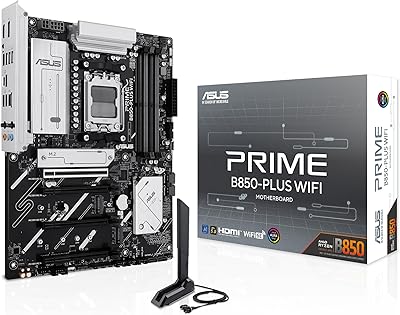
ASUS Prime B850-Plus WiFi ATX Motherboard
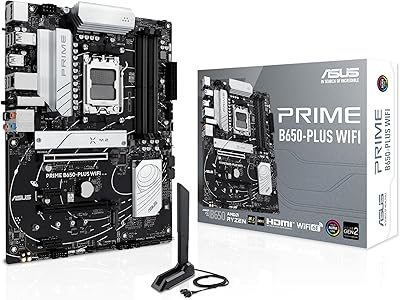
ASUS Prime B650-PLUS WiFi AM5 Motherboard
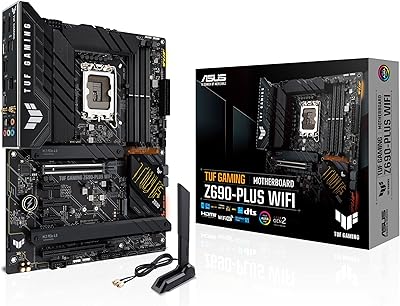
ASUS TUF Gaming Z690-Plus WiFi Motherboard
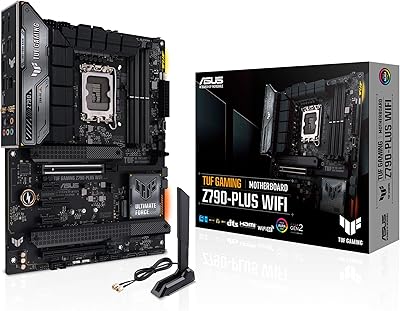
ASUS TUF Gaming Z790-Plus WiFi
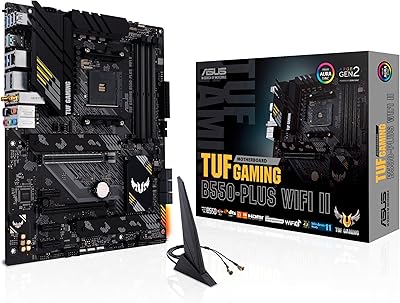
ASUS TUF Gaming B550-PLUS WiFi II ATX Motherboard

ASUS Prime X299-A II ATX Motherboard
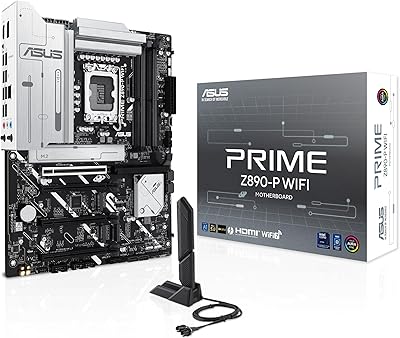
ASUS PRIME Z890-P WIFI ATX Motherboard
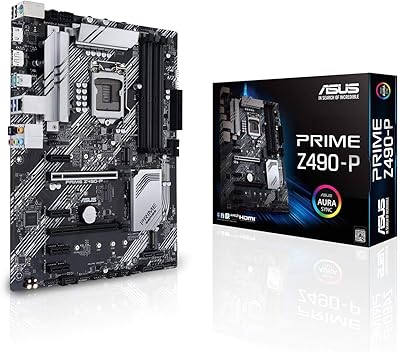
ASUS Prime Z490-P ATX Motherboard
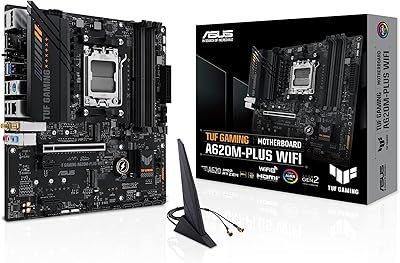
ASUS TUF Gaming A620M-PLUS WiFi Motherboard