Overview
The Apevia Venus 450W ATX Power Supply is a no-frills, budget-conscious option built for entry-level desktop builders who need dependable power without overspending. Apevia has been around for years making affordable PC components, and this 450W unit fits squarely into that tradition. The standard ATX form factor means it slides into most mid-tower cases without any clearance issues. At 450 watts, it comfortably covers basic productivity or office builds — just don't expect it to carry a high-end gaming rig. This is a value-tier power supply, and it performs within those boundaries. Going in with the right expectations makes all the difference.
Features & Benefits
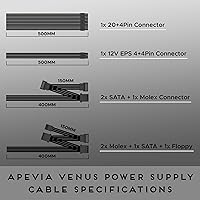
The thermal-controlled 120mm fan is probably the most practical feature here — it runs quietly under light loads, which matters if your machine sits on a desk rather than tucked in a corner. On the connectivity side, you get a 20/24-pin main connector, an 8-pin CPU connector that splits to 4+4 for older boards, three SATA ports, and three peripheral connectors. That's enough for a single-drive office build with room to spare. The 24-pin also separates into a 20+4 configuration for legacy motherboards — a thoughtful touch. A dual-voltage switch (115V/230V) covers international use, and voltage tolerances sit at 5% across the main rails, which is typical for this tier.
Best For
This 450W unit hits its stride in a few specific scenarios. If you're assembling a basic office PC with integrated graphics, or pairing it with an entry-level discrete GPU for light use, it has more than enough headroom. It's also a solid drop-in replacement if an older desktop's PSU has given out — 450 watts is plenty for most legacy systems. A modest home server or NAS with light storage shouldn't stress it either. Where it falls short is anything power-hungry: mid-to-high-end GPUs, multi-drive arrays, or overclocked processors are not a good match. Know your system's actual power draw before committing, and this budget power supply will likely serve you well.
User Feedback
With a 4.1 out of 5 rating across over 750 reviews, this Apevia PSU clearly lands well enough for most buyers. People commonly praise how straightforward it is to install, and the fan earns credit for staying quiet during normal desktop use. Compatibility with budget motherboards also comes up frequently as a positive. That said, the lack of 80 Plus certification is a genuine concern — it means efficiency and long-term reliability are less verified than with certified units. A small but real percentage of buyers report dead-on-arrival units, which isn't unusual at this price tier but is worth factoring in. Overall, a reasonable performer for the right use case — just don't expect enterprise-grade durability.
Pros
- Handles basic office and productivity builds without any fuss or configuration headaches.
- The thermally controlled fan stays genuinely quiet during everyday light-load computing.
- Split 24-pin and 4+4 CPU connectors make this 450W unit compatible with a wide range of older motherboards.
- Standard ATX dimensions mean it fits virtually any mid-tower case right out of the box.
- Installation is straightforward enough that real first-time builders completed it without outside help.
- The dual-voltage switch adds flexibility for international use or multi-region households.
- Three SATA connectors cover single-drive builds with room for an optical drive and extras.
- Strong sales volume and a 4.1-star rating across hundreds of verified reviews reflect broad real-world satisfaction for its intended use case.
Cons
- No 80 Plus efficiency certification means power consumption and heat output under load are unverified.
- A measurable minority of buyers received dead-on-arrival units, adding purchase risk with limited support recourse.
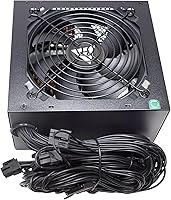
- Cables are unsleeved, making clean cable management in windowed or open cases noticeably harder.
- Operating this budget power supply near its 450W ceiling has caused instability for some users.
- Only three SATA ports limit storage expandability without adding a separate power splitter.
- No PCIe power connector rules out any GPU that requires supplemental power from the PSU.
- Long-term durability beyond one to two years of regular use is not well-established in the review pool.
- Customer support response times for warranty or DOA issues have drawn consistent criticism from affected buyers.
- Cable lengths can feel restrictive in full-tower cases or builds that require longer runs to reach components.
Ratings
The Apevia Venus 450W ATX Power Supply has been scored across key performance and usability categories by our AI system, which analyzed verified global buyer reviews while actively filtering out incentivized, bot-generated, and duplicate feedback. The scores below reflect what real users consistently experienced — not a curated highlight reel — so both the genuine strengths and the honest shortcomings of this budget power supply are represented. Whether you are replacing a failed unit or powering your first build, these ratings are designed to help you make a grounded decision.
Value for Money
Installation Ease
Noise Level
Connector Availability
Build Quality
Voltage Stability
Efficiency Rating
Compatibility
Thermal Management
Reliability Over Time
Cable Length & Management
Fan Reliability
Documentation & Support
Suitable for:
The Apevia Venus 450W ATX Power Supply is a genuinely practical choice for a specific and well-defined group of buyers. If you are assembling a basic home or office desktop — one that runs productivity software, web browsing, or light media tasks on integrated graphics or an entry-level GPU — this 450W unit covers those power demands with headroom to spare. It also makes a lot of sense as a straightforward replacement for a failed PSU in an older desktop, where spending significantly more on a premium unit would be disproportionate to the value of the machine itself. Budget-conscious first-time builders who simply need their system to post and run reliably will find this Apevia PSU does that job without unnecessary complexity. Even a modest home server or low-load NAS with a small number of drives sits comfortably within its capabilities.
Not suitable for:
The Apevia Venus 450W ATX Power Supply is not the right tool for anyone building or upgrading a performance-oriented system. If your build includes a mid-range or high-end discrete GPU — anything that requires a dedicated PCIe power connector — this 450W unit simply lacks the connector and likely the sustained output to support it safely. Enthusiast builders, gamers, and content creators who run power-hungry components should look at certified 80 Plus units with higher wattage headroom. The absence of efficiency certification also makes this budget power supply a questionable long-term choice for systems that run continuously, such as always-on workstations or production servers, where efficiency and reliability carry real operational cost. Anyone planning to expand their storage beyond three drives will also bump into the SATA connector limit sooner than expected.
Specifications
- Brand: Manufactured by Apevia Corp, a brand with a long track record in the budget PC components market.
- Model Number: The exact model designation is VENUS450W, sometimes listed alongside the series name Venus.
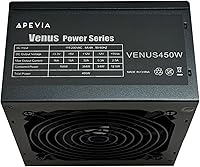
- Output Wattage: This unit delivers a maximum continuous output of 450 watts, suitable for low-to-mid power desktop builds.
- Form Factor: Standard ATX form factor ensures broad compatibility with most mid-tower and full-tower desktop PC cases.
- Dimensions: The unit measures 5.9 x 5.5 x 3.4 inches, conforming to standard ATX PSU sizing for straightforward case fitment.
- Weight: The power supply weighs 2.6 pounds, which is typical for a non-modular ATX unit at this output level.
- Cooling Fan: A 120mm auto-thermally controlled fan adjusts its speed based on internal temperature, running slower and quieter under light loads.
- Main Connector: Includes one 20/24-pin main power connector that can be split into a 20+4 configuration for older motherboard compatibility.
- CPU Connector: One 8-pin (4+4) CPU power connector is included, which separates into two 4-pin connectors for boards requiring the older standard.
- SATA Connectors: Three SATA power connectors are provided, covering a single primary drive plus peripherals in most standard desktop builds.
- Peripheral Connectors: Three 4-pin Molex peripheral connectors support older HDDs, optical drives, case fans, and other legacy accessories.
- Voltage Switch: A manual 115V/230V selector switch on the rear panel allows the unit to be used in both North American and international electrical environments.
- Voltage Tolerance: Output voltage tolerance is rated at plus or minus 5% across the 12V, 5V, and 3.3V rails, which is the standard allowance for this product tier.
- Cooling Method: Cooling is handled entirely by active air circulation through the 120mm fan, with no passive or liquid cooling elements.
- 80 Plus Rating: No 80 Plus efficiency certification is listed for this unit, meaning independently verified efficiency benchmarks are not available.
- PCIe Connectors: No dedicated PCIe power connectors are included, which rules out use with discrete GPUs that require supplemental power from the PSU.
- Compatible Devices: Designed for use in standard ATX desktop personal computers; not rated for server-grade, workstation, or small form factor applications.
- First Available: This model was first listed for sale in November 2017, indicating it is an established rather than newly released product.
Related Reviews
Apevia Venus 500W ATX Power Supply
Apevia ATX-SP700 700W ATX Power Supply
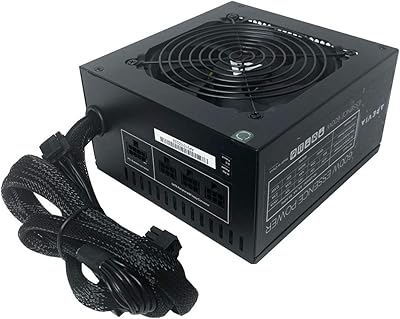
Apevia Essence 600W Semi-Modular ATX Power Supply
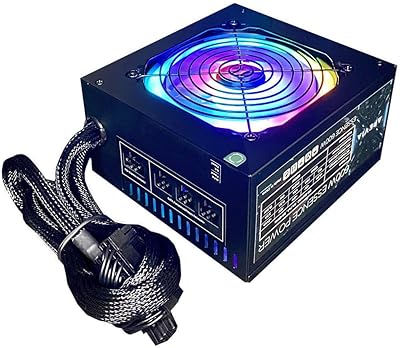
Apevia Essence 700W ATX Power Supply
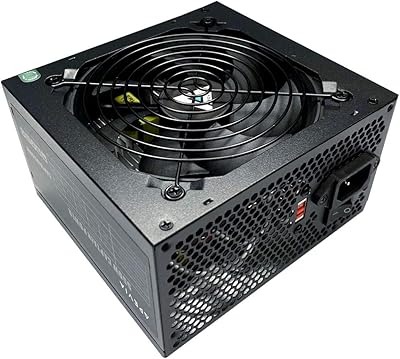
Apevia CAPTAIN550 550W ATX Power Supply
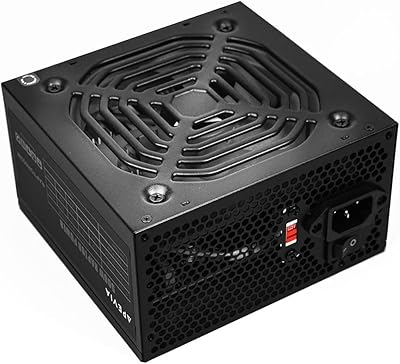
Apevia Raptor 500W ATX Power Supply
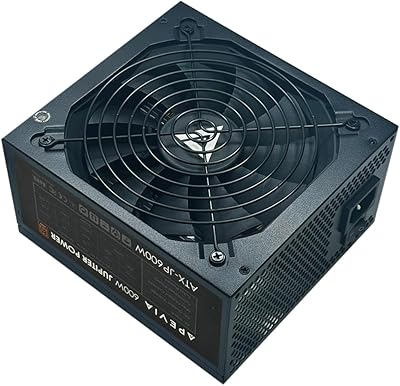
Apevia Jupiter 600W ATX Power Supply
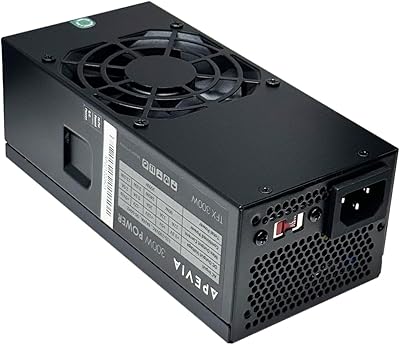
Apevia TFX-AP300W 300W Flex ATX Power Supply
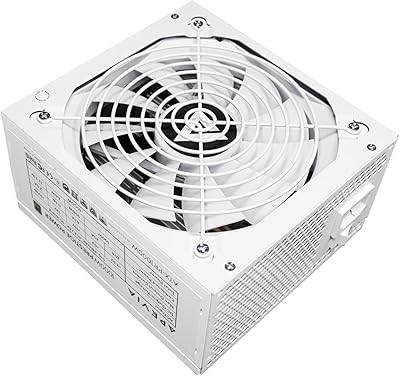
Apevia ATX-PR1000W-WH 1000W 80+ Gold Power Supply