Alienware 25 Gaming Monitor AW2523HF 24.5″



Overview
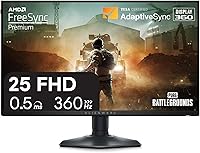
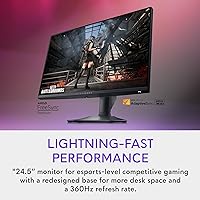
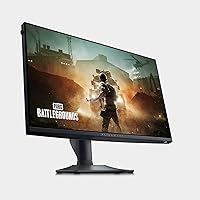
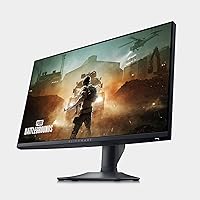
The Alienware 25 Gaming Monitor AW2523HF 24.5″ is designed to deliver superior performance for competitive gaming. This high-refresh-rate monitor offers a stunning 360Hz refresh rate, ensuring smooth gameplay even in the most intense gaming scenarios. With a Fast IPS panel, it provides vibrant and accurate colors, enhancing the gaming experience. The adjustable stand allows for easy customization of your viewing angle, while the space-efficient hexagonal base frees up desk space. Whether you're gaming or streaming, this monitor offers the ideal combination of speed, clarity, and ergonomic comfort.
Features & Benefits
Equipped with a 360Hz refresh rate and a 0.5ms response time, this gaming monitor ensures ultra-fast, fluid performance with minimal motion blur. The 99% sRGB color coverage brings lifelike, accurate colors to the screen, making it perfect for both gaming and creative work. With AMD FreeSync Premium and VESA AdaptiveSync support, it delivers a stutter-free, tear-free experience, even during fast-moving scenes. The adjustable stand, which offers height, tilt, swivel, and pivot functionality, allows for a personalized setup that can accommodate any user preference.
Best For
This gaming monitor is a top choice for competitive gamers who demand speed and clarity. Its 360Hz refresh rate and lightning-fast response time make it an excellent fit for esports enthusiasts and those playing fast-paced games like first-person shooters. Beyond gaming, the vibrant color accuracy and high refresh rate also cater to content creators and professionals looking for a reliable monitor for color-sensitive tasks. Streamers will benefit from the smooth performance, offering a responsive and immersive viewing experience for their audience.
User Feedback
Users appreciate the smooth performance of this Alienware display, especially when playing fast-paced games. The color accuracy and wide viewing angles are frequently praised, providing a more immersive gaming experience. Some reviewers highlight the space-saving stand, noting how the hexagonal design improves desk organization. However, a few users have mentioned that adjusting the brightness could be tricky, with some finding it less intuitive compared to other monitors. Overall, feedback is largely positive, with players enjoying the monitor's ability to deliver an edge in competitive play.
Pros
- The 360Hz refresh rate provides ultra-smooth gameplay, making it perfect for fast-paced games.
- The 0.5ms response time minimizes motion blur, enhancing clarity during quick actions.
- With 99% sRGB color coverage, this monitor offers vibrant and accurate colors, ideal for both gaming and content creation.
- The adjustable stand allows for customizable ergonomic setups, improving comfort during long gaming sessions.
- The hexagonal base design saves desk space, which is appreciated by users with limited workspace.
- VESA AdaptiveSync and AMD FreeSync Premium work together to eliminate stuttering and screen tearing, ensuring a smooth visual experience.
Cons
- Some users find adjusting the brightness to be a bit tricky, especially in different lighting environments.
- The monitor’s size may not be ideal for those with smaller desks or who prefer a more compact setup.
- The lack of speakers means users need to invest in external audio equipment.
- While the display is vibrant, the high refresh rate might feel excessive for non-gaming activities, such as watching movies.
- A few users have reported that the color accuracy may not be as perfect for professional photo editing compared to higher-end displays.
- The monitor’s design is tailored for gaming, which might not suit users looking for a more versatile, all-purpose display.
Ratings
After analyzing verified user reviews worldwide, across multiple languages and platforms, the ratings for the Alienware 25 Gaming Monitor AW2523HF 24.5″ reflect both its standout features and areas for improvement. Only authentic, high-quality feedback was used in producing these scores, excluding spam, bot-generated, incentivized, and off-topic reviews. While this display excels in performance and visuals, there are occasional mentions of challenges with brightness adjustments. Below, we present an in-depth look at how users have rated various aspects of this monitor.
Display Performance
Color Accuracy
Ergonomics/Adjustability
Ease of Setup
Build Quality
Gaming Performance
User Interface
Viewing Angles
Brightness Control
Price/Value for Money
Software/Firmware
Connectivity
Noise/Screen Flicker
Suitable for:
The Alienware 25 Gaming Monitor AW2523HF 24.5″ is an excellent choice for competitive gamers, particularly those who prioritize fast, fluid gameplay. With its 360Hz refresh rate and 0.5ms response time, this monitor ensures an ultra-responsive experience, ideal for esports players and anyone who enjoys high-speed action games like first-person shooters or racing sims. The vibrant color accuracy and wide viewing angles, thanks to its 99% sRGB coverage and IPS panel, also make it a solid option for content creators who need precise color reproduction. Additionally, its ergonomic adjustability offers great comfort for extended gaming or work sessions, while the hexagonal base design helps optimize desk space for those with limited space in their setup.
Not suitable for:
While this monitor excels in high-speed gaming, it may not be the best fit for casual users or those who primarily use their monitor for general multimedia purposes. Its focus on performance, including the extremely high refresh rate, might feel excessive for non-gaming activities like watching movies or working on office tasks. Additionally, the monitor’s brightness controls can be tricky to fine-tune, which may frustrate users looking for precise lighting adjustments. Those with limited desk space or a need for a compact design might also find the stand and overall size less than ideal for their setups.
Specifications
- Screen Size: The monitor features a 24.5-inch display, providing an optimal size for competitive gaming and immersive experiences.
- Resolution: The display has a Full HD resolution of 1920×1080, ensuring crisp and clear visuals for gaming and general use.
- Refresh Rate: This monitor offers an ultra-fast 360Hz refresh rate, designed to deliver smooth and fluid gameplay, especially for fast-paced games.
- Response Time: It has a 0.5ms gray-to-gray response time, minimizing motion blur and ghosting, ideal for high-speed gaming.
- Panel Type: The monitor uses a Fast IPS panel, providing vibrant colors and wide viewing angles, enhancing visual clarity during gameplay.
- Color Accuracy: With 99% sRGB color coverage, this display offers vivid and accurate colors, making it suitable for both gaming and creative work.
- AMD FreeSync: The monitor supports AMD FreeSync Premium, ensuring tear-free gameplay and reducing screen stuttering during intense gaming sessions.
- AdaptiveSync: It is VESA AdaptiveSync certified, allowing for dynamic refresh rates and providing a smooth, tear-free experience.
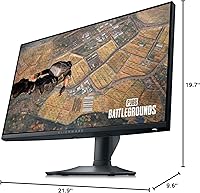
- Ergonomics: The monitor offers full ergonomic adjustability, including height, tilt, swivel, and pivot adjustments, ensuring a comfortable viewing position.
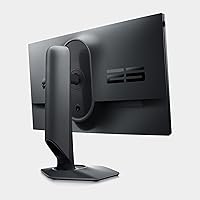
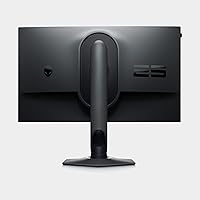
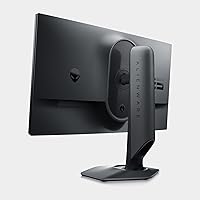
- Base Design: The hexagonal base design optimizes desk space, providing a stable foundation while minimizing the footprint on your desk.
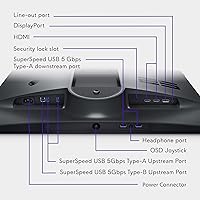
- Connectivity: It comes with DisplayPort and HDMI connectivity options, allowing compatibility with a range of devices and gaming systems.
- Weight: The monitor weighs approximately 5.5 kg (12.1 lbs), offering a solid build while remaining stable during gaming.
- Power Consumption: The monitor operates with an average power consumption of 35W, with a power-saving mode that reduces usage when idle.
- Viewing Angle: It offers a wide 178° horizontal and vertical viewing angle, ensuring consistent image quality from various perspectives.
- Brightness: The monitor delivers up to 400 nits of peak brightness, providing clear visibility even in well-lit environments.
- Stand Adjustment: The stand features a height adjustment range of 130mm, allowing users to easily adjust the screen for ergonomic comfort.
- Design: The monitor has a modern design with thin bezels, maximizing screen space for an immersive gaming experience.
- VESA Mount: The monitor is VESA-compatible, allowing users to mount it on a wall or third-party stand for flexible placement options.
- Warranty: It comes with a 3-year warranty, ensuring long-term support and peace of mind for users.
Related Reviews

CRUA CR245ZB 24.5″ Gaming Monitor
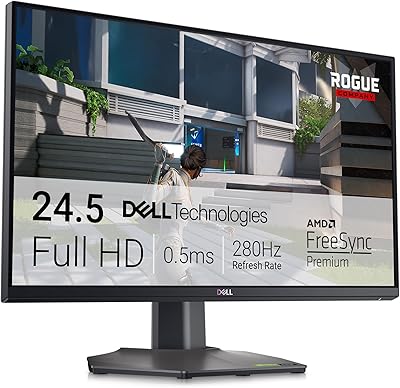
Dell G2524H 24.5-inch Gaming Monitor

KOORUI G2511E 24.5-Inch 320Hz Gaming Monitor
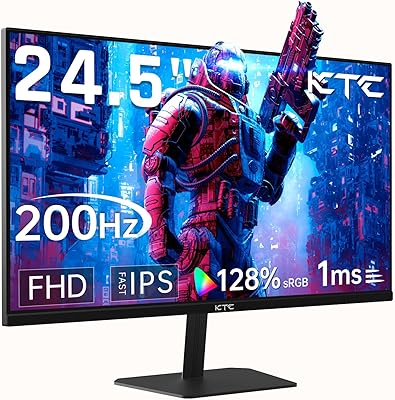
KTC 24.5″ Gaming Monitor 180Hz FHD
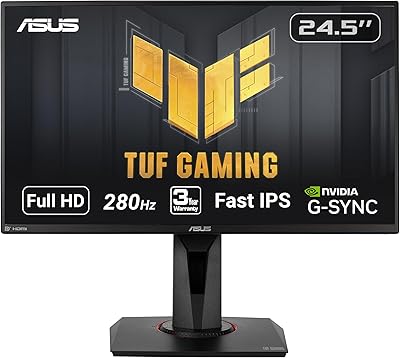
ASUS TUF Gaming VG259QM 24.5″ Gaming Monitor
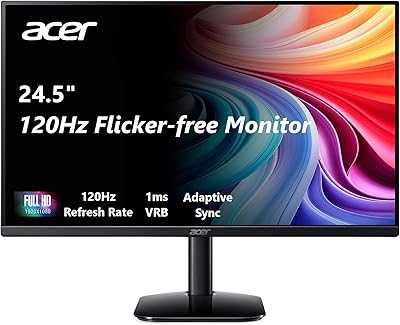
Acer KB252Q G0bi 24.5″ IPS Monitor

Acer Nitro KG251Q 24.5-inch Gaming Monitor
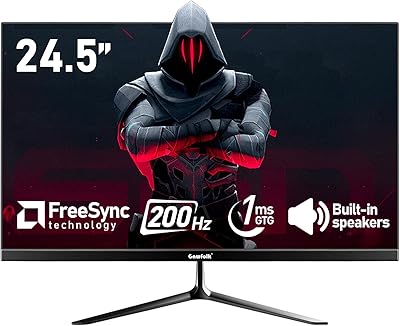
Gawfolk GF240A 24.5-inch 200Hz Gaming Monitor
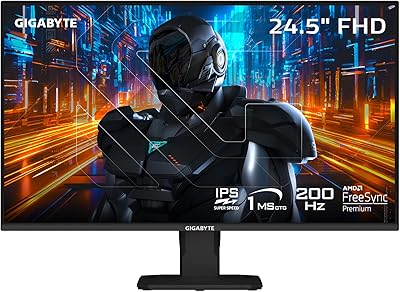
GIGABYTE GS25F2 24.5″ FHD Gaming Monitor
