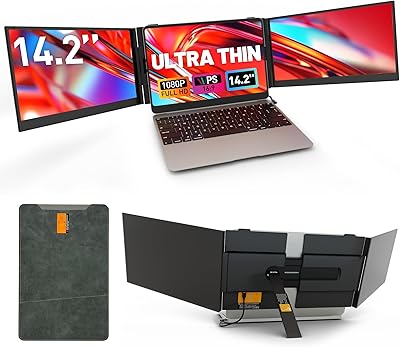
Alecewey F2 14-inch Laptop Screen Extender


Overview
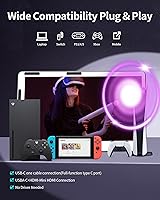
The Alecewey F2 14-inch Laptop Screen Extender is a versatile solution for those looking to enhance their laptop’s screen real estate. This portable monitor offers a seamless way to add a secondary or even a third display to your setup, ideal for productivity, gaming, or content creation. Whether you’re working remotely or enjoying your favorite games, this dual screen solution provides a smooth plug-and-play experience. Compatible with Windows, Mac, PS5, and Nintendo Switch, it requires no additional software, making it an ideal choice for those who value convenience and efficiency.
Features & Benefits
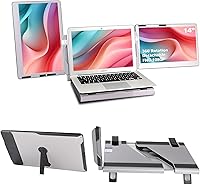
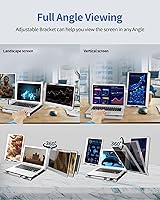
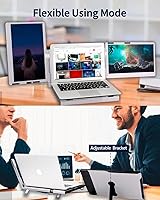
This portable monitor stands out with its 14-inch 1080p FHD IPS display, ensuring crisp and clear visuals for any task. The screen supports both horizontal and vertical setups, offering flexibility for a wide range of work and play scenarios. Thanks to its 360-degree rotation, users can adjust the screen to fit their ideal viewing angle. Additionally, the inclusion of a leather carrying bag adds extra convenience for those on the move, while the adjustable stand ensures a stable and comfortable setup, whether you're at a desk or on the go.
Best For
The Alecewey F2 14-inch Laptop Screen Extender is perfect for remote workers or professionals who need a dual or triple-monitor setup but lack the space for multiple full-sized monitors. Travelers will appreciate its portability, as it’s easy to pack up and use anywhere. Gamers can also benefit from the added screen space, enhancing their experience with a PS5 or Nintendo Switch. Anyone looking for a fast, efficient way to extend their laptop display for multitasking, video editing, or gaming will find this dual screen solution an excellent fit.
User Feedback
Users generally praise the Alecewey F2 for its ease of use and portability. Many mention the convenience of the plug-and-play setup, as well as the impressive display quality given its compact size. However, a few have raised concerns about the weight, particularly for those who need to carry it around frequently. Despite this, the flexibility offered by the 360-degree rotation and adjustable stand remains a highly appreciated feature. While the screen size and build quality are positively noted, a minority of users mention that it may not be ideal for long-term, heavy-duty use.
Pros
- This laptop screen extender is highly portable, making it ideal for professionals and digital nomads on the go.
- The plug-and-play functionality ensures a hassle-free setup with no need for additional software or drivers.
- Its 14-inch 1080p FHD IPS display provides clear and sharp visuals, even on a small screen.
- Users appreciate the flexibility of the 360-degree rotation, making it easy to adjust viewing angles.
- The adjustable stand supports both horizontal and vertical setups, catering to different work scenarios.
- The built-in leather bag allows for convenient storage and transport, adding to its portability.
Cons
- At nearly 10 lbs, this device might be too heavy for those looking for an ultra-lightweight option to carry during travel.
- Some users find that the display quality may not meet the expectations of professionals requiring high color accuracy or refresh rates.
- Although compatible with many devices, a few users have reported occasional connectivity issues with older Mac or Windows configurations.
- The stand could be sturdier, as some users mentioned it lacks the stability they prefer for extended use.
- A few users feel the screen size is too small for a dual or triple monitor setup, limiting multitasking capabilities.
- The weight and overall bulkiness may not be suitable for minimalists or those who prioritize slim, compact devices.
Ratings
After analyzing verified user reviews from multiple platforms and languages, the scores reflect both the strengths and weaknesses of the Alecewey F2 14-inch Laptop Screen Extender. The feedback comes from genuine users, and spam or incentivized reviews have been filtered out. While this device excels in portability, ease of use, and display quality, there are some concerns about its weight, particularly for travelers. These insights provide a well-rounded perspective on its performance across different use cases.
Portability
Display Quality
Ease of Use
Setup Time
Weight
Compatibility
Build Quality
Flexibility (Rotation & Adjustability)
Battery Life
Customer Support
Value for Money
Gaming Performance
Suitable for:
The Alecewey F2 14-inch Laptop Screen Extender is ideal for remote workers, professionals, and digital nomads who need a portable dual or triple display setup. Its compatibility with a variety of devices like Windows, Mac, PS5, and Nintendo Switch makes it versatile for work, gaming, and leisure. This product is particularly useful for users who require a quick, plug-and-play solution for expanding their workspace without the hassle of installing software. Travelers who need an extra screen while on the go will also appreciate its portability, especially with the included leather carrying bag for easy transport. The flexibility of its 360-degree rotation and adjustable stand further enhances its usability, allowing users to customize their viewing experience depending on the task at hand.
Not suitable for:
This laptop screen extender may not be suitable for those who prioritize ultra-lightweight or compact devices for frequent travel. Its weight of nearly 10 lbs is a concern for users looking for a truly lightweight option to carry alongside other equipment. Additionally, gamers or professionals who require high refresh rates or color accuracy might find the display lacking in some areas compared to higher-end models. Users with specific macOS configurations or older devices may experience occasional compatibility issues. Those who need extensive adjustability in terms of height or prefer a more robust stand for stability may also find the build quality to be somewhat limiting.
Specifications
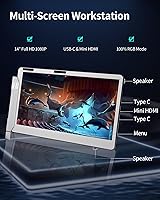
- Screen Size: The device features a 14-inch display, providing a compact yet spacious viewing area for multitasking and gaming.
- Resolution: It offers a 1080p Full HD (1920x1080) resolution for sharp and clear visuals, ideal for everyday use and gaming.
- Display Type: The screen uses an IPS panel, ensuring vibrant colors and wide viewing angles.
- Aspect Ratio: The display has a 16:9 aspect ratio, making it suitable for watching videos, gaming, and productivity tasks.
- Brightness: The screen offers a brightness of 300 nits, ensuring visibility in most indoor environments.
- Connectivity: It supports both USB-C and HDMI connections for seamless compatibility with various devices.
- Compatibility: The extender is compatible with Windows, Mac, PS5, and Nintendo Switch, offering broad platform support.
- Stand Adjustability: The device includes an adjustable stand that allows for both horizontal and vertical setup options.
- Rotation: It features 360-degree rotation, enabling flexible viewing angles for different tasks or environments.
- Weight: The unit weighs 9.92 lbs, which is slightly on the heavier side for portable monitors but still manageable for travel.
- Portability: A built-in leather carrying bag is included for convenient storage and transport.
- Power Source: The monitor is powered directly through the connected USB-C or HDMI port, eliminating the need for a separate power adapter.
- Color Accuracy: The IPS display provides good color accuracy, suitable for professional and personal use where color reproduction matters.
- Plug-and-Play: No software or drivers are required, making the device truly plug-and-play for quick setup.
- Use Case: Ideal for remote workers, travelers, and gamers looking for a portable and additional screen for their laptops or consoles.
- Included Accessories: The product comes with a leather carrying bag for protection and ease of transport.
- Adjustable Viewing: The device supports both horizontal and vertical viewing setups, allowing flexibility for different work and gaming scenarios.
- Display Coating: The display is coated to reduce glare, making it easier to use in bright indoor environments.
Related Reviews
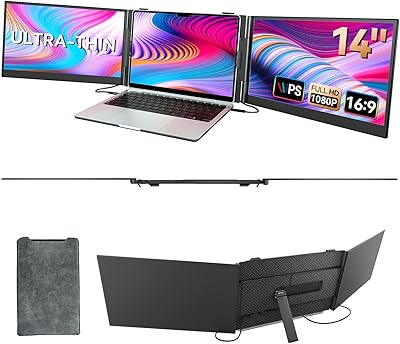
BOSII S8 Pro 14-inch Portable Triple Monitor
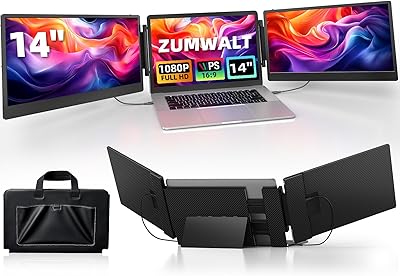
ZUMWALT S3 14″ Triple Portable Monitor
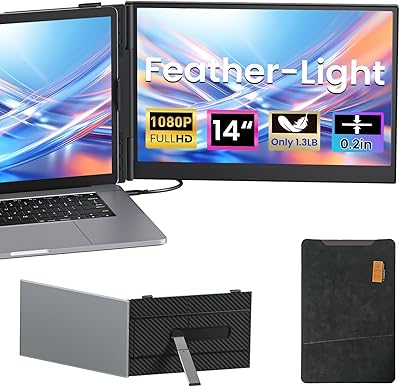
Vixtan 14″ Laptop Screen Extender
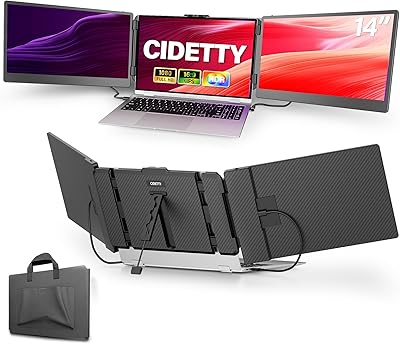
CIDETTY S2 14-Inch Portable Laptop Monitor
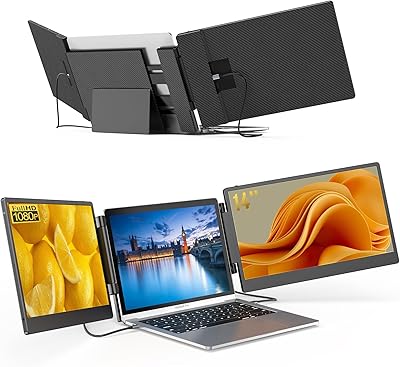
BreezyLife 14″ Triple Portable Monitor Extender
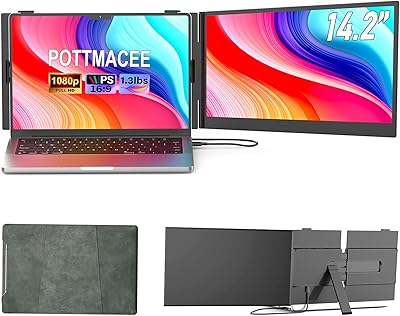
POTTMACEE S8 14.2″ Laptop Screen Extender
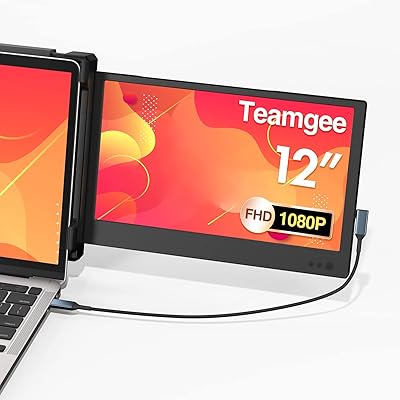
Teamgee P1 12-inch Portable Monitor
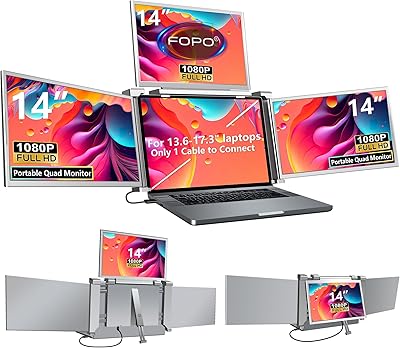
FOPO S680 14″ Quad Monitor Extender
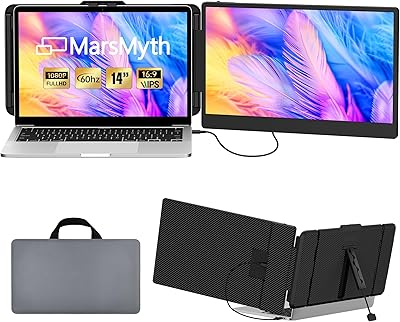
MarsMyth S1 14-inch Portable Laptop Monitor