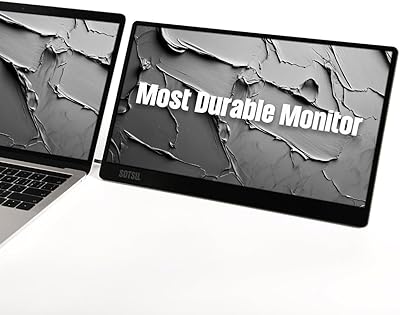
ZUMWALT S3 14″ Triple Portable Monitor


Overview
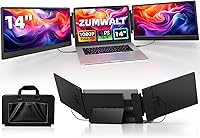
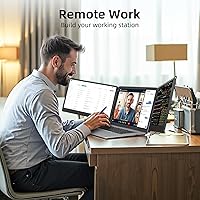
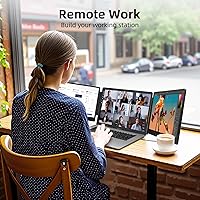
Imagine wrapping up a client call in a coffee shop, spreadsheet on one screen, video feed on another, and reference docs on a third — that's exactly the scenario the ZUMWALT S3 14″ Triple Portable Monitor is built for. This triple screen extender sits in the middle of a fast-growing category where options range from flimsy budget attachments to overpriced niche gadgets. It clips onto the back of your laptop lid in a clamshell-style form and connects without driver installation, which matters a lot if you're setting this up in an airport or a client's office. One critical note upfront: if you're running a MacBook with an M1, M2, or M3 chip, this one isn't for you.
Features & Benefits
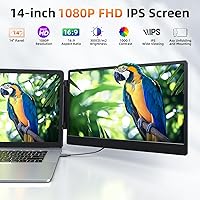
Each of the two panels runs at 1080p full HD on an IPS display, which means colors hold up at off-angles — useful when a coworker leans in to look at your screen. At 300 nits, brightness is adequate for indoor use, though it won't win against direct sunlight. The 180° rotatable hinge is a genuinely practical touch: lay it flat for a presentation or tilt it for ergonomic comfort during long sessions. Built-in speakers handle the basics for video calls without needing an extra Bluetooth device on the desk. Connectivity covers USB-C natively, with an HDMI plus USB-A fallback that keeps older Windows machines in play. The included cable kit and carry bag mean you're not scrambling for accessories on day one.
Best For
This portable monitor attachment was practically designed with two types of people in mind: those who live in spreadsheets and those constantly bouncing between locations. If you're a coder jumping between a terminal, documentation, and a chat window all day, the extra screen real estate genuinely changes how you work. Students doing online classes can keep the lecture video on one panel and notes on the other without constantly alt-tabbing. Travelers looking to turn a hotel room into a temporary workstation will appreciate how the whole rig packs away cleanly. That said, if your main machine is a MacBook with an M1, M2, or M3 processor, skip this one entirely — the incompatibility is a hard stop, not a workaround situation.
User Feedback
Buyers consistently call out easy first-time setup as a standout experience — plug in the cables, and both screens come alive without any driver hunting. The productivity benefit registers quickly, especially for people moving from single-screen setups. Where the praise gets quieter is around weight: adding the ZUMWALT S3 to your bag is comparable to tucking in a thick hardcover novel — not impossible, but you notice it. Color accuracy draws some criticism too, with design-focused users noting the 80% color gamut falls short of color-critical work. A handful of reviews flag clamp stability on very slim laptop chassis. Customer support appears responsive, which adds reassurance for a newer brand, and most buyers feel the value holds up — though single-monitor alternatives cost less.
Pros
- Plug-and-play setup works without any driver installation, making first-time use genuinely straightforward.
- Two extra 14-inch IPS screens give analysts, coders, and multitaskers meaningful screen real estate on the road.
- The 180° rotatable hinge makes it easy to go flat for presentations or tilt for ergonomic desk use.
- Built-in speakers handle video calls adequately without requiring a separate audio device.
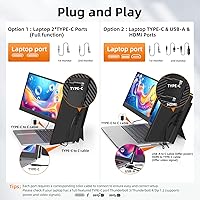
- Dual connectivity paths — USB-C or HDMI plus USB-A — cover a wide range of Windows and compatible Mac setups.
- The included carry bag and full cable kit mean you are ready to work without an extra accessories run.
- Customer support has been responsive, which adds reassurance when buying from a newer brand.
- The ZUMWALT S3 ships with a 12-month warranty that provides a reasonable safety net for early adopters.
- Buyers report a noticeable productivity boost within the first full workday of use.
- The packaging and unboxing feel more considered than the price tier typically delivers, making it a reasonable gift option.
Cons
- MacBook users with M1, M2, or M3 chips are fully incompatible — no workaround exists.
- The 80% color gamut makes this triple screen extender unsuitable for color-critical creative work.
- Adding the monitor attachment to a daily bag is noticeably heavy, closer to a hardcover book than a slim accessory.
- Clamp stability on thin ultrabooks is inconsistent, with some users needing improvised padding to stabilize it.
- At 300 nits, the screens wash out in bright environments and are genuinely difficult to use near sunny windows.
- The printed setup documentation is sparse, leaving non-standard port configurations without clear guidance.
- Long-term durability and replacement part availability remain untested given the brand is relatively new.
- The 60Hz refresh rate is a hard ceiling that makes any gaming on the side panels feel noticeably sluggish.
- Buyers with simpler single-application workflows may find the added weight and bulk hard to justify.
- Color output lacks a stated gamut standard, making display calibration for precise work impractical.
Ratings
The ZUMWALT S3 14″ Triple Portable Monitor scores below are generated by AI after analyzing verified global user reviews, with spam, bot submissions, and incentivized feedback actively filtered out. Ratings reflect real-world usage patterns across remote workers, students, travelers, and power users — not just spec-sheet impressions. Both what this portable monitor attachment does well and where it genuinely falls short are represented here without softening.
Ease of Setup
Display Quality
Build Quality & Durability
Portability & Weight
Screen Flexibility & Ergonomics
Compatibility & Connectivity
Built-in Speakers
Value for Money
Productivity Impact
Refresh Rate & Motion Handling
Brightness & Outdoor Usability
Clamp Stability on Laptop
Customer Support & Warranty
Packaging & Unboxing Experience
Color Accuracy for Creative Work
Suitable for:
The ZUMWALT S3 14″ Triple Portable Monitor makes the most sense for people whose work is genuinely multi-threaded — meaning you regularly need three separate information sources visible at the same time, not just occasionally. Remote workers who jump between a project management tool, a communication app, and a browser throughout the day will feel the benefit almost immediately. Coders and data analysts are arguably the strongest fit, since having a terminal, documentation, and a dashboard simultaneously visible without alt-tabbing translates to real time savings. Students attending online classes can keep a lecture stream on one panel and reference materials on another without constantly resizing windows. Travelers who want to turn a hotel room into a temporary workstation will also find the carry bag and plug-and-play setup practical rather than aspirational. If your laptop runs Windows, Chrome OS, or a compatible Mac operating system and sits between 13 and 16.5 inches, the physical fit and connectivity options cover most real-world scenarios without friction.
Not suitable for:
Anyone running a MacBook with an M1, M2, or M3 chip should stop here — the ZUMWALT S3 14″ Triple Portable Monitor does not support those machines, and this is not a workaround situation. If you are a graphic designer, photographer, or video editor who needs color-accurate output, the 80% color gamut will underserve you in ways that become frustrating quickly. Commuters who already carry a heavy bag should think carefully: adding this portable monitor attachment is comparable to adding a thick hardcover book to your daily load, and if your work only occasionally demands multiple screens, that trade-off rarely pays off. Users with very thin or lightweight ultrabooks may also run into clamp stability issues that require improvised solutions. If you are primarily a gamer expecting smooth motion on the side panels, the 60Hz refresh rate will feel like a ceiling rather than a feature. And if brand longevity and long-term service availability matter to your purchase decision, the relatively short track record of this newer brand is worth factoring in honestly.
Specifications
- Screen Size: Each of the two extension panels measures 14″ diagonally, providing a consistent size match for most 13″ to 16.5″ host laptops.
- Resolution: Both panels deliver 1920×1080 Full HD resolution, offering a sharp and readable image for productivity and media tasks.
- Panel Type: IPS (In-Plane Switching) technology is used on both screens, providing wider viewing angles and more consistent color compared to TN panels.
- Refresh Rate: Both displays operate at a 60Hz refresh rate, suitable for standard office work, video calls, and media playback.
- Brightness: Peak brightness is rated at 300 nits, adequate for controlled indoor environments but limiting in bright or outdoor settings.
- Color Gamut: The panels cover approximately 80% of an unspecified color gamut standard, which suits general productivity but not color-critical design work.
- Connectivity: Connection options include USB-C (full-featured), HDMI, and USB-A ports, with the necessary cables included in the box to support both paths.
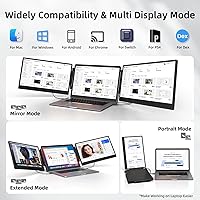
- OS Compatibility: Compatible with Windows, macOS (excluding M1, M2, and M3 chip models), Chrome OS, and Android devices that support video output.
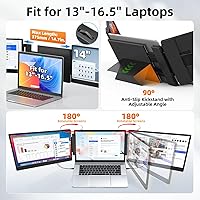
- Laptop Fit Range: The clamp mechanism is designed to accommodate laptops with screen sizes between 13″ and 16.5″.
- Hinge Design: A 180° rotatable hinge allows each screen to be positioned anywhere from fully upright to completely flat, supporting presentations and flexible desk angles.
- Built-in Audio: Integrated speakers are included in the unit, providing basic audio output for video calls and media without requiring an external speaker.
- Unit Weight: The monitor attachment unit weighs approximately 4.5 lbs, which adds noticeable load when combined with a host laptop in a carry bag.
- Dimensions: The unit measures 13.85 × 8.5 × 1.44 inches, keeping the overall profile relatively slim when folded against the laptop.
- Driver Requirement: No driver installation is required — the setup is plug-and-play on all supported operating systems.
- Included Cables: The package includes two USB-C to USB-C cables, one HDMI to USB-C cable, and two USB-A to USB-C cables to cover the most common connection scenarios.
- Included Accessories: A magnetic screen protector and a soft carry bag are included, providing basic protection during transport.
- Model Identifier: The official model designation for this unit is S3, as listed in manufacturer documentation.
- Warranty: ZUMWALT provides a 12-month manufacturer warranty covering hardware defects for this portable monitor attachment.
- Aspect Ratio: Both panels use a standard 16:9 widescreen aspect ratio, consistent with most modern laptop displays.
- Display Modes: The unit supports both extended and duplicate display modes, switchable via the host laptop's display settings without additional software.
Related Reviews
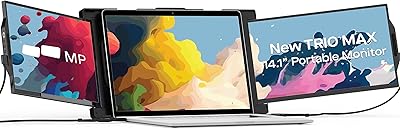
Mobile Pixels Trio Max 14.1″ Portable Monitor

Dell P1424H 14-inch Portable Monitor
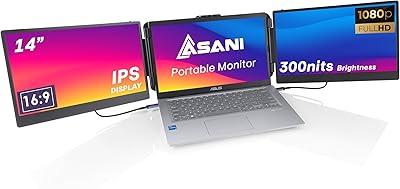
Asani 14″ Portable Monitor
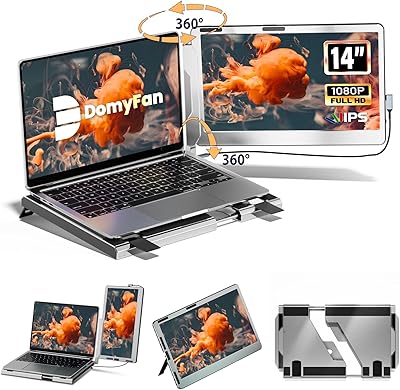
domyfan F1 14″ Portable Monitor
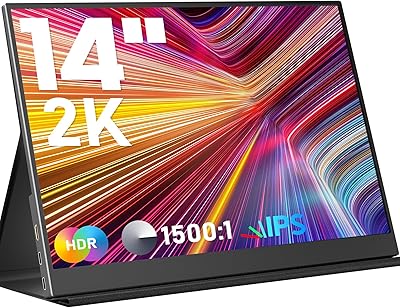
KEEPTIME P142 14-inch Portable Monitor
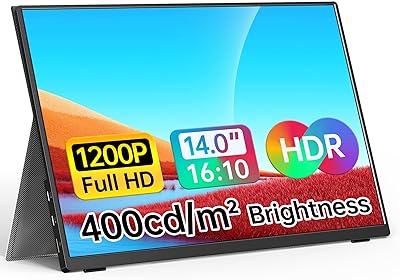
WGK W140F1 14-inch Portable Monitor
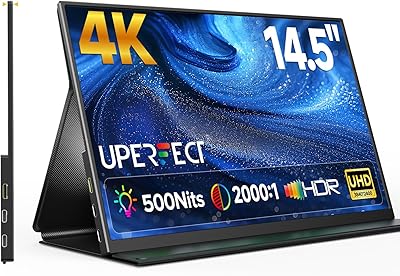
UPERFECT U27 14.5″ 4K Portable Monitor
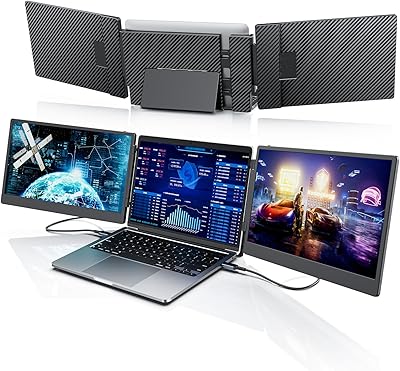
Laptomo S3 14-inch Triple Portable Monitor
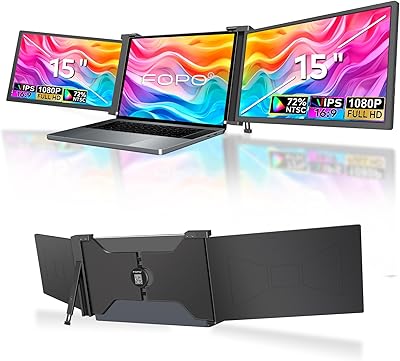
FOPO S17 15″ Triple Portable Monitor
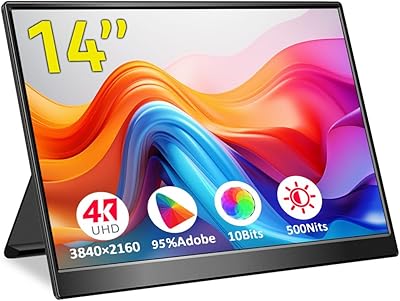
Magedok 14-Inch 4K Portable Monitor