Acer Predator XB273K V5 27″ Gaming Monitor


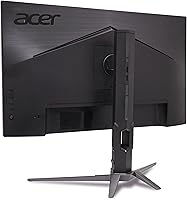
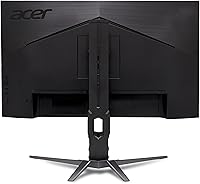
Overview
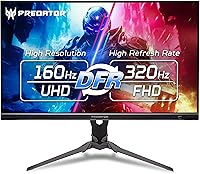
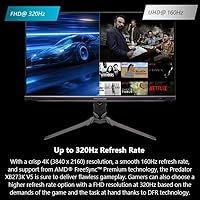
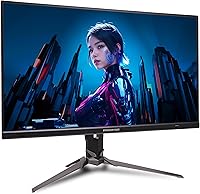
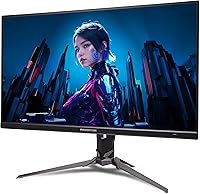
The Acer Predator XB273K V5 27″ Gaming Monitor arrived in early 2025 as a compelling option for enthusiasts who refuse to choose between sharp visuals and fast gameplay. What sets it apart is DFR technology, which lets you run the panel at native 4K with a 160Hz refresh rate or drop to FHD resolution for a blazing 320Hz — a genuinely useful trade-off depending on what you're playing. Sitting at a 4.4-star average from nearly 180 buyers, this Predator monitor has earned its reputation as a strong all-rounder. Just know it's an IPS LCD, not an OLED or mini-LED, so contrast depth and HDR punch won't rival flagship panels at significantly higher price points.
Features & Benefits
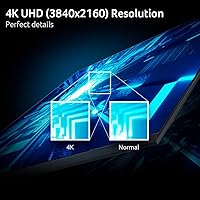
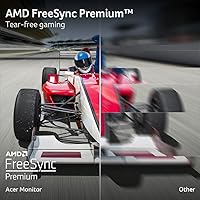
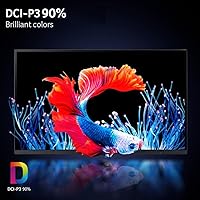
The 27″ IPS panel delivers 3840x2160 resolution with 90% DCI-P3 color coverage, meaning colors in rich open-world games look vivid without veering into oversaturation — and it holds up for light photo editing too. The DFR mode switch is the real headline here: flip into FHD at 320Hz for competitive shooters where frame rate matters more than pixel density, then switch back to 4K for cinematic titles. AMD FreeSync Premium keeps tearing in check, and the 0.5ms GTG response time holds up well during fast-paced action sequences. Practically speaking, DisplayPort 1.4 paired with two HDMI 2.1 ports means you can keep a PC and a console connected simultaneously without swapping cables.
Best For
The XB273K V5 hits a sweet spot for a specific type of gamer: someone who bounces between competitive multiplayer and story-driven AAA titles without wanting a separate display for each. Console players with a PS5 or Xbox Series X will appreciate the dual HDMI 2.1 ports, which support 4K at 120Hz without compromise. PC users running mid-range GPUs who want 4K without stretching into flagship monitor territory will find this a sensible landing point. Those upgrading from a 1080p or 1440p panel will notice an immediate jump in image sharpness. Light creative work — color grading, photo touch-ups — is workable given the solid DCI-P3 coverage.
User Feedback
Buyers consistently praise image clarity at 4K and the DFR mode flexibility as the strongest reasons to purchase, with the ergonomic stand drawing frequent compliments for making long sessions genuinely comfortable. On the critical side, a recurring theme is that HDR performance disappoints — DisplayHDR 400 is an entry-level certification, and anyone coming from an OLED panel will feel the difference immediately. The Smart Dial earns divided opinions: some find it a practical shortcut, others consider it a minor novelty. A few buyers mention a brief learning curve with the OSD menus. Overall, value perception leans positive, with most agreeing the price-to-performance ratio is fair for a 4K high-refresh IPS panel.
Pros
- The 4K IPS panel delivers noticeably sharp, vibrant visuals straight out of the box with minimal calibration needed.
- DFR mode switching gives you genuine flexibility — 4K for immersion, 320Hz FHD for competitive play, all on one screen.
- Dual HDMI 2.1 ports make it one of the better options for console gamers who own both a PS5 and an Xbox Series X.
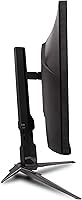
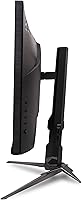
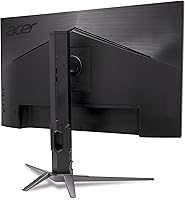
- The ergonomic stand covers swivel, pivot, and height adjustment, which is not a given at this price range.
- AMD FreeSync Premium keeps gameplay smooth and tear-free across a wide range of frame rates.
- The 0.5ms GTG response time holds up well in fast-action games with no noticeable ghosting during testing.
- 90% DCI-P3 coverage makes colors punchy and accurate enough for light creative work beyond just gaming.
- The Smart Dial adds a tactile, convenient way to adjust brightness and other settings without diving into menus.
- At this price point, getting 4K resolution combined with a high refresh rate IPS panel represents strong overall value.
- The matte anti-glare surface handles ambient light well, reducing eye fatigue during long sessions.
Cons
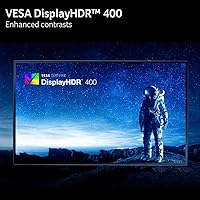
- DisplayHDR 400 is entry-level HDR — do not expect the contrast or brightness of OLED or mini-LED panels.
- The DFR mode switch requires a resolution change, which some users find disruptive mid-session.
- G-Sync compatibility is not officially confirmed, limiting some Nvidia users to basic variable refresh rate support.
- The OSD menu system has a learning curve, and some buyers find navigation unintuitive at first.
- At 20.3 pounds, this is a heavy panel that may stress older or lighter monitor arms not rated for the weight.
- Color accuracy out of the box, while decent, may require manual calibration for color-sensitive work.
- The Smart Dial, while useful, is seen by some buyers as a minor novelty rather than an essential addition.
- No USB hub ports are included, which feels like an omission given the ergonomic and feature ambitions of the stand.
Ratings
The scores below for the Acer Predator XB273K V5 27″ Gaming Monitor were generated by our AI engine after analyzing verified global buyer reviews, actively filtering out incentivized, bot-generated, and outlier feedback to surface what real owners consistently experience. Both the strengths that make this Predator monitor worth recommending and the pain points that give some buyers pause are reflected transparently in each category score.
Image Clarity
Refresh Rate Flexibility
Console Compatibility
Motion Performance
HDR Quality
Adaptive Sync
Build Quality
Ergonomics
Color Accuracy
OSD & Controls
Value for Money
Setup Experience
Connectivity
Eye Comfort
Suitable for:
The Acer Predator XB273K V5 27″ Gaming Monitor is built for the gamer who refuses to be pigeonholed into one style of play — someone who spends weekday evenings grinding ranked matches and weekends losing themselves in visually dense open-world RPGs. The DFR technology makes this a genuinely flexible tool: run 4K at 160Hz for immersive single-player experiences, then drop to FHD at 320Hz when you need every competitive edge in fast-paced multiplayer. Console players will get real mileage from the dual HDMI 2.1 ports, which allow a PS5 and Xbox Series X to coexist without a KVM switch or cable juggling. PC users with a mid-range GPU who want to step into 4K gaming without committing to a flagship-tier budget will find this Predator monitor sits at a sensible price point. Anyone upgrading from a 1080p or 1440p display will notice a sharp, immediate improvement in image detail and color richness.
Not suitable for:
Buyers who prioritize true HDR performance should look elsewhere — the VESA DisplayHDR 400 certification on this 27″ 4K gaming display is entry-level, and anyone accustomed to an OLED or high-end mini-LED panel will find the contrast and HDR brightness underwhelming. Hardcore competitive players who want the absolute fastest response and the highest refresh rate at all times may find that 320Hz is only achievable by sacrificing 4K resolution, which can feel like a compromise rather than a feature. Nvidia GPU users should verify G-Sync compatibility independently, as FreeSync Premium is the native adaptive sync standard here and G-Sync support is not officially guaranteed. Professional color-critical workflows — photography, video grading, print prepress — demand wider gamut coverage and factory calibration that this panel does not provide. If deep blacks and infinite contrast are non-negotiable for your setup, an IPS LCD at this price tier simply cannot compete with OLED alternatives.
Specifications
- Panel Type: The display uses an IPS (In-Plane Switching) panel, which delivers wide viewing angles and consistent color accuracy compared to TN alternatives.
- Screen Size: The active display area measures 27 inches diagonally, offering a comfortable amount of screen real estate without requiring excessive desk depth.
- Resolution: Native resolution is 3840x2160 (4K UHD), providing approximately 163 pixels per inch at 27 inches for sharp, detailed imagery.
- Refresh Rate: The panel runs at up to 160Hz in 4K mode and up to 320Hz in FHD mode via Dynamic Frame Rate (DFR) technology.
- Response Time: Gray-to-gray (GTG) response time is rated at up to 0.5ms, minimizing motion blur and ghosting during fast-moving gameplay.
- HDR Support: The monitor carries VESA DisplayHDR 400 certification, indicating a peak brightness of at least 400 nits with basic HDR metadata support.
- Color Gamut: Color coverage reaches 90% of the DCI-P3 color space, suitable for gaming and light creative tasks requiring accurate, vivid colors.
- Adaptive Sync: AMD FreeSync Premium is the native adaptive sync standard, synchronizing frame output between GPU and display to eliminate tearing and reduce stutter.
- Connectivity: The monitor includes one DisplayPort 1.4 and two HDMI 2.1 ports, supporting high-bandwidth connections for both PC and current-generation consoles.
- Aspect Ratio: The display uses a standard 16:9 widescreen aspect ratio, compatible with virtually all gaming, streaming, and productivity content formats.
- Surface Finish: A matte anti-glare coating is applied to the panel surface, reducing reflections in environments with ambient lighting.
- Stand Adjustments: The included ErgoStand supports swivel, pivot, and height adjustment, allowing the display to be positioned comfortably for a wide range of seating setups.
- Smart Dial: Acer's Smart Dial is a physical rotary control that adjusts OSD settings such as brightness and volume without navigating traditional on-screen menus.
- Eye Care: Acer VisionCare technology is built in to help reduce eye fatigue during extended sessions through flicker reduction and blue light filtering features.
- Weight: The monitor with stand weighs 20.3 pounds, which is on the heavier side and should be considered when choosing a compatible monitor arm.
- Dimensions: With the stand attached, the unit measures 9.69 inches deep, 24.19 inches wide, and 19.5 inches tall.
- VESA Mount: The panel supports standard VESA mounting, allowing the stand to be replaced with a compatible third-party arm or wall mount bracket.
- Release Date: The XB273K V5 was first made available in February 2025, making it a current-generation product reflecting up-to-date panel and connectivity standards.
Related Reviews
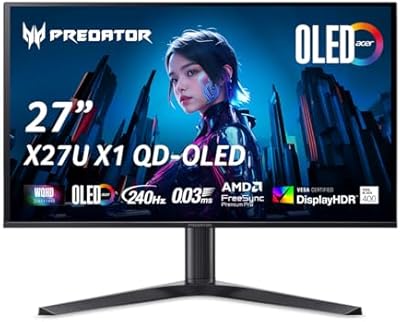
Acer Predator X27U 27″ OLED Gaming Monitor
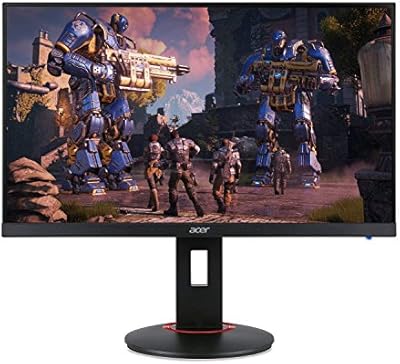
Acer XF270H 27″ Gaming Monitor
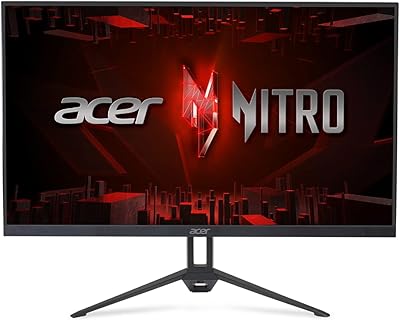
Acer Nitro KG273 27-inch Gaming Monitor
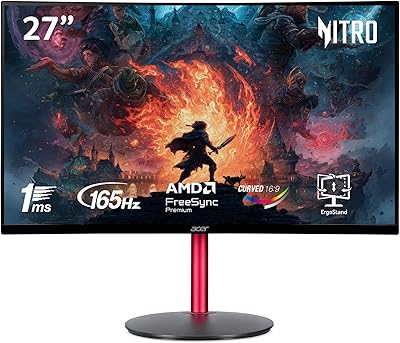
Acer Nitro ED270R 27″ Curved Gaming Monitor
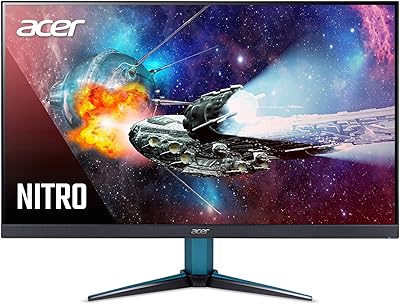
Acer Nitro VG271U 27-inch Gaming Monitor
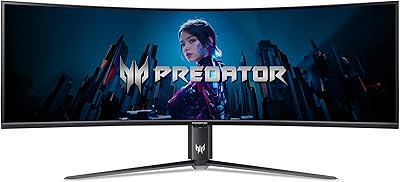
Acer Predator Z57 57-inch Curved Gaming Monitor
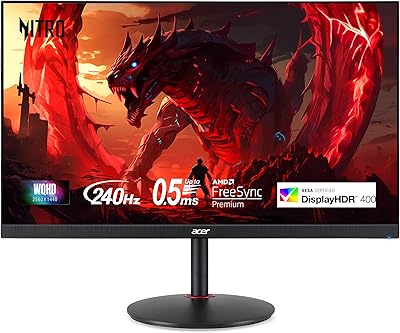
Acer XV272U 27″ WQHD 240Hz Gaming Monitor
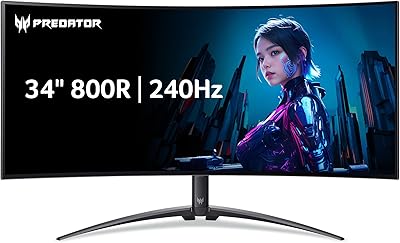
Acer Predator X34 34-inch OLED Gaming Monitor
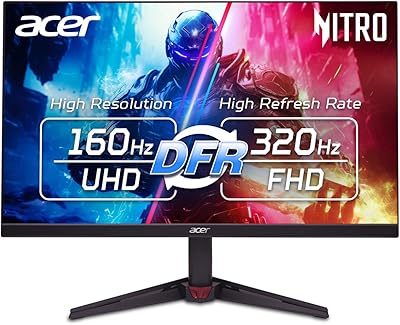
Acer Nitro VG270K 27-inch 4K Gaming Monitor