
Overview
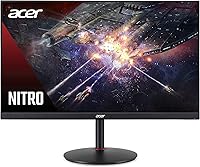
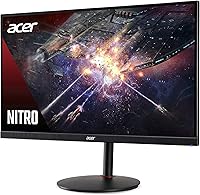
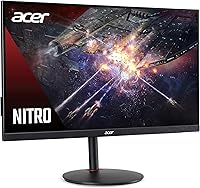
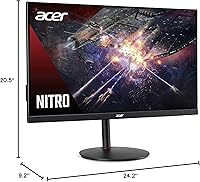
The Acer Nitro XV272U 27″ Gaming Monitor launched in early 2019, yet it has aged surprisingly well in a market that moves fast. It sits squarely in the mid-range tier, threading the needle between color-accurate IPS performance and the fluid refresh rates competitive gamers actually want. That combination is rarer than you'd think at this price point. With nearly 3,000 Amazon ratings averaging 4.6 out of 5, the community consensus is hard to dismiss. This is not a monitor for everyone — buyers chasing peak HDR brightness or ultra-wide real estate will look elsewhere — but for everyday gaming paired with light creative work, it delivers a genuinely compelling package.
Features & Benefits
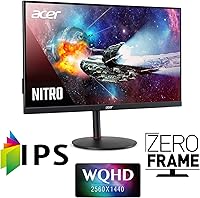
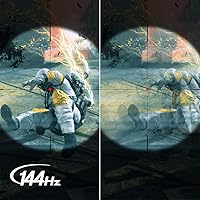
At 27 inches, QHD resolution hits a natural sweet spot — pixels are dense enough to look sharp without demanding the GPU headroom that 4K requires. The 144Hz refresh rate keeps motion crisp in fast-paced titles, and the adaptive sync implementation plays nicely with both AMD and Nvidia hardware, removing a frustrating compatibility headache. Color performance is where this Acer Nitro panel genuinely distinguishes itself: DCI-P3 coverage with Delta E under 2 out of the box means you're not fiddling with calibration before trusting what you see on screen. Four USB 3.0 ports and dual HDMI inputs keep the connectivity setup practical, and the zero-frame bezel makes multi-monitor arrangements look clean.
Best For
The XV272U is an easy recommendation for PC gamers upgrading from a 1080p panel who want a meaningful jump in image quality without the cost or GPU strain of 4K. It also works well for creators who dabble in photo editing or color grading on the side — the accurate IPS output earns its keep there. Mid-range GPU owners running something in the RTX 3060 or RX 6600 class will find 1440p at high frame rates very achievable, making the panel's refresh rate feel genuinely well-used rather than wasted. Anyone building a multi-monitor battlestation will appreciate the slim bezels. Those prioritizing raw HDR impact or ultra-wide coverage should keep looking.
User Feedback
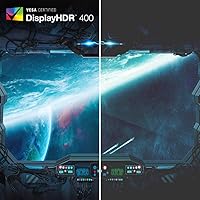
Owners of this 27-inch QHD monitor most consistently praise its out-of-box picture quality — colors land accurately without requiring much manual adjustment, which matters to buyers who don't want to spend an evening in the OSD menus. The HDR label, however, draws more measured reactions; at 400 nits, the effect is subtle and shouldn't be a deciding factor in your purchase. Stand ergonomics are a recurring friction point, with limited height and pivot range frustrating users who prefer a fully customized viewing position. A minority of early buyers flagged mild backlight bleed, though it hasn't emerged as a widespread issue. The built-in speakers are thin — barely functional, and easily replaced.
Pros
- Sharp QHD resolution on a 27-inch IPS panel is a clear, immediate upgrade over standard 1080p displays.
- Out-of-box color accuracy is consistently praised — most buyers report little to no manual calibration needed.
- Adaptive sync works across both AMD and Nvidia GPUs, removing a common compatibility headache.
- The zero-frame bezel design keeps multi-monitor setups looking clean and professional.
- Four USB 3.0 ports add genuine desk convenience beyond what most monitors in this class offer.
- Long-term owners report solid reliability with no widespread issues after extended daily use.
- DCI-P3 color space coverage makes this Acer Nitro panel a credible option for light photo or color work.
- Dual HDMI 2.0 inputs make switching between a PC and a console straightforward without an adapter.
- Wide 178-degree viewing angles mean image quality holds up even when you're not sitting dead-center.
Cons
- HDR performance is entry-level at best — the 400-nit brightness ceiling produces a very modest effect.
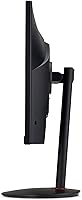
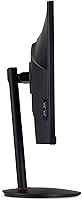
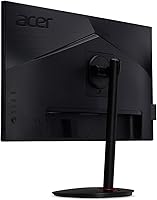
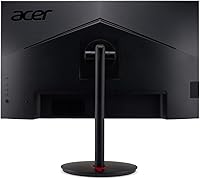
- Stand ergonomics are limited; height and pivot adjustments are restricted compared to competing options.
- A subset of early buyers reported minor backlight bleed, pointing to some unit-to-unit quality variation.
- Built-in speakers are barely functional and will need replacing for any serious listening.
- The XV272U is a 2019-era panel, and newer rivals at similar prices now offer features like USB-C connectivity.
- Response time is rated via VRB, which is a motion blur reduction method — not a true pixel response spec, which can mislead buyers.
- No USB-C or Thunderbolt input limits compatibility with modern laptops that rely on single-cable connectivity.
Ratings
The scores below reflect our AI-assisted analysis of thousands of verified owner reviews for the Acer Nitro XV272U 27″ Gaming Monitor, with spam, incentivized, and bot-generated feedback actively filtered out before scoring. Both the strengths that keep buyers satisfied long-term and the friction points that prompt complaints are transparently reflected in every category. No score has been inflated to flatter the product — where real users struggled, the numbers show it.
Image Quality
Color Accuracy
Gaming Performance
HDR Performance
Refresh Rate & Smoothness
Stand & Ergonomics
Connectivity
Build Quality
Backlight Uniformity
Out-of-Box Setup
Value for Money
Built-in Speakers
Multi-Monitor Suitability
Long-Term Reliability
Suitable for:
The Acer Nitro XV272U 27″ Gaming Monitor is a strong fit for PC gamers who have outgrown 1080p and want a meaningful visual upgrade without committing to the GPU cost of driving 4K. If you're running a mid-range card — think RTX 3060 or RX 6600 territory — this panel is sized and specced to get real mileage out of your hardware at high frame rates. It also works well for the growing segment of users who split their screen time between gaming and light creative tasks like photo editing, where the accurate IPS color output and low Delta E actually matter day-to-day. Multi-monitor builders will appreciate the slim zero-frame design, which keeps a side-by-side setup looking tidy. Long-term reliability feedback from owners is reassuring too, making this a purchase you can feel confident about rather than anxious over.
Not suitable for:
Buyers who have been drawn in by the HDR badge should pump the brakes — the Acer Nitro XV272U 27″ Gaming Monitor carries entry-level HDR certification, and in practice the effect is subtle enough that it should not factor into your decision. If you game in a bright room and need serious peak brightness, this panel will likely disappoint. Competitive players chasing the absolute lowest input lag on a TN or high-end VA panel may also find the IPS trade-offs less acceptable, depending on how seriously they take ranked play. Users who need a fully ergonomic setup with precise height, pivot, and swivel control will find the stand limiting — a VESA arm solves it, but it adds cost and hassle. Anyone expecting usable built-in audio should look elsewhere from the start.
Specifications
- Panel Type: This monitor uses an IPS (In-Plane Switching) panel, which delivers consistent color accuracy and wide viewing angles compared to TN alternatives.
- Screen Size: The display measures 27 inches diagonally, providing a comfortable amount of screen real estate for both gaming and productivity tasks.
- Resolution: Native resolution is 2560x1440 (QHD/WQHD), offering noticeably sharper detail than 1080p without the rendering overhead of a 4K panel.
- Refresh Rate: The panel supports a maximum refresh rate of 144Hz, enabling smoother motion in fast-paced games when paired with a capable GPU.
- Response Time: Rated at 1ms VRB (Visual Response Boost), which is a motion blur reduction mode rather than a true pixel-level transition measurement.
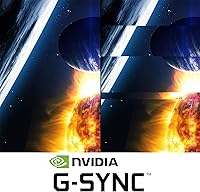
- Adaptive Sync: Compatible with both AMD FreeSync and Nvidia G-SYNC, allowing tear-free gameplay across a broad range of graphics cards.
- HDR Support: Carries VESA DisplayHDR 400 certification, representing entry-level HDR with a peak brightness of 400 cd/m² — adequate but not immersive HDR.
- Color Space: Covers the DCI-P3 color space, making it a reasonable choice for light color-sensitive creative work in addition to gaming.
- Color Accuracy: Factory-calibrated to a Delta E below 2, meaning colors are accurate enough out of the box for most users without manual adjustment.
- Viewing Angles: Offers 178-degree horizontal and vertical viewing angles, ensuring image quality remains consistent even when viewed from the side.
- Connectivity: Includes one DisplayPort, two HDMI 2.0 inputs, and four USB 3.0 ports, providing flexible connectivity for PCs, consoles, and peripherals.
- Built-in Audio: Features two integrated 2-watt speakers, which are functional for basic system sounds but not suited for extended media consumption.
- Aspect Ratio: Standard 16:9 widescreen aspect ratio, compatible with the vast majority of games, video content, and desktop applications.
- Bezel Design: Zero-frame (borderless) design on three sides makes this panel a practical choice for multi-monitor configurations.
- Dimensions: The monitor measures 9.2 x 24.2 x 20.5 inches (depth x width x height) with the stand attached.
- Weight: Weighs 10.82 pounds with the stand, which is typical for a 27-inch IPS panel in this class.
- VESA Mounting: Supports standard VESA wall or arm mounting, giving users the option to replace the included stand for better ergonomic positioning.
- Included Cables: Ships with an HDMI cable and a USB cable included in the box, reducing the need for immediate additional purchases.
Related Reviews
Acer Nitro VG271U 27-inch Gaming Monitor
Acer Nitro KG273 27-inch Gaming Monitor
Acer Nitro ED270R 27″ Curved Gaming Monitor
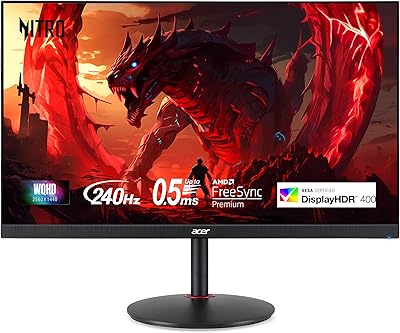
Acer XV272U 27″ WQHD 240Hz Gaming Monitor
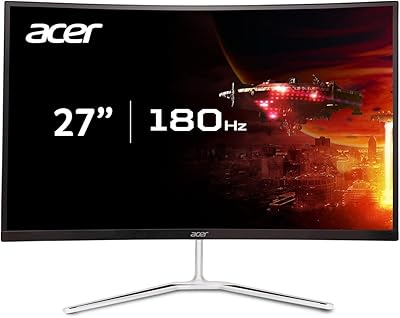
Acer Nitro EDA270U 27″ Curved Gaming Monitor
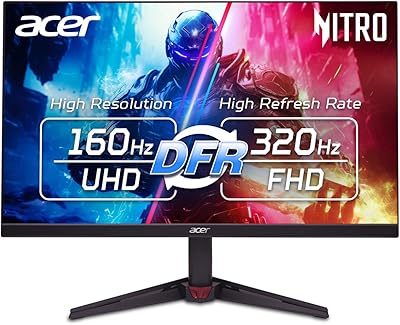
Acer Nitro VG270K 27-inch 4K Gaming Monitor
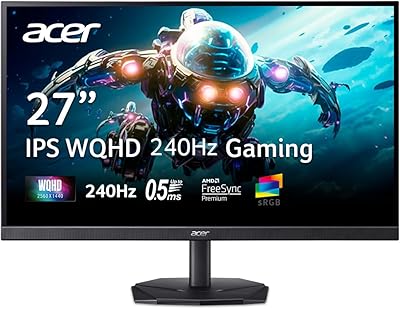
Acer Nitro KG271U 27-inch IPS Gaming Monitor
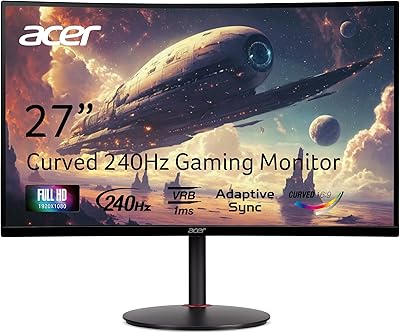
Acer Nitro XZ270 27-inch Curved Gaming Monitor
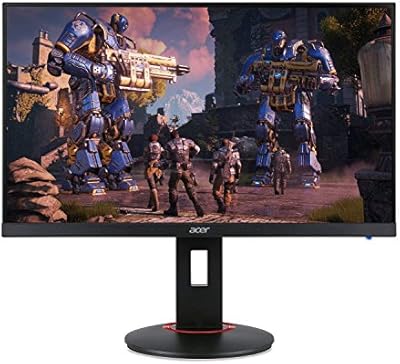
Acer XF270H 27″ Gaming Monitor