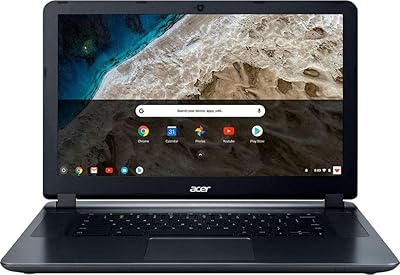
Acer Chromebook Spin 714 CP714-1WN-53M9


Overview
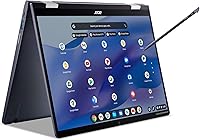
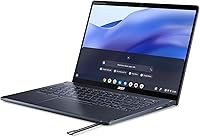
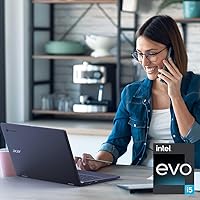
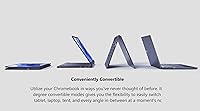
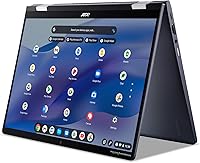
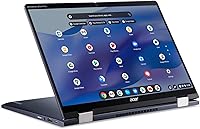
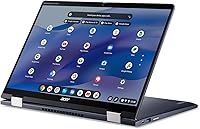
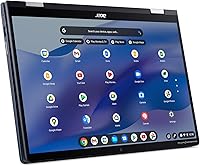
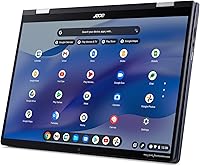
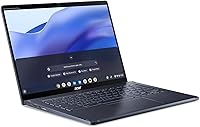
The Acer Chromebook Spin 714 CP714-1WN-53M9 sits at the upper end of the Chromebook market, and for good reason. This is not a machine for someone who just wants a cheap browser box — it carries Intel Evo certification, which means it meets strict standards for responsiveness, battery efficiency, and fast wake-from-sleep behavior. The 360-degree hinge separates it from traditional clamshells by letting you flip into tablet or tent mode whenever the situation calls for it. At its price point you are competing with entry-level Windows laptops, but the appeal here is a mature, low-friction OS that stays out of your way and works natively with Google's ecosystem from day one.
Features & Benefits
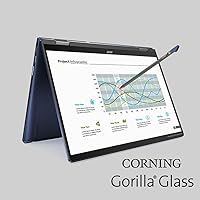
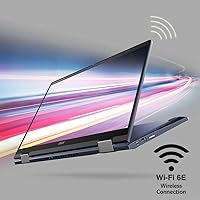
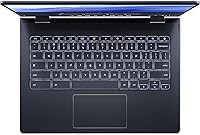
The 14-inch IPS touchscreen runs at 1920x1200 — that slightly taller aspect ratio compared to standard 1080p makes a real difference when reading long documents or working in split-screen. The Intel Core i5-1235U handles Chrome OS workloads with room to spare; multiple tabs, video calls, and light Android apps run without complaint. Wi-Fi 6E support means you are ready for next-generation routers whenever you upgrade. The backlit keyboard is comfortable for extended typing, and stylus support opens up annotation workflows. The Titan C2 security chip provides hardware-level protection that software alone cannot replicate. Battery life realistically lands around seven to eight hours under active use — solid, though not quite the advertised ten.
Best For
This Chromebook makes the most sense for people who live inside Google Workspace — Docs, Sheets, Meet, and Gmail form the backbone of their workday. Students will appreciate the lightweight 3-pound build and the flexibility to switch between laptop and tablet modes during lectures or study sessions. It also suits remote workers who want a reliable, low-maintenance machine that updates itself without requiring an IT department. The tent and presentation modes are genuinely practical for sharing screens in meetings. That said, if your work depends on specialized Windows software like Adobe Premiere or advanced Excel macros, this convertible Chromebook is simply not the right fit, regardless of its hardware credentials.
User Feedback
Buyers consistently praise the build quality and display — the sturdy chassis and sharp screen leave a strong first impression, and the keyboard draws compliments for its key travel and responsiveness. The hinge has held up well according to long-term owners, and touchscreen accuracy earns positive marks across the board. On the other hand, a recurring complaint centers on Chrome OS's app ecosystem: certain Android apps behave unpredictably in desktop mode, and offline functionality can feel restrictive. The price-to-performance debate surfaces often — some buyers feel the build and specs fully justify the cost, while others question whether Chrome OS warrants the premium over a comparably priced Windows alternative.
Pros
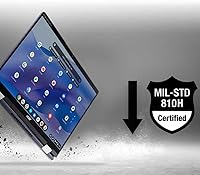
- The aluminum chassis feels premium and holds up well to daily use without flexing or creaking.
- Intel Evo certification means near-instant wake-from-sleep — no waiting around between tasks.
- The 14-inch 1920x1200 display gives you more vertical screen space than standard 1080p, which genuinely helps with documents.
- Chrome OS updates silently in the background — you never sit through a 20-minute patch cycle again.
- The Titan C2 security chip provides hardware-rooted protection that requires zero effort from the user.
- Weighing just over three pounds, this Chromebook travels light without sacrificing a full-size keyboard.
- Wi-Fi 6E support keeps the machine network-ready for next-generation routers.
- The backlit keyboard offers satisfying key travel that holds up during long writing sessions.
- 360-degree hinge modes are genuinely practical for presentations and on-the-go note-taking.
- Stylus support adds a useful annotation layer for students and professionals reviewing documents.
Cons
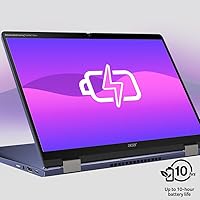
- Real-world battery life under active use lands closer to six hours, not the advertised ten.
- Android app behavior in desktop mode remains inconsistent — some apps feel broken rather than adapted.
- No SD card slot is a recurring frustration for photographers and anyone who offloads media regularly.
- The stylus is not included in the box, which feels like an oversight at this price point.
- Offline functionality is noticeably limited compared to Windows, which catches users off guard mid-flight.
- The glossy display surface picks up reflections in bright rooms and shows fingerprints from touch use.
- No fingerprint reader means login always requires a PIN or password — a missed convenience at this tier.
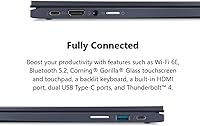
- HDMI output requires an adapter, adding a small but annoying dependency for projector or monitor users.
- The price tier invites direct comparison to Windows laptops that offer broader software compatibility.
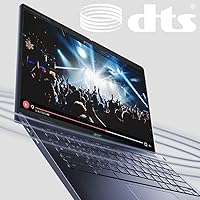
- Built-in speakers disappoint for media playback — thin and lacking bass at higher volumes.
Ratings
The scores below reflect an AI-driven analysis of verified global user reviews for the Acer Chromebook Spin 714 CP714-1WN-53M9, with spam, bot-generated, and incentivized feedback actively filtered out to ensure accuracy. Each category captures both the genuine strengths buyers celebrate and the friction points that surface repeatedly across real-world usage. Nothing has been softened — the ratings tell the full story.
Build Quality
Display Quality
Performance & Speed
Battery Life
Keyboard & Typing Experience
Touchscreen & Stylus Support
360-Degree Convertible Hinge
Chrome OS & Software Experience
Security Features
Portability & Weight
Wireless Connectivity
Port Selection
Value for Money
Audio Quality
Suitable for:
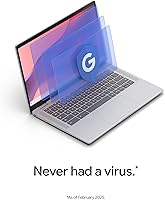
The Acer Chromebook Spin 714 CP714-1WN-53M9 is built for people whose work revolves around Google Workspace — if Gmail, Docs, Meet, and Drive make up the majority of your daily workflow, this machine removes nearly every point of friction. College students who move between classrooms, dorm rooms, and libraries will find the lightweight build and convertible modes genuinely practical rather than a novelty. Remote workers who want a machine that boots instantly, updates itself without interruption, and never demands an antivirus subscription will feel right at home here. The 360-degree hinge earns its keep for anyone who regularly presents to small groups or reviews content with colleagues side-by-side in tent mode. Security-conscious buyers — small business owners, healthcare adjacent professionals, educators — will appreciate the hardware-level protection that Chrome OS and the Titan C2 chip provide without requiring any manual configuration.
Not suitable for:
The Acer Chromebook Spin 714 CP714-1WN-53M9 is a poor fit for anyone whose job depends on Windows-native software — if you rely on the full version of Adobe Creative Suite, advanced AutoCAD workflows, or complex Excel macros with VBA, Chrome OS will frustrate you quickly. Buyers who work frequently in offline environments, on flights or in remote locations, should know that Chrome OS still lags behind Windows in how gracefully it handles disconnected work sessions. This convertible Chromebook is also not the right call for users who want a media consumption powerhouse — the speakers are average and the device is heavier than a dedicated tablet for extended one-handed reading. If you are comparing options primarily on storage and plan to keep large local video or photo libraries, 256GB with limited expansion options will feel tight over time. Finally, buyers who are not already committed to the Google ecosystem will likely find the value harder to justify at this price tier when capable Windows alternatives offer broader software compatibility for similar money.
Specifications
- Display: 14″ IPS touchscreen with a 1920x1200 resolution, offering a slightly taller 16:10 aspect ratio compared to standard 1080p panels.
- Processor: Intel Core i5-1235U running at 1.7 GHz base, part of the Intel Evo platform, with 10 cores for efficient multitasking.
- RAM: 8GB LPDDR4X memory running at 2400 MHz, soldered to the motherboard and not user-upgradeable.
- Storage: 256GB SSD provides fast local storage with no optical drive included.
- Graphics: Intel Iris Xe integrated graphics handles everyday tasks, light media editing, and video playback without a discrete GPU.
- Operating System: Ships with Chrome OS, Google's cloud-first operating system with built-in automatic updates and Google Play app support.
- Wireless: Wi-Fi 6E (802.11ax) and Bluetooth are included, supporting the latest wireless standards for fast, stable connectivity.
- Ports: Three USB 3.0 ports are available, along with USB-C connections supporting power delivery and display output.
- Battery: A single built-in Lithium Ion battery is rated for up to 10 hours, though real-world use typically yields six to eight hours under moderate workloads.
- Weight: The device weighs 3.09 pounds, making it portable enough for daily commutes and campus use without feeling overly heavy.
- Dimensions: The chassis measures 12.31 x 8.82 x 0.71 inches, keeping the profile slim enough to slide into most standard laptop sleeves.
- Hinge Design: A 360-degree convertible hinge allows the screen to rotate fully, enabling laptop, tablet, tent, and presentation modes.
- Security Chip: The Titan C2 security chip provides hardware-rooted protection for verified boot, encryption, and secure storage of credentials.
- Keyboard: A backlit keyboard with adjustable brightness supports comfortable typing in low-light environments, and the deck is compatible with an active stylus.
- Webcam: A full HD MIPI webcam is built into the display bezel, supporting clear video calls without an external camera.
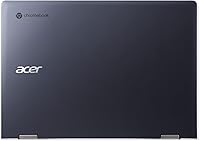
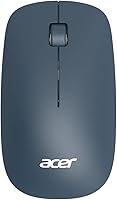
- Color: Available in Steel Blue, which gives the device a professional appearance distinct from typical consumer-grade silver or black finishes.
- Voltage: The device operates at 5 volts and charges via USB-C, compatible with standard USB-C power adapters and docks.
- Certification: Intel Evo certified, meaning the device has passed Intel's strict standards for instant wake, battery efficiency, and responsiveness thresholds.
Related Reviews
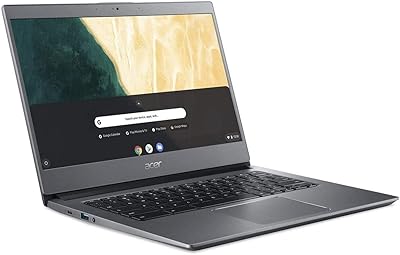
Acer Chromebook 714 CB714-1WT-3447
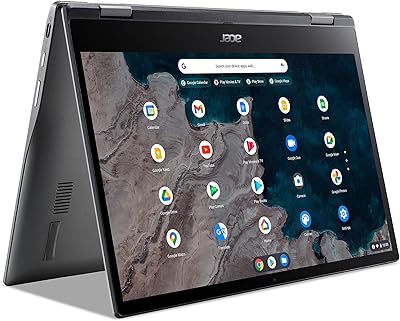
Acer Chromebook Spin 513 (4GB/64GB)
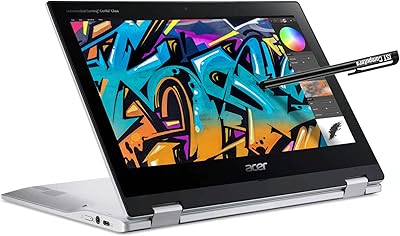
Acer Spin 311 2H
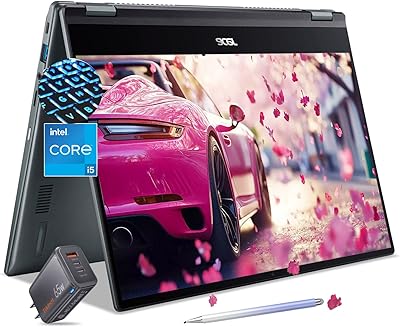
Acer Chromebook Spin 514 i5-1334U 8GB 512GB SSD 14-inch
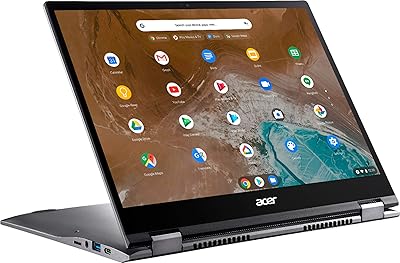
Acer Chromebook Spin 713 2-in-1, Intel Core i5-10210U, 8GB RAM, 128GB SSD
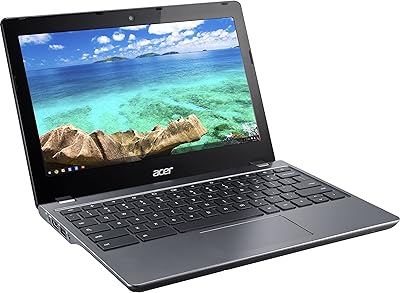
Acer Chromebook C740 11.6-inch Laptop
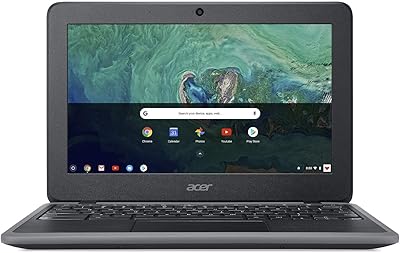
Acer Chromebook 11 C732-C6WU Laptop
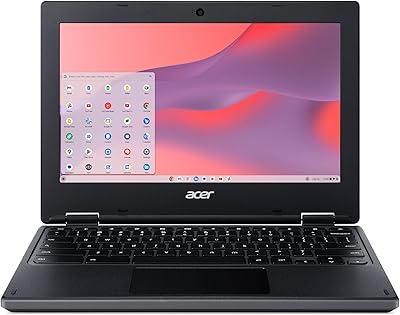
Acer Chromebook 311 CB311-10H-42LY

Acer Chromebook 315 15.6-inch Laptop