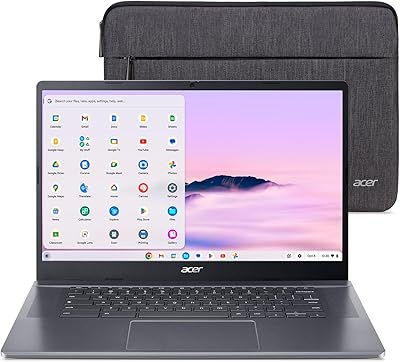
Acer Chromebook 714 CB714-1WT-3447
Overview
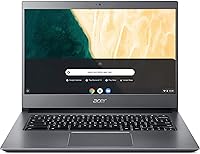
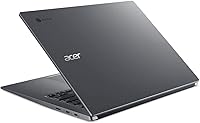
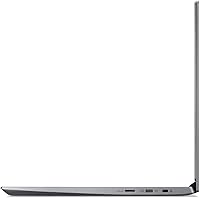
The Acer Chromebook 714 CB714-1WT-3447 blends performance and durability in a slim, professional design. Built from an aluminum chassis, this Chromebook feels sturdy while remaining portable for students and professionals alike. Its 14-inch Full HD touchscreen adds convenience for both browsing and creative work, and Chrome OS ensures a secure, efficient experience centered around web applications. Weighing just 3.5 pounds, this laptop balances usability with mobility, while the backlit keyboard and extended battery life make it a dependable companion for long study sessions or workdays.
Features & Benefits
Powered by an Intel Core i3 processor and 8GB of DDR4 RAM, this laptop handles everyday multitasking with ease. The 64GB eMMC storage supports quick boot times, ideal for users who rely on cloud storage. Its 14-inch Full HD touchscreen offers crisp visuals and intuitive navigation, while Intel UHD Graphics enhances streaming and media playback. With up to 12 hours of battery life, this Chromebook stays active through a full workday, and its USB-C and USB-A ports provide flexible connectivity for accessories or external displays.
Best For
This laptop suits students who want a lightweight, reliable machine for coursework and cloud projects. Professionals using Google Workspace will appreciate its seamless Chrome OS integration and quick access to productivity tools. Frequent travelers benefit from the fast startup, compact form, and solid battery life. It is also a smart pick for users who prefer a secure, low-maintenance computing environment without the overhead of traditional operating systems. Those focusing on browsing, writing, or streaming will find it practical and easy to live with day to day.
User Feedback
Owners often highlight the premium build quality and comfortable typing experience as standout traits. The touchscreen earns praise for its responsiveness, and many note that the device runs smoothly even with multiple tabs open. Battery performance lives up to expectations, lasting through a full day of light to moderate use. However, users occasionally mention limited local storage for offline work as a drawback. Overall sentiment is positive, with many describing it as a balanced Chromebook that delivers solid value, quiet operation, and long-term reliability for everyday tasks.
Pros
- The aluminum chassis feels sturdy and professional, holding up well to daily travel and use.
- Smooth performance from the Intel Core i3 processor allows quick multitasking across browser tabs and cloud apps.
- Battery life consistently lasts a full workday, even with streaming or document editing.
- The Full HD touchscreen provides sharp visuals and responsive touch control for browsing or presentations.
- This laptop remains cool and quiet during extended sessions, making it suitable for classrooms or libraries.
- Chrome OS boots quickly and simplifies updates, reducing maintenance time for students and office users.
- The backlit keyboard and large trackpad make typing comfortable in low-light environments.
- Wi-Fi stability and Bluetooth connectivity perform reliably during remote meetings or media playback.
- Lightweight build and slim profile make it easy to carry between classes or meetings.
- This device integrates seamlessly with Google Workspace for document sharing and cloud storage.
Cons
- Limited 64GB eMMC storage fills up quickly for users who save large files offline.
- Some users report the display could be brighter for outdoor visibility.
- Performance drops slightly under heavy multitasking or when running Android apps simultaneously.
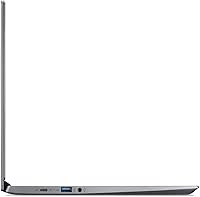
- No HDMI port means adapters are needed for external monitor setups.
- Offline functionality is restricted when working without an internet connection for extended periods.
- This Chromebook may not handle demanding tasks like video editing or complex spreadsheets efficiently.
- Speakers sound adequate but lack depth for music or movie playback.
- A few users mention the aluminum surface can show fingerprints over time.
- Upgrading storage or internal components is not supported, limiting customization.
- This laptop may feel limited for users transitioning from a full Windows or macOS system.
Ratings
RR-AI produced these aggregated scores after analyzing verified user reviews worldwide, across multiple languages and platforms for Acer Chromebook 714 CB714-1WT-3447. We removed spam, bot or incentivized posts, duplicates, off-topic comments and exaggerated entries so only authentic, high-quality feedback shaped the results; strengths and pain points from diverse sources are reflected in the scores.
Build quality & materials
Performance (everyday use)
Battery life
Display clarity & color
Keyboard & typing comfort
Touchscreen responsiveness
Portability and weight
Local storage capacity
Graphics and media playback
Connectivity and ports
Software and OS experience
Noise and thermals
Webcam and microphone
Value for money
Suitable for:
The Acer Chromebook 714 CB714-1WT-3447 is well suited for users who value reliability, simplicity, and portability in their daily computing. Students and educators benefit from its lightweight aluminum body, long battery life, and integration with Google Workspace for note-taking and assignments. Professionals who rely on web-based tools or remote collaboration find this laptop efficient for meetings, cloud storage, and multitasking across browser tabs. Its quiet operation and durable design also make it appealing for travelers, freelancers, and users who need a sturdy yet minimal device that can handle email, documents, and media streaming without frequent charging.
Not suitable for:
The Acer Chromebook 714 CB714-1WT-3447 is less ideal for buyers needing large local storage or running heavy desktop software. Creative professionals who use Adobe Suite, video editing, or CAD programs will find this laptop underpowered due to its limited internal memory and Chrome OS restrictions. Gamers or multimedia creators seeking advanced graphics performance should look toward Windows or macOS systems. It may also frustrate users with unstable internet connections, as its cloud-based nature relies heavily on online access. Those who store large files offline or prefer installing full software packages will encounter practical limitations in daily use.
Specifications
- Processor: Powered by an Intel Core i3-8130U dual-core processor designed for smooth multitasking and everyday computing.
- Memory: Equipped with 8GB DDR4 RAM, offering stable performance for multiple browser tabs and apps.
- Storage: Includes 64GB of eMMC storage suitable for light local file use and quick boot times.
- Display: Features a 14-inch Full HD touchscreen with a 1920x1080 resolution for crisp visuals.
- Graphics: Integrated Intel UHD Graphics 620 handles streaming, video playback, and web graphics smoothly.
- Operating System: Runs Chrome OS, optimized for cloud computing, automatic updates, and secure browsing.
- Battery Life: Offers up to 12 hours of battery runtime on a full charge depending on usage.
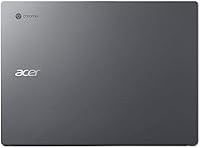
- Body Material: Constructed with a durable aluminum chassis that gives a premium and sturdy feel.
- Weight: Weighs approximately 3.5 pounds, balancing portability with a solid build.
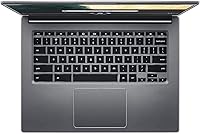
- Keyboard: Features a backlit full-size keyboard suitable for low-light environments.
- Connectivity: Supports 802.11ac Wi-Fi and Bluetooth for reliable wireless connections.
- Ports: Includes USB-C, USB-A, and audio jack ports for versatile peripheral connections.
- Webcam: Built-in HD webcam supports clear video calls and conferencing.
- Audio: Integrated stereo speakers deliver clear sound for multimedia and online meetings.
- Security: Protected by Chrome OS’s verified boot and automatic update features for enhanced data safety.
- Dimensions: Compact clamshell design with a slim profile for easy storage and transport.
- Color: Available in a Steel Gray finish that complements the metal construction.
- Charging: Charges via USB-C, allowing use with compatible chargers and accessories.
- Warranty: Comes with a standard manufacturer warranty covering defects in materials and workmanship.
Related Reviews
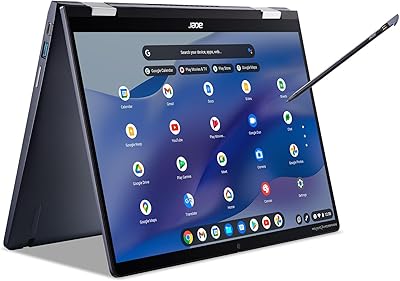
Acer Chromebook Spin 714 CP714-1WN-53M9
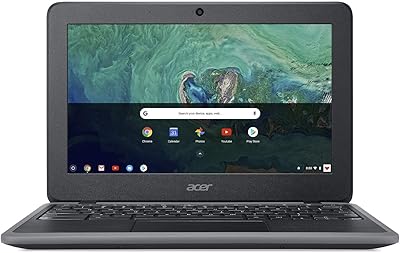
Acer Chromebook 11 C732-C6WU Laptop
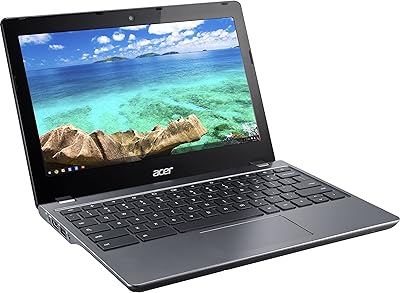
Acer Chromebook C740 11.6-inch Laptop
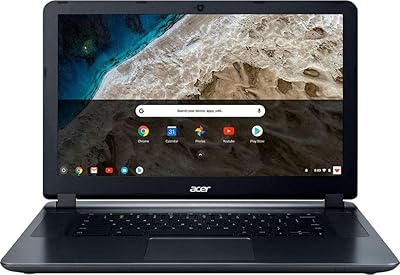
Acer Chromebook 15 CB3-532-C8DF Laptop
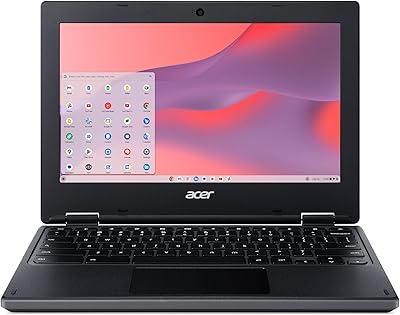
Acer Chromebook 311 CB311-10H-42LY
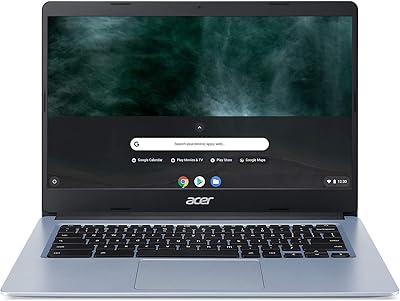
Acer Chromebook 314 14-inch Touchscreen Laptop

Acer Chromebook 315 15.6-inch Laptop
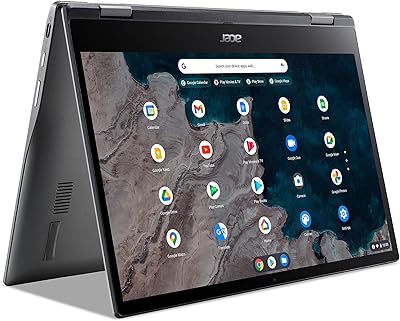
Acer Chromebook Spin 513 (4GB/64GB)
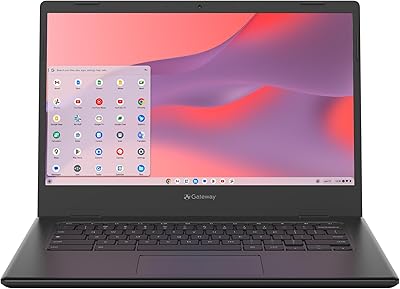
Acer Chromebook 314 14″ Laptop