

Overview
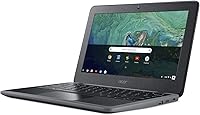
The Acer Chromebook 11 C732-C6WU Laptop is a no-frills, education-focused machine that punches above its weight for the price. Running Chrome OS means it boots fast, stays secure without antivirus headaches, and practically maintains itself. What makes this Chromebook stand out — especially at this tier — is the military-grade durability that most competitors skip entirely. At 11.6 inches and under three pounds, it slides easily into a backpack and holds up to the daily grind of classroom life. If you need a reliable student device or a low-stakes second laptop, the Acer C732 deserves a serious look.
Features & Benefits
The Intel Celeron N3350 handles the basics well — Google Docs, YouTube, a handful of browser tabs. Push it harder, though, and you will notice the slowdown. The 4GB of RAM keeps everyday tasks moving, but heavy multitasking simply is not what this machine was designed for. Storage is 32GB eMMC, which sounds tight, but Chrome OS is lean and the bundled 100GB of Google Drive picks up the slack. Battery life is a genuine strong suit — most users get through a full school day on one charge. The spill-resistant keyboard and microSD slot round out a practical, thoughtful package.
Best For
This 11-inch Chromebook was clearly designed with students in mind — K-12 kids spending their day in Google Classroom, Docs, or Slides will feel right at home. Budget-conscious parents will appreciate that it can take real-world punishment thanks to its rugged construction. It also works well as a travel companion for anyone living inside the Google ecosystem who does not want to risk their primary laptop on the road. Retirees or casual users wanting simple email and browsing without Windows update headaches will find the Acer C732 surprisingly pleasant. It is a second-machine buy — and a smart one.
User Feedback
Owners of this Chromebook are largely satisfied, with battery life and build drawing the most consistent praise — parents note it holds up impressively through a full school year. The downside: anyone expecting to juggle six or more browser tabs simultaneously will feel noticeable lag. Screen brightness gets flagged too, especially in sunlit classrooms where the display can look washed out. A concern worth researching before buying is the Chrome OS auto-update expiration policy — every model has a support end date, after which security updates stop. Not an immediate deal-breaker, but factor that into the long-term value calculation.
Pros
- All-day battery life holds up well in real school use, typically lasting a full day without hunting for an outlet.
- Military-grade durability makes the Acer C732 one of the tougher options available at this price point.
- Chrome OS boots in seconds and requires virtually no maintenance or manual updates from the user.
- Built-in virus protection removes a real ongoing cost and worry for families and casual users.
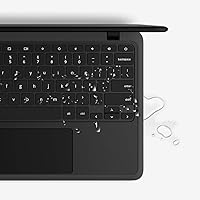
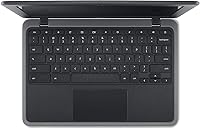
- The spill-resistant keyboard is a genuinely practical feature for kids and clumsy adults alike.
- Four USB 3.0 ports and a microSD card slot offer solid connectivity for the size and price.
- At under three pounds, this Chromebook is easy to carry daily without straining a school bag.
- 100GB of Google Drive storage is included, softening the blow of the limited local storage.
- The simple Chrome OS interface is approachable for first-time laptop users and older adults alike.
- Build quality consistently earns praise from parents who report it surviving a full school year of daily use.
Cons
- Multitasking with several browser tabs open causes noticeable slowdowns that can frustrate users mid-task.
- 32GB of local storage fills up fast for anyone who needs to work offline or store media locally.
- Display brightness falls short in well-lit classrooms or sunny rooms, making the screen hard to read.
- The 1366x768 resolution looks soft compared to sharper screens available on newer budget devices.
- Chrome OS auto-update support has an expiration date, which limits the long-term security lifespan of the device.
- Wi-Fi is limited to the older 802.11g standard, which may bottleneck speeds on modern home networks.
- No touchscreen option is available on this model, which some students and younger users now expect.
- Streaming video at higher quality while running other tasks can push the processor to its limits.
- Cloud dependency means the experience degrades significantly in areas with slow or unreliable internet access.
Ratings
Our AI rating system analyzed thousands of verified global purchases of the Acer Chromebook 11 C732-C6WU Laptop, actively filtering out incentivized reviews, bot activity, and spam to surface what real buyers consistently experienced. The scores below reflect an honest synthesis of both the standout strengths and the genuine frustrations that shaped how owners actually feel about this machine over time.
Build Quality
Battery Life
Performance
Display Quality
Value for Money
Keyboard & Trackpad
Portability
Chrome OS Experience
Storage Capacity
Connectivity
Audio Quality
Setup & Ease of Use
Durability Over Time
Webcam Quality
Suitable for:
The Acer Chromebook 11 C732-C6WU Laptop is genuinely well-matched for students from elementary through high school who spend most of their day inside Google Classroom, writing Docs, or jumping between educational websites. Parents shopping for a first laptop for a younger child will find real peace of mind in the military-grade construction — this machine was built to take a beating without falling apart after one semester. Casual home users who primarily browse the web, check email, or video call family will also find Chrome OS refreshingly simple to live with, since it handles updates automatically and does not require antivirus software or technical know-how. Retirees or anyone who has been burned by Windows maintenance headaches will appreciate how little this Chromebook demands of its owner. It also makes a smart, low-risk travel machine for Google-ecosystem users who do not want to carry their primary laptop on a trip.
Not suitable for:
The Acer Chromebook 11 C732-C6WU Laptop is a poor fit for anyone expecting Windows or macOS software compatibility — if your workflow depends on Adobe Creative Suite, Microsoft Office desktop apps, or any specialized desktop software, this machine simply cannot help you. Power users who routinely juggle many browser tabs, run web apps simultaneously, or stream video while working in the background will hit a performance wall that no amount of patience will fix. The 32GB of onboard storage becomes a real constraint for anyone without reliable internet access, since this Chromebook leans heavily on cloud storage rather than local files. Students or professionals who work in bright environments should also think twice, as the display brightness tends to struggle under strong ambient light. Finally, buyers planning to use this device for four or more years should investigate the Chrome OS auto-update expiration date for this model before committing, since security support does not last indefinitely.
Specifications
- Processor: Powered by an Intel Celeron N3350 dual-core processor running at up to 2.4GHz, suited for everyday web-based tasks.
- RAM: Equipped with 4GB of LPDDR4 memory, providing enough headroom for Chrome OS and light multitasking.
- Storage: Includes 32GB of eMMC internal storage, which is supplemented by cloud-based Google Drive access for additional file management.
- Display: Features an 11.6″ HD IPS display with a resolution of 1366x768 pixels for basic visual clarity in everyday use.
- Graphics: Uses integrated Intel HD Graphics 400, adequate for streaming standard-definition video and basic visual tasks.
- Battery: Rated at up to 12 hours of use on a full charge, backed by a 3920mAh battery cell.
- Operating System: Ships with Google Chrome OS, which includes automatic updates, built-in virus protection, and deep integration with Google apps.
- Weight: Weighs 2.78 pounds, making it light enough for daily transport in a school bag or carry-on.
- Dimensions: Measures 11.72 x 8.27 x 0.87 inches, offering a compact footprint suitable for small desks and shared spaces.
- Wireless: Supports 802.11g Wi-Fi for wireless internet connectivity, though it does not support newer Wi-Fi standards such as 802.11ac.
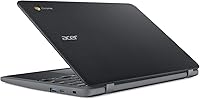
- USB Ports: Includes four USB 3.0 ports, allowing simultaneous connection of peripherals such as a mouse, flash drive, and external monitor adapter.
- Expandable Storage: Features a microSD card slot that allows users to expand local storage capacity beyond the built-in 32GB.
- Keyboard: The keyboard is spill-resistant, offering a practical layer of protection against accidental liquid exposure during everyday use.
- Durability: Built to a military-grade durability standard, designed to withstand drops, bumps, and the physical demands of daily school use.
- Cloud Storage: Comes bundled with 100GB of Google Drive storage, helping offset the limited onboard eMMC capacity for most users.
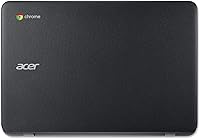
- Color: Available in grey, with a matte finish that resists minor scuffs and everyday surface wear.
- Power Supply: Compatible with a 45W power adapter, and the battery charges to a usable level within a reasonable timeframe under normal conditions.
- ASIN: Listed on Amazon under ASIN B0799Z328L, first made available in February 2018.
Related Reviews
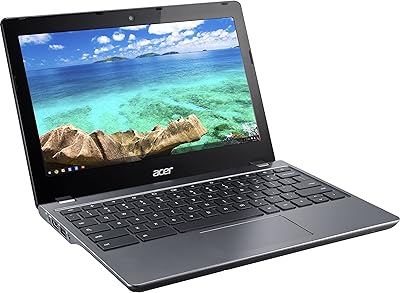
Acer Chromebook C740 11.6-inch Laptop

Acer Chromebook 315 15.6-inch Laptop
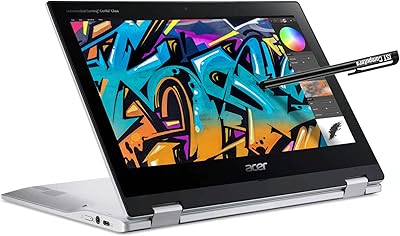
Acer Spin 311 2H

Samsung Chromebook 2 XE500C12-K01US 11.6-inch Laptop
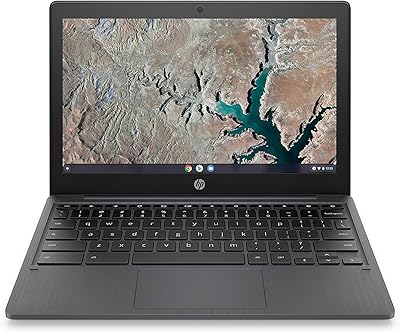
HP Chromebook 11a 11.6-inch Laptop
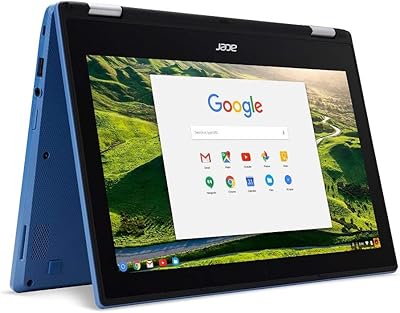
Acer Chromebook R11 11.6-inch Touchscreen Chromebook
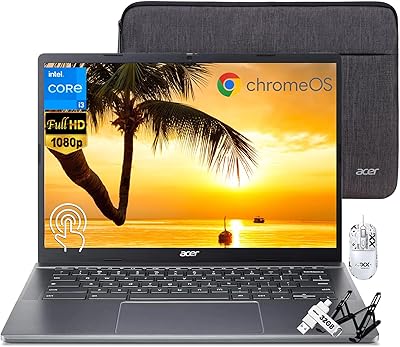
Acer Chromebook Plus 514 14″ Touchscreen Laptop
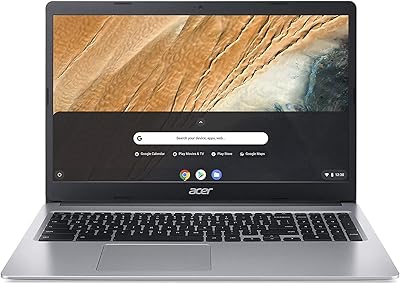
Acer Chromebook 315 15.6″ Laptop, AMD A12-9720P, 4GB RAM, 32GB eMMC, Chrome OS
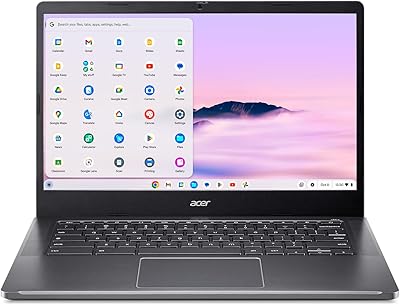
Acer Chromebook Plus 514 CB514-4HT