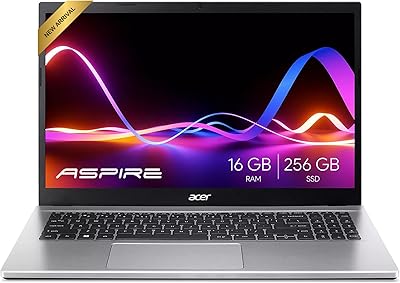
Acer Chromebook 15 CB3-532-C8DF Laptop
Overview
The Acer Chromebook 15 CB3-532-C8DF Laptop arrived in 2018 as one of the few budget notebooks offering a 15.6-inch screen at an accessible price, and for casual everyday users, it still makes a reasonable case for itself today. Chrome OS keeps things simple — it boots quickly, updates itself in the background, and comes with built-in virus protection without asking you to manage anything. This 15-inch Chromebook is not built for heavy lifting. Expect solid performance for browsing, streaming, and working in Google's app suite, but don't expect it to handle demanding or specialized software.
Features & Benefits
The CB3-532 runs on an Intel Celeron N3060 chip — not a speed demon by any measure, but capable enough for juggling a handful of browser tabs, watching YouTube, and editing documents in Google Workspace. The 15.6-inch HD display is the real draw here; most Chromebooks in this price range top out at 11 or 13 inches, so the extra screen real estate genuinely feels like a plus. Four gigabytes of RAM keeps day-to-day use smooth, and while 16GB of onboard storage sounds tight, the included 100GB of Google Drive space offsets the squeeze for most people.
Best For
This Acer Chromebook is a natural fit for students who spend most of their day in Google Classroom, Docs, or Sheets, and who want something that just works without constant troubleshooting. It also suits seniors and first-time users who appreciate the straightforward Chrome OS interface and the peace of mind that comes with automatic updates and no-fuss security. The larger screen makes it easier on the eyes for reading and video calls. If you need a capable secondary household laptop that multiple family members can share without friction, this 15-inch Chromebook fits that role well.
User Feedback
Buyers consistently call out the large screen at this price as the CB3-532's biggest selling point, and battery life gets nearly as much praise — many report genuinely getting through a full day without reaching for the charger. On the flip side, the 16GB of internal storage frustrates users who try to install several Android apps, since space disappears faster than expected. The screen resolution also draws some criticism; at 1366x768, text and images look noticeably softer than on newer displays. People expecting a Windows replacement tend to leave disappointed, but those who understand what Chrome OS is — and isn't — generally find it a reliable everyday workhorse.
Pros
- One of the few budget Chromebooks offering a full 15.6-inch screen, which makes a real difference for daily comfort.
- Chrome OS boots in seconds and keeps itself updated automatically with no user effort required.
- Battery life regularly holds up through a full day of light use, which is a genuine practical advantage.
- Built-in virus protection and a simple interface make this Acer Chromebook especially approachable for non-technical users.
- The included 100GB of Google Drive storage meaningfully offsets the tight onboard space for most everyday users.
- Dual USB 3.0 ports and an HDMI output cover the connectivity basics without needing a hub or adapter.
- At 4.3 pounds, it is portable enough to carry between rooms or toss in a bag for short trips.
- Access to the Google Play Store adds a broad library of Android apps for entertainment and productivity.
- The CB3-532 holds up well for core Google Workspace tasks even years after its original release.
Cons
- The Celeron N3060 chip shows its age under any kind of multitasking pressure beyond basic browsing.
- 16GB of onboard storage fills up fast once you start downloading Android apps, with no upgrade path available.
- The 1366x768 screen resolution looks noticeably soft compared to Full HD displays common on newer budget laptops.
- Native Windows and Mac applications are not supported, which is a hard dealbreaker for many work or school scenarios.
- Performance can feel sluggish when too many browser tabs are open simultaneously, even with 4GB of RAM.
- The display lacks brightness and color vibrancy that would make it genuinely enjoyable for longer media sessions.
- No microSD card slot is available on this model, leaving cloud storage as the primary workaround for limited space.
- As a 2018 device, Chrome OS support timelines are worth checking before purchasing, since older Chromebooks eventually lose update eligibility.
Ratings
The scores below reflect an AI-driven analysis of verified global user reviews for the Acer Chromebook 15 CB3-532-C8DF Laptop, with spam, bot-generated feedback, and incentivized reviews actively filtered out to ensure accuracy. This 15-inch Chromebook has been evaluated across categories that real buyers care about most, from everyday performance to long-term reliability. Both the genuine strengths and the recurring frustrations are represented transparently so you can make a fully informed decision.
Value for Money
Battery Life
Screen Size & Usability
Display Quality
Performance & Speed
Storage Capacity
Build Quality & Design
Keyboard & Typing Experience
Trackpad Responsiveness
Software & OS Experience
Portability & Weight
Connectivity & Ports
Setup & Ease of Use
Long-Term Reliability
Suitable for:
The Acer Chromebook 15 CB3-532-C8DF Laptop is a practical choice for anyone whose daily computing revolves around browsing the web, streaming video, and working inside Google's suite of apps. Students in middle school, high school, or even college who primarily use Google Classroom, Docs, and Sheets will find it more than capable for those tasks, and the larger 15.6-inch screen makes reading and writing noticeably more comfortable than the compact 11-inch Chromebooks that dominate this price range. Seniors or less tech-savvy users who want a low-maintenance machine will appreciate that Chrome OS largely takes care of itself — updates happen quietly, there is no antivirus to manage, and the interface stays uncluttered. It also works well as a shared household laptop for light tasks, or as a secondary machine for someone who already owns a more powerful computer but wants something simple and portable for the couch or kitchen table.
Not suitable for:
Anyone expecting this 15-inch Chromebook to replace a Windows or Mac laptop for professional or creative work is going to run into frustrating limitations fairly quickly. The Celeron N3060 processor was mid-range at best when it launched in 2016, and in 2024 it struggles noticeably with anything beyond basic multitasking — if you routinely work with spreadsheets containing large data sets, edit photos, or run multiple video streams simultaneously, the performance ceiling will feel low. The 16GB of onboard storage is genuinely restrictive if you plan to install many Android apps, and there is no upgrading it after purchase. Users who depend on native Windows software — whether for work, gaming, or specialized tools — will find that Chrome OS simply does not support those programs. If video quality matters to you, the 1366x768 display resolution looks soft by modern standards, and anyone accustomed to a Full HD or higher screen may find it hard to go back.
Specifications
- Brand & Model: This laptop is manufactured by Acer under the model designation CB3-532-C8DF, part of the Chromebook 15 series.
- Operating System: The device runs Chrome OS, Google's cloud-oriented operating system designed for straightforward, low-maintenance everyday computing.
- Processor: It is powered by an Intel Celeron N3060 dual-core processor running at up to 2.48 GHz, suited for light to moderate workloads.
- RAM: The system includes 4GB of LPDDR3 RAM, which supports casual multitasking across browser tabs, streaming, and basic Android apps.
- Storage: Onboard storage is 16GB eMMC flash memory, a fast but space-limited solution complemented by 100GB of included Google Drive cloud storage.
- Display: The 15.6-inch HD display outputs at a resolution of 1366x768 pixels, offering a larger viewing area than most Chromebooks in this price tier.
- Graphics: Graphics are handled by integrated Intel HD Graphics 400, adequate for HD video playback and light Android gaming but not designed for GPU-intensive tasks.
- Wireless: The CB3-532 supports 802.11ac (Wi-Fi 5) wireless connectivity, providing faster and more stable connections than older Wi-Fi standards on compatible routers.
- Ports: Connectivity includes two USB 3.0 ports and one full-size HDMI output, covering common peripheral and external display needs without a hub.
- Battery Life: Acer rates battery endurance at up to 12 hours of use, and real-world feedback suggests this estimate holds reasonably well under light workloads.
- Weight: The laptop weighs 4.3 pounds, making it portable enough for commuting or moving between rooms while still feeling substantial in hand.
- Dimensions: Physical dimensions measure 15.08 x 10.08 x 0.95 inches, giving it a slim but full-sized laptop footprint appropriate for a 15.6-inch screen chassis.
- Color: The device is available in a matte black finish that resists fingerprint smudging reasonably well under normal daily handling.
- Cloud Storage: Each unit comes with 100GB of Google Drive storage included, which significantly extends the effective usable storage beyond the 16GB local drive.
- Optical Drive: There is no optical drive included, which is standard practice for modern Chromebooks given their cloud-first storage approach.
- Chipset: The system runs on an Intel chipset, with the Celeron N3060 SoC integrating both CPU and GPU functions onto a single low-power platform.
- Availability Date: The CB3-532-C8DF was first made available for purchase in February 2018, placing it in the older budget segment of the Chromebook market.
Related Reviews
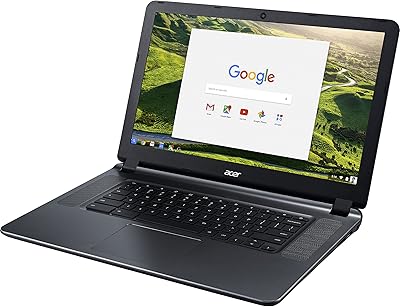
Acer Chromebook 15 CB3-532-C42P, Intel Celeron N3060, 15.6″, 4GB RAM, 16GB eMMC

Acer Chromebook 315 15.6-inch Laptop
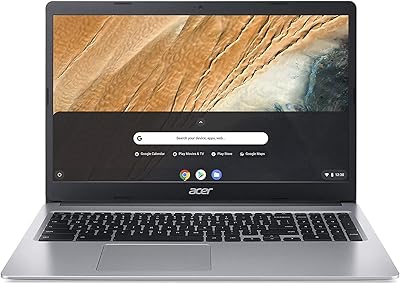
Acer Chromebook 315 15.6″ Laptop, AMD A12-9720P, 4GB RAM, 32GB eMMC, Chrome OS
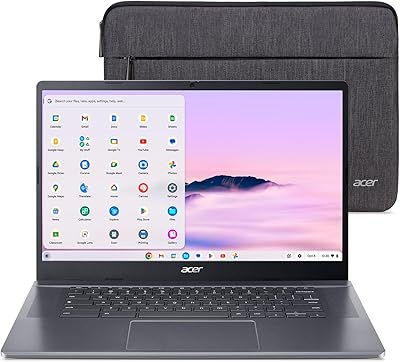
Acer Chromebook Plus 515 15.6-inch
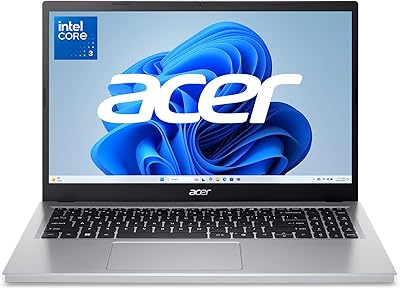
Acer Aspire Go 15 AG15-32P-39R2
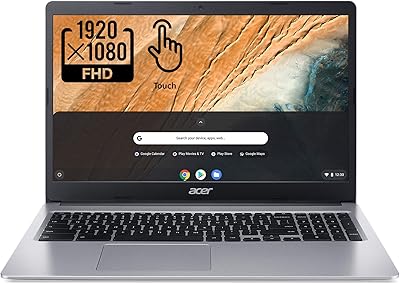
Acer Chromebook 315 15.6″ Laptop
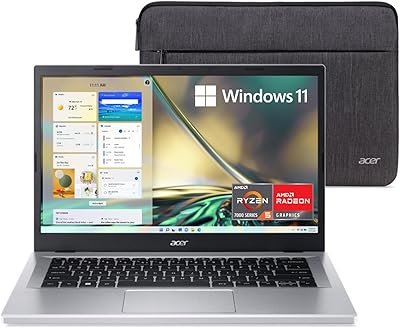
Acer Aspire 3 A315-24PT-R0UX 15.6″ Laptop 16GB 512GB SSD
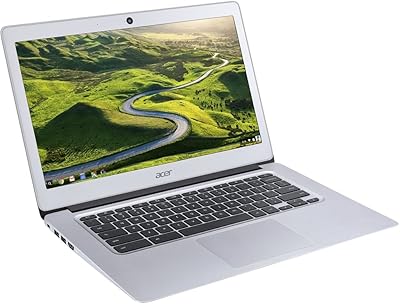
Acer Chromebook 14 CB3-431, Intel Celeron N3160, 4GB RAM, 32GB Storage
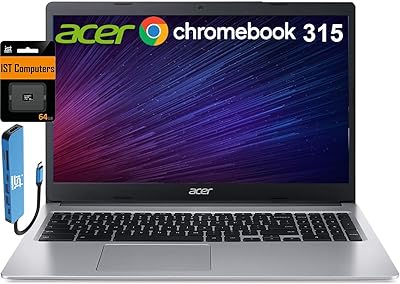
Acer Chromebook 315 15.6-inch Laptop