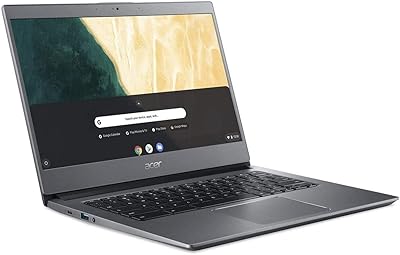
Acer Chromebook Plus 514 CB514-4HT



Overview
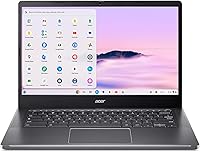
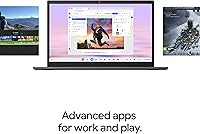
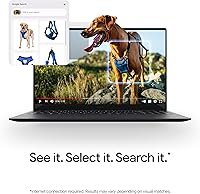
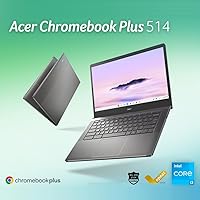
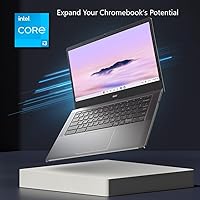
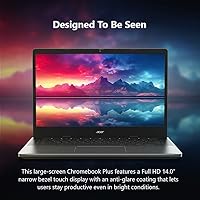
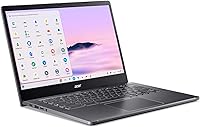
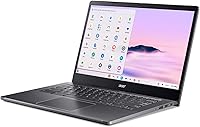
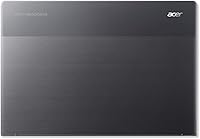
The Acer Chromebook Plus 514 CB514-4HT is a well-rounded mid-range laptop that punches above its weight for students, remote workers, and casual creatives who live primarily in the cloud. Its 14″ full HD touchscreen is a genuine differentiator at this price — sharp, responsive, and coated to cut glare in bright rooms. Weighing just 3.15 lbs, this Chromebook Plus slips easily into a backpack without strain. Chrome OS keeps things fast, secure, and clutter-free, and a bundled 12-month Google AI Pro subscription adds real value out of the box. Just know upfront: if your workflow depends on offline Windows software, this is not your machine.
Features & Benefits
The Intel Core i3-N305 inside this Acer 14-inch Chromebook uses an 8-core efficiency architecture that handles everyday tasks noticeably better than the older processors found in entry-level Chromebooks. Pair that with 8GB of LPDDR5 RAM and you can comfortably run two dozen browser tabs, a video stream, and a Google Meet call without things grinding to a halt. Storage starts at 128GB SSD — workable, but a memory card slot is there when you need more room. Wi-Fi 6E keeps connections fast on supported networks, and the Titan C2 security chip handles protection quietly in the background. No antivirus subscriptions needed. No fussing with updates at inconvenient times.
Best For
This Chromebook Plus is an easy recommendation for students and remote workers whose daily computing happens mostly online. If your toolkit is Google Workspace, YouTube, video calls, and the occasional web-based app, the CB514-4HT covers those bases without complaint. Households looking for a low-maintenance secondary laptop — one that boots fast, stays secure, and never asks you to run a virus scan — will find it a practical pick. Casual photo editors can tap Google Photos AI tools or the web version of Adobe Photoshop without needing a powerful machine. That said, buyers still deeply tied to Windows-only software should think carefully before making the switch.
User Feedback
Buyers consistently praise the display quality and day-to-day performance for web-heavy tasks, and many note the battery holding up close to the claimed 11 hours during lighter use. The build quality earns positive mentions too — it does not feel cheap for the tier. On the other side, local storage is a recurring gripe: 128GB disappears quickly if you download video files or install Android apps. The touchscreen earns good marks overall but will not match the precision of a premium convertible. A few users switching from Windows mention an adjustment period around app compatibility, particularly for niche software. Most buyers feel they got solid value for what they paid.
Pros
- The 14″ IPS touchscreen is sharp, anti-glare coated, and genuinely competitive at this price tier.
- Battery holds up through a full school or workday under typical light-to-moderate usage.
- Chrome OS stays fast, clean, and secure without antivirus software or manual maintenance.
- Wi-Fi 6E delivers noticeably stable, fast connections on compatible modern routers.
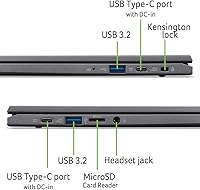
- Four USB 3.0 ports offer practical connectivity that many thin laptops cut corners on.
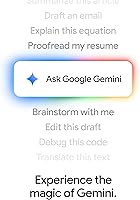
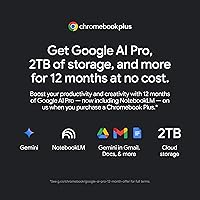
- The included 12-month Google AI Pro subscription adds immediate, tangible value out of the box.
- At 3.15 lbs, this Chromebook Plus is genuinely easy to carry through long commutes or campus days.
- The Core i3-N305 handles web-based multitasking and streaming with room to spare.
- A built-in memory card slot provides a simple, affordable path to more local storage when needed.
- Setup takes minutes — sign in with a Google account and you are fully operational immediately.
Cons
- 128GB local storage fills up faster than expected, especially with Android apps or offline media.
- Chrome OS compatibility gaps create real frustration for users reliant on Windows-only software.
- The 60Hz display refresh rate feels dated compared to competitors offering 90Hz or 120Hz panels.
- Google AI Pro is a 12-month bundle — renewal costs apply after the first year, which adds up.
- Webcam performance degrades noticeably in dim or artificial lighting conditions.
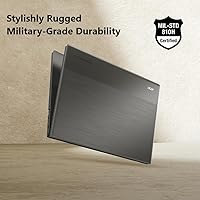
- The plastic chassis lid has more flex than buyers used to premium build materials will find comfortable.
- Touchscreen precision falls short of higher-end convertibles for annotation or drawing use cases.
- Battery life drops meaningfully when screen brightness is high or Android apps are running.
- No native stylus support limits the creative utility of the touchscreen for detail-oriented tasks.
- Users switching from Windows face a genuine learning curve around app availability and OS behavior.
Ratings
The Acer Chromebook Plus 514 CB514-4HT has been scored by our AI system after analyzing thousands of verified global buyer reviews, with spam, incentivized, and bot-generated feedback actively filtered out before any score was calculated. The ratings below reflect the honest range of real user experiences — strengths celebrated where earned, frustrations flagged where they matter. Both sides of the story are represented here so you can make a genuinely informed decision.
Everyday Performance
Display Quality
Touchscreen Responsiveness
Battery Life
Build Quality & Design
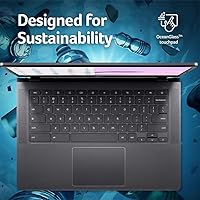
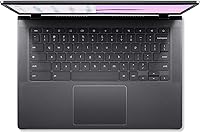
Keyboard & Trackpad
Storage Adequacy
Chrome OS Ecosystem
Google AI Pro Value
Webcam Quality
Wi-Fi & Connectivity
Portability
Setup & Ease of Use
Value for Money
Suitable for:
The Acer Chromebook Plus 514 CB514-4HT was built with a clear audience in mind, and for that audience it delivers consistently. Students from middle school through college will find it covers every schoolwork scenario — Google Docs essays, research tabs, Classroom assignments, and video calls — without ever feeling underpowered for those tasks. Remote workers whose daily toolkit lives in the browser, whether that means Meet calls, Sheets, Slack via the web, or cloud storage management, will appreciate how reliably this Chromebook Plus handles that workload through a full day on battery. Households looking for a low-drama secondary computer — something anyone can pick up, log into, and use without IT support or antivirus anxiety — will find Chrome OS genuinely refreshing in its simplicity. Casual photo editors can take advantage of Google Photos AI tools and even the web version of Adobe Photoshop for light retouching without needing a dedicated creative workstation. If you already live inside Google's ecosystem and want a touchscreen laptop without stretching your budget to Windows ultrabook territory, this Acer 14-inch Chromebook is a practical, well-considered choice.
Not suitable for:
The Acer Chromebook Plus 514 CB514-4HT is a poor fit for anyone whose work or studies depend on software that only runs natively on Windows or macOS. If your workflow includes specialized tools like AutoCAD, full Adobe Creative Suite desktop apps, industry-specific databases, or even certain academic programs that require Windows-only installations, Chrome OS will create real friction that no workaround fully resolves. Power users who need strong local processing for video editing, 3D rendering, or gaming beyond cloud-based streaming services will hit the hardware ceiling quickly. Buyers who store large volumes of media locally — downloaded video libraries, RAW photo collections, or offline game installs — will find the 128GB base storage genuinely limiting in practice. Anyone sensitive to display smoothness who has spent time on a 120Hz screen will notice the 60Hz refresh rate during everyday scrolling. Professionals who rely on video calls for client-facing appearances may also find the webcam just adequate rather than impressive in challenging lighting. If any of these scenarios describes your typical day, the CB514-4HT is likely the wrong tool for the job regardless of its other merits.
Specifications
- Display: 14″ IPS touchscreen with 1920×1080 resolution, anti-glare coating, and a narrow bezel design for comfortable extended viewing.
- Refresh Rate: The display runs at 60Hz, which is standard for this category but less smooth than the 90Hz or 120Hz panels found on higher-end laptops.
- Processor: Intel Core i3-N305 running at 1.8GHz base with an 8-core efficiency architecture designed for sustained everyday performance with low heat output.
- RAM: 8GB of LPDDR5 memory is soldered to the motherboard and cannot be upgraded after purchase.
- Storage: 128GB SSD internal storage, with a built-in memory card slot available for affordable capacity expansion via a compatible SD or microSD card.
- Graphics: Intel UHD integrated graphics handle standard web content, video playback, and light image editing without a discrete GPU.
- Operating System: Ships with Chrome OS, Google's cloud-first operating system, with automatic background updates and built-in security features.
- Security: Titan C2 security chip combined with Chrome OS sandboxing provides hardware-level protection without requiring third-party antivirus software.
- Wi-Fi: Wi-Fi 6E (802.11ax) with Bluetooth for fast, low-latency wireless connections on compatible 6GHz band routers.
- Ports: Four USB 3.0 ports provide generous wired connectivity for peripherals, external drives, and accessories without needing a hub.
- Webcam: Full HD (1080p) front-facing camera suitable for video calls and virtual meetings under good lighting conditions.
- Battery Life: Rated for up to 11 hours of use, with real-world performance typically ranging from 7 to 11 hours depending on screen brightness and workload.
- Weight: 3.15 lbs makes this Chromebook Plus practical for daily commutes, campus carry, or desk-to-couch portability around the home.
- Dimensions: Measures 12.87 × 8.86 × 0.81 inches, giving it a standard 14-inch laptop footprint that fits most standard laptop sleeves and bags.
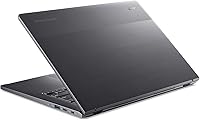
- Color & Material: Steel Gray plastic chassis with a finish that resists casual fingerprints, though the lid exhibits some flex under pressure.
- Bundled Software: Includes a 12-month Google AI Pro subscription covering Gemini access, NotebookLM, and 2TB of Google One cloud storage at no additional cost.
- Voltage & Battery: Powered by an 11.1-volt lithium-ion battery pack that is included and integrated into the unit.
- Processor Cores: The Core i3-N305 features 8 efficiency cores with no performance cores, optimized for power-efficient sustained workloads over burst-heavy tasks.
Related Reviews
Acer Chromebook Plus 514 14″ Touchscreen Laptop
Acer Chromebook 514 14-inch Laptop
Acer Chromebook Plus 515 15.6-inch
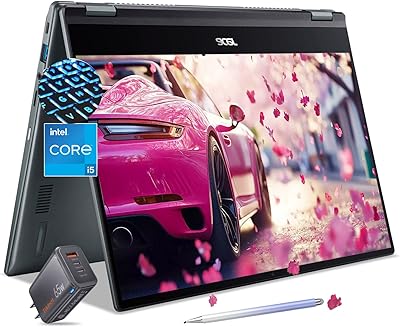
Acer Chromebook Spin 514 i5-1334U 8GB 512GB SSD 14-inch
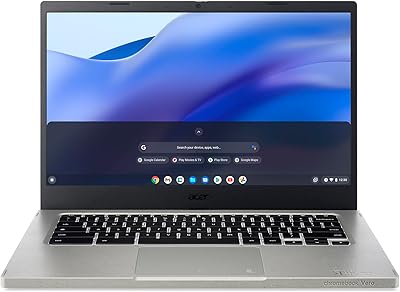
Acer Vero 514 14″ Chromebook
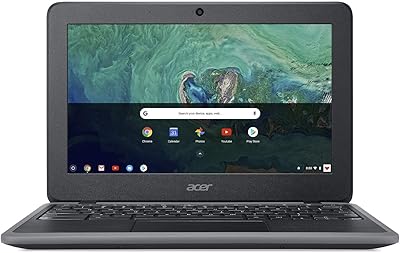
Acer Chromebook 11 C732-C6WU Laptop
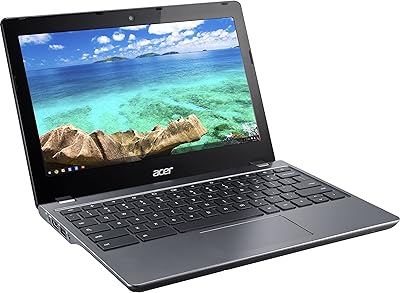
Acer Chromebook C740 11.6-inch Laptop
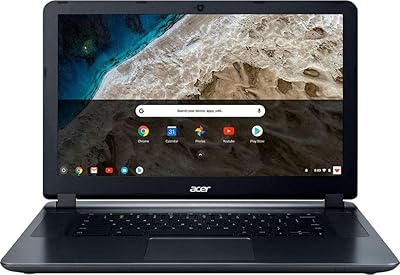
Acer Chromebook 15 CB3-532-C8DF Laptop
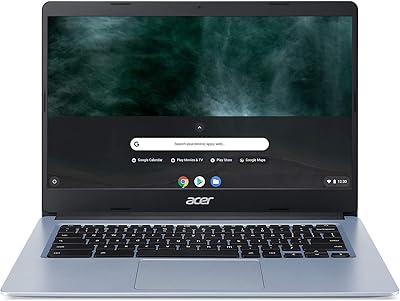
Acer Chromebook 314 14-inch Touchscreen Laptop