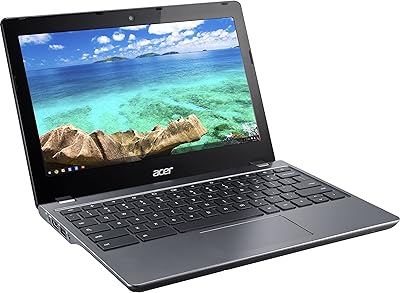
Acer Chromebook R11 11.6-inch Touchscreen Chromebook
Overview
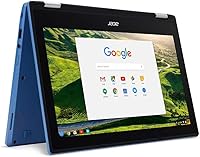
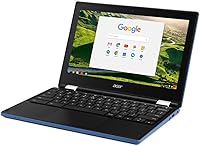
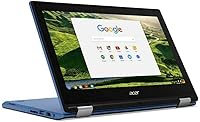
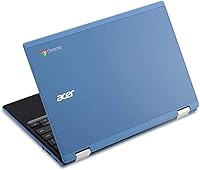
The Acer Chromebook R11 11.6-inch Touchscreen Chromebook is a compact, entry-level machine built around the idea that most of what people do daily happens inside a browser. It is not trying to be a powerhouse — and it should not be judged as one. The 11.6-inch IPS touchscreen gives it a flexibility that plain laptops at this price tier rarely offer, making it feel more versatile than its specs alone suggest. Build quality is decent, and at 3.8 pounds it travels without complaint. Just know going in: Chrome OS is the backbone here, and that single fact shapes the entire experience.
Features & Benefits
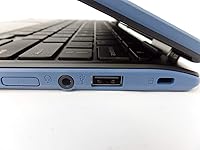
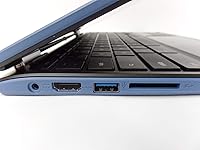
The 10-point multitouch display is one of this Acer Chromebook's stronger qualities — the anti-glare coating holds up well in bright rooms, and touch response is snappy enough for everyday use. Under the hood, the Intel Celeron N3060 handles email, YouTube, and light document work without much fuss, but open a dozen browser tabs and you will feel the slowdown. The 32GB of onboard storage sounds tight, and it is — Chrome OS leans heavily on Google Drive, so local files matter less than they would on Windows. Battery life regularly clears eight hours in real-world conditions, which is a genuine bright spot. Port selection covers the basics: two USB-A sizes plus HDMI.
Best For
The R11 makes the most sense for students — particularly those working in Google Classroom or Docs all day — and for parents who want a kid-friendly machine that is low-maintenance and hard to seriously break. Light home users who stream video, browse, and handle banking online will find it more than capable. It is also a solid pick for frequent travelers who prioritize long battery life in a small form factor over raw processing muscle. If you are already deep in the Google ecosystem — Drive, Gmail, Meet — this touchscreen Chromebook will feel intuitive quickly. Anyone needing Windows software or heavy local applications should look at other options.
User Feedback
Owners of the R11 consistently praise how fast it sets up and how little day-to-day upkeep it demands — no antivirus worries, quiet automatic updates, and very few headaches. Battery longevity draws the most compliments, with many users reporting it easily outlasts a full school day. The friction comes almost entirely from mismatched expectations: buyers who did not realize Chrome OS cannot run traditional Windows programs are often the most frustrated, and that pattern repeats across reviews. A few long-term owners have noted hinge stiffness developing over time. It is also worth checking Google's official Auto Update Expiration date for this model before buying, as software support has a defined end point.
Pros
- Battery life routinely clears eight or more hours in everyday use, making it genuinely all-day capable.
- The 11.6-inch IPS touchscreen is responsive and comfortable to use, with an anti-glare coating that holds up in bright environments.
- Chrome OS boots in seconds and stays out of your way — no bloatware, no lengthy update reboots.
- At 3.8 pounds with a compact footprint, the R11 slips into a bag without adding noticeable weight.
- Setup takes minutes for anyone with a Google account — no drivers, no configuration headaches.
- Dual-band 802.11ac Wi-Fi delivers stable, fast connections for streaming and video calls.
- The inclusion of HDMI, USB 3.0, and USB 2.0 covers the connectivity basics without needing a hub for most users.
- Chrome OS requires virtually no ongoing maintenance, making it ideal for non-technical users or kids.
Cons
- 32GB of local storage fills up quickly for anyone who does not embrace cloud-first workflows.
- The Intel Celeron N3060 struggles noticeably when more than six or seven browser tabs are open simultaneously.
- Offline capability is limited — many Chrome apps rely heavily on an active internet connection to function fully.
- This is an older model, and buyers should verify its Chrome OS Auto Update Expiration date before committing.
- The 1366x768 screen resolution looks dated compared to newer budget Chromebooks now shipping with 1080p displays.
- Hinge durability has come up in long-term owner reviews, suggesting it may loosen or stiffen with heavy use over time.
- No Android app compatibility is guaranteed to be smooth given the age of the hardware and Chrome OS version constraints.
- Buyers expecting Windows-like flexibility are frequently disappointed — the OS gap catches people off guard.
Ratings
The scores below for the Acer Chromebook R11 11.6-inch Touchscreen Chromebook were generated by our AI system after analyzing thousands of verified global user reviews, with spam, incentivized submissions, and bot activity actively filtered out. Each category reflects a weighted synthesis of real buyer experiences — the highs and the frustrations alike. Nothing has been softened or inflated to make the product look better than it actually performs in everyday hands.
Battery Life
Value for Money
Display Quality
Touchscreen Responsiveness
Performance & Speed
Storage Capacity
Build Quality & Durability
Portability
Keyboard & Trackpad
Wi-Fi & Connectivity
Setup & Ease of Use
Webcam Quality
Software & OS Experience
Port Selection
Long-Term Ownership Value
Suitable for:
The Acer Chromebook R11 11.6-inch Touchscreen Chromebook is a strong fit for students from middle school through college who live inside Google Workspace — Docs, Slides, Classroom, and Meet cover the vast majority of what they need daily, and this machine handles all of it without complaint. Parents hunting for an affordable, durable-enough secondary device for younger kids will also find it hard to argue with: Chrome OS is genuinely low-maintenance, updates itself quietly, and keeps children away from the kind of software-install chaos that plagues Windows machines in family homes. Frequent travelers and daily commuters who need something light enough to toss in a bag and battery life long enough to skip hunting for an outlet will appreciate the R11 as a reliable companion. If your digital life already revolves around Gmail, Drive, and Chrome, the transition to this touchscreen Chromebook is practically effortless.
Not suitable for:
The Acer Chromebook R11 11.6-inch Touchscreen Chromebook is not the right call for anyone who depends on Windows-only software — think Adobe Photoshop, Microsoft Office desktop apps, specialty business tools, or PC gaming. The Celeron processor and 4GB of RAM also make it a poor choice for people who habitually juggle many browser tabs, run web-based video editors, or use their laptop for anything remotely demanding. The 32GB of internal storage will feel claustrophobic for users who work offline frequently or store media locally. Professionals who need a reliable primary work machine, creatives, or anyone whose workflow extends beyond basic web browsing should be looking at a different category of device entirely. It is also worth researching Google's Auto Update Expiration date for this model before purchasing — if software support is approaching its end, long-term value diminishes considerably.
Specifications
- Screen Size: The display measures 11.6 inches diagonally and uses an IPS panel for consistent color and viewing angles.
- Resolution: The screen renders at 1366 x 768 pixels, which is standard HD and adequate for web browsing and video at this size.
- Touchscreen: The display supports 10-point multitouch input, allowing natural finger gestures directly on the screen.
- Anti-Glare: A factory-applied anti-glare coating reduces reflections, making the screen more usable in brightly lit rooms or outdoors.
- Processor: An Intel Celeron N3060 dual-core processor runs at up to 2.48GHz and is designed for light, web-centric workloads.
- RAM: The system includes 4GB of DDR3L onboard memory, which is soldered and cannot be upgraded after purchase.
- Storage: Internal storage is 32GB eMMC, a flash-based format that is faster than a traditional hard drive but limited in capacity.
- Operating System: The device ships with Google Chrome OS, a cloud-first platform built around the Chrome browser and Google services.
- Battery Life: Acer rates battery life at up to 10 hours, with real-world usage typically falling between 7 and 9 hours depending on screen brightness and activity.
- Wi-Fi: 802.11ac dual-band Wi-Fi with 2x2 MIMO antenna technology supports both 2.4GHz and 5GHz networks for faster, more stable connections.
- Bluetooth: Bluetooth 4.0 is built in, supporting wireless peripherals such as mice, keyboards, and headphones.
- Ports: Connectivity includes one USB 3.0 port, one USB 2.0 port, and one full-size HDMI output for connecting to external displays.
- Webcam: A built-in HD webcam is positioned above the display and is suitable for video calls and virtual meetings.
- Graphics: Graphics are handled by Intel integrated graphics built into the Celeron processor, adequate for HD video playback but not gaming.
- Weight: The unit weighs 3.8 pounds, making it portable enough for daily bag carry without significant strain.
- Dimensions: The chassis measures approximately 11.57 x 8.03 x 9.33 inches, keeping it compact relative to standard 13-inch and 15-inch laptops.
- Color: The reviewed unit is available in Blue, with a textured plastic lid that resists minor scuffs reasonably well.
- Power: The device is powered by a built-in lithium polymer battery and charges via its included proprietary AC adapter.
Related Reviews
Acer Spin 311 2H
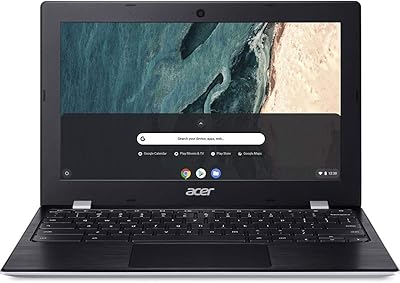
Acer Chromebook 311 11.6-inch Laptop
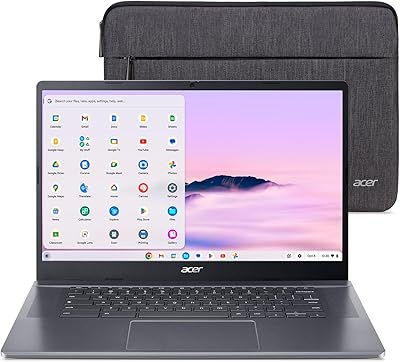
Acer Chromebook Plus 515 15.6-inch

Samsung Chromebook 2 XE500C12-K01US 11.6-inch Laptop
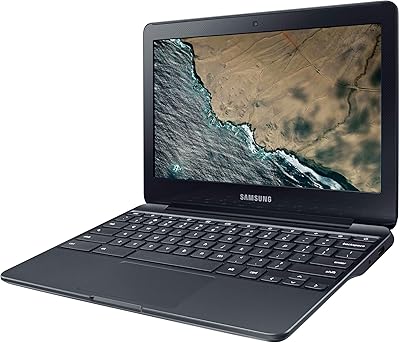
Samsung Chromebook 3 11.6″ Laptop
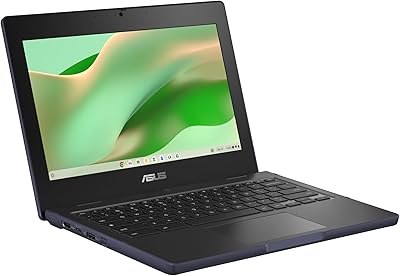
ASUS Chromebook CR11 11.6-inch Ruggedized Laptop
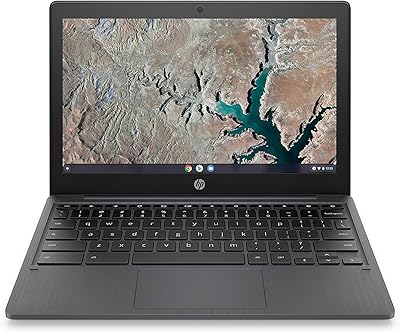
HP Chromebook 11a 11.6-inch Laptop
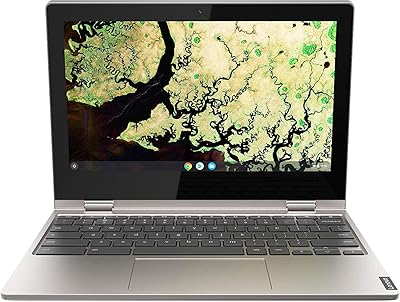
Lenovo Chromebook C340 11.6″ 2-in-1 Laptop
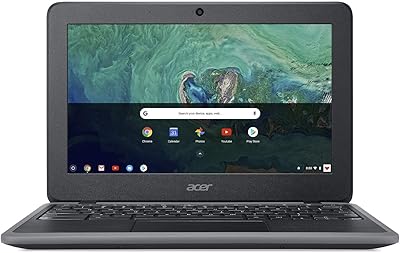
Acer Chromebook 11 C732-C6WU Laptop