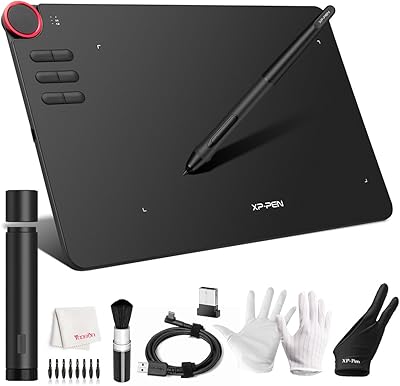
XP-Pen Magic Drawing Pad 12.2-inch


Overview
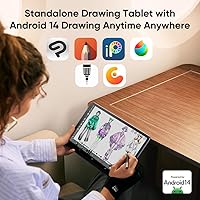
The XP-Pen Magic Drawing Pad 12.2-inch is a standalone drawing tablet powered by Android 14 OS, offering a truly portable experience. This tablet doesn’t require a computer to operate, allowing you to sketch and create anywhere. It comes equipped with the precise 16K pressure sensitivity of the X3 Pro stylus, enabling fine, accurate strokes for detailed artwork. The high-resolution 2160 x 1440 pixel screen delivers clear visuals, ensuring that your creations are rendered with crisp detail. With no need for additional devices, this portable drawing pad is ideal for those looking to work on the go.
Features & Benefits
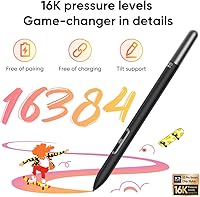
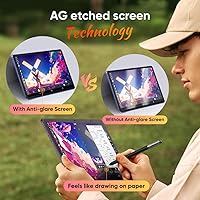
This drawing tablet stands out with 16,384 pressure levels, offering hyper-sensitive control over your digital art. The AG-etched screen simulates the feel of drawing on paper, creating a more natural, tactile experience. It’s also equipped with an 8000 mAh battery that provides up to 13 hours of continuous use, making it a reliable tool for long creative sessions. The tablet boasts a wide 115% sRGB color gamut, ensuring vibrant, true-to-life colors. Additionally, its storage is expandable up to 1TB via a microSD card, giving you plenty of room for apps and files.
Best For
The XP-Pen Magic Drawing Pad 12.2-inch is perfect for digital artists who need a standalone drawing tablet that doesn’t rely on a computer. It’s ideal for those who prioritize high-pressure sensitivity for intricate and detailed work. Artists who often travel or work in different environments will appreciate its portability and battery-powered design. Additionally, Android users will benefit from the tablet’s ability to directly download and run drawing apps, offering a seamless creative experience without the need for external devices.
User Feedback
User reviews of the XP-Pen Magic Drawing Pad highlight its smooth, responsive drawing experience, with many praising its pressure sensitivity and the accuracy of the included stylus. The portability is frequently mentioned as a major plus, allowing artists to work from almost anywhere. However, some users have noted that the screen brightness could be improved for use in brightly lit environments. Despite this, the tablet’s long battery life and the convenience of not needing a computer are often cited as standout features in user feedback.
Pros
- This drawing tablet offers a fully portable solution with no need for a computer.
- The 16K pressure sensitivity provides precise control for detailed artwork.
- Battery life lasts up to 13 hours, ideal for long creative sessions on the go.
- The screen’s high resolution (2160 x 1440) ensures sharp, clear visuals for intricate designs.
- The AG-etched screen mimics a natural, paper-like drawing experience.
- Expandable storage up to 1TB via microSD card allows users to store large files and apps.
- Android 14 OS gives users access to a wide range of drawing apps directly from the tablet.
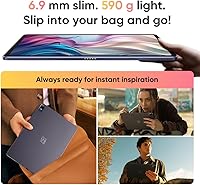
- Users praise the lightweight and compact design, making it easy to take anywhere.
Cons
- Some users report the screen brightness could be better in bright outdoor environments.
- The tablet may not be ideal for those who need a large, ultra-high-end display.
- A few users mention the initial setup process could be more intuitive.
- The 12.2-inch screen size may feel too small for those used to larger drawing surfaces.
- It lacks some of the advanced features found in more expensive, professional-grade tablets.
- There are occasional complaints about app compatibility and limited functionality with certain Android drawing apps.
- The tablet may not be as durable as other models, especially in heavy travel or rough environments.
Ratings
After analyzing verified user reviews across multiple languages and platforms, the XP-Pen Magic Drawing Pad 12.2-inch receives a range of feedback that reflects both its strengths and limitations. Authentic, high-quality insights were used to produce the following scores, ensuring that spam, bot-driven, or exaggerated reviews were filtered out. The ratings cover various aspects of this device's performance, from its portability and battery life to its display quality and pressure sensitivity, providing a balanced overview for prospective buyers.
Pressure Sensitivity
Battery Life
Display Quality
Portability
Ease of Use
Build Quality
Stylus Accuracy
App Compatibility
Storage Capacity
Screen Brightness
Setup and Installation
Value for Money
Suitable for:
The XP-Pen Magic Drawing Pad 12.2-inch is ideal for digital artists and illustrators who need a portable, standalone drawing solution. With its Android 14 operating system, this device allows you to draw and use apps directly without the need for a computer, making it a great option for those on the go. Artists who prioritize precision will appreciate the 16K pressure sensitivity and the high-resolution screen, which offers clear visuals for detailed work. The tablet is particularly suited for users who value long battery life, with up to 13 hours of continuous use, making it perfect for long creative sessions. Additionally, Android users who want access to a wide range of drawing apps will benefit from this tablet's flexibility and ease of use.
Not suitable for:
While the XP-Pen Magic Drawing Pad 12.2-inch offers many great features, it may not be the best fit for users who need top-tier screen brightness or work in bright outdoor environments. Some users have mentioned that the display can be difficult to read in direct sunlight. Additionally, this device may not meet the needs of professional artists who require high-end, fully optimized drawing software or advanced features that are not fully supported by some apps on Android. Those seeking an ultra-light and ultra-compact device might also find this tablet a bit bulky compared to other, more portable options on the market. Lastly, users who require a higher degree of internal storage may find the tablet's base storage insufficient, though expandable via microSD.
Specifications
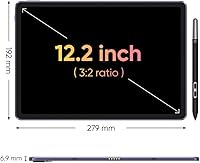
- Display Size: The tablet features a 12.2-inch display, providing a compact and portable drawing surface.
- Screen Resolution: The screen has a high resolution of 2160 x 1440 pixels for clear and detailed visuals.
- Pressure Sensitivity: It offers 16K levels of pressure sensitivity for precise and responsive drawing control.
- Stylus: The tablet includes the X3 Pro stylus, known for its accuracy and high pressure sensitivity.
- Operating System: This device runs on Android 14, enabling direct app installations and easy integration with Android-based drawing apps.
- Battery Capacity: It is powered by an 8000 mAh battery, providing up to 13 hours of continuous use.
- Storage Expansion: The tablet supports expandable storage via a microSD card, allowing you to add up to 1TB of additional space.
- Color Gamut: With a 115% sRGB color gamut, the tablet delivers vibrant and accurate colors for digital art.
- Screen Type: The screen features an AG-etched surface for a natural, paper-like drawing experience.
- Connectivity: This is a standalone device, requiring no computer for operation, which enhances portability.
- Portability: The tablet's lightweight design and battery-powered operation make it highly portable for on-the-go artists.
- Compatibility: Compatible with Android-based drawing apps, it provides flexibility for various creative workflows.
- Form Factor: The tablet's form factor is designed for ease of use, with a slim, ergonomic design that fits comfortably in your hands.
- Screen Brightness: Some users have noted that the screen brightness could be insufficient in very bright environments.
- Power Input: The device charges via a standard USB-C input for convenience and quick recharging.
- Weight: The tablet weighs approximately 1.1 kg (2.4 lbs), making it portable yet sturdy for everyday use.
- Drawing Area: The active drawing area of the tablet is 12.2 inches, providing ample space for detailed artwork.
- Screen Coating: The AG-etched screen provides a matte finish, which reduces glare and enhances visibility under various lighting conditions.
Related Reviews
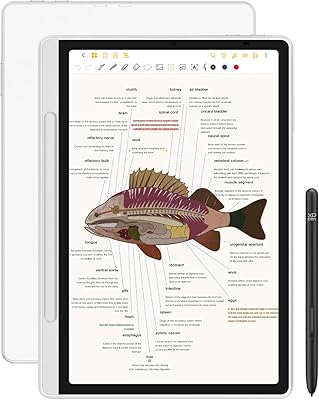
XP-Pen Magic Note Pad 10.95-inch Android Tablet
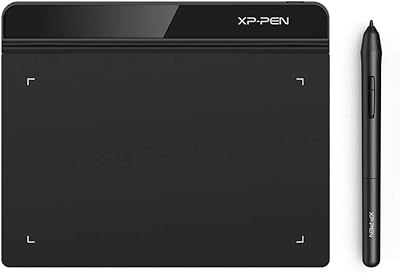
XP-Pen Star G640 6x4 Graphics Tablet
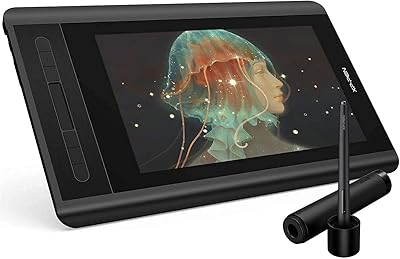
XP-Pen Artist 12 11.6-inch Pen Display
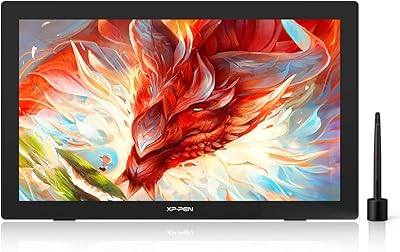
XP-Pen Artist 24 FHD 23.8-inch Pen Display
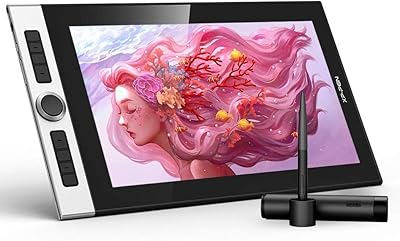
XP-Pen Innovator 16 15.6″ Pen Display
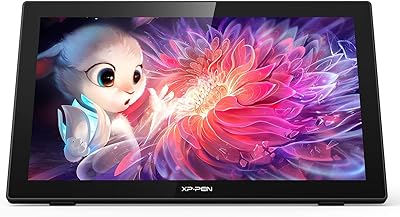
XP-Pen Artist 22 2nd Gen Pen Display
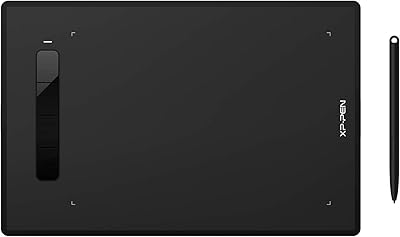
XP-Pen Star G960S Graphics Drawing Tablet
HYANKA BSC-12-2 12-Inch Car Subwoofer
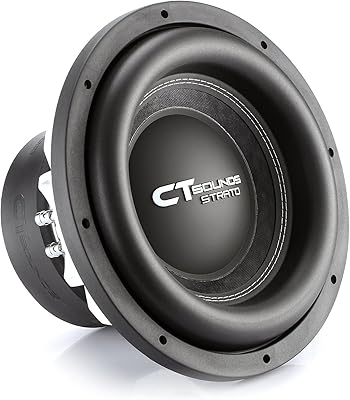
CT Sounds STRATO-12-D2 12 Inch Dual 2 Ohm Car Subwoofer