XP-Pen Magic Note Pad 10.95-inch Android Tablet

Overview
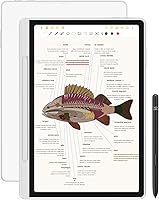
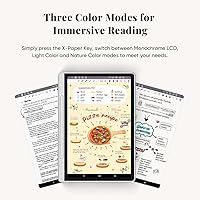
The XP-Pen Magic Note Pad 10.95-inch Android Tablet occupies an interesting middle ground — it is not a pure e-ink writing slate like the reMarkable 2, and it is not a conventional Android tablet either. What sets it apart is its 3-in-1 color mode system, letting you switch between Monochrome, Light Color, and Nature Color displays with a single button press. The underlying technology is TCL NXTpaper 3.0, an AG nano-etched LCD that reduces glare and mimics the look of paper — but make no mistake, this is still an LCD. That distinction matters: you get a smoother, brighter experience than e-ink, but battery endurance and prolonged reading comfort behave more like a standard screen than a dedicated e-reader.
Features & Benefits
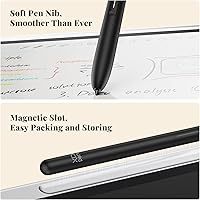
The X-paper Key button is one of those small design choices that actually changes how you interact with a device — one press cycles through three display profiles suited for different tasks. The 10.95-inch screen runs at 90Hz with 1920x1200 resolution and up to 400 nits of brightness, which is genuinely sharp for reading or markup work. The X3 Pro Pencil 2 is battery-free, magnetically attaches to the body, and delivers 16,384 levels of pressure sensitivity, translating subtle hand pressure into visible line variation. Running Android 14 with 6GB of RAM and 128GB of storage, you get full Google Play access alongside the native XPPen Notes app, which adds handwriting-to-text conversion, PDF editing, audio recording, and cloud sync to OneDrive or Google Drive.
Best For
This writing tablet finds its strongest audience among students, academics, and professionals who genuinely need a capable note-taking device rather than a novelty. Students managing heavy reading loads will appreciate the color flexibility and annotation depth. Remote workers benefit from the 13-megapixel front camera, dual microphones, and slim 7mm profile that slips easily into a bag for on-the-go meetings. PDF-heavy workflows — legal review, academic research, design feedback — gain real value from the stylus precision and layered markup options. Readers who want color rendering that e-ink cannot provide will find this a worthwhile trade-off. It also appeals to anyone already in the XP-Pen ecosystem who wants to carry that stylus familiarity into a portable daily driver.
User Feedback
Early owners consistently highlight the display quality and the tactile feel of writing on the nano-etched surface, with many noting that stylus response feels noticeably more natural than writing on bare glass. The three color modes earn praise for giving readers and annotators real control over visual comfort throughout the day. That said, the roughly four-hour active battery life is a genuine limitation — it trails rivals like the Boox Tab Ultra C, and anyone planning long study sessions will need to stay close to a charger. Some users have also found the MediaTek processor shows strain when running multiple demanding apps at once. The XPPen Notes app is improving steadily, but handwriting conversion accuracy and cloud sync consistency still draw occasional criticism.
Pros
- The three display mode switch works instantly and genuinely changes how usable the screen feels across different tasks.
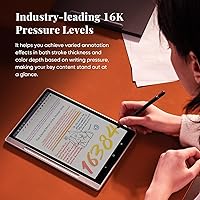
- Writing with the X3 Pro Pencil 2 feels controlled and responsive, with pressure variation that shows up clearly in stroke weight.
- Full Google Play access means you are not locked into a single app ecosystem for notes, reading, or productivity.
- 128GB of onboard storage handles years of notes, PDFs, and downloaded content without micromanagement.
- At 7mm thin and under 500g, this writing tablet disappears into a bag without adding noticeable weight.
- The 20W fast charging partially offsets the short battery life by topping up quickly during breaks.
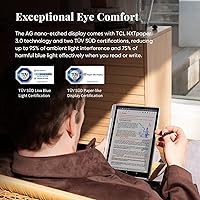
- TÜV SÜD Low Blue Light certification and a flicker-free panel make extended reading sessions noticeably less harsh on the eyes.
- The 13-megapixel front camera is a practical differentiator for professionals who need reliable video calls from a writing device.
- Handwriting-to-text conversion handles neat, deliberate script well enough to be useful in real meeting and lecture scenarios.
Cons
- Roughly four hours of active use is below what most competitors offer at this price tier.
- The MediaTek processor shows strain when multiple demanding Android apps run at the same time.
- XPPen Notes cloud sync is still inconsistent — some users lose work or experience delays when switching between devices.
- Cursive and fast handwriting trips up the conversion engine more than buyers expect given the premium positioning.
- The folio cover adds bulk and offers only limited stand angles, making certain reading positions awkward.
- Full Android access makes distraction-avoidance an active effort rather than a default feature of the device.
- In bright outdoor light the nano-etched LCD cannot match the readability of a true reflective e-ink display.
- The native app still lacks the organizational depth and template flexibility of established third-party note apps.
- Some users report the plastic chassis feels less premium than the aluminum builds found on competing devices at similar prices.
Ratings
The XP-Pen Magic Note Pad 10.95-inch Android Tablet earns its scores from an AI-driven analysis of verified global user reviews, with spam, bot activity, and incentivized submissions actively filtered out before any scoring is applied. The ratings below reflect both what buyers genuinely love and where real frustrations surfaced — nothing has been softened to protect the brand.
Display Quality
Stylus Performance
Battery Life
Software & App Ecosystem
Handwriting-to-Text Conversion
Build Quality & Design
Color Mode Versatility
Processor & Multitasking
Eye Comfort
Note-Taking App Depth
Portability
Camera & Video Calling
Value for Money
Setup & Onboarding
Suitable for:
The XP-Pen Magic Note Pad 10.95-inch Android Tablet is genuinely well-matched for students, academics, and working professionals who need more than a single-purpose writing slate. If you regularly annotate dense PDFs, layer handwritten notes over lecture slides, or jump between a notes app and a browser mid-meeting, the combination of a precise stylus and full Android 14 access makes a real practical difference. Remote workers who take video calls on the move will find the 13-megapixel front camera and dual microphones surprisingly capable for a device this slim. Readers who want color — for illustrated textbooks, digital magazines, or annotated reference documents — will appreciate what this writing tablet offers over any grayscale e-ink alternative. It also suits anyone already comfortable managing an Android device, since squeezing the best performance out of this notepad does require some willingness to tinker with background processes and display settings.
Not suitable for:
The XP-Pen Magic Note Pad 10.95-inch Android Tablet is a harder sell if your primary goal is distraction-free, all-day reading or writing without ever touching a charger. The roughly four-hour active battery life is a genuine constraint, and buyers who spend long stretches away from a power source — on a transatlantic flight, across a full university exam day, or during extended fieldwork — will find themselves rationing screen time in a way that rivals like the Boox Tab Ultra C simply do not demand. Purists who want the zero-latency, paper-exact writing feel of a reMarkable 2 may also be disappointed; this is an LCD device with a paper-like coating, and while it does a respectable job, it does not fully replicate the tactile stillness of a true e-ink surface. If you need a heavy multitasking machine running multiple demanding apps simultaneously, the MediaTek processor will frustrate you. And if you have no interest in Android apps beyond basic notes and reading, the added complexity of a full OS is overhead you are paying for without real benefit.
Specifications
- Display Size: The screen measures 10.95 inches diagonally with an AG nano-etched surface that reduces glare and mimics the texture of paper.
- Display Technology: Uses TCL NXTpaper 3.0, an LCD-based panel with a paper-like coating — not an e-ink display.
- Resolution: Native resolution is 1920x1200 pixels, delivering sharp text and detailed illustrations at normal reading distances.
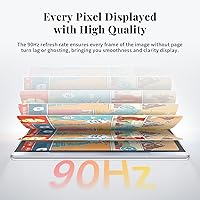
- Refresh Rate: The panel runs at 90Hz, keeping scrolling and stylus strokes visually fluid without ghosting or lag.
- Brightness: Peak brightness reaches 400 nits, with a minimum brightness setting low enough for comfortable use in dark environments.
- Color Modes: Three selectable display profiles — Monochrome, Light Color, and Nature Color — are toggled via the dedicated X-paper Key button.
- Processor: Powered by a MediaTek chipset, suitable for single-app workflows and light multitasking.
- RAM & Storage: Equipped with 6GB of RAM and 128GB of internal flash storage for apps, notes, and downloaded documents.
- Operating System: Ships with Android 14, providing full access to Google Play and the broader Android app ecosystem.
- Stylus: Includes the X3 Pro Pencil 2, a battery-free stylus with 16,384 pressure levels, a soft nib, magnetic attachment, and one customizable shortcut button.
- Battery Capacity: Houses an 8000mAh battery with support for 20W fast charging via the included adapter.
- Battery Life: Rated for approximately 4 hours of active screen-on use under typical note-taking and reading conditions.
- Front Camera: Features a 13-megapixel front-facing camera designed for video calls and remote meetings.
- Audio: Includes two built-in speakers and two microphones for hands-free calls and audio note recording.
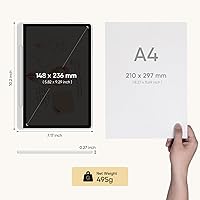
- Dimensions: Measures 10 x 7 x 0.28 inches (approximately 254 x 178 x 7mm), making it comparable in footprint to a standard A5-plus notebook.
- Weight: Weighs 495g (10.6 oz) without the folio cover attached.
- Wireless: Supports Wi-Fi 802.11g for network connectivity; no cellular LTE option is available on this model.
- Eye-Care Certifications: Holds TÜV SÜD Low Blue Light and Paper-like Display certifications, and the panel is engineered to be flicker-free.
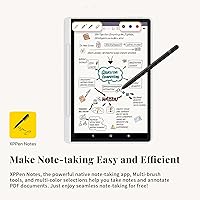
- Native App: Comes with the XPPen Notes app pre-installed, supporting PDF import, handwriting-to-text conversion, audio recording, AI assistant, and cloud sync to Google Drive and OneDrive.
- In The Box: Package includes the tablet, X3 Pro Pencil 2, magnetic folio cover, 20W charger, and associated documentation.
Related Reviews
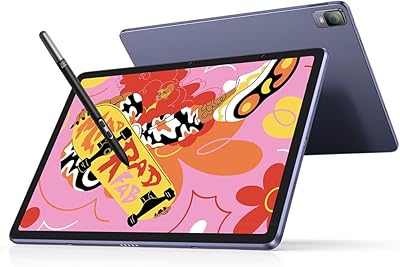
XP-Pen Magic Drawing Pad 12.2-inch

ITMEIPC T-10 10.1-inch Android Tablet
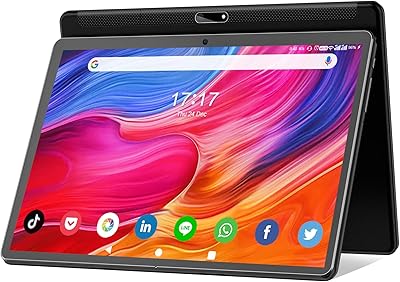
FEONAL K118 10.1-inch Android Tablet
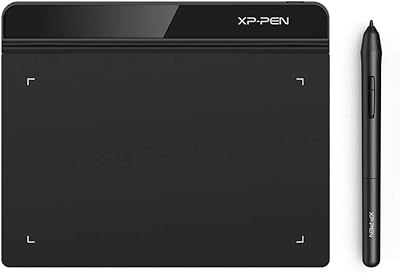
XP-Pen Star G640 6x4 Graphics Tablet
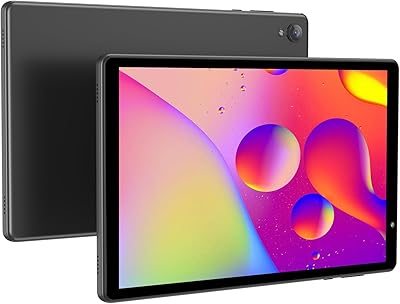
VOLENTEX M10 10-Inch Android Tablet
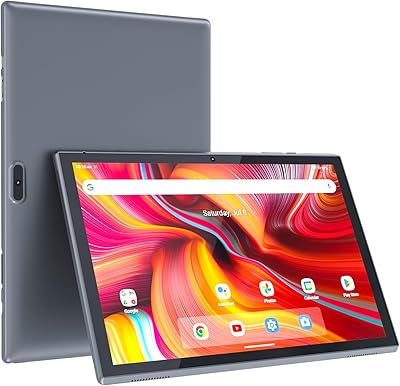
ZZB ZB10 10-Inch 32GB Android Tablet
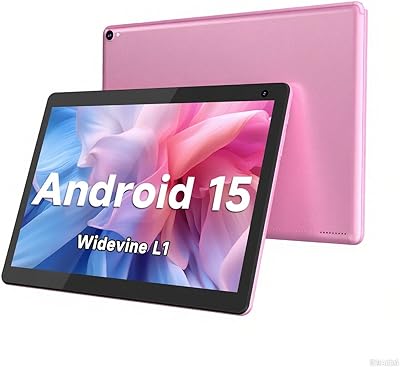
COOPERS CP10S 10-inch Android Tablet 32GB
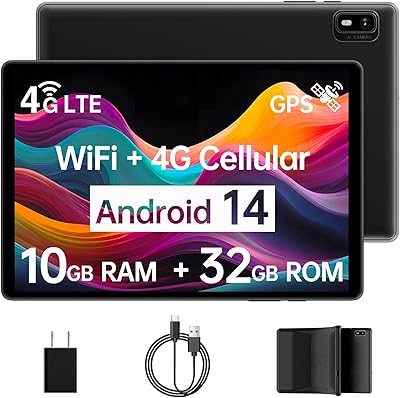
Topsand Android 14 Tablet 10-inch 10GB+32GB
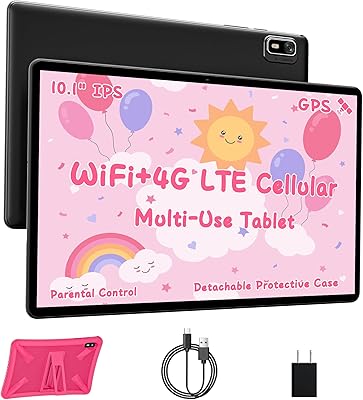
HAOVM G12PK14 10-inch Android 14 Tablet, 32GB