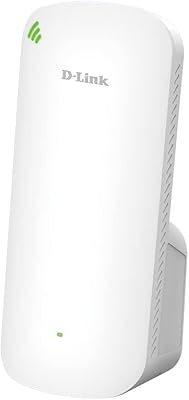
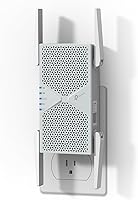
TP-Link RE403BE BE6300 Wi-Fi 7 Range Extender

Overview
The TP-Link RE403BE BE6300 Wi-Fi 7 Range Extender sits in an interesting spot — priced for serious home networking but built around a dual-band architecture, meaning there is no 6 GHz band here. If you are shopping expecting tri-band Wi-Fi 7, stop and reconsider before buying; this extender operates on 2.4 GHz and 5 GHz only, and that distinction matters. For users upgrading from older repeaters or basic mesh nodes, though, the RE403BE brings real substance. The 2.5 Gbps Ethernet port alone separates it from cheaper options at this tier, and EasyMesh compatibility adds genuine flexibility for multi-router households. TP-Link's CISA Secure-by-Design pledge is a quiet but meaningful detail for anyone who actually thinks about network security.
Features & Benefits
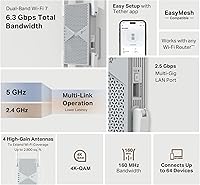
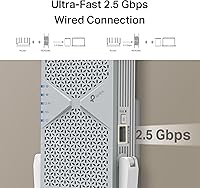
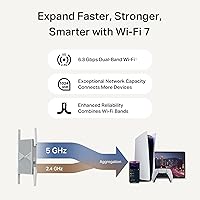
The headline feature for Wi-Fi 7 buyers is Multi-Link Operation, or MLO. In plain terms, MLO allows a device to use both the 2.4 GHz and 5 GHz bands simultaneously, cutting latency and improving reliability — useful when gaming or video-calling from a far corner of the house. Four beamforming antennas push signal in a focused direction rather than broadcasting in a wide, weakened sphere, which makes a real difference through walls. Theoretically the 5 GHz band approaches 5,764 Mbps, but in repeater mode expect roughly half that throughput due to the inherent half-duplex relay limitation. The 2.5G LAN port lets you wire in a desktop or NAS without hitting a 1 Gbps bottleneck, which is a practical win.
Best For
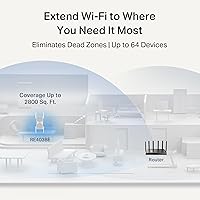
This Wi-Fi 7 extender makes the most sense for homeowners who already own a Wi-Fi 7 router and need to push coverage into a dead zone — a back bedroom, detached garage, or basement — without surrendering MLO and other Wi-Fi 7 advantages. The 2.5G port is a genuine draw for anyone running a gaming PC or wired streaming device in a room the router simply cannot reach. EasyMesh users gain a capable node without the expense of a full mesh system overhaul. Coverage holds well for mid-size homes up to roughly 2,500–2,800 sq. ft. But if 6 GHz tri-band is on your checklist, this range extender is the wrong choice — look at tri-band alternatives instead.
User Feedback
With over 7,000 ratings averaging 4.4 out of 5, buyer sentiment leans clearly positive. Easy setup through the TP-Link app and meaningful range improvements in previously weak spots are the two most consistent compliments. Connection stability also gets regular praise. The most common criticism is speed reduction compared to the main router — an inherent limitation of repeater mode, not a flaw specific to this device. A smaller number of reviewers mention friction when pairing via EasyMesh with non-TP-Link routers. Users upgrading from Wi-Fi 6 hardware tend to feel the value; those expecting a complete Wi-Fi 7 experience occasionally feel let down once they discover the missing 6 GHz band, underscoring why that caveat deserves attention before purchase.
Pros
- Supports Wi-Fi 7 MLO, keeping dual-band performance optimized even at range.
- The 2.5 Gbps LAN port is a rare and genuinely useful feature at this price point.
- Four beamforming antennas deliver noticeably stronger directional signal than older single-antenna extenders.
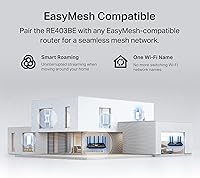
- EasyMesh compatibility lets you expand an existing mesh network without replacing your router.
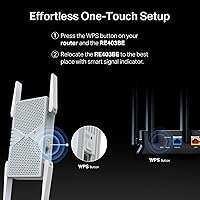
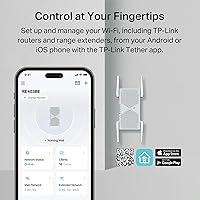
- Setup via the TP-Link app is straightforward and well-reviewed by the majority of buyers.
- Handles up to 64 connected devices without obvious congestion under typical household loads.
- Access Point mode gives you a clean alternative to repeater mode for wired-backhaul setups.
- Guest Network support is a practical touch for home offices and households with frequent visitors.
- Over 7,000 buyer ratings averaging 4.4 out of 5 reflects consistently reliable real-world performance.
- CISA Secure-by-Design pledge adds a layer of accountability that most competing extenders lack.
Cons
- No 6 GHz band support means you lose Wi-Fi 7's most significant speed and congestion advantage.
- Repeater mode cuts effective throughput roughly in half due to half-duplex relay limitations.
- Users with non-TP-Link routers report inconsistent EasyMesh pairing and occasional setup headaches.
- Coverage claims of 2,800 sq. ft. assume open floor plans; thick walls or multiple floors reduce this meaningfully.
- Buyers upgrading from Wi-Fi 6 hardware may find the Wi-Fi 7 benefits harder to notice without a matching router.
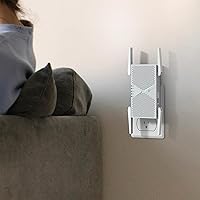
- The physical footprint is bulkier than plug-in extenders, requiring a dedicated surface or mounting spot.
- No built-in cloud management or advanced parental controls, unlike some competing mesh nodes at similar prices.
- Speed improvements can feel modest for users whose main bottleneck is their ISP plan rather than Wi-Fi range.
Ratings
The scores below reflect an AI-powered analysis of thousands of verified global buyer reviews for the TP-Link RE403BE BE6300 Wi-Fi 7 Range Extender, with spam, bot-generated, and incentivized submissions actively filtered out before scoring. Each category captures both what real users genuinely praised and the recurring frustrations they reported in their own words. Nothing is glossed over — the ratings reflect the honest distribution of experiences across a wide range of home setups and technical expectations.
Wireless Performance
Coverage Range
Setup & Installation
2.5G Ethernet Port
EasyMesh Integration
Value for Money
Build Quality
Device Load Handling
App & Management Experience
Latency & Gaming
Security Features
Backward Compatibility
Heat & Reliability
Suitable for:
The TP-Link RE403BE BE6300 Wi-Fi 7 Range Extender is a strong fit for homeowners who have already invested in a Wi-Fi 7 router and need to extend that network's reach without downgrading to older wireless standards. If you have a dead zone in a back bedroom, a basement home office, or a garage workshop, this extender can push reliable coverage across homes up to around 2,800 sq. ft. — a realistic footprint for most two-story houses or sprawling single-floor apartments. The 2.5 Gbps Ethernet port makes it especially appealing for anyone who wants to wire in a gaming PC, a NAS drive, or a 4K streaming device in a room far from the main router, without hitting the 1 Gbps ceiling that most extenders impose. EasyMesh compatibility is a real advantage for users who want to bolt a capable node onto an existing TP-Link mesh setup without rebuilding their whole network. Security-focused buyers will also appreciate that this hardware was designed under TP-Link's CISA Secure-by-Design commitment.
Not suitable for:
Buyers who want the full tri-band Wi-Fi 7 experience — including the 6 GHz band — should look elsewhere, because the TP-Link RE403BE BE6300 Wi-Fi 7 Range Extender simply does not support it. That is not a minor footnote; the 6 GHz band is precisely where Wi-Fi 7 delivers its biggest speed and congestion advantages, and a dual-band-only extender cannot pass that through. Anyone with a very large property exceeding 3,000 sq. ft. or a complex multi-floor layout should also temper expectations, since a single extender node rarely solves coverage challenges at that scale. Buyers hoping to maintain peak router speeds throughout the house should understand that repeater mode introduces a half-duplex penalty, meaning real-world throughput will be noticeably lower than what the router itself delivers. Finally, users running non-TP-Link routers who want EasyMesh pairing may encounter compatibility friction that makes the setup process more involved than advertised.
Specifications
- Wi-Fi Standard: This extender uses the Wi-Fi 7 (802.11be) standard, also backward compatible with 802.11ax, 802.11ac, 802.11n, and 802.11g devices.
- Frequency Bands: Operates on dual-band only — 2.4 GHz and 5 GHz — with no support for the 6 GHz band.
- Total Bandwidth: Combined theoretical bandwidth reaches up to 6,300 Mbps (BE6300) across both bands.
- 5 GHz Speed: The 5 GHz band supports theoretical speeds of up to 5,764 Mbps under optimal Wi-Fi 7 conditions.
- 2.4 GHz Speed: The 2.4 GHz band delivers theoretical speeds of up to 574 Mbps, suitable for lower-demand devices.
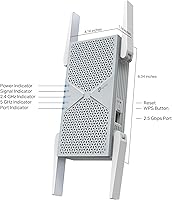
- Ethernet Port: Includes one 2.5 Gbps LAN port for wired device connections or access point deployment.
- Coverage Area: Rated for coverage of up to 2,800 sq. ft. under typical open-plan home conditions.
- Device Capacity: Supports simultaneous connections for up to 64 wireless client devices.
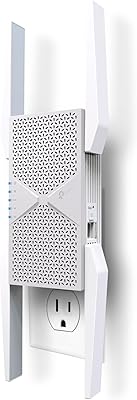
- Antennas: Equipped with four external, beamforming-enabled antennas to focus and strengthen signal directionality.
- Key Technologies: Includes MLO, MU-MIMO, OFDMA, 4K-QAM, and beamforming for optimized multi-device performance.
- Operating Modes: Can function as a wireless repeater, access point, or EasyMesh network node depending on deployment needs.
- Mesh Support: EasyMesh-compatible, allowing integration into any EasyMesh-certified router ecosystem, including non-TP-Link hardware with varying results.
- Guest Network: Supports a separate guest network for isolating visitor traffic from the primary home network.
- Security: TP-Link is a signatory of the CISA Secure-by-Design pledge, with this device built to meet its associated security standards.
- Dimensions: Physical dimensions measure 7.91 x 5.51 x 4.76 inches, requiring a flat surface or compatible mounting location.
- Weight: Unit weighs 14.4 oz, making it a mid-size desktop extender rather than a compact plug-in model.
- Color: Available in white finish designed to blend into typical home or office environments.
- Model Number: Official model designation is RE403BE, used for firmware updates, support, and compatibility verification.
Related Reviews
TP-Link RE653BE Wi-Fi 7 Range Extender
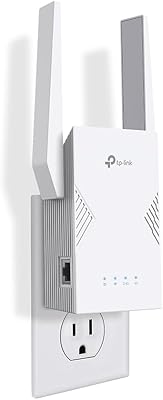
TP-Link RE223BE Wi-Fi 7 Range Extender
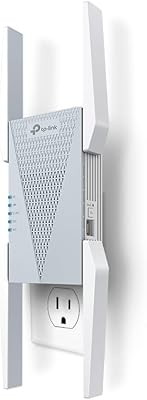
TP-Link RE813XE Wi-Fi 6E Range Extender
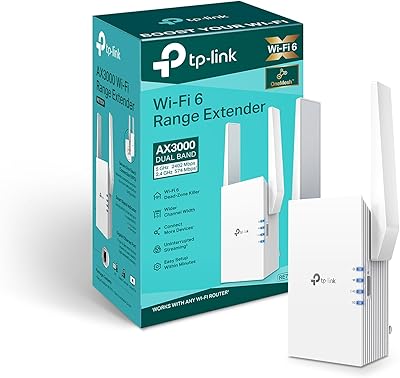
TP-Link RE705X AX3000 Wi-Fi 6 Range Extender
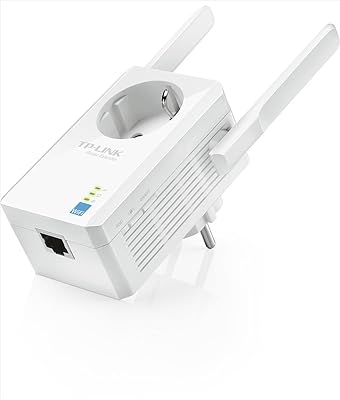
TP-Link TL-WA860RE N300 Wi-Fi Range Extender
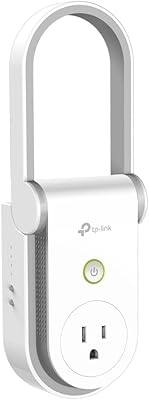
TP-Link RE370K Smart Plug & Wi-Fi Range Extender
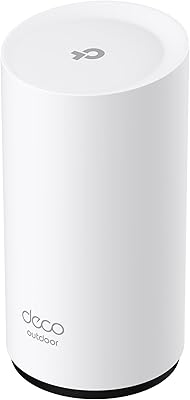
TP-Link Deco BE25-Outdoor Wi-Fi 7 Mesh Extender
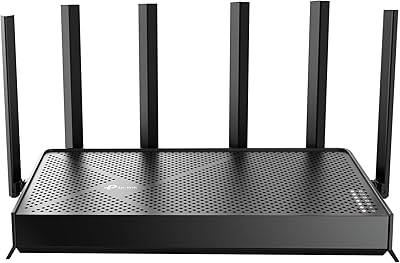
TP-Link Archer BE400
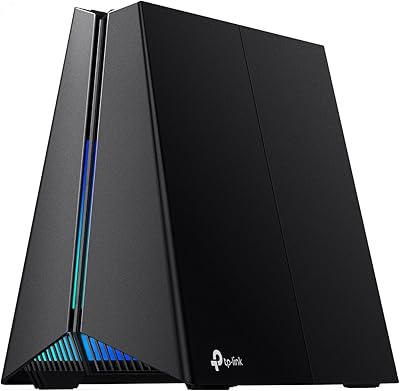
TP-Link Archer GE650 Wi-Fi 7 Gaming Router