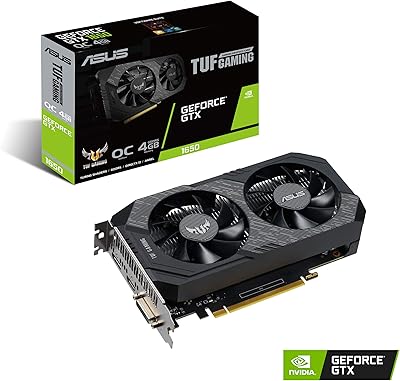
SRhonyra GTX 1050 Ti 4GB Graphics Card


Overview
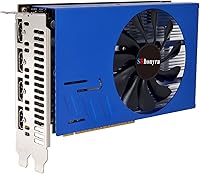
The SRhonyra GTX 1050 Ti 4GB Graphics Card occupies a specific niche that most GPU buyers overlook: a dedicated multi-display workhorse built on NVIDIA's Pascal architecture. This isn't a card you buy to push framerates — it's built for people who need four simultaneous screens running from a single PCIe slot. SRhonyra is a relatively unknown brand, so temper expectations around premium build quality or robust warranty support. That said, the value proposition is clear for productivity-focused buyers: you get a quad-HDMI solution without needing a flagship GPU or expensive adapters. For the right use case, that trade-off makes a lot of sense.
Features & Benefits
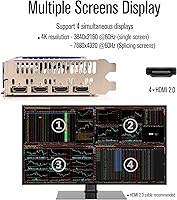
The standout spec here is obvious: four HDMI 2.0 ports natively, no dongles required. Each output handles up to 3840x2160 at 60Hz individually, and when tiled together they can push a combined 7680x4320 resolution — useful for video wall installations. Under the hood, the GP107 Pascal chip brings 768 CUDA cores and 4GB of GDDR5 running at 7 Gbps, which handles video playback, digital signage, and light desktop workloads without complaint. Power draw is a modest 80 watts, fed by a single 6-pin connector, so it won't stress a compact system's PSU. Windows compatibility spans from 7 through 11, covering both 32 and 64-bit editions.
Best For
This quad-HDMI card is purpose-built for scenarios where screen count matters more than raw GPU muscle. Stock traders and analysts who need four live data feeds visible at once will find it a practical single-slot solution. It also suits retail or corporate environments running digital signage or video walls, where the goal is reliable output across multiple displays rather than rendering performance. Home theater users with several HDMI-connected screens will appreciate the low power footprint. System integrators working with small form factor PCs will benefit from the dual-slot, low-TDP design. If you don't need GPU-intensive tasks and just need more screens, this four-monitor graphics card delivers exactly that.
User Feedback
Buyers who picked up the 1050 Ti multi-display card for office or signage use tend to report positive experiences around easy plug-and-play setup — most had all four monitors recognized without manual driver intervention on Windows 10 and 11. Thermal performance gets occasional mention as a plus, with the card reportedly running cool under typical multi-display desktop loads. On the critical side, some users note that resolution per display can drop when all four outputs are active simultaneously, which is worth understanding before purchase. A few buyers also flagged uncertainty around long-term brand support, and SRhonyra's stated 24-hour response commitment gets mixed real-world reviews, so set expectations accordingly if after-sale support matters to you.
Pros
- Four native HDMI 2.0 outputs mean no adapters, no docks, and no compatibility guesswork.
- All four monitors are recognized on first boot in Windows 10 and 11 for most users.
- The 80W power draw is genuinely low, making it easy to retrofit into older or compact systems.
- Stable driver behavior over long periods makes it reliable for always-on signage environments.
- Broad Windows compatibility from version 7 through 11 covers a wide range of deployment scenarios.
- The dual-slot form factor fits standard cases without consuming additional expansion slots.
- Single-screen 4K video playback over HDMI 2.0 is clean and consistent for media use.
- This four-monitor graphics card addresses a niche that very few cards at this price tier cover.
- Cool and quiet operation under typical multi-display desktop workloads is a consistent buyer report.
Cons
- SRhonyra has no established brand reputation, making warranty claims and support uncertain.
- The physical build lacks a backplate, and the plastic shroud feels noticeably budget-grade.
- Per-screen resolution is reduced in practice when all four outputs are active simultaneously.
- No Linux driver support limits deployment in Linux-based signage or media server environments.
- The 6-pin PCIe connector requirement is not clearly flagged for buyers assuming bus-powered operation.
- Customer support response times frequently exceed the advertised 24-hour reply window.
- The GTX 1050 Ti architecture is aging and has no upgrade headroom for demanding future workloads.
- Sparse documentation means less experienced builders often need to source setup guidance externally.
- Some older motherboards require BIOS updates before the card is properly recognized at boot.
Ratings
The SRhonyra GTX 1050 Ti 4GB Graphics Card has been evaluated by our AI rating system after processing verified buyer reviews from multiple global markets, with spam, bot-generated, and incentivized submissions actively filtered out. Scores reflect the real-world experiences of productivity users, digital signage installers, and multi-monitor office setups — not gaming benchmarks. Both the genuine strengths and the honest frustrations are captured below.
Multi-Monitor Output
Setup & Installation
Driver Stability
Resolution Performance
Thermal Performance
Build Quality
Power Efficiency
OS Compatibility
Value for Money
Gaming Performance
Video Playback & Media
Brand Reliability
Compatibility with Older Systems
Suitable for:
The SRhonyra GTX 1050 Ti 4GB Graphics Card is a strong fit for anyone whose primary need is running four monitors from a single PCIe slot without spending on a professional-grade GPU. Stock traders and financial analysts who keep multiple data feeds, charts, and terminals visible simultaneously will find this card handles that workload without complaint. It is equally well-suited for small businesses and retailers deploying digital signage or video walls, where the goal is reliable display output across several screens rather than graphical horsepower. System integrators tasked with building low-wattage, compact multi-display workstations will appreciate that the 80W power draw and dual-slot form factor fit comfortably into tight builds. Home media room setups with several HDMI-connected displays also benefit, since the card manages video playback across multiple screens without stressing a modest power supply. If your workload is productivity-focused and screen count is the bottleneck, this quad-HDMI card solves a real problem at a reasonable entry point.
Not suitable for:
The SRhonyra GTX 1050 Ti 4GB Graphics Card is a poor choice for anyone expecting meaningful gaming performance — the aging Pascal GP107 chip struggles with modern titles even at 1080p, and no amount of driver tweaking will change that. Creative professionals running GPU-accelerated software like video editors, 3D rendering tools, or machine learning workloads will find the 768 CUDA cores and 4GB memory quickly become a ceiling. Buyers who need Linux support or plan to deploy this card in a Linux-based digital signage platform should look elsewhere, as official driver support is limited to Windows. Anyone who values strong after-sale support or a recognized brand warranty should also think carefully — SRhonyra is a lesser-known manufacturer with inconsistent customer service responsiveness, which is a real risk if something goes wrong post-purchase. Finally, users expecting each of the four displays to independently push true 4K at full bandwidth simultaneously may find the real-world resolution headroom more constrained than the marketing implies.
Specifications
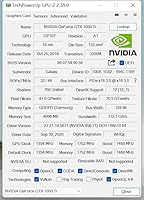
- GPU: The card uses the NVIDIA GTX 1050 Ti processor, built on the Pascal GP107 architecture manufactured on a 14nm process.
- CUDA Cores: 768 CUDA cores handle parallel processing tasks including video decoding, display management, and light compute workloads.
- Core Clock: Base clock runs at 1354 MHz with a boost clock of 1468 MHz under sustained load.
- Memory: 4GB of GDDR5 memory provides sufficient bandwidth for multi-display desktop and media playback tasks.
- Memory Speed: Memory operates at 7 Gbps, delivering adequate throughput for quad-monitor productivity and digital signage use.
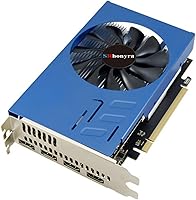
- Output Ports: Four HDMI 2.0 ports are the sole display outputs — no DisplayPort or DVI connections are included.
- Max Resolution: Each individual display supports up to 3840x2160 at 60Hz; tiled combined output reaches 7680x4320 at 60Hz.
- Power Draw: Total board power is 80W, supplied entirely through a single 6-pin PCIe connector.
- PCIe Interface: The card connects via a PCIe 3.0 x16 slot and is backward compatible with PCIe 2.0 motherboards.
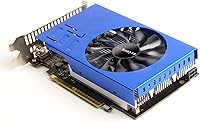
- Form Factor: Dual-slot design occupies two expansion bays in a standard ATX or mATX case.
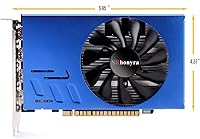
- Dimensions: The card measures 6.85 x 4.37 x 0.1 inches, making it compact enough for smaller desktop builds.
- Weight: At 10.6 ounces, the card is lightweight and does not place significant stress on the PCIe slot.
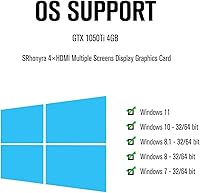
- OS Support: Compatible with Windows 11, Windows 10, Windows 8.1, Windows 8, and Windows 7 in both 32-bit and 64-bit editions.
- DirectX Support: Supports DirectX 12 and OpenGL 4.5, covering all mainstream productivity and media application requirements.
- Backplate: No backplate is included; the PCB is exposed on the rear face of the card.
- Cooling: A single active fan cooler manages thermals; the card runs quietly under typical multi-display desktop workloads.
- Brand: Manufactured by SRhonyra, a lesser-known GPU vendor without a wide retail presence outside of online marketplaces.
- Model Number: The manufacturer model number for this specific variant is SR105T4H41.
Related Reviews
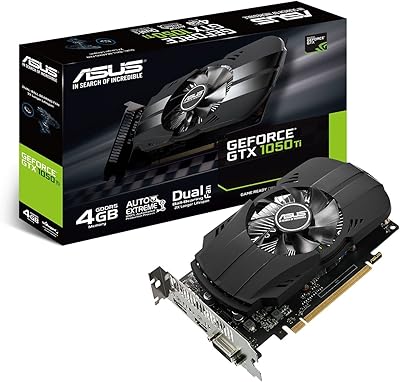
ASUS GTX 1050 Ti 4GB Graphics Card
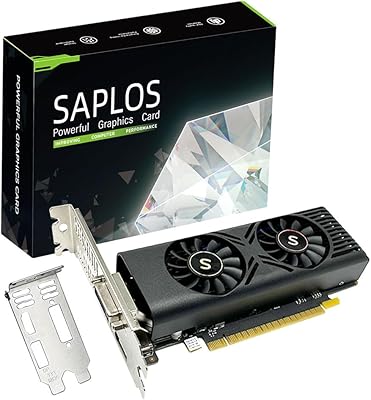
SAPLOS GTX 1050 4GB Graphics Card
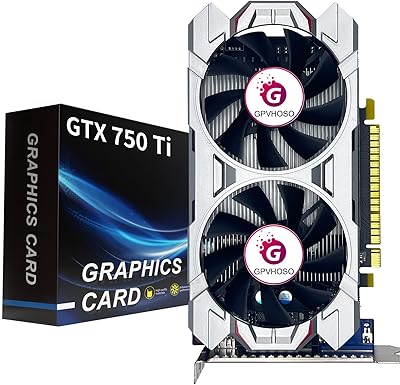
GPVHOSO GTX 750Ti 4GB Graphics Card
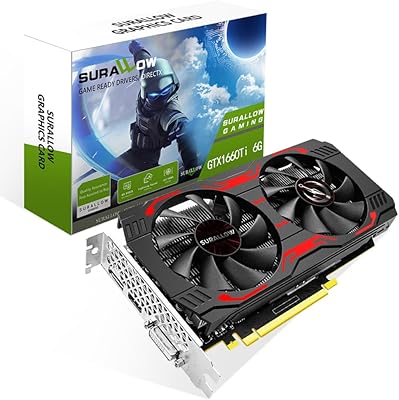
SURALLOW GTX 1660 Ti 6GB Graphics Card
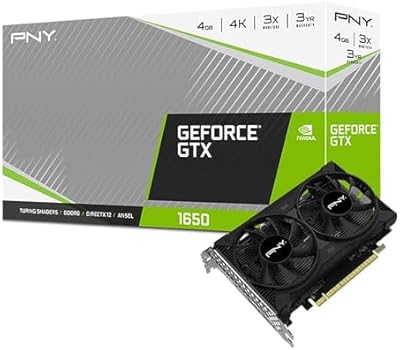
PNY GeForce GTX 1650 4GB GDDR6 Graphics Card
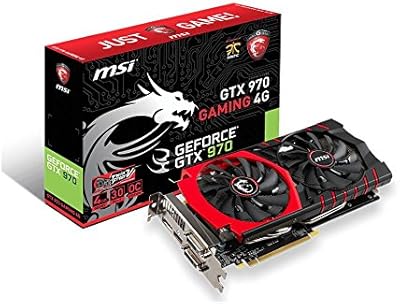
MSI GTX 970 Gaming 4G Graphics Card
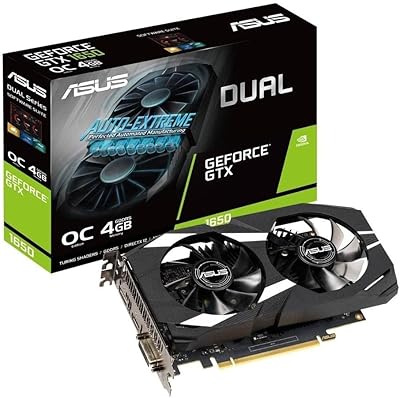
ASUS GeForce GTX 1650 Dual-Fan 4GB Graphics Card
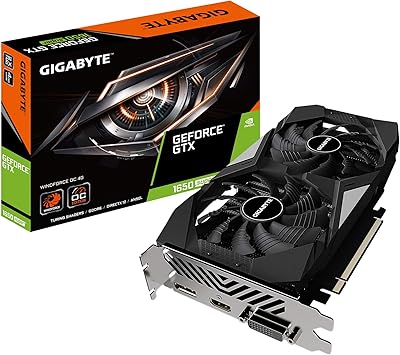
GIGABYTE GeForce GTX 1650 Super Graphics Card
MSI GeForce GTX 1650 D6 AERO ITX 4GB Graphics Card