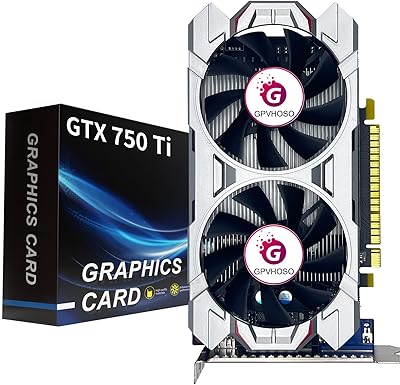
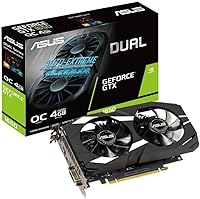
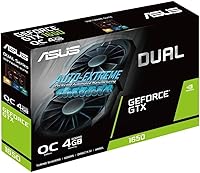
ASUS GeForce GTX 1650 Dual-Fan 4GB Graphics Card
Overview
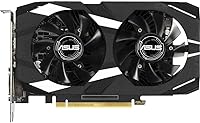
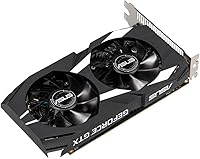
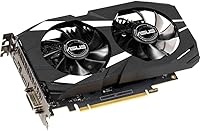
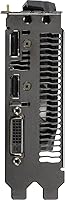
The ASUS GeForce GTX 1650 Dual-Fan 4GB Graphics Card is a budget-friendly GPU that combines solid performance with energy efficiency. Powered by the NVIDIA Turing architecture, it delivers a smooth 1080p gaming experience and supports VR applications. The card is equipped with a dual-fan cooling system that reduces thermal noise, ensuring a quieter experience even during intense gaming sessions. Additionally, it offers flexible connectivity with HDMI, DisplayPort, and DVI-D outputs, making it easy to set up multiple displays or connect to a variety of monitors.
Features & Benefits
One of the standout features of this GPU is the NVIDIA Turing technology, which provides a significant performance boost while maintaining efficiency. The dual-fan cooling system ensures the card remains cool and operates silently under load. With 4GB GDDR5 memory overclocked for better performance, this card handles modern games with ease. It supports up to three monitors, making it perfect for users who need a multi-display setup. Additionally, the included Gpu Tweak II software makes it easy to monitor performance and optimize settings for a better experience.
Best For
This graphics card is ideal for budget-conscious gamers who want smooth 1080p gameplay without breaking the bank. It's also a great choice for those interested in entry-level VR experiences, offering enough power for immersive environments. PC builders looking for a reliable, quiet, and energy-efficient graphics card will find this model an excellent option. Furthermore, its ability to support up to three monitors makes it perfect for users who need multiple displays for work or play, offering flexibility in both professional and gaming setups.
User Feedback
Users generally praise the ASUS GTX 1650 for its smooth performance in modern titles at 1080p. Many have highlighted the dual-fan cooling system for keeping the card quiet and efficient during extended gaming sessions. While some users note that it struggles with more demanding tasks like 1440p and 4K gaming, they appreciate its excellent price-to-performance ratio. The Gpu Tweak II software is frequently mentioned for its ease of use, allowing users to monitor and optimize their system's performance with just a few clicks.
Pros
- This graphics card offers great performance for 1080p gaming, delivering smooth gameplay in most modern titles.
- The dual-fan cooling system helps keep the temperature low and the noise level quiet, even under load.
- Ideal for budget-conscious users who want a reliable GPU without spending too much.
- Overclocked 4GB GDDR5 memory boosts gaming performance, making it a solid choice for gamers at this price point.
- Supports up to three monitors, making it versatile for multi-tasking and work setups.
- GPU Tweak II software provides easy access to performance monitoring and optimization tools, enhancing user experience.
Cons
- Not ideal for gaming at higher resolutions like 1440p or 4K, as performance tends to drop in more demanding titles.
- Limited VR performance for graphically intense VR experiences, making it better suited for entry-level users.
- Some users find the card’s performance lacking in newer, high-end games with demanding graphical settings.
- The card requires no external power connector, which limits its potential for upgrades or heavy workloads.
- While great for casual gaming, it may not provide the best long-term value for users wanting to future-proof their builds.
- Few advanced features compared to more premium GPUs in the same category, such as ray tracing or higher frame rates.
Ratings
After analyzing verified user reviews across multiple platforms and languages, the ratings for the ASUS GeForce GTX 1650 Dual-Fan 4GB Graphics Card reflect a balanced view of its strengths and pain points. Only authentic feedback was used, filtering out any spam, bot, or incentivized reviews. While many users appreciate its excellent performance at a budget price, some have pointed out limitations in higher resolution gaming. Overall, the product receives strong marks for its cooling system, value for money, and ease of use, but its suitability for more demanding gaming experiences is debated.
Performance at 1080p
Cooling Efficiency
Value for Money
VR Gaming Experience
Multi-Display Support
Ease of Setup
Software Performance (Gpu Tweak II)
Noise Level Under Load
Compatibility with Modern Games
Build Quality
Gaming at 1440p and 4K
Long-Term Value
Suitable for:
The ASUS GeForce GTX 1650 Dual-Fan 4GB Graphics Card is a great choice for budget-conscious gamers and those looking for a reliable GPU for 1080p gaming. Students or casual gamers who want smooth performance in modern titles like Fortnite or Call of Duty will benefit most from its affordability and solid gaming capabilities. Additionally, it's an excellent option for users venturing into VR gaming on a budget, offering a decent entry-level experience without breaking the bank. The dual-fan cooling system makes it a quieter choice for those who prioritize a quiet PC build for both gaming and work environments. Multi-monitor users will also appreciate its ability to support up to three displays, making it versatile for both gaming and productivity tasks.
Not suitable for:
While this GPU performs well at 1080p, it may not be ideal for users who want to game at higher resolutions like 1440p or 4K. Hardcore gamers seeking high frame rates or ultra-settings in the latest AAA titles may find its performance lacking in these scenarios. Additionally, those looking for a future-proof card for more demanding applications or games that push graphical boundaries might be disappointed with its limitations. Similarly, users who require top-tier VR experiences may find it underwhelming for the most graphically intense VR titles. In short, this card is not suited for enthusiasts who prioritize cutting-edge gaming or advanced VR immersion.
Specifications
- Graphics Memory: Equipped with 4GB of GDDR5 memory, providing ample performance for 1080p gaming and basic VR experiences.
- GPU Chipset: Powered by the NVIDIA GeForce GTX 1650 chipset based on the Turing architecture for enhanced efficiency and performance.
- Cooling System: Features a dual-fan design for efficient heat dissipation and quieter operation during gaming sessions.
- Maximum Resolution: Supports a maximum resolution of up to 7680 x 4320, ensuring compatibility with high-resolution displays.
- Ports: Includes HDMI 2.0B, DisplayPort 1.4, and DVI-D outputs for versatile monitor and multi-display setups.
- Power Requirements: Requires only 75W of power with no external power connector needed, making it efficient for lower power consumption.
- Display Support: Supports up to three monitors simultaneously for multi-display configurations, ideal for work or gaming setups.
- Overclocked Memory: The 4GB GDDR5 memory is overclocked, boosting performance for smoother gaming and faster rendering.
- Form Factor: Compact dual-fan design fits in most mid to full-size PC cases, providing a balance between performance and space-saving.
- Software Support: Comes with GPU Tweak II software for real-time performance monitoring, easy overclocking, and thermal adjustments.
- VR Compatibility: Capable of supporting entry-level virtual reality gaming, making it suitable for basic VR experiences.
- Architecture: Built on NVIDIA’s Turing architecture, offering improved performance and energy efficiency over previous models.
- Cooling Noise: Dual-fan cooling system reduces thermal noise compared to single-fan designs, ensuring a quieter gaming environment.
- Compatibility: Compatible with both Intel and AMD systems featuring PCIe x16 slots, with no external power connector required.
- Dimensions: The card’s dimensions are 5.7 x 2.1 x 1.4 inches, fitting easily into most modern gaming or workstation builds.
- Multi-Display Setup: Supports up to three monitors with flexible output options, ideal for users needing multi-display setups for work or gaming.
- Gaming Performance: Provides solid 1080p gaming performance in modern titles with medium to high settings, suitable for casual and budget-conscious gamers.
- Driver Support: Regular driver updates from NVIDIA ensure optimal performance and compatibility with the latest games and applications.
- Warranty: Comes with a standard 2-year warranty from ASUS, offering peace of mind for users.
Related Reviews
ASUS TUF GTX 1650 OC Graphics Card
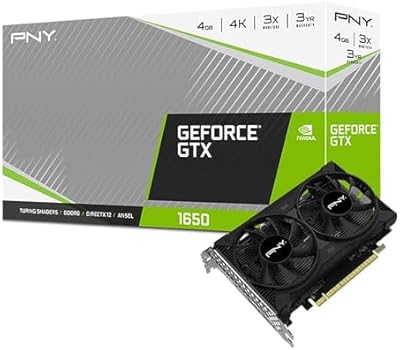
PNY GeForce GTX 1650 4GB GDDR6 Graphics Card
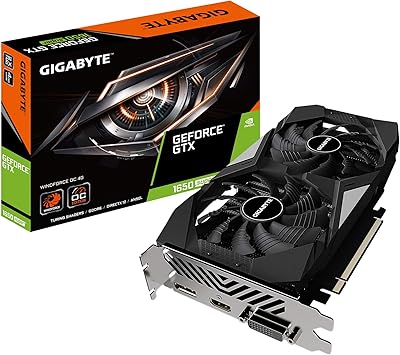
GIGABYTE GeForce GTX 1650 Super Graphics Card
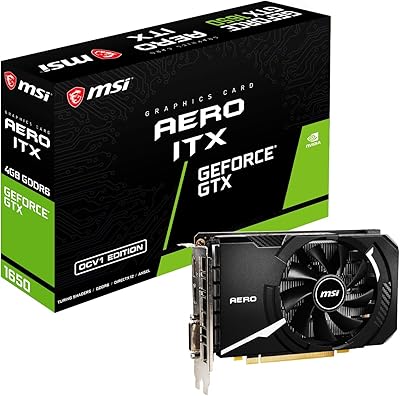
MSI GeForce GTX 1650 D6 AERO ITX 4GB Graphics Card
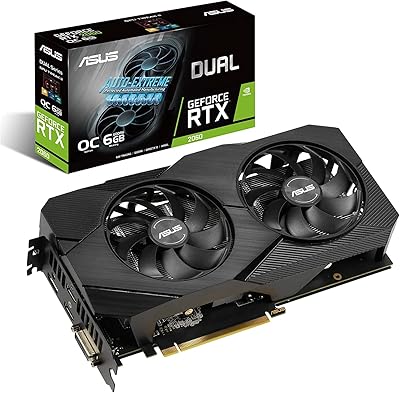
ASUS RTX 2060 Dual EVO 6GB Graphics Card
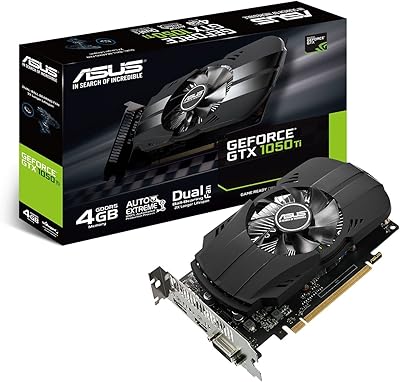
ASUS GTX 1050 Ti 4GB Graphics Card
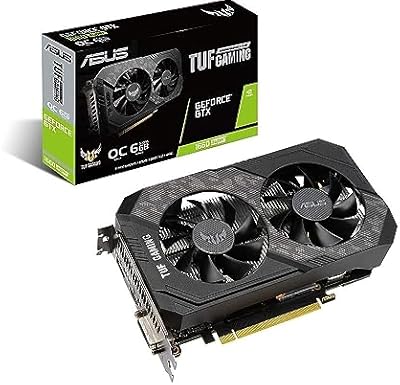
ASUS TUF GTX 1660 Super 6GB GPU
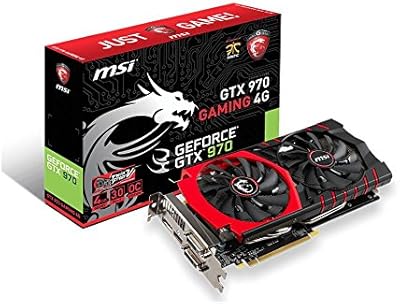
MSI GTX 970 Gaming 4G Graphics Card
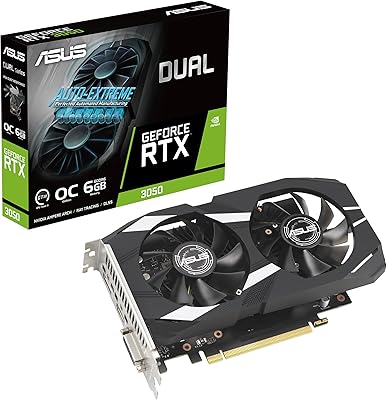
ASUS Dual GeForce RTX 3050 6GB OC