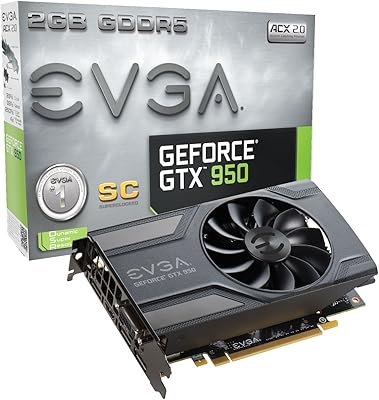
GIGABYTE GeForce GTX 1650 Super Graphics Card




Overview
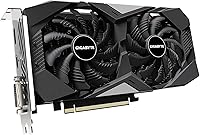
The GIGABYTE GeForce GTX 1650 Super Graphics Card arrived in late 2019 as a meaningful step up from the standard 1650, swapping GDDR5 for faster GDDR6 memory and expanding the shader count to close the gap on cards costing noticeably more. GIGABYTE's Windforce OC variant adds a factory overclock and a purpose-built cooler on top of that already capable silicon. It occupies a dual-slot footprint with an 8.86-inch PCB — compact enough for most mATX and mini-ITX cases. Years on, this Gigabyte 1650 Super keeps showing up in budget-conscious builds, not because it's cutting-edge, but because it delivers predictable 1080p performance without demanding a high-wattage power supply.
Features & Benefits
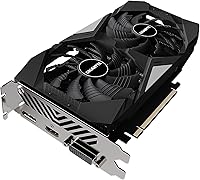
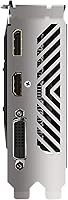
What makes the Windforce OC card stand out in its class starts with the cooling setup. GIGABYTE's alternate-spin fan design — where adjacent fans rotate in opposite directions — reduces the air turbulence that typically builds up between two fans spinning the same way, keeping temperatures noticeably lower under sustained load. The 4GB GDDR6 memory, running at 12 Gbps, gives this budget gaming GPU a real edge over the base 1650's slower GDDR5, translating to better texture throughput in games like Fortnite or CS2 at 1080p. The AORUS Engine utility lets you dial in fan curves and boost clocks without touching third-party software. Output-wise, one HDMI and one DisplayPort cover everyday needs, though demanding 4K gaming is off the table.
Best For
If you're building around a tight budget and your CPU lacks integrated graphics, this Gigabyte 1650 Super is a practical answer. It's a natural fit for small form factor builds — the short PCB slides into mini-ITX cases where longer cards simply won't go. Gamers coming from integrated graphics or aging cards like the GTX 950 or RX 470 will see a substantial jump in frame rates: expect 60-plus fps in Valorant, Rocket League, and similar titles at 1080p medium-to-high settings. Home office users who need clean dual-display output without a loud, power-hungry card will appreciate it too. The roughly 100W TDP means a modest PSU handles the whole system without breaking a sweat.
User Feedback
Across its 540-plus ratings, the Windforce OC card sits at 4.6 stars, and the feedback is telling. Most buyers are first-time builders or hobbyists who report the card installing cleanly and running stable on both Windows 10 and 11 without driver headaches. Thermal performance gets consistent praise — owners note the fans stay quiet under typical gaming loads. The honest criticism worth taking seriously: 4GB of VRAM is becoming a real constraint in newer titles at 1080p ultra settings, and buyers who picked this up during the GPU shortage era sometimes frame it as a stopgap rather than a long-term pick. A small number of reviewers flagged minor issues with PCIe connector fit or initial driver conflicts, though these appear to be outliers rather than a pattern.
Pros
- Alternate-spin Windforce 2X fans keep the card whisper-quiet under typical gaming loads.
- GDDR6 memory gives the Windforce OC card a real bandwidth edge over the standard GTX 1650.
- The 8.86-inch PCB fits cleanly in mini-ITX and mATX cases where longer cards won't go.
- Factory overclock delivers a small but tangible boost over reference designs straight out of the box.
- Driver installation on Windows 10 and 11 is consistently reported as clean and trouble-free by home builders.
- Around 100W TDP keeps the whole system within reach of a modest, existing power supply.
- AORUS Engine lets you tune fan curves and boost clocks without installing any third-party software.
- Pulls consistent, smooth frame rates in esports titles like Valorant, Rocket League, and CS2 at 1080p.
- A 4.6-star rating across 540-plus reviews reflects broad, sustained satisfaction from real-world builders.
- Dual-slot design avoids blocking adjacent PCIe slots in space-constrained motherboard layouts.
Cons
- 4GB of VRAM is increasingly tight in newer AAA titles, even at 1080p medium-to-high settings.
- Only one HDMI and one DisplayPort limits flexibility for anyone needing more than two displays.
- This is a 2019-era GPU; current budget alternatives at a similar price may now offer better overall value.
- A handful of buyers reported an inconsistent or stiff fit on the 8-pin PCIe power connector.
- Edge-case driver conflicts have been flagged by a small number of reviewers on niche hardware configurations.
- Frame rates fall to uncomfortable levels in demanding titles if you try to push beyond 1080p resolution.
- GTX architecture handles ray tracing so poorly that the feature is not practically usable on this card.
- Buyers on the tightest budgets may find single-fan 1650 Super alternatives from other brands priced noticeably lower.
- AORUS Engine software, while functional, carries more overhead than leaner tuning tools like MSI Afterburner.
Ratings
The scores below for the GIGABYTE GeForce GTX 1650 Super Graphics Card were generated by our AI review engine after analyzing hundreds of verified global buyer reviews, actively filtering out suspected spam, bot activity, and incentivized feedback to surface what real users actually experienced. Both the card's genuine strengths and its real-world pain points — including the increasingly problematic VRAM ceiling and evolving value concerns — are transparently reflected in each category score. The result is a balanced, category-by-category breakdown designed to help you make a fully informed buying decision rather than relying on headline star averages alone.
Gaming Performance
Thermal Management
Noise Level
VRAM Capacity
Value for Money
Build Quality
Installation Ease
Driver Stability
Power Efficiency
Software Experience
Connectivity
Form Factor Versatility
Future-Proofing
Overclocking Headroom
Suitable for:
The GIGABYTE GeForce GTX 1650 Super Graphics Card is a genuinely practical choice for builders who need discrete graphics on a constrained budget and aren't chasing cutting-edge performance. It's particularly well-matched for 1080p esports and casual gaming — in titles like Valorant, Rocket League, or CS2, this Gigabyte 1650 Super can push comfortable, consistent frame rates that make competitive play feel smooth without breaking the bank. Its compact 8.86-inch PCB is a real advantage for anyone building into a mini-ITX or mATX chassis where full-length cards simply won't fit. Home office workers or light creative users who need reliable dual-display output without spending on a premium card will also find the Windforce OC card hits the right balance. And if your PSU is on the modest side — say, 350W or below — the roughly 100W TDP means you won't need to upgrade your power supply alongside it.
Not suitable for:
Anyone planning to game regularly at 1440p, or who wants genuine headroom in upcoming AAA titles even at 1080p ultra settings, should think carefully before buying the GIGABYTE GeForce GTX 1650 Super Graphics Card. The 4GB GDDR6 VRAM ceiling is the card's most significant long-term liability — newer titles like Alan Wake 2 or Hogwarts Legacy can push past that budget at high texture settings, causing stutters that no driver update will fix. If you're cross-shopping against current-generation budget options or even the GTX 1660 Super, newer alternatives may offer meaningfully better performance-per-dollar at a comparable price point, so it's worth checking what's available before committing. Content creators doing video editing or 3D rendering will find this budget gaming GPU limiting quickly, since 4GB of VRAM fills up fast in those workloads. Anyone needing more than two display outputs should also look elsewhere, as the card ships with only one HDMI and one DisplayPort.
Specifications
- GPU Chip: Built on NVIDIA's Turing architecture using the TU116 die, which features 1280 CUDA cores — a significant step up from the 896 cores in the non-Super GTX 1650.
- VRAM: Equipped with 4GB of GDDR6 memory accessed over a 128-bit memory bus.
- Memory Speed: GDDR6 memory runs at an effective rate of 12000 MHz, delivering approximately 192 GB/s of memory bandwidth.
- Boost Clock: Factory overclocked above NVIDIA's reference specification, providing a consistent performance edge over non-OC GTX 1650 Super models without any manual tuning required.
- Cooling System: Uses GIGABYTE's Windforce 2X dual-fan setup with alternate-spin technology, where adjacent fans spin in opposite directions to reduce inter-fan air turbulence and improve heat dissipation.
- Display Outputs: Provides one HDMI port and one DisplayPort, supporting a maximum of two simultaneous display connections.
- Max Resolution: Supports a maximum digital output resolution of 3840×2160 (4K UHD), appropriate for desktop display output but not practical for 4K gaming workloads.
- Card Dimensions: Full card dimensions measure approximately 8.86 × 4.69 × 1.57 inches (L×W×H), placing it among the more compact dual-fan aftermarket cards available.
- Slot Width: Occupies two standard PCIe expansion slots in a conventional dual-slot configuration.
- TDP: Rated at approximately 100W total board power under full load, making it compatible with modest existing power supplies.
- Power Connector: Requires one 8-pin PCIe external power connector from the system PSU.
- PCIe Interface: Connects via a PCIe 3.0 x16 slot and is backward-compatible with PCIe 2.0 motherboards.
- Form Factor: Fits ATX, mATX, and mini-ITX cases due to its sub-9-inch PCB length.
- Tuning Software: Bundled with GIGABYTE's AORUS Engine utility for fan curve adjustment, temperature monitoring, and clock speed tuning without third-party applications.
- OS Support: Officially supported on Windows 10 and Windows 11 via NVIDIA's standard GeForce driver package.
- Release Date: First made available in November 2019 as part of NVIDIA's mid-cycle GTX Super refresh lineup.
- Manufacturer: Designed and produced by GIGABYTE Technology, a well-established Taiwanese hardware manufacturer with a long track record in discrete graphics cards.
- User Rating: Holds a 4.6 out of 5 star average across more than 540 verified customer ratings, ranking #1745 in the Computer Graphics Cards category on Amazon.
Related Reviews
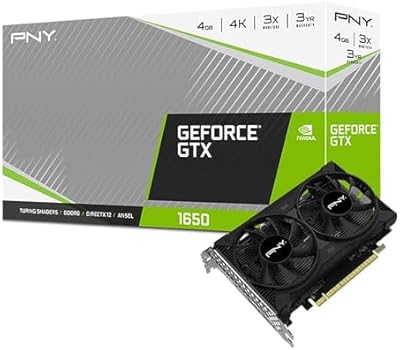
PNY GeForce GTX 1650 4GB GDDR6 Graphics Card
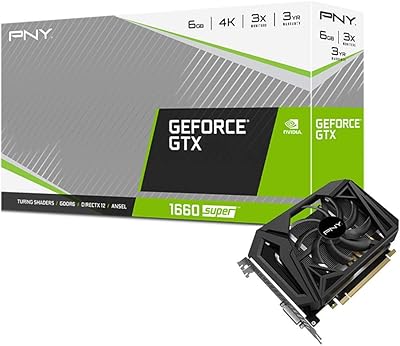
PNY GTX 1660 Super 6GB Graphics Card
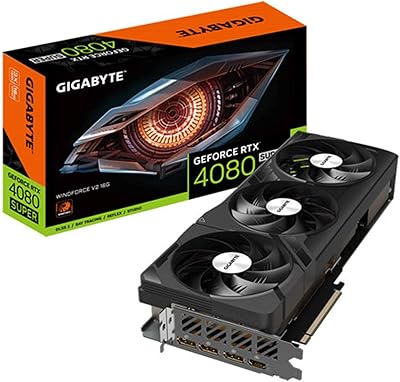
Gigabyte GeForce RTX 4080 SUPER WINDFORCE V2 Graphics Card
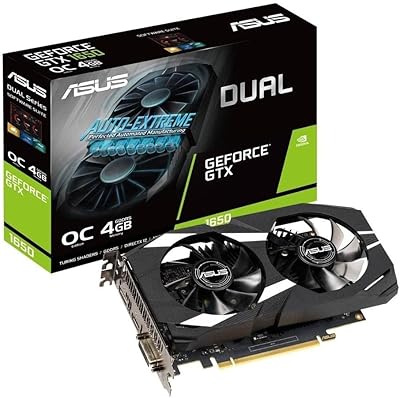
ASUS GeForce GTX 1650 Dual-Fan 4GB Graphics Card
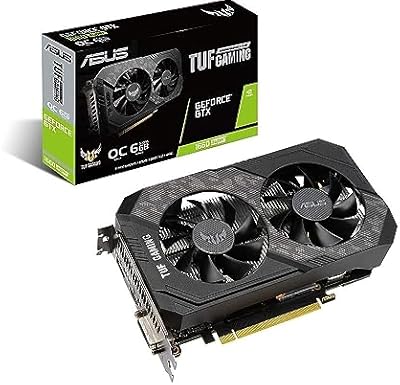
ASUS TUF GTX 1660 Super 6GB GPU
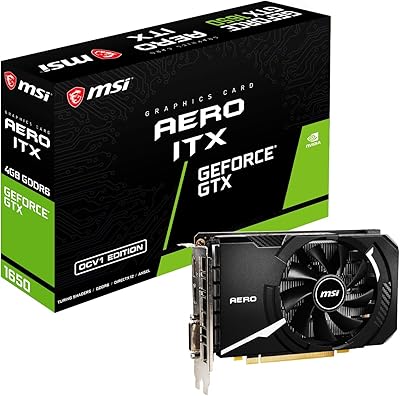
MSI GeForce GTX 1650 D6 AERO ITX 4GB Graphics Card
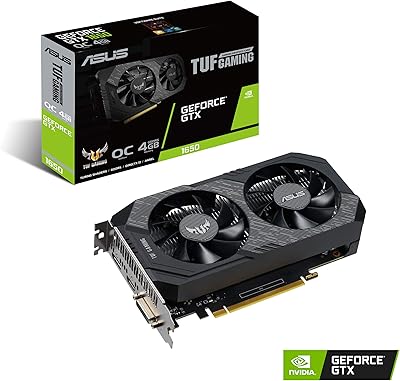
ASUS TUF GTX 1650 OC Graphics Card
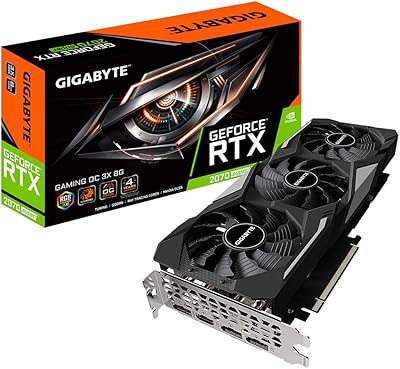
Gigabyte RTX 2070 Super Gaming OC Graphics Card
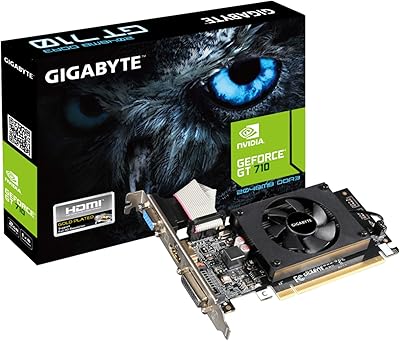
GIGABYTE GeForce GT 710 2GB Graphics Card