



Overview
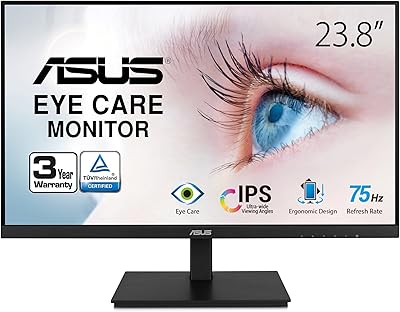
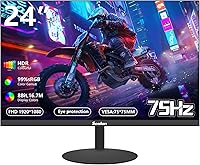
The Sealan Z24B1A 24-inch Monitor enters a market packed with established names, and that alone gives some buyers pause. Sealan is a relatively young brand from Shenzhen Yundacheng Technology, so managing expectations upfront is fair. What it offers at this price point is harder to dismiss: an IPS panel with a three-sided borderless frame, a 75Hz refresh rate, and full HD resolution — specs that genuinely punch above the typical budget tier. It's not trying to compete with BenQ or LG on prestige, but as a practical, no-frills display for work or light play, the pitch is coherent and honest.
Features & Benefits
The 99% sRGB coverage on this budget IPS display makes a real difference for everyday tasks — colors in photos, videos, and even basic design work look richer and more consistent than you'd expect at this price. The 75Hz refresh rate won't satisfy competitive gamers, but for anyone loading up a casual indie title or watching streaming content, it handles motion cleanly without obvious tearing. Blue light filtering is a quiet win for long sessions. The matte screen surface cuts glare well in typical indoor lighting, though at 250 cd/m², brightness may fall short if your desk sits near a bright window.
Best For
This 24-inch Sealan monitor makes the most sense for remote workers and students who need a clean, eye-friendly display without a significant investment. If you're setting up a dual-monitor workspace, the slim bezel means the gap between screens stays minimal — it looks intentional, not cobbled together. Casual gamers playing strategy titles, RPGs, or anything that doesn't demand sub-5ms response times will find it capable enough. The VESA mount support is a genuine plus for anyone pairing it with a monitor arm to reclaim desk space. First-time upgraders moving from a small laptop screen will notice the difference right away.
User Feedback
Buyers tend to praise the Z24B1A for its out-of-box color quality — most report being pleasantly surprised given the price, and setup is generally described as straightforward. On the critical side, the stand draws recurring complaints: it feels less sturdy than expected, and the tilt range is narrow enough to frustrate taller users. A handful of reviews mention backlight bleed along screen edges, which is common at this tier but still worth flagging. Compared to similarly priced AOC or ViewSonic options, opinions are split — some find it competitive on color accuracy; others lean toward brands with a longer track record and more reliable support.
Pros
- IPS color accuracy is noticeably better than TN panels at this price point.
- Three-sided borderless design pairs cleanly with a second monitor, minimizing the visual gap between screens.
- Built-in blue light filter makes long work sessions more comfortable without needing extra software.
- VESA mount compatibility gives buyers monitor arm flexibility that similarly priced rivals often skip.
- The Sealan Z24B1A 24-inch Monitor ships ready to use with a straightforward, hassle-free setup process.
- Matte screen coating handles reflections well in typical indoor office environments.
- At 75Hz, everyday scrolling, video playback, and casual gaming feel smoother than a standard 60Hz display.
- Sub-1cm body depth and a clean aesthetic make it easy to fit into tight or minimal desk setups.
- 99% sRGB coverage makes everyday tasks like photo viewing and video streaming look natural and well-saturated.
Cons
- The stock stand feels flimsy and can wobble noticeably with minor desk vibrations.
- Tilt range of -5° to 15° is restrictive for taller users or non-standard desk heights.
- At 250 cd/m², brightness becomes a real limitation near windows or in well-lit rooms.
- Sealan's brand reputation and customer support track record are largely unproven compared to AOC or ViewSonic.
- Some units show backlight bleed along screen edges, a quality-control inconsistency that varies by unit.
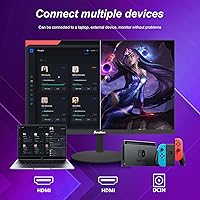
- Port selection is limited, which can frustrate users with multiple input sources or older equipment.
- No height adjustment or pivot on the stand means ergonomic customization requires purchasing a separate arm.
- Long-term durability data is essentially unavailable given how recently this model entered the market.
Ratings
Our category scores for the Sealan Z24B1A 24-inch Monitor were generated by an AI system trained to analyze thousands of verified global buyer reviews, actively filtering out spam, bot activity, and incentivized feedback before drawing any conclusions. Each score reflects an honest synthesis of what real users consistently valued and where recurring frustrations emerged — both sides of the ledger are represented with equal weight. The breakdown below is designed to help you cut through marketing noise and make a genuinely informed purchase decision.
Image Quality
Color Accuracy
Refresh Rate & Motion
Brightness & Contrast
Build Quality
Bezel & Aesthetics
Ergonomics
Eye Comfort
Setup & Installation
Value for Money
Gaming Performance
Dual Monitor Fit
Connectivity & Ports
Brand & Support
Suitable for:
The Sealan Z24B1A 24-inch Monitor is a strong fit for people who spend long hours in front of a screen but don't want to overspend to get there. Remote workers, students, and anyone building out a home office will appreciate the IPS panel's accurate color reproduction and the built-in blue light filter, which makes extended sessions noticeably easier on the eyes. Its three-sided slim bezel makes it a natural choice for dual-monitor configurations, where a clean visual join between screens matters more than raw performance specs. Budget-conscious buyers upgrading from an aging display or a cramped laptop screen will find the jump to full HD on a 24-inch panel immediately worthwhile. The VESA mount support is a practical bonus for anyone who already owns or plans to buy a monitor arm, offering ergonomic flexibility that monitors at this price rarely include.
Not suitable for:
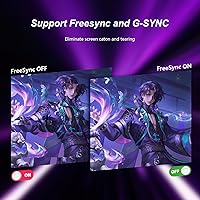
The Sealan Z24B1A 24-inch Monitor is unlikely to satisfy buyers who take gaming seriously. If you regularly play fast-paced shooters, competitive multiplayer titles, or any game where response time and refresh rate directly affect performance, the 75Hz panel and entry-level adaptive sync simply are not built for that workload — a 144Hz or 165Hz display from a more established brand will serve you far better. Professionals doing color-critical work like print design or photo retouching should also look elsewhere, since the 250 cd/m² brightness cap and absence of factory calibration certification make it a poor choice for that level of precision. Buyers with desks near large windows or in consistently bright rooms may find the screen underwhelming in terms of luminance. Anyone who prioritizes long-term warranty confidence and well-documented customer service should weigh the risks of choosing a relatively unknown label carefully.
Specifications
- Panel Type: Uses an IPS (In-Plane Switching) panel, delivering wider viewing angles and more consistent color accuracy than TN-based alternatives at this price tier.
- Screen Size: 24-inch diagonal display area with a 16:9 widescreen aspect ratio, compatible with standard HD content and modern productivity layouts.
- Resolution: Native resolution of 1920x1080 (Full HD), producing sharp text and clear image detail suited to everyday office work and media consumption.
- Refresh Rate: Maximum refresh rate of 75Hz, which provides noticeably smoother motion than a standard 60Hz panel during everyday use and light gaming sessions.
- Color Gamut: Covers 99% of the sRGB color space, supporting accurate and consistent color rendering across typical office applications, video streaming, and casual photo work.
- Color Depth: 8-bit panel capable of displaying 16.7 million colors, enabling smooth color gradients and natural-looking imagery without visible banding under normal conditions.
- Brightness: Peak brightness of 250 cd/m², adequate for typical shaded indoor environments but potentially insufficient in brightly lit or sunlit rooms.
- Screen Surface: Matte anti-glare coating reduces ambient light reflections, improving screen readability and reducing eye strain in standard indoor lighting conditions.
- Bezel Design: Three-sided borderless frame with a body depth of under 1 cm, creating a slim aesthetic well-suited to dual-monitor setups and space-constrained workspaces.
- Tilt Range: Stand allows a tilt adjustment of -5° to 15° forward and backward, enabling basic ergonomic angle changes to suit different seating heights and preferences.
- VESA Support: Compatible with standard VESA wall mount brackets and third-party monitor arms, offering installation flexibility well beyond the included stand.
- Blue Light Filter: Integrated hardware-level blue light filter reduces high-energy visible light emission to help minimize eye fatigue during extended viewing sessions.
- Dimensions: Assembled unit with stand measures 23.62 x 3.54 x 16.14 inches (width x depth x height).
- Weight: Complete unit weighs approximately 7 pounds, making it manageable for repositioning and compatible with most standard monitor arms.
- Power Input: Operates on a 12V DC power supply; an appropriate power adapter is included with the unit.
- Aspect Ratio: 16:9 widescreen ratio aligns with standard HD video formats and default display configurations across Windows, macOS, and Linux systems.
- Model Number: Manufacturer model number is Z24B1A, produced by Shenzhen Yundacheng Technology Co., Ltd. and sold under the Sealan brand name.
Related Reviews

Sealan 24-Inch Curved Gaming Monitor
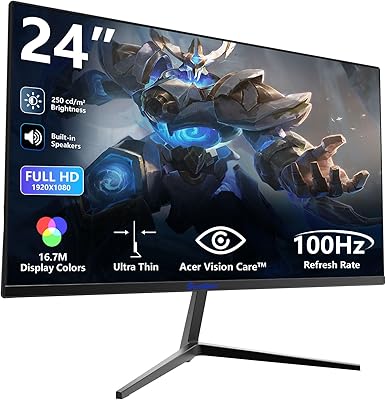
Sealan Z240B13 24-inch Gaming Monitor
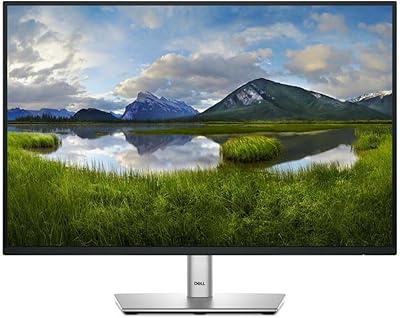
Dell P2425 24″ WUXGA IPS Monitor
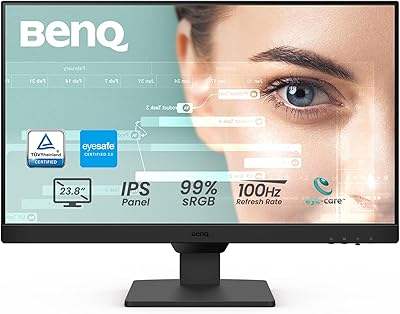
BenQ GW2490 24-inch IPS Monitor
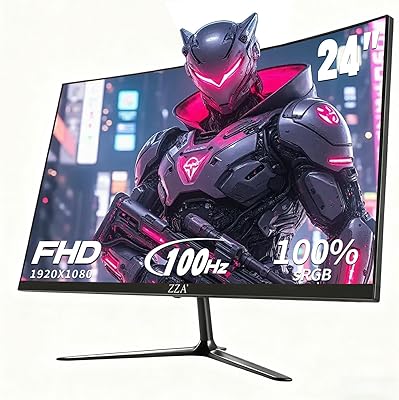
ZZA Z24A 24-Inch Curved Gaming Monitor
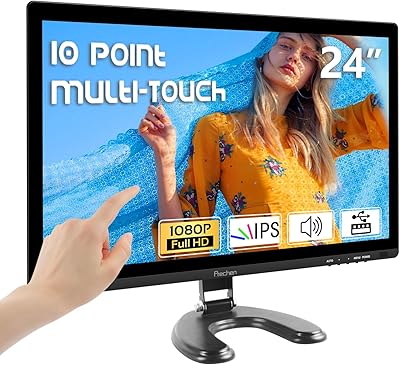
Prechen HD-24 24-Inch Touchscreen Monitor
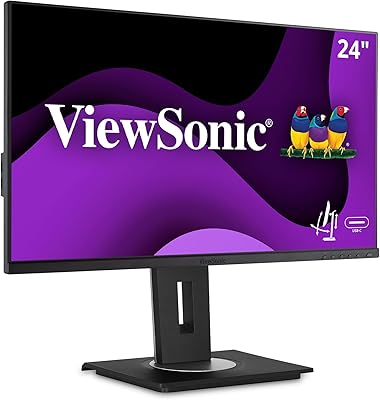
ViewSonic VG2455 24-inch Monitor
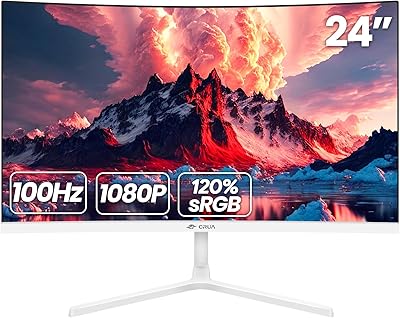
CRUA 24-Inch Curved Monitor
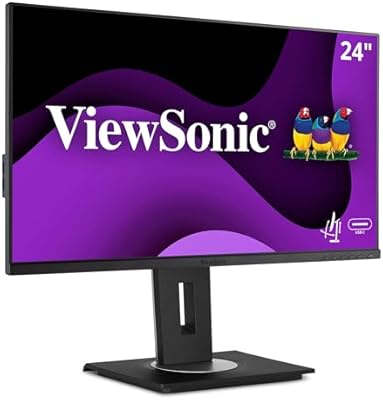
ViewSonic VG2456A 24-inch IPS Monitor