

Overview
The Samsung C24F392 24-inch Curved Monitor is an entry-level curved display that has quietly built a loyal following since its 2017 launch. The 1800R curvature is subtle enough that you barely notice the bend when you first unbox it, but after a few hours at your desk, flat screens start to feel oddly distant by comparison. One thing worth knowing upfront: the glossy panel surface picks up reflections in well-lit rooms, so placement matters. This is not a monitor for color graders or competitive gamers chasing high refresh rates. It is a reliable daily driver for people who want a clean, comfortable screen without spending much.
Features & Benefits
At 1920x1080 across a 24-inch panel, pixel density sits at a comfortable level — text stays crisp at normal sitting distances, and nothing looks noticeably soft unless you are actively hunting for it. The 1800R curved panel wraps your peripheral vision just enough to reduce the sense of staring at a flat rectangle, which genuinely helps during long reading or writing sessions. The slim chassis keeps your desk looking tidy, and the Eye Saver Mode combined with flicker-free backlight technology takes some edge off marathon work sessions. AMD FreeSync adds light gaming capability, though the standard 60Hz refresh rate caps how much competitive players will benefit. Connectivity covers HDMI and VGA — functional, but the absence of DisplayPort is worth noting for users with modern discrete GPUs.
Best For
This curved Samsung monitor makes the most sense for home office workers who spend long hours in front of a screen and want something more engaging than a flat panel without a large outlay. Students furnishing a first desk will find it covers every everyday task — web browsing, documents, video — without compromise. Casual gamers who play at 1080p will appreciate the curve and FreeSync support, even if the 60Hz ceiling rules out fast-paced esports titles. The slim compact footprint suits smaller desks well, and the HDMI port makes it a practical laptop second screen with minimal fuss. If you need height adjustment or portrait mode rotation, though, look elsewhere — the stand only tilts.
User Feedback
Buyers consistently mention two things right away: vibrant out-of-box colors and how satisfying the curve feels after coming from a flat screen. Setup gets high marks across the board — most people have it running within minutes. The stand, however, is a recurring sore point. You get tilt and nothing else, so if your desk or chair height is not ideal, you will be reaching for a monitor arm or a stack of books. In bright rooms, the glossy panel reflects overhead lights noticeably, which some find distracting. Creative professionals using the C24F392 for photo editing report that color accuracy does not hold up to scrutiny — it is simply not built for that use case, and most users seem to understand that going in.
Pros
- The 1800R curve makes extended work sessions noticeably more comfortable compared to flat panels at the same price.
- Out-of-box color vibrancy impresses most buyers right away, with warm, punchy tones that look good for everyday content.
- Eye Saver Mode and flicker-free backlight technology are practical additions for anyone clocking long hours at a desk.
- AMD FreeSync support adds real value for casual gamers pairing this with a compatible AMD GPU.
- Setup is quick and straightforward — most users are up and running within minutes of unboxing.
- The slim profile keeps desk setups looking clean and uncluttered without sacrificing screen real estate.
- Samsung build quality at this price tier is reassuringly solid, with no reports of significant panel or chassis issues.
- HDMI connectivity makes it a practical and hassle-free second display for laptop users.
- 1080p resolution on a 24-inch screen hits a sweet spot for sharpness at typical desk viewing distances.
Cons
- The stand only tilts — no height adjustment or pivot means awkward ergonomics for many desk and chair combinations.
- The glossy panel surface reflects overhead lights and windows, which becomes a real problem in bright environments.
- Color accuracy is limited, making this 24-inch curved screen a poor fit for photo editing or design work.
- The 60Hz refresh rate is a hard ceiling that rules out smooth performance in fast-paced or competitive games.
- No DisplayPort connection limits compatibility with some modern GPU setups and docking stations.
- This is a 2017 model, so buyers should not expect features like USB-C input, HDR support, or high-contrast VA panel specs found in newer budget options.
- VGA (D-Sub) is the only alternative to HDMI, which feels dated and limits useful redundancy for modern devices.
- No height adjustability means extra spending on a third-party monitor arm for users who care about proper ergonomics.
Ratings
The Samsung C24F392 24-inch Curved Monitor has been rated by our AI system after analyzing thousands of verified global user reviews, with spam, bot-generated, and incentivized submissions actively filtered out to ensure accuracy. Scores reflect the honest, aggregate experience of real everyday buyers — not a curated highlight reel — so both the genuine strengths and the recurring frustrations are transparently represented. Whether this curved screen fits your setup or falls short depends heavily on your use case, and the ratings below are designed to make that call easier.
Value for Money
Picture Quality
Eye Comfort
Ergonomics & Stand
Curvature & Immersion
Build Quality
Setup & Ease of Use
Gaming Performance
Connectivity
Glare & Reflections
Color Accuracy
Desk Footprint
Brightness & Contrast
Long-term Reliability
Suitable for:
The Samsung C24F392 24-inch Curved Monitor is a strong pick for anyone who wants a meaningful upgrade from a flat panel without committing to a high-end display budget. Home office workers who spend hours reading documents, browsing, or sitting through video calls will find the 1800R curve reduces the eye fatigue that comes with staring at a flat rectangle all day. Students setting up their first proper workspace get a lot of practical value here — solid build quality, a reputable brand, and a screen size that handles multitasking without overwhelming a smaller desk. Casual gamers who play story-driven or casual titles at 1080p will enjoy the added immersion the curve brings, especially paired with AMD FreeSync on a compatible GPU. Anyone looking to add a second screen to a laptop setup via HDMI will find the process straightforward and the result genuinely useful.
Not suitable for:
Buyers with more demanding requirements will likely find themselves frustrated with this 24-inch curved screen fairly quickly. Graphic designers, photographers, or anyone who needs accurate, consistent color representation should look elsewhere — the glossy panel and limited color fidelity are not suited to color-critical work. Competitive gamers who rely on high refresh rates will hit a hard ceiling at 60Hz, which rules out the smooth motion that fast-paced titles demand. The stand is a real sticking point: it only tilts, with no height adjustment or pivot, so users with non-standard desk or chair setups may need to budget separately for a monitor arm. People working in rooms with strong overhead lighting or windows directly behind them should also think twice — the glossy surface picks up reflections that can become genuinely distracting over long sessions. If DisplayPort connectivity is a requirement for your GPU or workflow, the C24F392 does not offer it.
Specifications
- Screen Size: The display measures 24 inches (59.8 cm) diagonally, offering a comfortable viewing area for single-monitor home and office setups.
- Resolution: Native resolution is 1920x1080 (Full HD), delivering a pixel density well-suited for everyday tasks at typical arm-length viewing distances.
- Aspect Ratio: The panel uses a standard 16:9 widescreen aspect ratio, compatible with virtually all modern video content and operating system layouts.
- Panel Curvature: The 1800R curvature radius produces a gentle, consistent bend across the screen that reduces peripheral distortion during extended use.
- Panel Surface: The screen uses a glossy surface finish, which enhances color saturation but can produce visible reflections in brightly lit environments.
- Connectivity: Input options include one HDMI port and one D-Sub (VGA) port; there is no DisplayPort or USB-C connection on this model.
- Stand Adjustment: The included stand supports tilt adjustment only, with no built-in options for height, swivel, or portrait-mode pivot.
- Eye Saver Mode: A dedicated Eye Saver Mode reduces blue light emission, which Samsung positions as a comfort feature for users during prolonged screen time.
- Flicker-Free: The backlight uses flicker-free technology to minimize the rapid cycling that can contribute to eye strain and headaches over long sessions.
- AMD FreeSync: AMD FreeSync is supported, enabling dynamic refresh rate synchronization when paired with a compatible AMD Radeon GPU to reduce screen tearing.
- Refresh Rate: The panel operates at a standard 60Hz refresh rate, which is adequate for everyday use and casual gaming but not competitive or fast-paced titles.
- Package Dimensions: The retail package measures 24 x 15.3 x 6.2 inches, making it manageable to transport and store during setup.
- Model Number: The official model designation is C24F392, used to identify this specific variant when sourcing compatible accessories or contacting Samsung support.
- Manufacturer: This monitor is designed and manufactured by Samsung, a South Korean electronics company with an established track record in consumer display hardware.
- Launch Date: The C24F392 was first made available in July 2017, making it a proven and widely reviewed model within the budget curved monitor segment.
Related Reviews
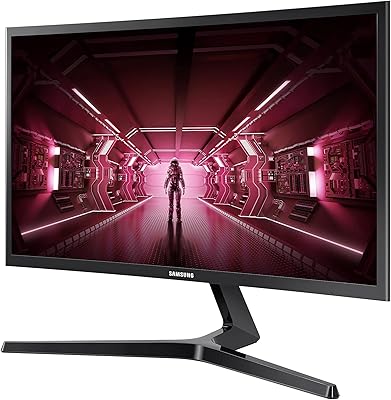
Samsung CRG5 24-Inch Curved Gaming Monitor
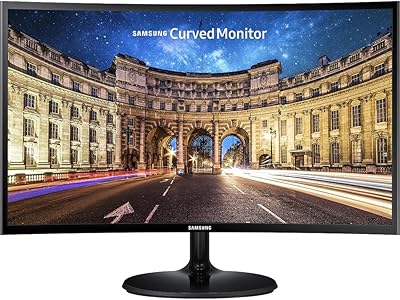
Samsung CF390 24-inch Curved Gaming Monitor
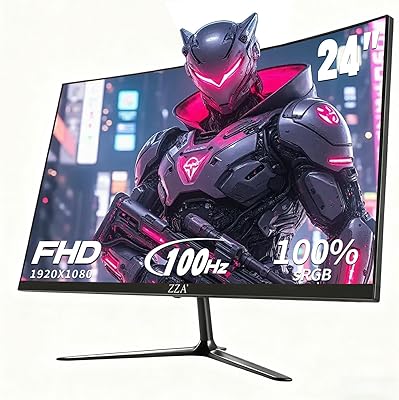
ZZA Z24A 24-Inch Curved Gaming Monitor
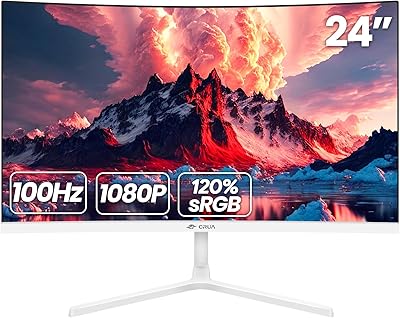
CRUA 24-Inch Curved Monitor
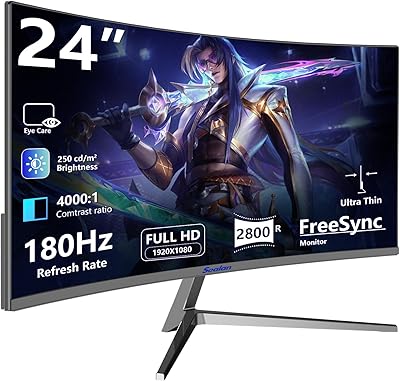
Sealan 24-Inch Curved Gaming Monitor
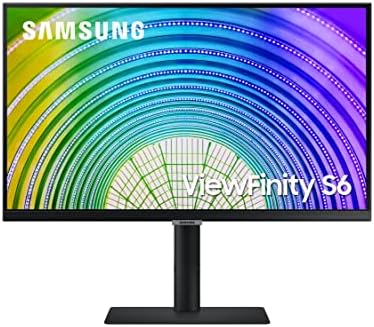
Samsung S60A 24-inch QHD Monitor
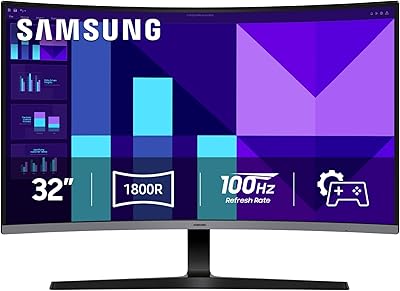
Samsung 32-inch S39GD Curved Monitor
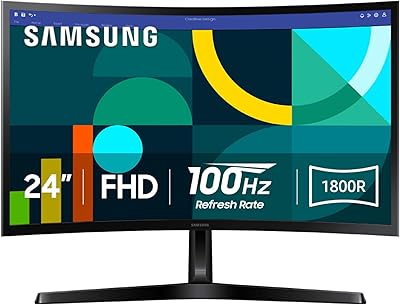
Samsung 24-inch S36GD Curved FHD Monitor
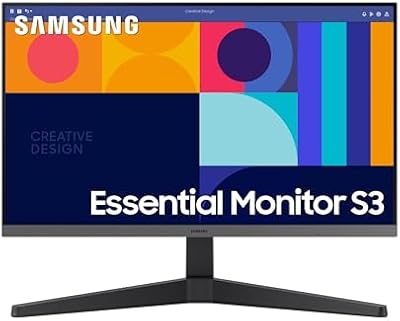
Samsung S33GC 24-Inch IPS Monitor