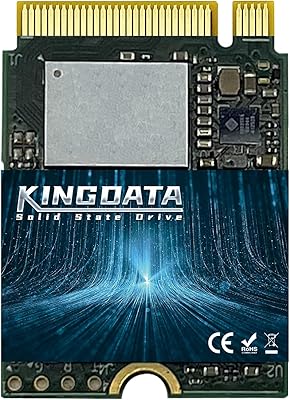
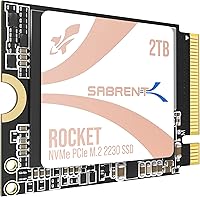
SABRENT Rocket Q4 2230 2TB NVMe SSD
Overview
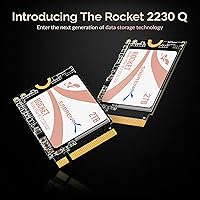
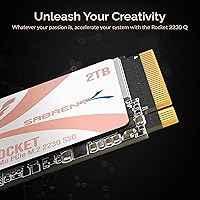
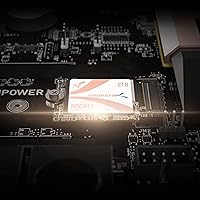
The SABRENT Rocket Q4 2230 2TB NVMe SSD was built for one specific problem: getting a fast, high-capacity drive into devices where standard SSDs physically cannot go. The M.2 2230 form factor is the whole story here — while most consumer drives ship in the longer 2280 size, handhelds and compact PCs demand the shorter 2230 footprint. The Gen4 PCIe interface is a genuine upgrade over the stock storage in these devices, though buyers should understand upfront that this uses QLC NAND, which trades some sustained write endurance for excellent capacity at this size. It is a purpose-built upgrade, not a benchmark chaser.
Features & Benefits
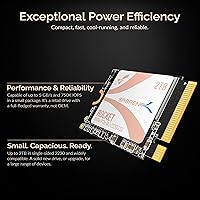
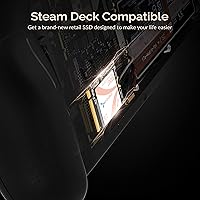
The single-sided PCB design is what makes this compact NVMe drive physically viable in the Steam Deck OLED and similarly tight enclosures — components on both sides of the board would push it out of spec. The Phison E21T controller runs without dedicated DRAM, leaning on Host Memory Buffer support to keep power draw low, which matters when you are running off a battery. Read speeds reaching 5,000 MB/s make a real difference compared to eMMC or aging Gen3 drives. At 2TB, it is the largest practical option in this form factor, and the Acronis cloning software means you will not need to reinstall your OS or games from scratch.
Best For
This 2230 SSD makes the most sense for Steam Deck owners — LCD or OLED — who have run out of room and want to ditch the microSD workaround entirely. Surface Pro users get an easy drop-in with no adapter needed. ROG Ally owners can absolutely use it too, but should know upfront that installation involves relocating a bracket or screw; manageable, but not quite as straightforward as on the Steam Deck. Mini PC and NUC builders working with slots that only accept the 2230 length will find it one of the few high-capacity options actually available to them. If you want to consolidate your game library internally and retire external storage for good, this is the logical choice.
User Feedback
With over 5,000 ratings averaging 4.5 stars, the Rocket Q4 has a strong track record, and the most consistent praise centers on how cleanly it installs in the Steam Deck and how painless the Acronis cloning process is for non-technical users. That said, the feedback is not entirely one-sided. Some buyers doing heavy sequential writes — large file transfers or full game installs — do notice the speed dip that comes with QLC NAND once the write cache fills up. Thermal throttling in confined chassis gets mentioned occasionally, though it appears to be an edge case under sustained workloads rather than an everyday issue. ROG Ally users flagging the bracket adjustment are a minority, but worth heeding if hardware installs are unfamiliar territory.
Pros
- One of the very few 2TB options available in the M.2 2230 single-sided form factor.
- Gen4 PCIe interface delivers a noticeable speed jump over stock eMMC and older Gen3 drives.
- Single-sided PCB fits Steam Deck OLED and other tight chassis without clearance issues.
- Bundled Acronis cloning software makes migration straightforward — no third-party tools needed.
- HMB support keeps power draw low, which helps preserve battery life on handhelds.
- Retail packaging with full manufacturer support removes the uncertainty of OEM or refurbished pulls.
- Read speeds up to 5,000 MB/s make game load times and OS responsiveness feel genuinely faster.
- Over 5,000 ratings at 4.5 stars reflects a broad, consistent base of satisfied buyers.
- Drop-in compatibility with Surface Pro requires no adapter or bracket modification.
- Eliminates the need for microSD cards or external drives in handheld gaming PCs.
Cons
- QLC NAND write speeds dip noticeably during large sequential transfers once the cache fills.
- DRAM-less design means peak performance under mixed heavy workloads falls short of cache-equipped drives.
- ROG Ally installation requires bracket or screw relocation — less plug-and-play than on Steam Deck.
- Priced at a premium for the 2230 niche; a 2280 TLC alternative offers better value for standard devices.
- Thermal throttling has been reported by some users during extended, sustained workloads in confined enclosures.
- QLC NAND has lower write endurance over time compared to TLC or MLC alternatives.
- No onboard DRAM means latency under certain random workload patterns is higher than cache-backed competitors.
- Limited appeal outside the 2230 ecosystem — buyers with standard slots have better options at this price.
Ratings
Our AI rating engine analyzed thousands of verified global reviews for the SABRENT Rocket Q4 2230 2TB NVMe SSD, actively filtering out incentivized, bot-generated, and low-quality submissions to surface what real buyers actually experienced. The scores below reflect both the genuine strengths that earned this drive a loyal following and the honest trade-offs that a subset of users found frustrating. Nothing has been smoothed over — the numbers tell the full story.
Form Factor Compatibility
Read Performance
Write Performance
Installation Experience
Thermal Management
Power Efficiency
Storage Capacity
Value for Money
Reliability & Longevity
Software & Ecosystem
Random I/O Performance
Build & Physical Quality
Documentation & Support
Suitable for:
The SABRENT Rocket Q4 2230 2TB NVMe SSD is the right call for anyone upgrading a device where the M.2 2230 form factor is not optional — it is a hard physical requirement. Steam Deck owners, whether on the LCD or OLED model, are the most obvious audience: the drive drops in cleanly, delivers a meaningful speed boost over the stock storage, and 2TB means most people can stop thinking about storage management entirely. Surface Pro users get an equally straightforward experience with no adapter gymnastics required. ROG Ally owners are also well-served here, provided they are comfortable with a minor screw or bracket adjustment during installation — it is a small hurdle, not a dealbreaker. Mini PC and NUC builders who have been frustrated by the slim pickings in high-capacity 2230 drives will find this one of the few genuinely viable options at this size. Anyone who wants to consolidate their game library internally and permanently retire microSD cards or external drives will get exactly what they are after.
Not suitable for:
If your device takes a standard M.2 2280 drive, this compact NVMe drive is not the right fit — you would be paying a premium for a size constraint you do not have, and a 2280 TLC drive will outperform it in sustained write scenarios at a lower cost. Power users who regularly move very large files — think video editors working with raw footage or anyone doing frequent full-drive backups — will eventually notice the write speed dip that comes with QLC NAND once the cache is saturated; that is an inherent characteristic of the flash type, not a defect. Desktop PC builders have no reason to look here either, since the 2230 form factor offers no advantage in a full-size tower and the drive is priced accordingly for its niche. Buyers expecting DRAM-backed performance comparable to higher-end NVMe drives should adjust expectations — HMB helps, but it is not a substitute for onboard cache in demanding workloads. And if you are shopping purely on benchmark numbers rather than real-world device compatibility, the Rocket Q4 was simply not designed to win that race.
Specifications
- Form Factor: M.2 2230 single-sided, measuring 1.18 x 0.87 x 0.05 inches and weighing 0.1 ounces.
- Interface: PCIe Gen4 x4 NVMe 1.4, offering up to four lanes of fourth-generation PCI Express bandwidth.
- Capacity: 2TB of usable storage, making it one of the highest-capacity options available in the 2230 form factor.
- Controller: Phison E21T, a power-efficient controller well-suited to compact, thermally constrained devices.
- NAND Type: Micron QLC (Quad-Level Cell) flash, which prioritizes storage density and capacity over raw write endurance.
- Sequential Read: Up to 5,000 MB/s sequential read speed under optimal conditions.
- Sequential Write: Up to 3,800 MB/s sequential write speed, with speed reductions expected once the SLC write cache is exhausted.
- Random IOPS: Up to 800,000 input/output operations per second, supporting responsive multitasking and rapid file access.
- Memory Buffer: DRAM-less design with Host Memory Buffer (HMB) support, using a portion of system RAM to assist with address mapping.
- Power Efficiency: HMB-optimized operation reduces active power draw, helping preserve battery life in handheld gaming devices.
- PCB Design: Single-sided board layout ensures the drive fits within tight chassis clearances found in devices such as the Steam Deck OLED.
- Compatible Devices: Designed for use in Steam Deck, ASUS ROG Ally, Microsoft Surface Pro, Intel NUCs, and other M.2 2230-compatible ultrabooks and mini PCs.
- Included Software: Comes with a downloadable license for Acronis True Image, enabling full drive cloning without requiring third-party software.
- Packaging: Sold in full retail packaging with complete manufacturer support — not an OEM pull or refurbished unit.
- Manufacturer: Made by SABRENT, a US-based storage and peripheral brand offering direct customer support and warranty coverage.
- Model Number: Official model identifier is SB-213Q-2TB, with ASIN B0C5YS3QY4 for Amazon marketplace reference.
- Weight: 0.1 ounces, light enough that it adds no meaningful weight to any device it is installed in.
Related Reviews
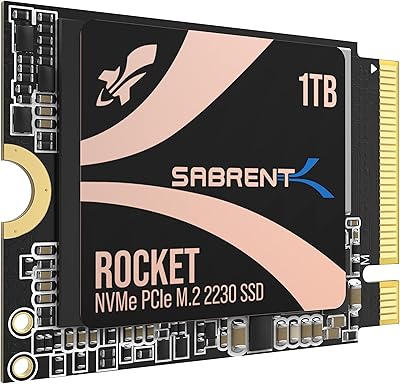
SABRENT Rocket 2230 1TB NVMe SSD
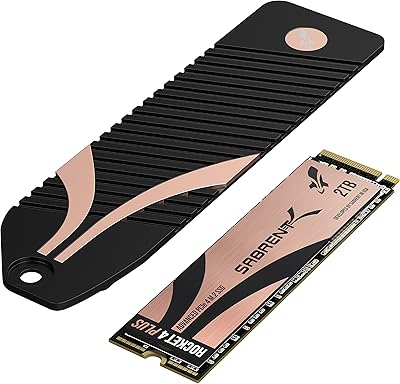
SABRENT Rocket 4 Plus 2TB NVMe SSD
Sabrent Rocket Q4 1TB NVMe SSD
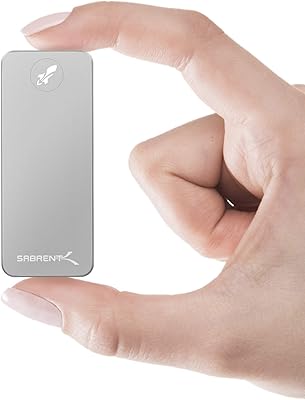
SABRENT Rocket Nano 2TB External SSD
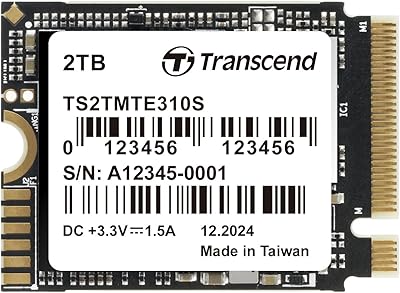
Transcend MTE310 2TB M.2 2230 NVMe SSD
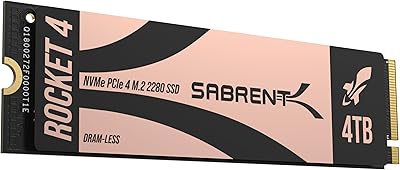
SABRENT Rocket 4 4TB NVMe SSD
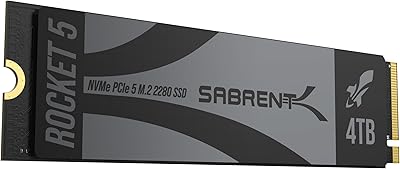
SABRENT Rocket 5 4TB NVMe SSD
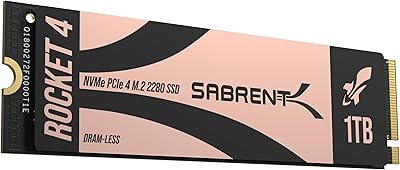
Sabrent Rocket 4 1TB NVMe SSD
SABRENT Rocket 4 Plus 8TB NVMe SSD