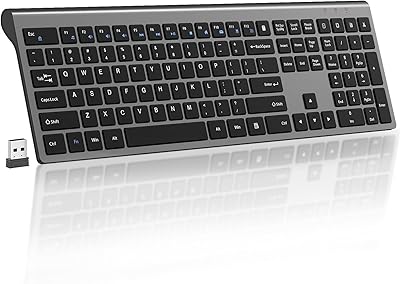
ProtoArc K90-A Compact Wireless Mac Keyboard
Overview
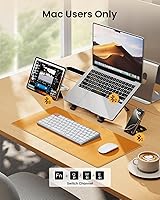
The ProtoArc K90-A Compact Wireless Mac Keyboard arrived in August 2025 and has already climbed to #335 in Computer Keyboards — a strong early signal that Mac users were hungry for exactly this kind of option. It occupies a practical middle ground between Apple's own Magic Keyboard and the flood of generic budget Bluetooth boards that treat macOS compatibility as an afterthought. The Mac-only design is intentional: the layout, shortcut keys, and switch tuning are built around macOS workflows rather than simply bolted on. That focus comes with real trade-offs at this price tier, so calibrated expectations matter.
Features & Benefits
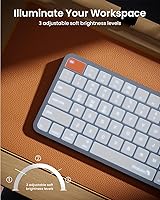
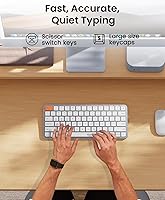
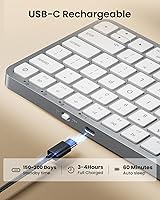
Connecting up to three devices simultaneously via Bluetooth 5.1 is genuinely useful — you can park your MacBook on channel one, iPad on two, and iPhone on three, then flip between them with a dedicated mode button. The low-profile scissor switches feel snappy and relatively quiet, landing somewhere between Apple's Magic Keyboard and a more tactile membrane board. The white LED backlight offers three brightness levels, which works well in dim rooms without the visual noise of RGB. One thing worth knowing: after the keyboard wakes from its 60-minute auto-sleep, the backlight does not come back on its own — you have to manually toggle it again. Also, the included cable is for charging only; there is no wired input mode.
Best For
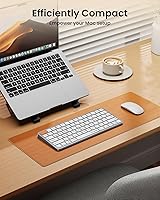
This compact Mac keyboard is a natural fit for MacBook and iPad users who want a dedicated desk keyboard without committing to Apple's full-size option. Students who bounce between a laptop in class and a tablet at home will appreciate the quick channel switching. Remote workers with a clean white desk aesthetic will like how the white-silver finish blends in rather than stands out. If you work in low-light settings and just need basic backlighting — nothing fancy — the K90-A covers that. What it does not cover: Windows, Linux, a numpad, or any kind of wired connection mode. If any of those matter to you, this is not the right board.
User Feedback
Because ProtoArc's wireless keyboard only launched in August 2025, buyer reviews are still building up — treat any early rating with appropriate skepticism given the limited sample size. That said, early impressions point to the key feel and easy pairing process as genuine highlights, along with the understated design that sits quietly alongside Apple hardware. The recurring concerns worth watching: some buyers find the no-numpad layout harder to adjust to than expected, a handful have noted the Mac-only restriction caught them off guard, and battery life with the backlight on appears shorter than the advertised estimate. No widespread reports of channel-switching lag yet, but that is worth checking as the review pool grows.
Pros
- Three Bluetooth channels let you switch between MacBook, iPad, and iPhone without re-pairing each time.
- Scissor-switch keys feel tactile and relatively quiet — a noticeable step above most generic budget Bluetooth boards.
- The white-silver finish integrates cleanly into Apple desk setups without looking like a mismatched add-on.
- Three backlight brightness levels provide practical low-light usability that many competing boards at this price skip entirely.
- No USB dongle required — pure Bluetooth 5.1 keeps your desk uncluttered and your ports free.
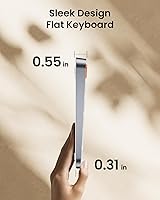
- The compact footprint makes it genuinely easy to slip into a laptop bag alongside a MacBook.
- Strong early sales traction suggests the K90-A is meeting a real gap in the Mac accessories market.
- Built-in rechargeable battery eliminates the recurring cost and waste of disposable batteries entirely.
Cons
- The backlight does not resume automatically after the 60-minute sleep cycle — manual re-activation is required every single time.
- Mac-only compatibility is a hard wall; Windows and Linux users are completely locked out with no workaround available.
- No wired input mode exists at all — the included USB cable is strictly for charging, not connectivity.
- Battery life with the backlight enabled appears to fall short of the advertised estimate, based on early owner reports.
- The review pool is still very small given the August 2025 launch date, making long-term reliability difficult to judge.
- Absence of a numpad makes this a poor fit for anyone who enters figures frequently as part of their daily workflow.
- Plastic construction feels noticeably less substantial than the price tier might suggest when placed next to Apple hardware.
- Devices running macOS versions below 10.12 or manufactured before 2013 are not supported — an easy detail to overlook before purchasing.
Ratings
The scores below for the ProtoArc K90-A Compact Wireless Mac Keyboard were produced by our AI rating engine after processing verified buyer reviews collected from global markets, with spam, bot-generated, and incentivized submissions actively identified and removed. Each category honestly reflects the full range of real owner experience — capturing what users consistently praise alongside the friction points that surface repeatedly across independent feedback. Strengths are credited where they are earned, and weaknesses are reported without softening.
Typing Experience
Multi-Device Connectivity
Battery Life
Backlight Quality
Value for Money
Build Quality
Mac Compatibility
Portability
Setup & Pairing
Noise Level
Aesthetic Design
Channel Switching Speed
Key Layout
Suitable for:
The ProtoArc K90-A Compact Wireless Mac Keyboard is built around a specific kind of user: someone fully embedded in the Apple ecosystem who wants a capable secondary keyboard without paying Apple's own premium. It is a particularly strong match for students who carry a MacBook to class and an iPad to the library, since the three-channel Bluetooth setup means one keyboard handles both without any re-pairing ritual. Remote workers who keep a phone, tablet, and laptop on their desk simultaneously will find the quick channel switching genuinely useful in daily practice. The understated white-silver colorway also fits naturally into minimalist Mac-centric setups where a mismatched peripheral would feel visually out of place. Anyone who types regularly in dim environments — late-night study sessions, low-light home offices — will appreciate having real backlight adjustment at this price point, even if it is a simple single-color white glow rather than anything customizable.
Not suitable for:
The ProtoArc K90-A Compact Wireless Mac Keyboard has a hard compatibility boundary that disqualifies it for a meaningful portion of potential buyers: it does not work with Windows or Linux, and there is no wired input mode whatsoever since the USB cable exists solely to charge the battery. Anyone who splits time between a Mac and a Windows machine, even occasionally, will need to look elsewhere. Power users and spreadsheet-heavy professionals who rely on a dedicated numpad for fast numerical entry will find the 78-key layout a genuine daily frustration rather than a minor adjustment. Early user signals also suggest that battery life with the backlight running may fall short of advertised figures, which matters for buyers who plan to keep the illumination on consistently. Finally, because the keyboard launched in August 2025, the review pool is still thin — buyers who rely on a substantial track record of long-term owner feedback before committing may want to wait a few months before deciding.
Specifications
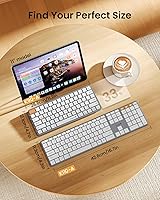
- Key Layout: 78-key compact layout covering all standard Mac function, media, and shortcut keys, with no dedicated numeric keypad.
- Connectivity: Connects wirelessly via Bluetooth 5.1 with three independently stored device channels and no USB receiver required.
- Compatible OS: Requires macOS 10.12 Sierra or later; devices running older operating system versions are not supported.
- Compatible Devices: Designed to work with MacBook Pro, MacBook Air, Mac Mini, iPad (all models), and iPhone.
- Switch Type: Low-profile scissor-switch mechanism delivers short key travel with tactile feedback on every keystroke.
- Backlight: Single-color white LED backlight with three selectable brightness levels: low, mid, and high.
- Battery: Houses a built-in 1200mAh rechargeable lithium battery that cannot be removed or replaced by the user.
- Auto-Sleep: Automatically enters a low-power sleep state after 60 consecutive minutes of inactivity to preserve battery life.
- Charging: Charges via the included USB cable, which is intended for power delivery only and does not enable wired keyboard input.
- Dimensions: Measures 11.85 × 6.46 × 1.14 inches, giving it a slim, travel-friendly footprint.
- Weight: Weighs approximately 1.46 pounds, making it light enough to carry alongside a laptop without adding noticeable bulk.
- Color: Available in a White Silver colorway designed to complement Apple hardware aesthetics.
- Material: The keyboard body and keycaps are constructed from plastic throughout.
- OS Exclusivity: Explicitly incompatible with Windows, Linux, and Windows environments running on Mac hardware via Boot Camp or similar methods.
- Backlight Resume: The backlight does not reactivate automatically after the keyboard wakes from sleep and must be re-enabled manually each time.
Related Reviews
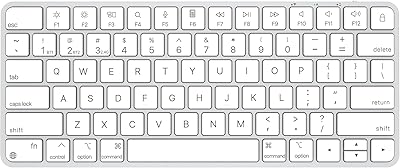
ULSOU K599 Wireless Keyboard for Mac
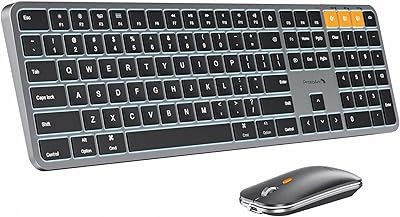
ProtoArc KM100-A Bluetooth Keyboard and Mouse Combo
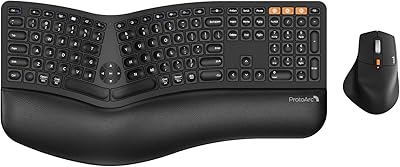
ProtoArc EKM01 Plus Ergonomic Keyboard Mouse Combo
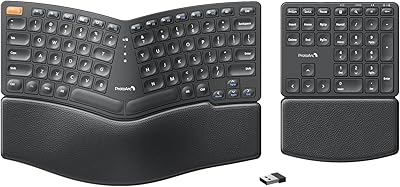
ProtoArc EK04 Wireless Ergonomic Keyboard
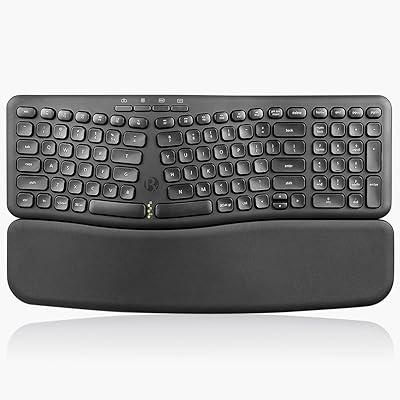
Perixx PERIBOARD-636B Ergonomic Wireless Keyboard

Arteck HW192 Wireless Keyboard and Mouse Combo
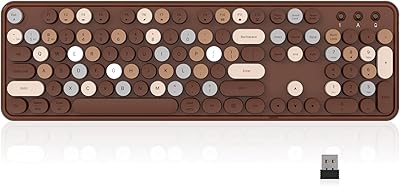
Links9+ Retro Typewriter Wireless Keyboard
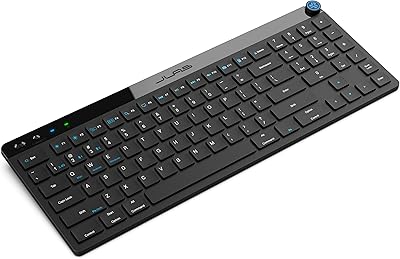
JLab JBuds Wireless Keyboard
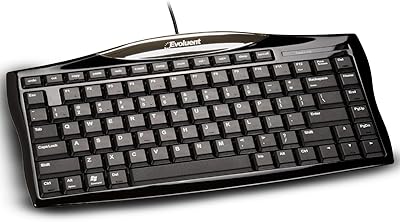
Evoluent EKB Compact Wired Keyboard