Prechen HD-123 12.3-inch Portable Touchscreen Monitor
Overview
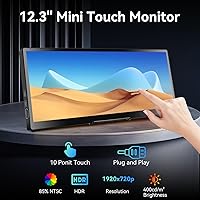
The Prechen HD-123 12.3-inch Portable Touchscreen Monitor is a compact secondary display aimed at remote workers, frequent travelers, and PC enthusiasts who want a capable screen without hauling something full-sized. Prechen, manufactured by Shenzhen Kenowa, is a newer name in the portable monitor space, and this model carves out a niche with its unusual 1920x720 resolution — a format sitting somewhere between standard widescreen and ultrawide. That non-standard aspect ratio is worth flagging upfront: it suits certain workflows like system monitoring or side-by-side reference well, but it can create scaling headaches in apps designed for conventional 16:9 displays. Know the trade-off going in.
Features & Benefits
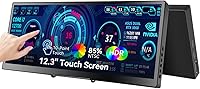
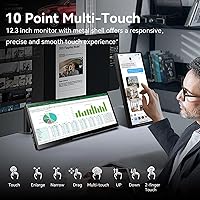
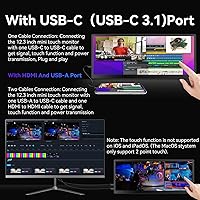
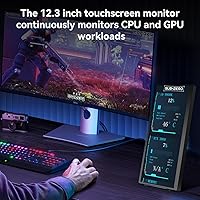
The IPS panel delivers solid color accuracy and decent viewing angles for its size — 450 cd/m² of brightness holds up reasonably well in lit rooms, though direct sunlight will challenge it. The touchscreen supports 10-point capacitive input on Windows and is genuinely responsive, but Mac users are limited to single-point touch, and iPhones and iPads get no touch support at all. Connectivity covers HDMI and USB-C, though the setup logic matters: USB-C with DP Alt Mode or Thunderbolt handles power, video, and touch in one cable, while the HDMI route requires a separate USB-A to USB-C cable for touch — a detail many buyers miss. The AIDA64 monitoring integration is the real differentiator, letting PC builders track live CPU, GPU, and RAM stats in real time.
Best For
This portable touchscreen monitor makes the most sense for PC builders and overclockers who want a dedicated AIDA64 dashboard running alongside their main rig — a purpose-built use case most generic travel monitors simply do not address. Remote workers and regular travelers who need a lightweight secondary screen will also find value here, particularly those running Windows on a USB-C or Thunderbolt laptop, which enables the cleanest single-cable connection. The non-standard resolution makes it less ideal for general content consumption or anyone whose workflow demands pixel-perfect 16:9 compatibility. Think of it as a specialized productivity tool rather than a universal travel display.
User Feedback
Buyers who use this travel monitor within its intended scope tend to come away satisfied. Display clarity and touch responsiveness on Windows draw consistent praise, and AIDA64 users report a straightforward setup experience. On the critical side, the resolution trips up a notable share of buyers — app scaling issues and the narrow screen height frustrate those expecting a more conventional display. The HDMI connectivity setup also generates confusion, with several buyers initially unaware that touch requires an additional USB-A cable alongside HDMI. Speaker quality earns modest marks at best — functional for basic audio, nothing more. Build quality, however, lands as a genuine positive, with the CNC chassis feeling sturdier than many rivals at this price tier.
Pros
- The AIDA64 integration makes this a genuinely practical dedicated monitoring display for PC enthusiasts and system builders.
- IPS panel delivers accurate colors and wide viewing angles for its compact size.
- 10-point capacitive touch on Windows is responsive and works reliably without noticeable lag.
- USB-C single-cable setup with Thunderbolt or DP Alt Mode devices is clean and hassle-free.
- CNC-machined chassis feels noticeably sturdier than competing portable monitors at this price tier.
- At 450 cd/m² brightness, the Prechen 12.3-inch display holds up well in typical indoor lighting conditions.
- The integrated foldable stand is sturdy enough for desk use and eliminates the need to carry a separate accessory.
- Slim profile at under 0.6 inches thick makes it practical to carry alongside a laptop in most bags.
Cons
- The 1920x720 resolution is non-standard and causes app scaling issues in software built for conventional 16:9 displays.
- Mac users are restricted to single-point touch only, and it requires cursor placement on the monitor first — an awkward limitation.
- iPhone, iPad, and game console users get zero touch functionality, despite the touchscreen being a headline feature.
- The HDMI connectivity setup requires a separate USB-A to USB-C cable to enable touch, which many buyers discover only after setup.
- Built-in speakers are barely adequate for basic audio and not a realistic substitute for external sound.
- At just under 3 pounds, it is heavier than some competing 12-inch portable monitors, which matters over long travel days.
- Prechen is a newer, lesser-known brand with limited long-term reliability data or established customer support track record.
- The narrow screen height limits usefulness for video streaming, graphic design, or any content-heavy workflow expecting standard proportions.
Ratings
The scores below for the Prechen HD-123 12.3-inch Portable Touchscreen Monitor were generated by our AI after analyzing verified purchase reviews from buyers worldwide, with spam, bot submissions, and incentivized feedback actively filtered out. Each category score reflects the honest distribution of real user sentiment — strengths and frustrations alike — so you can make a confident, informed decision before buying.
Display Clarity
Touch Responsiveness
Connectivity Setup
AIDA64 Integration
Build Quality
Portability
Audio Quality
Aspect Ratio Usability
Setup Ease
Value for Money
Mac Compatibility
Stand & Ergonomics
Brightness & Glare
Suitable for:
The Prechen HD-123 12.3-inch Portable Touchscreen Monitor was clearly designed with a specific type of buyer in mind, and for that buyer, it delivers real value. PC builders and overclockers will find the AIDA64 hardware monitoring integration genuinely useful — having a dedicated screen showing live CPU, GPU, and RAM stats without tying up your main display is a practical setup that most generic portable monitors simply cannot replicate. Windows-based remote workers and road warriors who need a lightweight secondary screen will also get solid mileage from it, especially those running Thunderbolt or USB-C laptops where a single cable handles power, video, and touch simultaneously. The compact footprint makes it easy to slip into a bag alongside a laptop, and the CNC-machined chassis gives it a build quality that feels more durable than flimsy plastic alternatives at a similar price. If your workflow involves multitasking on a Windows machine and you want something portable without compromising too much on screen quality, this travel monitor is a reasonable and well-targeted option.
Not suitable for:
There are meaningful groups of buyers who should think twice before purchasing this portable touchscreen monitor. The 1920x720 resolution is the biggest sticking point — it is a non-standard format, and anyone expecting conventional 16:9 app compatibility will run into scaling issues with software that does not adapt gracefully to the narrow screen height. Mac users are further limited by the single-point touch restriction, which requires manually placing the cursor on the monitor before touch responds — a clunky workaround that undermines one of the display's core selling points. iPhone, iPad, and most gaming device users get no touch functionality at all, making the touchscreen essentially decorative for those setups. Buyers shopping for a general-purpose travel monitor to watch video, browse, or do graphic design work will likely find the aspect ratio frustrating for everyday content. Anyone prioritizing audio quality should also temper expectations significantly, as the built-in speakers are functional at best and not a substitute for even basic external audio.
Specifications
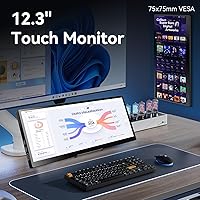
- Screen Size: The display measures 12.3 inches diagonally, offering a compact footprint suitable for travel and desk use as a secondary monitor.
- Resolution: Native resolution is 1920x720 pixels, a non-standard format that produces a narrower vertical height than conventional 1080p or 16:9 panels.
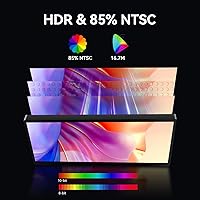
- Panel Type: Uses an IPS (In-Plane Switching) panel, providing accurate color reproduction and consistent viewing angles compared to TN alternatives.
- Aspect Ratio: The panel uses a 16:9 aspect ratio designation, though the 1920x720 resolution results in a noticeably narrower screen height than standard 1080p 16:9 displays.
- Brightness: Rated at 450 cd/m², which is sufficient for most indoor environments but may struggle in bright outdoor or direct sunlight conditions.
- Touch Input: Supports 10-point capacitive touch on Windows devices and single-point touch on MacBooks; iPhone, iPad, and most gaming devices do not support touch functionality.
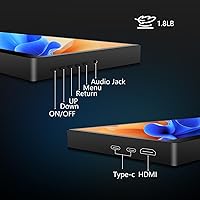
- Connectivity: Offers HDMI input and USB-C (supporting DP Alt Mode and Thunderbolt 3/4), with touch activation over USB-C requiring DP Alt Mode or Thunderbolt, and a separate USB-A to USB-C cable needed for touch when using HDMI.
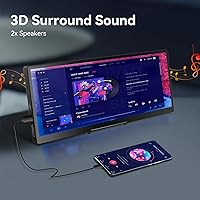
- Audio: Equipped with built-in speakers that provide basic audio output, suited for system sounds and casual use rather than media playback.
- Chassis Material: The enclosure is constructed using CNC (Computer Numerical Control) machining, resulting in tighter tolerances and a more rigid feel than typical injection-molded plastic housings.
- Stand: Includes an integrated foldable stand that supports the monitor at a fixed angle, eliminating the need for a separate stand or case accessory.
- Dimensions: The monitor measures 11.8 x 5.1 x 0.59 inches (length x height x depth), keeping it slim enough to slide alongside a laptop in most standard bags.
- Weight: Weighs 2.97 pounds, which is heavier than some competing 12-inch portable monitors and worth factoring in for daily commute or travel loads.
- Compatibility: Compatible with Windows PCs, MacBooks, and select Android devices; full touch functionality is exclusive to Windows, with MacBooks receiving only single-point support.
- AIDA64 Support: Integrates with the AIDA64 system monitoring software (sold separately) to display real-time CPU, GPU, RAM, and system health data on the screen.
- Brand: Manufactured by Shenzhen Kenowa Electronics Co., LTD and sold under the Prechen brand, which is a newer entrant in the portable display market.
- Model Number: The official model designation is HD-123, which can be used when searching for compatible accessories, firmware, or support documentation.
Related Reviews
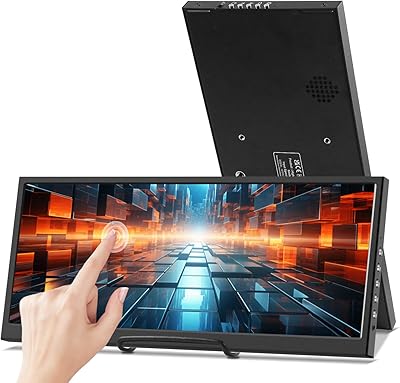
Prechen HD-123 12.3-inch Bar Touchscreen Monitor
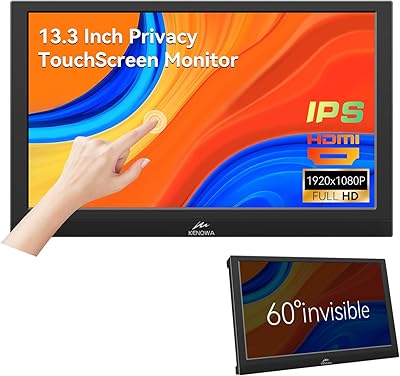
Kenowa 13.3-inch Touchscreen Portable Monitor
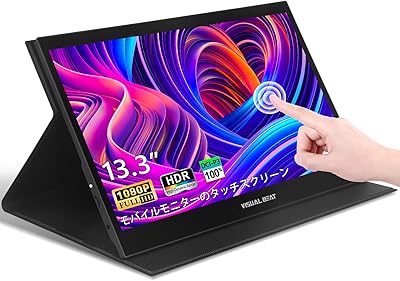
Visual Beat R13PMT101 13.3-inch Portable Touchscreen Monitor
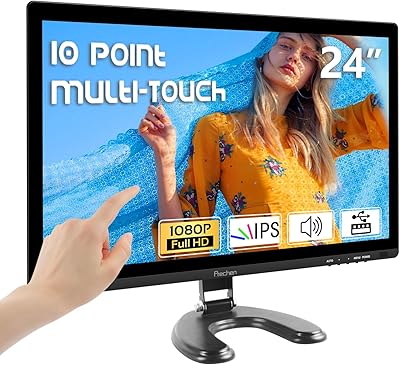
Prechen HD-24 24-Inch Touchscreen Monitor
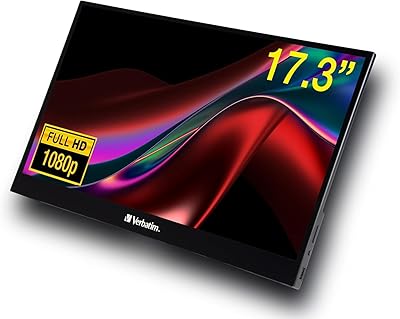
Verbatim 17.3″ Portable Touchscreen Monitor

Lrtzcbi 14-inch Portable Touchscreen Monitor
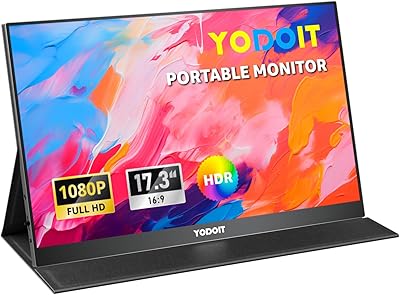
Yodoit PTM17 17.3″ Portable Monitor
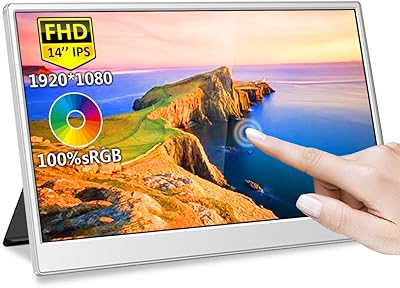
Magedok MG140-FT02 14-Inch Portable Touchscreen Monitor
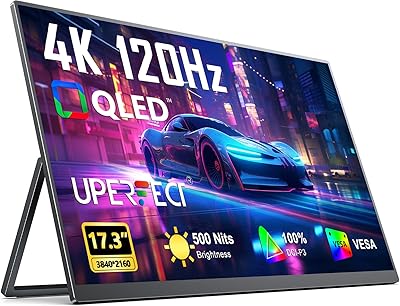
UPERFECT 17.3-inch 4K Portable Monitor