Lrtzcbi 14-inch Portable Touchscreen Monitor
Overview
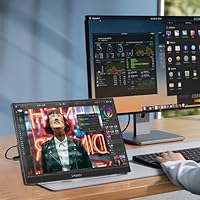
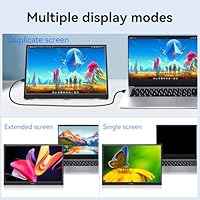
The Lrtzcbi 14-inch Portable Touchscreen Monitor enters a crowded budget portable display market with a few genuine differentiators worth paying attention to. Most notably, it opts for a 16:10 aspect ratio rather than the standard 16:9, which gives you measurably more vertical screen space — handy when scrolling documents, reading code, or browsing. The IPS panel runs at 1920x1200, and touchscreen support at this price tier is something you rarely encounter. Setup requires no driver installation; plug in via USB-C or HDMI and you are up and running. Just go in knowing this is a value-tier display, not a color-accurate studio monitor.
Features & Benefits
What makes this portable touchscreen monitor worth considering is how well it handles everyday connectivity. The single USB-C cable manages both power and video on laptops that support DisplayPort Alt Mode, cutting down on clutter significantly. If your device does not support that, HDMI works fine with a separate power connection. The 10-point multi-touch panel responds well to standard Windows gestures, and at 400 nits it holds up reasonably in well-lit rooms. At 1.25 pounds with an integrated kickstand, it fits in a bag without drama. The built-in speakers are modest but functional, and the OTG micro-USB port adds a handy option for connecting a keyboard or mouse directly.
Best For
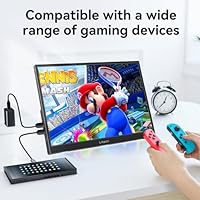
This 14-inch travel display fits a specific kind of buyer really well. Remote workers splitting time between offices and home will appreciate having a second screen on demand without hauling full-size gear. Students get a meaningful workspace upgrade in tight spots — a library desk or dorm room benefits from the extra vertical real estate the 16:10 panel provides. It is also a solid pick for gaming on the go; the Switch, PS4, and Xbox all connect without fuss, making it practical for hotel rooms or a friend's place. Raspberry Pi developers will find the touch input especially useful, and presenters wanting a personal reference screen during meetings round out the core use cases.
User Feedback
Buyers generally respond positively to the Lrtzcbi monitor's image quality given what they paid, with the IPS panel drawing consistent compliments for color and sharpness in everyday use. Touch accuracy earns good marks in the center of the screen, but some users report that edge detection can be inconsistent — worth knowing if you frequently tap near corners. The kickstand is probably the most polarizing element; it holds steady on flat firm surfaces but wobbles on softer materials. Cable setup also trips up some buyers, since not every USB-C cable carries video and the included cables need careful sorting. Long-term durability appears acceptable overall, though the plastic construction does not feel particularly rugged.
Pros
- The 16:10 aspect ratio provides noticeably more vertical screen space than typical 16:9 portable monitors.
- Touchscreen support with 10-point multi-touch is a rare and useful feature at this price point.
- Compatible out of the box with laptops, Switch, PS4, Xbox, and Raspberry Pi with no driver installation needed.
- A single USB-C cable handles both power and video on supported laptops, keeping cable clutter minimal.
- At just 1.25 pounds and under 0.6 inches thin, this 14-inch travel display fits easily into any laptop bag.
- 400-nit brightness holds up well in bright indoor environments and moderately lit workspaces.
- Built-in speakers eliminate the need to carry a separate audio device for travel use.
- The OTG micro-USB port lets you connect a keyboard or mouse directly to the monitor itself.
- Image quality consistently earns praise from buyers relative to the modest price asked.
Cons
- The kickstand wobbles on soft or uneven surfaces, making sofa or bed use genuinely unreliable.
- Touch accuracy degrades noticeably near screen edges, which can be frustrating in regular use.
- Not all USB-C cables carry video signal; sorting the included cables causes confusion for many buyers.
- No factory color calibration means the panel is unsuitable for any color-critical professional work.
- The plastic build feels light in a fragile rather than premium way, raising questions about long-term durability.
- No HDR certification despite the listing mentioning HDR support, which may disappoint buyers expecting HDR performance.
- Speakers are functional but thin-sounding; not a replacement for even basic portable Bluetooth speakers.
- Devices without USB-C DisplayPort Alt Mode require both an HDMI cable and a separate power cable simultaneously.
Ratings
The scores below reflect an AI-driven analysis of verified global buyer reviews for the Lrtzcbi 14-inch Portable Touchscreen Monitor, with spam, bot activity, and incentivized feedback actively filtered out to protect accuracy. Ratings are calibrated to reflect real-world ownership experience across a range of use cases, from daily commuting setups to casual gaming sessions. Both the genuine strengths and the recurring frustrations buyers encounter are transparently represented in every category.
Value for Money
Image Quality
Touch Responsiveness
Portability
Kickstand Stability
Connectivity & Setup
Compatibility Range
Build Quality
Brightness & Glare
Audio Quality
Gaming Performance
Ease of Use
Packaging & Accessories
Suitable for:
The Lrtzcbi 14-inch Portable Touchscreen Monitor is a strong fit for anyone who needs a capable secondary screen without spending a lot or carrying much. Remote workers who hot-desk or frequently work from cafes, airports, or client sites will get real productivity value from the extra screen space, especially since the 16:10 panel gives more vertical room for documents and spreadsheets than most portable displays offer. Students working in tight spaces like dorms or libraries will find it easy to set up and pack away quickly. Casual gamers who want to use their Switch, PS4, or Xbox away from a TV have a genuinely convenient plug-and-play option here. Raspberry Pi hobbyists and developers who need a compact touch-enabled screen for prototyping or tinkering will also find it well-suited to their workflow.
Not suitable for:
The Lrtzcbi 14-inch Portable Touchscreen Monitor is not the right call for buyers who need professional-grade color accuracy or a display they can rely on for photo editing, video grading, or design work. The panel is not factory calibrated, and there is no certified HDR support, so critical visual tasks will suffer. Users who work primarily on soft or uneven surfaces — a couch, a bed, or an airplane tray table — will likely find the integrated kickstand frustrating, as it needs a flat, firm surface to stay stable. Anyone hoping to use a single USB-C cable from a phone or a device without DisplayPort Alt Mode support will need to manage an HDMI cable plus a separate power source, which undercuts the convenience factor. Buyers expecting a ruggedized or premium-built monitor should also look elsewhere; the plastic chassis is functional but not built for rough handling.
Specifications
- Screen Size: The display measures 14 inches diagonally, offering a compact footprint suited to portable use.
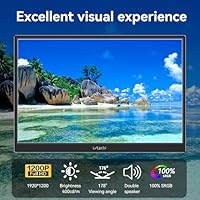
- Resolution: Native resolution is 1920x1200 pixels, delivering sharp detail across documents, video, and general computing tasks.
- Aspect Ratio: The 16:10 aspect ratio provides more vertical screen space compared to the more common 16:9 format found on most portable monitors.
- Panel Type: An IPS panel is used, which produces consistent color and contrast when viewed from wide angles up to 178 degrees.
- Brightness: Peak brightness is rated at 400 nits, making the display usable in well-lit indoor environments.
- Refresh Rate: The panel runs at a 60Hz refresh rate, appropriate for productivity work, casual gaming, and video playback.
- Touch Input: Supports 10-point capacitive multi-touch, enabling full gesture control on compatible Windows and Android devices.
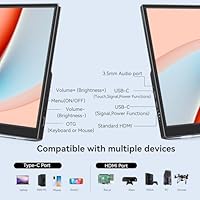
- Connectivity: Ports include two USB-C ports, one full-size HDMI port, and one Micro-USB OTG port for peripheral input.
- Weight: The monitor weighs 1.25 pounds, making it one of the lighter options available in the 14-inch portable display category.
- Dimensions: Physical dimensions are 12.4 x 8.4 x 0.59 inches, keeping the profile slim enough to slide into most laptop sleeves.
- Kickstand: An integrated kickstand is built into the rear of the monitor, allowing it to stand without a separate case or accessory.
- Audio Output: Dual built-in speakers are included, providing basic stereo audio without requiring an external sound device.
- Plug and Play: No driver installation is required; the monitor is recognized automatically by Windows, macOS, Android, and most game consoles.
- Power Input: The monitor can be powered via USB-C, either through a compatible laptop port or the included USB-C power adapter.
- Compatible Devices: Confirmed compatible devices include laptops, desktop PCs, Nintendo Switch, PS4, Xbox, Raspberry Pi, and smartphones with video output.
- In-Box Contents: The package includes the monitor, one HDMI cable, one USB-C to USB-C cable, two USB-C cables for touch and power, a power adapter, and a manual.
- Manufacturer: This monitor is manufactured by Shenzhen Kenowa Electronics Co., LTD, a consumer electronics company based in China.
Related Reviews
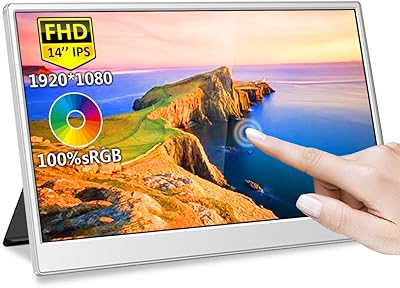
Magedok MG140-FT02 14-Inch Portable Touchscreen Monitor

Dell P1424H 14-inch Portable Monitor
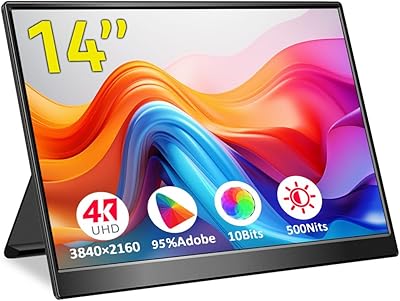
Magedok 14-Inch 4K Portable Monitor
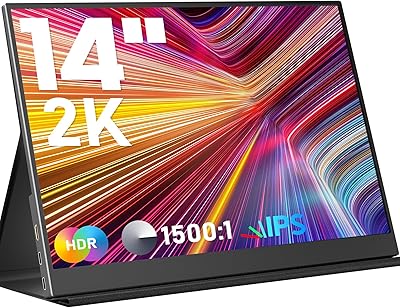
KEEPTIME P142 14-inch Portable Monitor
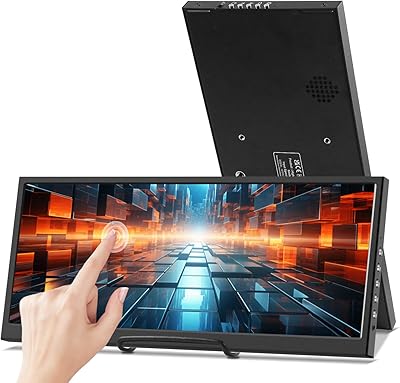
Prechen HD-123 12.3-inch Bar Touchscreen Monitor
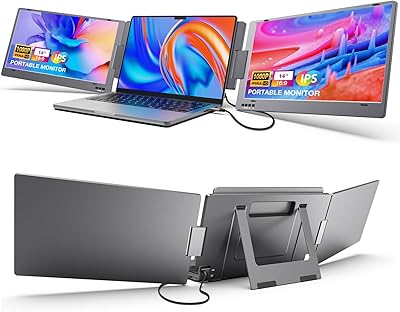
KYY X90A 14-inch Laptop Screen Extender
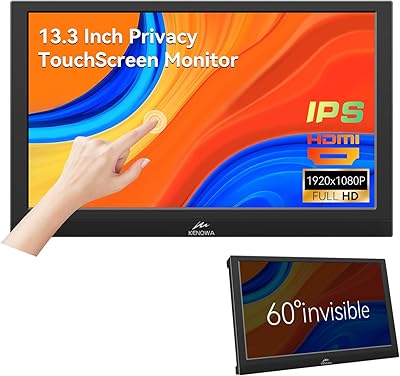
Kenowa 13.3-inch Touchscreen Portable Monitor
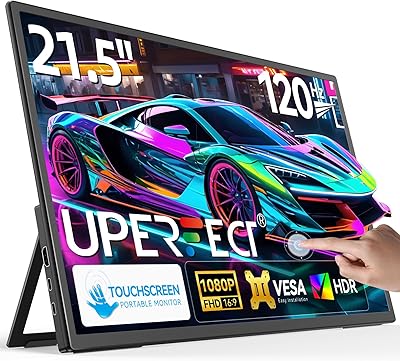
UPERFECT 21.5-inch 120Hz Touchscreen Portable Monitor
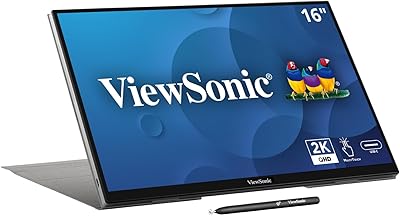
ViewSonic TD1656-2K 16-inch Touchscreen Portable Monitor