Portkeys BM5 IV 5.5″ Camera Field Monitor

Overview
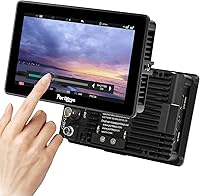
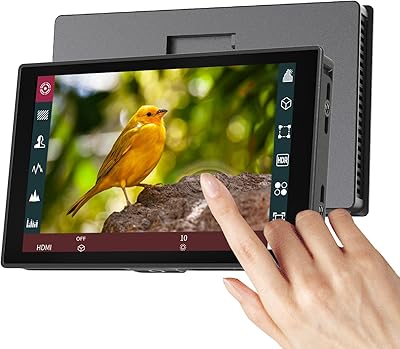
The Portkeys BM5 IV 5.5″ Camera Field Monitor sits in an interesting spot — priced and built for serious indie and semi-pro work, yet compact enough to ride on a gimbal without complaint. What separates it from a lot of monitors in this range is that it's not just a display: it also functions as a wired camera controller, letting you adjust focus, exposure, and other settings directly from the monitor. The CNC aluminum alloy shell is a genuine step up from the plastic-bodied competition, and the 5.5-inch form factor keeps the whole package manageable on location. It supports cameras across Sony, Canon, and Panasonic ecosystems, making it worth a close look for multi-camera operators.
Features & Benefits
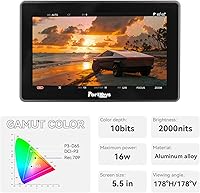
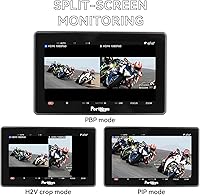
At 2000nit brightness, this field monitor holds up well in direct sunlight — though real-world readability still depends on how well the screen is shielded and calibrated, not just the spec alone. The 100% Rec.709 color coverage and 10-bit panel mean what you see is a reliable representation of your footage. The integrated camera control is genuinely useful: shooting a Sony FX3 or Canon R5, you can pull focus and tweak settings without reaching back to the camera body. Split-screen monitoring with dual 3D LUT support lets you view a graded and ungraded image side by side — handy for on-set color decisions. The Freeze Frame overlay adds a practical continuity check between takes.
Best For
The BM5 IV is a strong fit for solo operators and small crews running Sony FX or Alpha series cameras, Canon Cinema EOS bodies, or Panasonic systems who want to consolidate their monitor and controller into a single unit. Documentary and event shooters benefit most from the outdoor brightness and compact footprint. Gimbal users will appreciate that at 380g, this field monitor doesn't throw off balance the way heavier monitors do. DITs and colorists on smaller productions will find the SDI loop-out with LUT baking genuinely practical for crew monitoring. It's also a natural upgrade path for shooters who've outgrown a basic HDMI-only monitor but aren't ready to spend flagship money.
User Feedback
With just over 100 ratings at the time of writing, the sample size is modest, so take these patterns with some caution. That said, the 4.1 out of 5 average reflects a generally positive reception — buyers consistently highlight the build quality and outdoor brightness as standout strengths. Where things get more mixed is the touchscreen, which some users describe as sluggish or imprecise under pressure, and a handful report needing firmware updates to get camera control working reliably with specific bodies. The aluminum shell earns real-world praise for durability. Battery compatibility is worth double-checking against your specific camera setup before purchasing, as it surfaces as a point of occasional buyer confusion.
Pros
- At 2000nit, the BM5 IV holds up well in bright outdoor conditions where cheaper monitors wash out.
- Built-in wired camera control eliminates the cost and cable clutter of a separate controller unit.
- The CNC aluminum shell feels noticeably more durable than plastic-bodied monitors at a similar price.
- Split-screen monitoring with dual 3D LUT support lets you compare graded and ungraded footage side by side on set.
- SDI loop-out with LUT baking is a genuinely useful feature for feeding a graded signal to a client or crew monitor.
- Weighing just 380g, this field monitor won't throw off a gimbal or make a shoulder rig feel front-heavy.
- The Freeze Frame overlay is a practical continuity tool that rarely appears at this price point.
- Wide 178-degree viewing angle makes it easier for a director or client to glance at the frame from the side.
- Broad compatibility across Sony, Canon, and Panasonic ecosystems gives it longevity if you switch camera systems.
Cons
- The touchscreen response has been described as sluggish by some users, which can be frustrating during fast-paced shoots.
- Wired camera control requires firmware to be current — out-of-the-box compatibility with some bodies isn't guaranteed.
- Signal input is capped at 1080p HDMI, so shooters monitoring 4K output will need to downscale.
- The battery plate supports Sony F-series only; users with other battery ecosystems need a separate adapter solution.
- With just over 100 reviews, the ownership base is small, making it harder to gauge long-term reliability with confidence.
- The built-in fan keeps heat in check but adds a faint noise presence — something to consider in quiet interview settings.
- A handful of users report inconsistent SDI performance that required troubleshooting rather than plug-and-play setup.
- Firmware update process is not always well-documented, and support resources outside the manual are limited.
Ratings
The scores below were generated by AI after analyzing verified buyer reviews for the Portkeys BM5 IV 5.5″ Camera Field Monitor from multiple global sources, with spam, bot activity, and incentivized feedback actively filtered out. Each category reflects the honest consensus from real-world shooters — capturing both the standout strengths and the friction points that affect day-to-day use on set.
Outdoor Visibility
Build Quality
Camera Control
Touchscreen Responsiveness
Color Accuracy
LUT & Split-Screen Tools
Weight & Portability
SDI Connectivity
Value for Money
Freeze Frame Tool
Thermal Management
Setup & Menu Usability
Firmware & Support
Battery & Power Flexibility
Suitable for:
The Portkeys BM5 IV 5.5″ Camera Field Monitor is purpose-built for indie filmmakers, documentary shooters, and small-crew productions who need more than a passive display on location. If you're running a Sony FX3, FX6, or Canon R5 and currently juggling a separate monitor and a controller, this unit consolidates both into a single lightweight package — a real practical advantage on a busy shoot. Gimbal operators in particular will appreciate the 380g weight, which keeps rigs balanced without compromising on brightness or build. The high-nit panel gives outdoor shooters a fighting chance against harsh sunlight, and the SDI loop-out with LUT baking makes it a credible tool for DITs on smaller productions who need to feed a graded signal to a client or crew monitor. It's also a sensible step-up for shooters who've been relying on entry-level monitors and want professional-grade signal routing and color tools without moving into flagship-priced territory.
Not suitable for:
The Portkeys BM5 IV 5.5″ Camera Field Monitor is not the right call for shooters who primarily work in controlled studio environments where brightness is less critical and a larger, higher-resolution reference monitor would better serve color-critical work. If your camera isn't in the supported wired-control ecosystem — or you're shooting with a less common body — you'll be paying for a feature you can't actually use. Buyers who expect a completely snappy, tablet-like touchscreen experience may find the interface frustrating under time pressure on set. Those who need 4K signal pass-through will also hit a hard wall, as the monitor tops out at 1080p HDMI input. And if you're looking for a monitoring solution with a large user community, extensive third-party tutorials, or well-documented firmware support, the relatively limited ownership base means you may be troubleshooting on your own.
Specifications
- Screen Size: The display measures 5.5 inches diagonally, offering a compact but workable viewing area for on-camera or cage-mounted use.
- Resolution: The panel runs at 1920x1080 Full HD, delivering sharp detail for focus checking and exposure evaluation on set.
- Brightness: Rated at 2000nit, with some spec sheets citing 2200nit, making it one of the brighter options available at this size and price tier.
- Color Standard: Covers 100% of the Rec.709 color space, ensuring what you see on the monitor is a reliable representation of broadcast-standard footage.
- Color Depth: Supports 10-bit color output using an 8-bit panel with 2-bit Frame Rate Control (FRC) dithering to simulate wider gradation.
- Contrast Ratio: Specified at 1000:1, which provides adequate separation between highlights and shadows for field monitoring purposes.
- Viewing Angle: Offers 178 degrees both horizontally and vertically, allowing crew members to read the image accurately from most angles around the monitor.
- Signal Input: Accepts HDMI input up to 1080p; does not support 4K HDMI pass-through or downscaling from 4K sources.
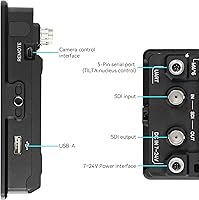
- Signal Output: Features a 3G-SDI loop-out port that can output a signal with a baked-in 3D LUT applied, useful for feeding graded video to a secondary display.
- SDI Input: Also accepts 3G-SDI as an input source, giving it compatibility with professional broadcast and cinema cameras that lack HDMI output.
- Weight: Weighs approximately 380g to 383g depending on configuration, keeping it practical for gimbal rigs and lightweight handheld setups.
- Dimensions: The body measures 145 x 121 x 39mm, making it compact enough to fit most standard monitor mounting arms and cage accessories.
- Shell Material: Constructed from CNC-machined aluminum alloy with an active fan for heat dissipation, providing more rigidity and thermal management than plastic-bodied alternatives.
- Power Input: Accepts a wide input voltage range of 7 to 24V DC, compatible with most standard V-mount and Anton Bauer power systems via the appropriate adapter.
- Power Draw: Maximum power consumption is rated between 14W and 17W depending on usage conditions such as brightness level and active fan speed.
- Battery Plate: The integrated battery plate is compatible with Sony F-series batteries including the F550, F750, F960, and F970; no battery is included in the box.
- Touchscreen: Features an interactive touchscreen interface for navigating menus, adjusting settings, and using touch-focus control with supported camera bodies.
- Camera Control: Supports wired camera control via dedicated cables for a wide range of Sony, Canon, and Panasonic bodies, functioning as an integrated remote controller.
- LUT Support: Accommodates 3D LUT files loaded via USB, with split-screen capability allowing two different LUTs to be displayed simultaneously on a single source.
- Freeze Frame: Includes a Freeze Frame function that captures a still and overlays it semi-transparently against the live feed, aiding continuity checks between takes.
Related Reviews
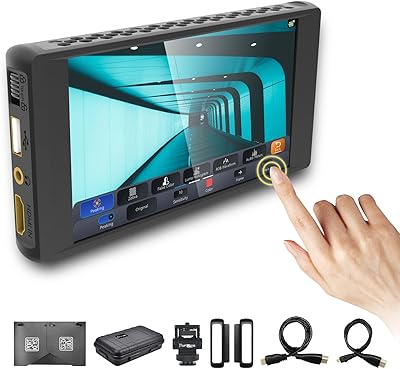
Portkeys PT6 5.2″ Field Monitor
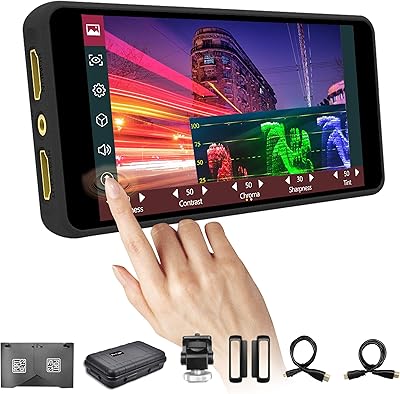
Portkeys PT5 II 5″ Field Monitor
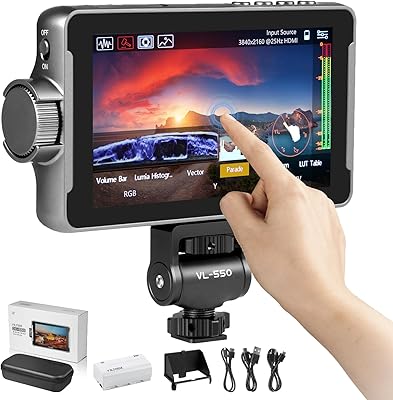
VILTROX DC-550 Pro 5.5-inch Field Monitor
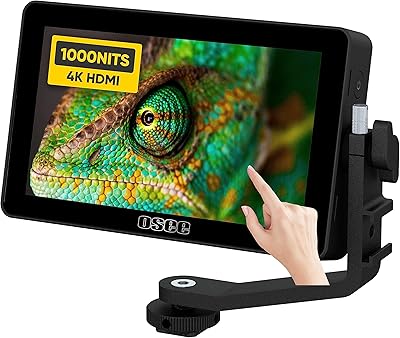
osee Lilmon 5 5.5″
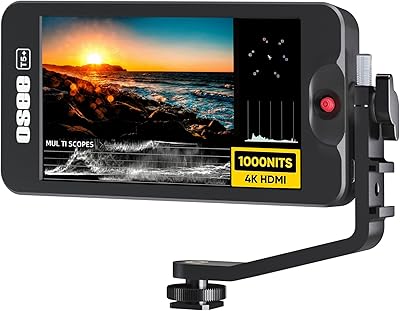
Osee T5+ 5.5-inch Camera Monitor
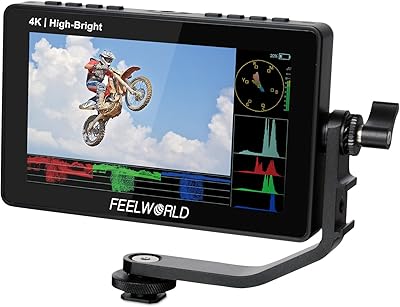
Feelworld F5 ProX 5.5″ Field Monitor
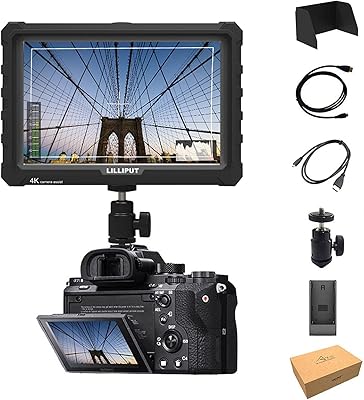
Lilliput A7S 7″ Camera Field Monitor
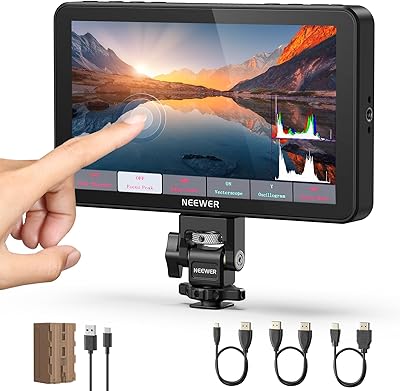
NEEWER F700 7″ Field Monitor
Portkeys HD7T 7″ Field Monitor