Overview
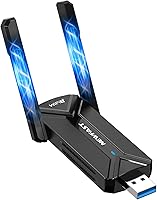
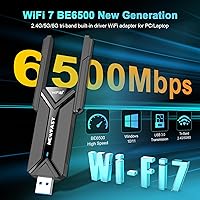
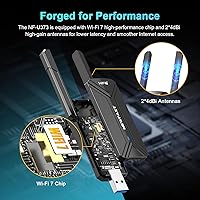
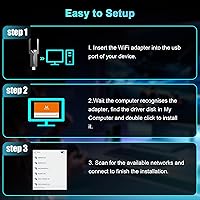
The NEWFAST BE6500 USB WiFi 7 Adapter sits in an interesting niche — it targets desktop and laptop owners who want to jump to the latest wireless standard without cracking open their PC case. This WiFi 7 dongle plugs into any USB port and brings tri-band connectivity to machines still running on older Wi-Fi generations. The dual rotatable antennas keep the footprint compact without blocking neighboring ports, which matters on a crowded back panel. One thing worth knowing upfront: Windows 11 is required to access the 6GHz band. If you're on Windows 10, you're limited to 5GHz and 2.4GHz — a meaningful difference that shapes the entire value proposition.
Features & Benefits
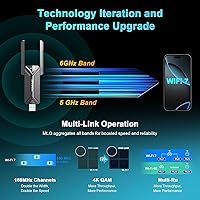
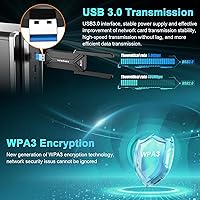
At its core, the BE6500 adapter runs on the WiFi 7 (802.11be) standard across all three bands simultaneously. The headline feature is 6GHz band access, which operates in far less congested spectrum compared to the crowded 2.4GHz and 5GHz ranges — a real advantage in apartment buildings or busy networks. Multi-Link Operation lets it bond across bands for more stable throughput, and Smart Beamforming focuses the signal rather than spraying it in all directions. The USB 3.0 connection at 5Gbps means it won't become the bottleneck. Built-in drivers eliminate the download-and-install routine, and WPA3 encryption keeps the connection secure against modern threats.
Best For
This USB wireless adapter makes the most sense for a fairly specific type of buyer. If you're a competitive gamer who already owns a WiFi 7 router and wants to cut latency without opening your desktop, this is a strong fit. Remote workers using older machines with no built-in wireless will also find it useful. Households running 4K streaming alongside video calls and gaming will benefit from the extra bandwidth headroom the 6GHz band opens up — provided Windows 11 is installed. If you're still on Windows 10 or haven't upgraded your router to WiFi 7, the returns here are noticeably diminished.
User Feedback
Early buyers tend to highlight easy plug-and-play setup and a real drop in ping during gaming sessions as the top positives. The 6GHz signal holds up well in less-congested environments, according to several reports. That said, Windows 10 users have raised legitimate frustrations — the 6GHz feature is prominently marketed but unavailable to them, and that feels like a transparency issue. Some reviewers noted that the antenna hinge feels flimsier than expected, and a few ran into USB controller conflicts on older motherboards. As for the 6500Mbps headline figure, real-world results will be much lower — that's normal, but buyers should go in with calibrated expectations.
Pros
- Plug-and-play setup with built-in drivers — no downloads, no frustration on day one.
- The 6GHz band provides a noticeably cleaner, less congested connection in apartments or dense neighborhoods.
- Multi-Link Operation helps maintain a stable connection rather than dropping when one band gets crowded.
- Compact dongle with rotatable antennas that does not block neighboring USB ports.
- WPA3 encryption brings modern network security to machines that previously had none.
- Real latency improvements in online gaming are consistently reported by early buyers.
- USB 3.0 interface keeps the connection from becoming the performance ceiling.
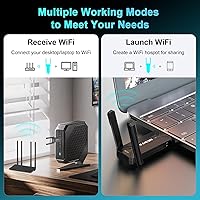
- Simulate AP mode turns a wired connection into a shareable wireless hotspot — a genuinely useful edge feature.
- Works on both desktops and laptops without any internal installation or voided warranties.
Cons
- 6GHz access requires Windows 11 — Windows 10 users are limited to the two older bands with no upgrade path.
- Real-world throughput will fall far short of the advertised 6500Mbps ceiling in any typical home setup.
- Full performance depends entirely on already owning a WiFi 7 router — most buyers do not yet have one.
- Antenna hinge build quality has drawn criticism for feeling flimsy with repeated adjustments.
- Occasional USB controller conflicts on older motherboards can cause instability or failed recognition.
- No macOS or Linux support makes it a Windows-only purchase with limited flexibility.
- The 6GHz marketing is front and center, which has frustrated buyers who discover the Windows 11 requirement only after purchase.
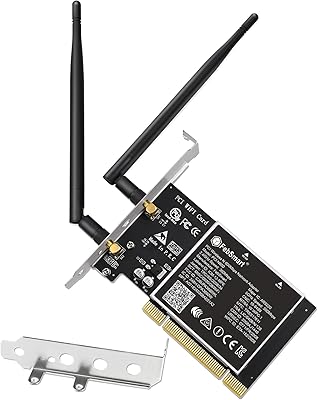
- At its price point, it competes with PCIe WiFi 7 cards that generally offer better signal stability and heat management.
Ratings
The NEWFAST BE6500 USB WiFi 7 Adapter has been evaluated by our AI rating engine after processing verified purchase reviews from buyers across North America, Europe, and Asia — with spam, incentivized reviews, and bot activity actively filtered out. The scores below reflect a balanced picture, weighing what real users genuinely praised alongside the friction points and frustrations that came up repeatedly. No aspect has been glossed over in favor of a cleaner scorecard.
Wireless Performance
Gaming Latency
Setup & Installation
6GHz Band Access
Build Quality
Antenna & Signal Range
Compatibility
Value for Money
Latency Consistency
Hotspot / AP Mode
Driver Stability
Heat Management
Streaming Performance
Suitable for:
The NEWFAST BE6500 USB WiFi 7 Adapter is a strong match for Windows 11 users who want to bring their desktop or laptop up to the latest wireless standard without touching the inside of their machine. Competitive gamers will get the most out of it, particularly those who already have a WiFi 7 router and want a low-latency path to the 6GHz band without investing in a PCIe card. Remote workers on older desktops with no built-in wireless will also find it a practical, low-effort upgrade that requires zero driver hunting. Households juggling 4K streaming, video calls, and online gaming simultaneously will appreciate the added bandwidth headroom the tri-band setup provides. The hotspot sharing feature is a genuine bonus for anyone who needs to extend internet access to nearby phones or tablets from a wired connection.
Not suitable for:
Buyers on Windows 10 should think carefully before purchasing, because the headline 6GHz feature is entirely unavailable on that operating system — what they get is essentially a WiFi 7 adapter limited to the two older bands, which may not justify the price premium over a capable WiFi 6 alternative. The NEWFAST BE6500 USB WiFi 7 Adapter also requires a WiFi 7 router on the other end to unlock its full potential; plugging it into a WiFi 5 or WiFi 6 network delivers no meaningful improvement over a good adapter built for those standards. Anyone expecting real-world speeds anywhere close to the 6500Mbps ceiling will be disappointed — that figure represents ideal theoretical conditions that no home environment will replicate. Users with older motherboards and legacy USB controllers have occasionally reported compatibility friction, so those with aging hardware should verify USB 3.0 support before buying. Mac users and Linux users are also out of scope entirely, as driver support is limited to Windows.
Specifications
- WiFi Standard: Supports IEEE 802.11be (WiFi 7) with backward compatibility for 802.11ax, 802.11ac, 802.11a/b/g/n networks.
- Frequency Bands: Tri-band operation across 2.4GHz, 5GHz, and 6GHz simultaneously.
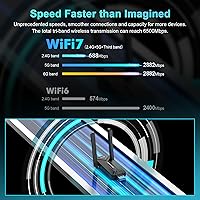
- Max Throughput: Combined theoretical maximum of 6500Mbps across all three bands under ideal conditions.
- Band Speeds: 2.4GHz delivers up to 688Mbps; 5GHz and 6GHz each deliver up to 2882Mbps.
- USB Interface: USB 3.0 at 5Gbps transfer rate, fully backward compatible with USB 2.0 and USB 1.1 ports.
- Antennas: Dual external 4dBi rotatable antennas designed to optimize signal reception angle and range.
- Beamforming: Smart Beamforming technology focuses the wireless signal toward connected devices rather than broadcasting omnidirectionally.
- Multi-Link Op.: MLO (Multi-Link Operation) enables simultaneous use of multiple bands to improve throughput stability and reduce latency.
- Security: WPA3 encryption is supported alongside WPA2 for compatibility with older routers.
- AP Mode: Simulate AP mode allows the adapter to convert a wired Ethernet connection into a shared wireless hotspot for nearby devices.
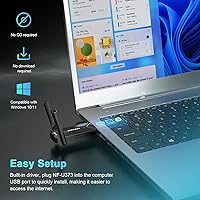
- Driver Setup: Built-in drivers are pre-loaded, requiring no manual download or installation on supported Windows versions.
- OS Support: Compatible with Windows 11 and Windows 10; 6GHz band access is exclusive to Windows 11.
- Dimensions: Measures 85.7 x 46.7 x 10mm (approximately 1.84″ x 0.39″ x 3.37″) for a compact, low-profile form factor.
- Weight: Weighs 1.6 ounces, making it light enough to leave plugged in without stressing the USB port.
- Color: Available in black only.
- Channel Width: Supports 160MHz channel width for higher per-stream data rates on compatible routers.
- Modulation: 4K-QAM modulation improves spectral efficiency compared to the 1024-QAM used in WiFi 6 devices.
- Compatibility: Works with desktop PCs and laptops; no macOS or Linux driver support is provided.
Related Reviews
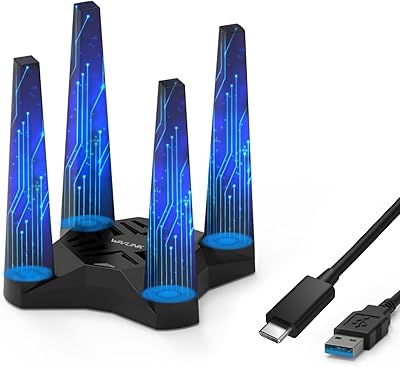
WAVLINK AX1800 USB WiFi Adapter
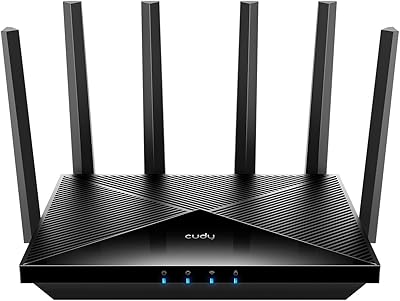
Cudy WR6500 WiFi 7 Dual-Band Router
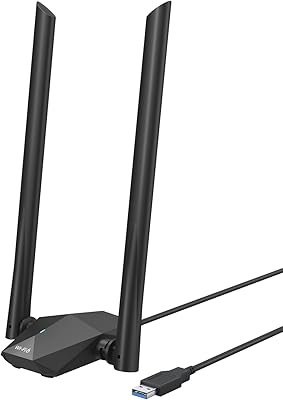
BrosTrend AX1800 WiFi 6 USB Adapter
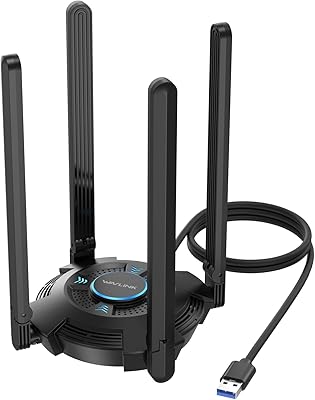
WAVLINK AX5400 WiFi 6E USB Adapter
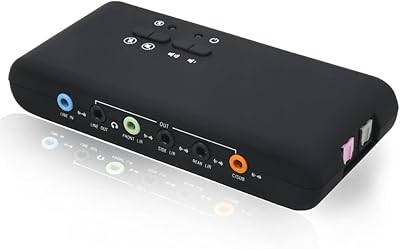
YEY 7.1 External USB Sound Card
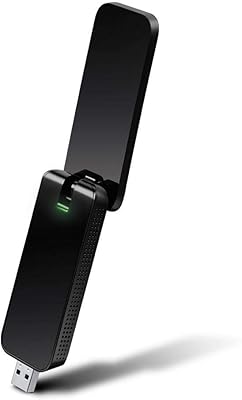
TP-Link Archer T4U AC1300 USB WiFi Adapter
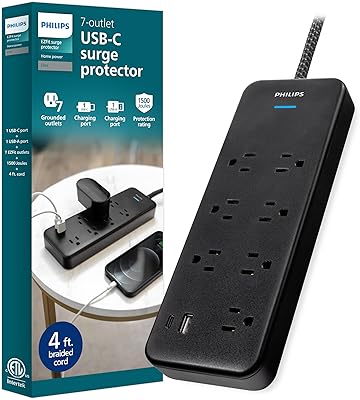
Philips SPP9643B/37 7-Outlet Surge Protector
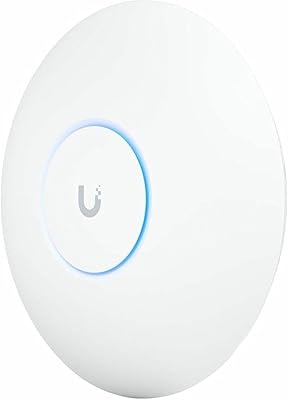
Ubiquiti UniFi U7 Pro
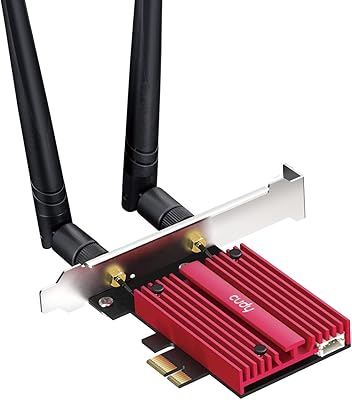
Cudy WE9300 WiFi 7 PCIe Card