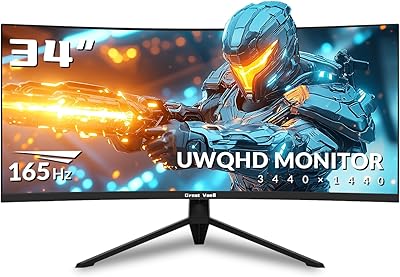
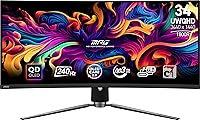
MSI MPG 341CQPX 34-inch OLED Gaming Monitor


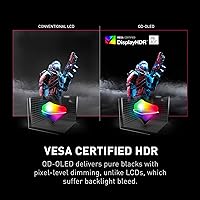
Overview
The MSI MPG 341CQPX 34-inch OLED Gaming Monitor sits in an interesting spot — premium enough to command serious attention, but not so stratospherically priced that it feels out of reach for dedicated enthusiasts. On a real desk, 34 inches of curved ultrawide is a genuine presence; coming from a flat 27-inch panel, the added horizontal real estate changes how games and workflows actually feel. What separates this ultrawide OLED from standard IPS or VA alternatives is the QD-OLED panel — quantum dot technology layered on OLED means richer, more saturated color alongside blacks that IPS simply cannot match. Gaming is the clear priority here, but multimedia and creative work benefit noticeably too.
Features & Benefits
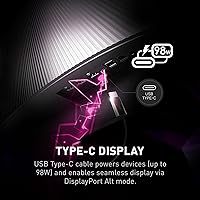
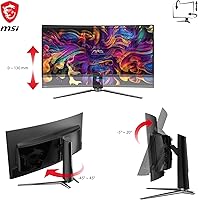
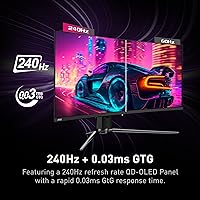
The 240Hz refresh rate is where this curved gaming display pulls away from mid-range competition — in fast shooters, motion feels crisp and immediate in a way that 144Hz panels cannot replicate. Pair that with a 0.03ms GtG response time and ghosting behind quick-moving objects becomes essentially a non-issue. OLED Care 2.0 runs pixel management quietly in the background, which genuinely matters if static content lingers on screen during long sessions. The stand handles both tilt and height adjustment, a small detail that adds up over extended use. The USB-C input is a practical addition as well — laptop users can run a single cable for both display signal and power delivery simultaneously.
Best For
This ultrawide OLED makes the most sense for PC gamers who rotate between competitive multiplayer and slower, story-driven titles — the 240Hz handles the former while the rich OLED color depth makes the latter feel genuinely cinematic. Those upgrading from a flat 27-inch 1440p setup will notice the shift immediately; the 21:9 curve creates immersion that flat panels in this size range cannot replicate. Content creators needing accurate, vibrant color alongside gaming performance will find this a capable dual-purpose display. One honest caveat: the physical footprint is substantial, so measuring your desk space before committing is worth doing rather than assuming it will fit.
User Feedback
Owners consistently highlight out-of-box color quality as a standout — the majority report the image looks impressive without any manual calibration. Burn-in anxiety comes up often in discussions, but most buyers feel meaningfully reassured once they understand how OLED Care 2.0 actively works in the background. The stand draws positive comments for its stability and straightforward assembly. Where sentiment gets more divided is the Gaming Intelligence software — some users find it intuitive, while others describe navigating it as unnecessarily clunky. A recurring note is that SDR brightness feels restrained compared to expectations, though HDR performance draws consistent praise. Overall, most buyers consider the price justified against competing ultrawide OLEDs at this tier.
Pros
- QD-OLED panel produces deep, true blacks that IPS and VA panels at this size simply cannot match.
- Out-of-box color accuracy is strong enough that most users will not need manual calibration.
- 240Hz refresh rate keeps fast-paced shooters feeling immediate and fluid throughout long sessions.
- The 0.03ms response time makes ghosting behind fast-moving objects a non-issue in practice.
- OLED Care 2.0 runs quietly in the background, giving owners a genuine tool to manage long-term panel health.
- USB-C connectivity lets laptop users run a single cable for both video and power, reducing desk clutter significantly.
- The ergonomic stand offers real tilt and height adjustment, which adds up during extended daily use.
- HDR performance consistently impresses owners, with contrast and color depth that justify enabling it.
- The 21:9 ultrawide curve creates noticeable immersion in story-driven and open-world games.
- Buyers consistently report the price feels justified when compared directly to competing ultrawide OLEDs.
Cons
- SDR brightness feels underwhelming for bright rooms or users coming from high-nit LCD panels.
- The Gaming Intelligence APP draws repeated criticism for a clunky, unintuitive navigation experience.
- At nearly 32 inches wide, this curved gaming display requires a deep, spacious desk to sit comfortably.
- OLED burn-in anxiety remains a real hesitation for users who display static content for long daily stretches.
- Console users cannot fully exploit the 240Hz refresh rate, making the premium harder to justify.
- The monitor weighs over 27 pounds, which makes repositioning or wall-mounting more involved than lighter alternatives.
- No built-in speakers means adding external audio is a requirement, not an option.
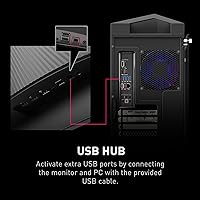
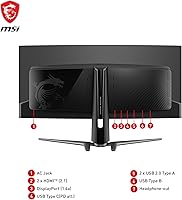
- Port selection, while adequate, lacks the USB hub depth some users expect at this price point.
Ratings
Our AI rating system analyzed verified global user reviews for the MSI MPG 341CQPX 34-inch OLED Gaming Monitor, actively filtering out incentivized, bot-generated, and low-signal feedback to surface what real buyers actually experience over time. The scores below reflect a transparent synthesis of both standout strengths and recurring frustrations — nothing is glossed over. Where this ultrawide OLED earns high marks, it genuinely earns them; where it falls short of expectations, that is reflected plainly in the numbers.
Picture Quality
Motion Performance
HDR Experience
SDR Brightness
Build Quality
Ergonomics
Connectivity
Burn-in Risk
Software Experience
Value for Money
Out-of-Box Setup
Ultrawide Compatibility
Curvature & Immersion
Suitable for:
The MSI MPG 341CQPX 34-inch OLED Gaming Monitor is built for PC gamers who refuse to choose between competitive performance and visual richness — and that is a narrower group than marketing usually admits. If you split your time between fast-paced multiplayer titles and slower, visually demanding games, this curved gaming display rewards both equally well. The 21:9 ultrawide format also makes a genuine difference for multitaskers and productivity-minded users who want browser windows, documents, or video timelines open side by side without switching between apps. Content creators who need punchy, accurate color for photo or video work alongside their gaming setup will find this ultrawide OLED pulls double duty more convincingly than most gaming-labeled monitors. Anyone upgrading from a 27-inch flat IPS or VA panel should expect a substantial perceptual shift — more immersive, more vibrant, and noticeably faster in motion clarity.
Not suitable for:
The MSI MPG 341CQPX 34-inch OLED Gaming Monitor is not the right fit for every buyer, and being honest about that saves a lot of frustration. If your desk is compact or shared, 34 inches of curved panel at nearly 32 inches wide is a physical commitment that renders some workspaces genuinely impractical. Console gamers should take note that the high refresh rate advantage largely disappears when connected to a PlayStation or Xbox that outputs at 60Hz or 120Hz, so much of the premium goes unused. Users who leave static content — spreadsheets, chat apps, browser toolbars — on screen for many hours a day should weigh OLED burn-in risk carefully, even with OLED Care 2.0 in play. Those on a tight budget or prioritizing raw peak brightness for sun-lit rooms will likely find better value elsewhere, since SDR brightness is restrained and the price tier demands a clear upgrade rationale.
Specifications
- Panel Type: Uses a QD-OLED panel, combining quantum dot color enhancement with OLED self-emissive technology for deep blacks and vivid saturation.
- Screen Size: 34-inch diagonal curved display designed for ultrawide immersion in both gaming and productivity contexts.
- Resolution: Native resolution of 3440x1440 (UWQHD), delivering sharp detail across the full 21:9 aspect ratio.
- Refresh Rate: Runs at up to 240Hz, keeping motion fluid and responsive during fast-paced gaming sessions.
- Response Time: Rated at 0.03ms GtG, which effectively eliminates visible ghosting in motion-heavy content.
- HDR Support: Supports True Black HDR 400, leveraging OLED per-pixel dimming to achieve contrast levels that LCD-based HDR cannot replicate.
- Aspect Ratio: 21:9 ultrawide aspect ratio provides expanded horizontal field of view compared to standard 16:9 monitors.
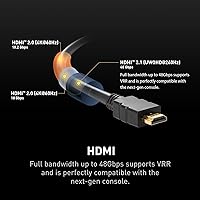
- Connectivity: Includes HDMI, DisplayPort, and USB Type-C inputs, supporting flexible connection across PCs, laptops, and compatible consoles.
- Screen Surface: Matte screen coating reduces glare and reflection, improving visibility in mixed-lighting environments.
- Ergonomics: Stand supports both tilt and height adjustment, allowing comfortable positioning for users of varying desk heights and seating preferences.
- Software: Ships with OLED Care 2.0 for panel longevity management and the Gaming Intelligence APP for on-the-fly display customization.
- Dimensions: Measures 12.52 x 31.97 x 16.82 inches with stand attached, requiring a desk with adequate depth and width to accommodate the curved panel.
- Weight: Weighs 27.4 pounds fully assembled, which should be considered when planning desk load capacity or potential wall-mount scenarios.
- Color: Ships in black with a gaming-oriented aesthetic that integrates cleanly into most desk setups without aggressive styling.
- Model Series: Part of MSI's MPG line, positioned as a high-performance gaming tier sitting above the MAG series in MSI's monitor hierarchy.
Related Reviews
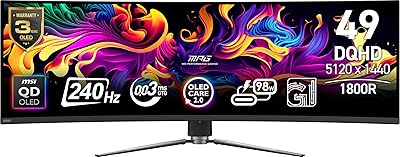
MSI MPG 491CQPX 49-inch QD-OLED Monitor
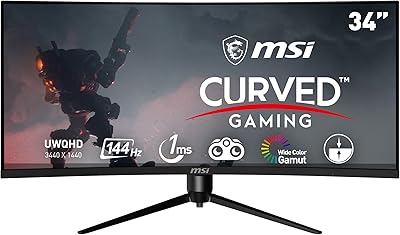
MSI MAG342CQR 34″ Curved Gaming Monitor
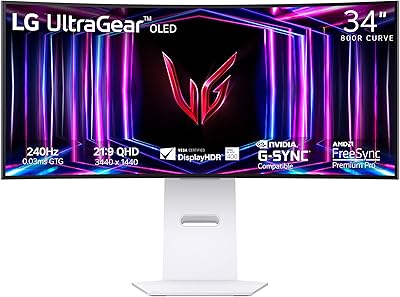
LG 34GS95QE 34-inch OLED Curved Gaming Monitor
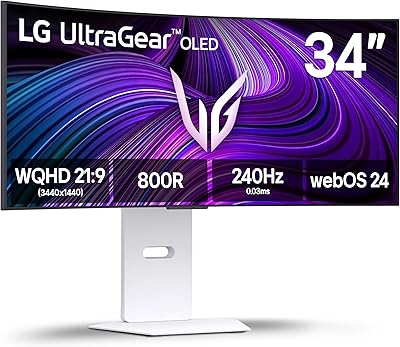
LG 34GX90SA-W 34-inch OLED Curved Gaming Monitor
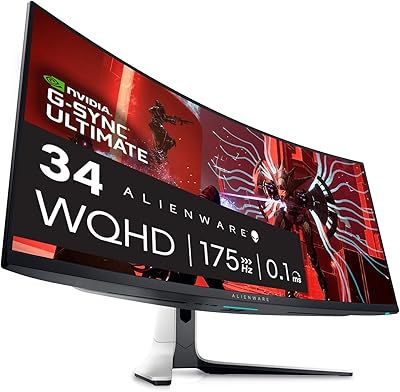
Alienware AW3423DW 34-inch QD-OLED Gaming Monitor
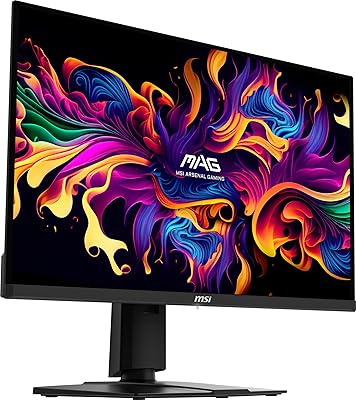
MSI MAG 271QPX 27-inch QD-OLED Gaming Monitor
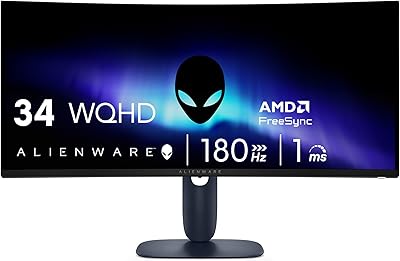
Alienware AW3425DWM 34-inch Curved Gaming Monitor
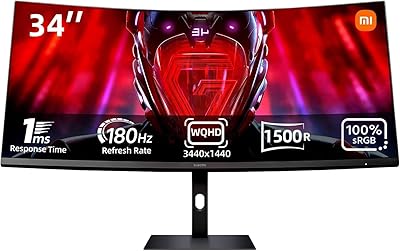
Xiaomi 34-inch Curved Gaming Monitor G34WQi
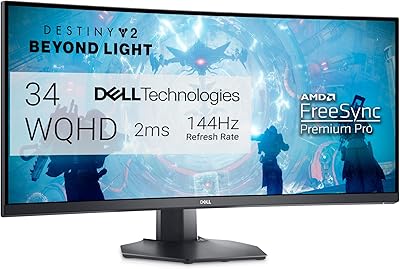
Dell S3422DWG 34-inch Curved Gaming Monitor