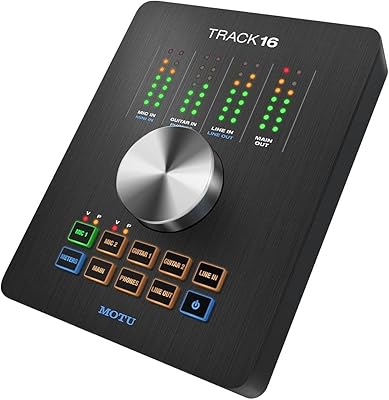
MOTU 16A 32x32 Audio Interface

Overview
The MOTU 16A 32x32 Audio Interface arrived in 2014 and has held its ground in a market that rarely shows that kind of patience. Most engineers working at scale need more than a handful of inputs — they need a system that connects cleanly to their existing gear, runs without drama across sessions, and leaves room to grow. This MOTU interface delivers on all three fronts with a hybrid Thunderbolt and USB 2.0 connection that is genuinely rare at this channel count. Add AVB Ethernet networking to the mix, and you have something that most competing units simply do not offer.
Features & Benefits
The 16A runs 32 channels in and 32 channels out, split between 16 x 16 balanced line-level analog I/O on 1/4-inch TRS connectors and an assortment of ADAT and S/PDIF digital options. That means you can bring signal from external preamps, outboard compressors, and digital consoles without routing compromises. The onboard 48-channel DSP mixer handles EQ, compression, and reverb independently of your DAW, keeping CPU headroom where you actually need it. Worth stating plainly: this 32-channel audio interface is strictly line-level, with no built-in mic preamps included.
Best For
The 16A is built for people who have run out of inputs and need a real answer. Recording studios tracking live bands or orchestral sessions benefit from the depth of analog I/O, while live sound engineers value the low-latency Thunderbolt connection holding steady under pressure. Post-production facilities building distributed audio networks will find AVB Ethernet practical rather than theoretical. Producers running sprawling outboard rigs also have an obvious home here. That said, if you are still working with a compact setup and a few mics, this 32-channel audio interface is likely more infrastructure than your workflow currently demands.
User Feedback
With only 15 ratings, the pool is small — but the people leaving reviews clearly know what they are doing. Driver stability comes up repeatedly, with users noting that long sessions on both Mac and PC rarely produce the crashes or dropouts that affect less mature interfaces. The onboard DSP mixer draws genuine praise as a practical tool rather than an afterthought. On the downside, configuring AVB networking for the first time is not especially intuitive, and several buyers flag it as a real time investment. The 4.4-out-of-5 average reflects a satisfied but demanding audience that arrived with professional expectations.
Pros
- 32 inputs and 32 outputs give you genuine routing flexibility for large-scale sessions without stacking multiple interfaces.
- Hybrid Thunderbolt and USB 2.0 connectivity means you are not locked into a single host setup or cable standard.
- The onboard 48-channel DSP mixer runs EQ, compression, and reverb independently, keeping your CPU free for actual production work.
- AVB Ethernet networking lets you link units or distribute audio across rooms without buying proprietary networking hardware.
- ADAT and S/PDIF digital I/O make it straightforward to integrate external converters, digital preamps, and consoles.
- Driver stability on both macOS and Windows holds up across long sessions, which matters more than most specs on a spec sheet.
- Broad DAW compatibility covers Pro Tools, Logic Pro, Ableton Live, and others without needing special workarounds.
- The rackmount-friendly form factor keeps things tidy in a professional studio or touring rack without requiring extra accessories.
- A 4.4-out-of-5 rating from a technically experienced buyer pool is a more meaningful signal than a high rating from casual users.
Cons
- No built-in mic preamps means you need additional external hardware before a single microphone can connect usefully.
- AVB Ethernet networking, while capable, has a real learning curve that can cost hours on first-time setup.
- The review sample size is only 15 ratings, making it harder to draw firm conclusions about long-term reliability trends.
- Thunderbolt port availability is not universal across all PC configurations, which can limit compatibility for some Windows users.
- The unit has no onboard display or touchscreen controls, so hands-on adjustments require software interaction at the host computer.
- Engineers without an existing outboard gear collection may find the line-level-only analog I/O unexpectedly limiting out of the box.
- The 2014 release date means some aspects of the software interface feel dated compared to newer competitors with modern UX design.
- iOS connectivity, while listed, may have compatibility gaps depending on iOS version and adapter configuration — worth verifying before purchase.
Ratings
The scores below for the MOTU 16A 32x32 Audio Interface were generated by our AI rating engine after analyzing verified purchase reviews worldwide, with spam, bot activity, and incentivized feedback actively filtered out. Each category reflects a transparent synthesis of real buyer experiences — both the strengths that earned loyalty and the friction points that gave users pause. Nothing has been softened to favor the product.
Driver Stability
Channel Count & I/O Depth
Onboard DSP Mixer
Connectivity Flexibility
AVB Networking
Analog I/O Quality
Digital I/O Expandability
DAW Compatibility
Build Quality & Form Factor
Software & UI Experience
Setup & Initial Configuration
Value for Money
Longevity & Manufacturer Support
iOS Compatibility
Suitable for:
The MOTU 16A 32x32 Audio Interface is built for professionals who have moved well past the point where a basic stereo interface cuts it. Recording studio owners tracking live ensembles, bands, or multi-room sessions will immediately recognize the value of having 32 channels available without bolting together multiple units. Live sound engineers running Thunderbolt-equipped rigs on stage or in broadcast environments benefit from the connection's low-latency reliability under real performance pressure. Post-production facilities that need to distribute audio across multiple workstations or rooms will find AVB Ethernet networking a practical and cost-effective solution compared to proprietary alternatives. Producers running extensive outboard gear — compressors, EQs, preamps, hardware synths — will appreciate the 16 x 16 balanced line-level analog I/O, which connects directly to that equipment without adapter compromises. Advanced home studio owners who have genuinely maxed out an eight-channel interface and need structured room to grow are also a strong fit, provided they already own external mic preamps.
Not suitable for:
The MOTU 16A 32x32 Audio Interface is not the right tool for engineers or producers who are earlier in their audio journey and simply want to record a few microphones into a DAW. This unit has no built-in mic preamps — every input is line-level, which means you need external preamp hardware before a microphone signal can even reach it. Buyers expecting a plug-and-play experience, particularly around AVB Ethernet networking, should know upfront that configuration takes time and some technical comfort; this is not a unit you unbox and have running in twenty minutes. The 16A is also overkill — financially and practically — for podcasters, bedroom producers, singer-songwriters, or anyone whose sessions rarely exceed eight tracks. If your current bottleneck is sound quality on a small channel count rather than a shortage of inputs, there are purpose-built alternatives that will serve you far better at a lower investment.
Specifications
- Total I/O: The unit provides 32 inputs and 32 outputs across analog and digital connections simultaneously.
- Analog I/O: Sixteen balanced line-level inputs and sixteen balanced line-level outputs are available via 1/4-inch TRS connectors.
- Connectivity: Host connection is handled via hybrid Thunderbolt and USB 2.0, allowing use with a broad range of Mac and PC systems.
- AVB Networking: A dedicated AVB Ethernet port enables low-latency audio networking between multiple units or across rooms without additional hardware.
- Digital I/O: ADAT optical and S/PDIF digital I/O are included for connecting external converters, digital preamps, and consoles.
- DSP Mixer: An onboard 48-channel DSP mixer operates independently of the host DAW, handling routing and monitoring without consuming CPU resources.
- DSP Effects: The onboard DSP engine includes parametric EQ, compression, and reverb that can be applied per channel within the mixer.
- Connector Types: Physical connectors on the unit include BNC word clock, optical ADAT, and 1/4-inch TRS balanced analog connectors.
- Mic Preamps: No microphone preamps are included; all analog inputs are line-level only and require external preamps for microphone use.
- OS Compatibility: The interface is compatible with both macOS and Windows operating systems using MOTU's own driver software.
- DAW Support: It works with all major DAW applications including Pro Tools, Logic Pro, and Ableton Live, among others.
- Form Factor: The unit is built in a rackmount-friendly desktop chassis suitable for professional studio or touring rack installation.
- Dimensions: The unit measures 11.42 x 7.48 x 3.54 inches, fitting standard rack configurations with appropriate mounting hardware.
- Weight: The unit weighs 2.2 pounds, making it relatively light for a professional multi-channel interface of this I/O depth.
- Model Number: The official model identifier is MOT-XA16A-E001, which should be referenced when seeking firmware updates or manufacturer support.
- Release Date: The 16A was first made available in July 2014 and remains in active production as of the time of writing.
- User Rating: The unit holds an average rating of 4.4 out of 5 stars across 15 verified customer ratings on Amazon.
Related Reviews

MOTU 8pre USB Audio Interface
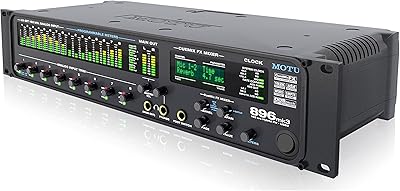
MOTU 896mk3 Hybrid USB/FireWire Audio Interface
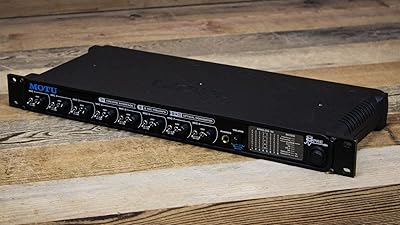
MOTU 8pre Firewire Audio Interface
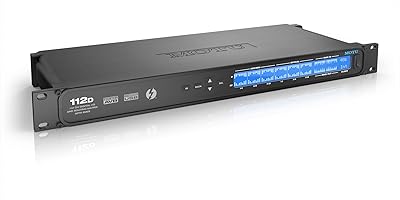
MOTU 112D Thunderbolt USB Audio Interface
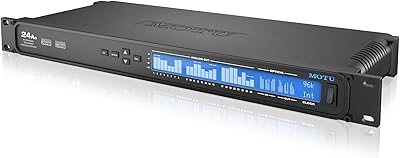
MOTU 24Ao USB AVB Audio Interface
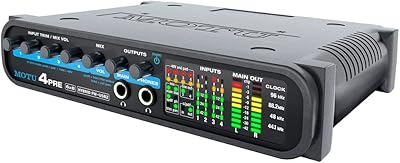
MOTU 4pre USB Audio Interface
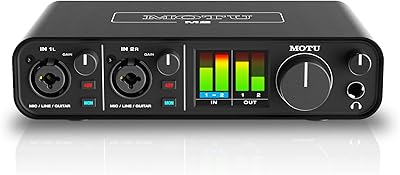
MOTU M2
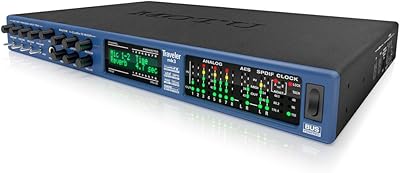
MOTU Traveler-mk3 FireWire Audio Interface
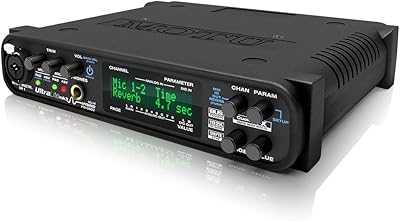
MOTU UltraLite-MK3 Hybrid USB/FireWire Audio Interface