MaxLax 10-Port Aluminum USB 3.0 Hub


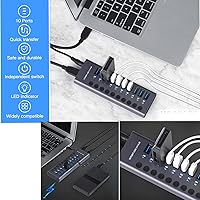
Overview
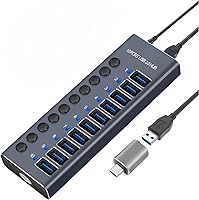
The MaxLax 10-Port Aluminum USB 3.0 Hub offers a robust solution for users looking to expand their USB connectivity. This compact hub features 10 high-speed USB 3.0 ports, perfect for managing multiple devices. Designed with aluminum alloy construction, it ensures both durability and heat dissipation, making it a great addition to any workspace. Whether you're connecting printers, cameras, or external drives, this hub simplifies your setup. With its professional, sleek design, it is ideal for both home offices and business environments.
Features & Benefits
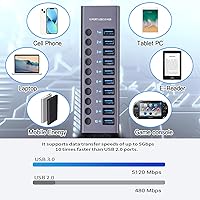
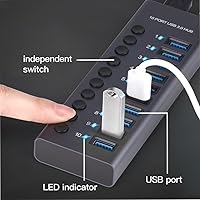
This USB hub stands out for its independent switches for each port, offering users the flexibility to manage connections individually. With a data transfer rate of up to 5Gbps, the hub ensures fast and efficient file transfers, even for large files. The included power adapter guarantees stable performance, even when several devices are drawing power. Additionally, the built-in blue LED indicators let you easily monitor which ports are active. All these features work together to make this hub both functional and reliable.
Best For
The MaxLax 10-Port USB 3.0 Hub is ideal for users with a variety of USB devices, such as printers, external hard drives, or digital cameras. It’s also perfect for those who need to frequently switch between devices without the hassle of plugging and unplugging cables. Whether you're working in a home office or managing a busy workstation, this hub simplifies connectivity. With its compact design and versatile functionality, it's a great choice for anyone who needs to add multiple peripherals to their computer or laptop.
User Feedback
Overall, users appreciate the reliability and sturdy aluminum body of this USB hub, which contributes to its long-lasting performance. Many find the independent switches a convenient feature, allowing them to easily control which devices are active. However, some have pointed out that while the hub is compact, the included USB cables could be a bit longer for easier placement. Despite this, most reviews highlight how the hub helps streamline workflows and reduce clutter, making it a solid investment for users needing multiple USB connections.
Pros
- This USB hub provides 10 independent USB 3.0 ports, making it a great choice for users with multiple devices to connect simultaneously.
- The fast 5Gbps data transfer rate ensures that large files are transferred quickly, enhancing productivity in work environments.
- Built with a durable aluminum alloy body, this device offers excellent heat dissipation and a sleek, professional look.
- Independent switches for each port allow for easy control, letting users turn off devices when not in use to save power.
- The power adapter ensures reliable performance even with multiple power-hungry devices connected at once.
- LED indicators on each port make it easy to see which devices are active at any given moment.
Cons
- Some users have reported that the compact size of the hub makes the cables provided too short for certain setups.
- While the hub is compact, it may not be the best fit for users who need a more portable solution for travel.
- A few users expressed frustration with the reliance on a power adapter, as they were hoping for a fully plug-and-play solution.
- The hub may not be compatible with all devices without the necessary drivers, which could create challenges for users with older systems.
- Some buyers found the build quality to be solid but noticed the device can get warm after prolonged use.
- Occasionally, users with multiple high-powered devices mentioned that the hub could experience slower speeds if too many devices are connected simultaneously.
Ratings
The ratings for the MaxLax 10-Port Aluminum USB 3.0 Hub have been generated after analyzing verified user reviews from various global sources and languages. We’ve filtered out any spam, bot-driven, or incentivized feedback, ensuring that only high-quality, authentic reviews contributed to these scores. Both the strengths and pain points expressed by users are reflected in the ratings, giving you a balanced view of this product's performance across multiple user environments and platforms.
Performance
Build Quality
Usability
Portability
Connectivity
Setup and Installation
Power Supply Stability
LED Indicators
Cable Length
Value for Money
Customer Support
Compactness
Suitable for:
The MaxLax 10-Port Aluminum USB 3.0 Hub is well-suited for users who need to connect multiple devices simultaneously and require fast, stable data transfer. It’s especially ideal for professionals with home office setups, such as photographers, designers, or video editors who frequently use external drives, cameras, and printers. This hub is also beneficial for users working with desktops or laptops that lack sufficient USB ports, providing a seamless solution for adding additional peripherals without losing performance. The inclusion of individual power switches for each port makes it a convenient choice for those who regularly switch between devices, enhancing workflow efficiency.
Not suitable for:
While the MaxLax 10-Port Aluminum USB 3.0 Hub offers a lot of functionality, it may not be the best fit for users who prioritize portability. The compact design, while convenient for desk use, may not meet the needs of people who require a lightweight, travel-friendly hub. Additionally, those with older laptops or operating systems may face compatibility issues, especially if they intend to use all 10 ports at once. The hub’s reliance on an external power adapter also limits its suitability for users looking for a purely plug-and-play solution without the need for extra cables or power sources.
Specifications
- Ports: The hub features 10 USB 3.0 ports, providing ample connectivity options for various devices.
- Data Transfer Rate: Supports data transfer speeds of up to 5Gbps, allowing for fast file transfers and reduced wait times.
- Power Adapter: Includes a dedicated power adapter to ensure stable operation, especially with power-hungry devices.
- Material: Constructed from durable aluminum alloy, offering robust build quality and effective heat dissipation.
- LED Indicators: Equipped with blue LED indicator lights to easily show which ports are active.
- Individual Power Switches: Each of the 10 USB ports has an independent power switch for controlling individual devices.
- Compatibility: Compatible with Windows, Mac, and Linux operating systems for plug-and-play use.
- Plug and Play: No drivers are required for installation, offering immediate usability on supported systems.
- Compact Size: The hub features a compact design that is easy to fit into most desk setups or workspaces.
- Weight: Weighs 1.06 pounds, making it lightweight yet stable enough for typical use.
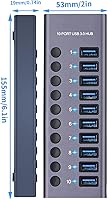
- Dimensions: The hub’s compact form factor ensures it takes up minimal space while still offering multiple ports.
- USB Cable Length: Includes a USB 3.0 cable, although some users may prefer a longer cable for extended reach.
- Durability: The aluminum alloy construction provides a high level of durability and protection from wear.
- Power Requirements: The power adapter ensures consistent performance even when multiple high-power devices are connected.
- Switch Type: The independent switches allow users to control the power supply to each connected device individually.
- Package Contents: The package includes the hub, a USB 3.0 cable, a power adapter, and a user manual for setup.
- Heat Dissipation: The aluminum alloy body is designed to dissipate heat efficiently, preventing overheating during extended use.
- External Device Support: Ideal for connecting multiple peripherals like printers, external hard drives, and cameras simultaneously.
Related Reviews
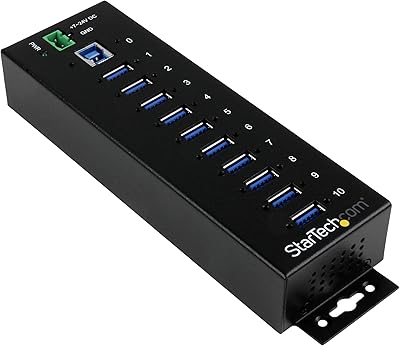
StarTech ST1030USBM 10-Port USB 3.0 Hub
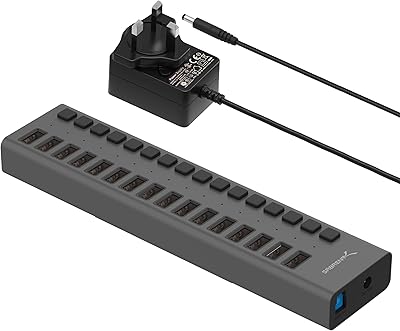
SABRENT HB-PU16 16-Port USB 3.0 Hub
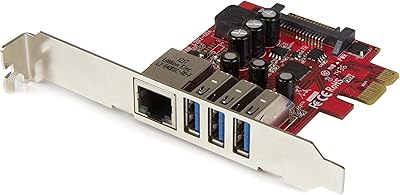
StarTech PEXUSB3S3GE USB 3.0 PCIe Card

ikuai 3.5″ USB 3.0 Hard Drive Enclosure
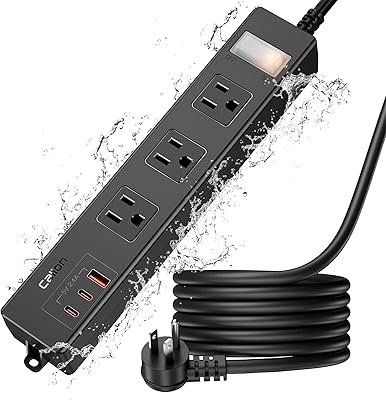
CALIONLTD USB Outdoor Power Strip with 3 Outlets and 3 USB Ports
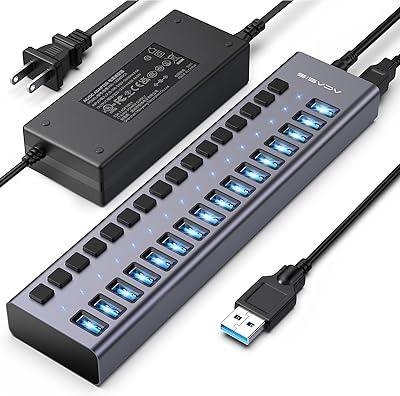
ACASIS HS082 16-Port USB 3.1 Hub
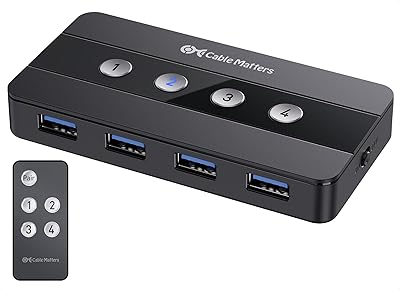
Cable Matters 4-Port USB 3.0 KVM Switch
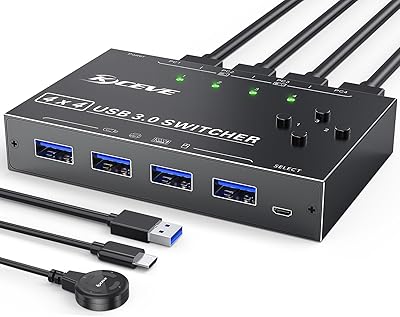
MLEEDA 4-Port USB 3.0 KVM Switch
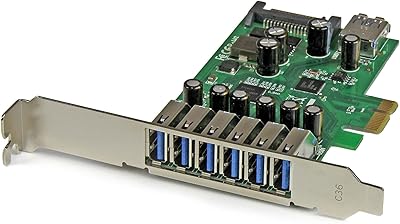
StarTech PEXUSB3S7 7-Port PCIe USB 3.0 Card
