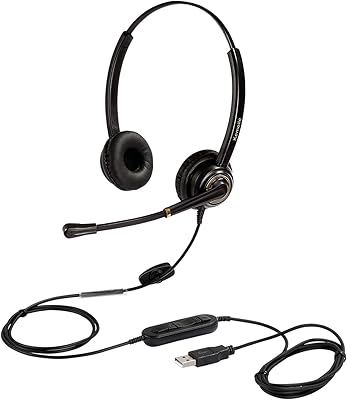
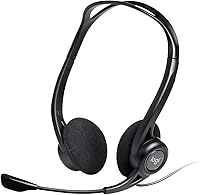
Logitech H960 USB Computer Headset
Overview
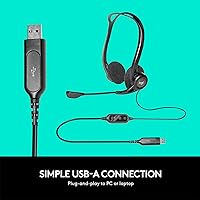
The Logitech H960 USB Computer Headset is a straightforward, no-fuss option built squarely around one purpose: keeping your voice calls clear and your workday moving. Plug it into any USB-A port and it just works — no drivers to hunt down, no software to configure. The over-ear design with foam cushions makes it comfortable enough for extended sessions, and while it won't compete with audiophile gear, that was never the goal. Since its 2019 release, it has remained a steady presence on desks everywhere, a quiet workhorse in the budget business headset space.
Features & Benefits
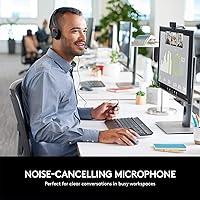
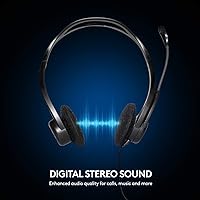
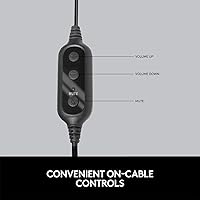
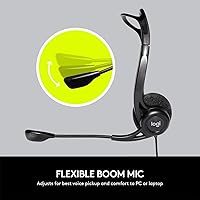
The H960's most practical asset is its noise-cancelling boom microphone, which picks up your voice without pulling in much background chatter — a real advantage when you're working in a busy home or open office. The boom arm swings up and out of the way when you step away from a call, which sounds small but becomes genuinely useful throughout the day. Audio comes through digitally over USB, giving you consistent playback quality for calls and meetings. The in-line controls — volume up and down, plus a dedicated mute button — sit on the cable with a shirt clip to keep things tidy. With nearly eight feet of cable, you're not chained to your desk.
Best For
This office headset makes most sense for people who spend a serious chunk of their day on calls — remote workers grinding through back-to-back Zoom or Teams meetings, students sitting through long virtual lectures, or helpdesk staff who need a reliable headset that won't quit mid-shift. Setup takes about ten seconds on any Windows or Mac machine with a USB-A port, which makes it a natural choice for anyone who'd rather spend zero time fiddling with drivers. If you're stepping up from your laptop's built-in microphone, the clarity improvement will be noticeable. It's less suited to frequent travelers, Bluetooth users, or anyone who expects strong music performance.
User Feedback
Buyers generally appreciate how reliably the H960 performs on calls, with many noting that the microphone does a solid job cutting through ambient noise — keyboard clatter, air conditioning, the usual home-office soundtrack. Setup ease is consistently praised; people value that it works right out of the box. On the other side, some users find the foam ear pads lose their comfort edge after a few hours, and a handful mention the overall build feels light given the construction materials. The cable controls get decent marks for responsiveness, though the mute button could be more tactile. It's a practical workhorse, not a premium one.
Pros
- Instant plug-and-play setup on both Windows and Mac — no driver installation needed.
- Noise-cancelling boom mic noticeably outperforms any built-in laptop microphone on calls.
- The boom arm flips completely out of frame when not in use, which is genuinely practical.
- Nearly eight feet of cable gives real freedom of movement around a desk setup.
- In-line volume and mute controls keep you in command without touching the keyboard.
- Logitech brand reliability means consistent performance and straightforward warranty support.
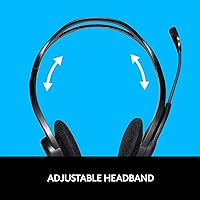
- Adjustable headband accommodates a wide range of head sizes without feeling forced.
- The shirt clip keeps the cable tidy and the controls always within easy reach.
- Lightweight enough that wearing it for a standard workday doesn't cause neck fatigue.
- Works across all major conferencing platforms without any compatibility configuration.
Cons
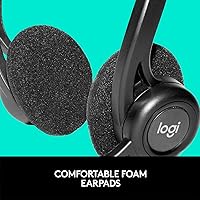
- Ear pad cushions flatten noticeably after extended wear sessions of five or more hours.
- Music and entertainment audio sounds flat and lacking depth — this is a voice-only headset.
- No USB-C native connection, which creates compatibility friction with newer ultrabooks and tablets.
- The mute button lacks tactile feedback, making accidental muting a recurring frustration for users.
- Plastic-heavy construction raises questions about long-term durability under daily heavy use.
- No carrying case or cable management solution is included in the box.
- The design does not fold flat, making it impractical to pack for travel or commuting.
- Passive noise isolation is only adequate — louder environments will bleed through the ear cups.
- Volume rocker on the in-line control feels mushy and less precise than expected.
- Not suitable for any use case beyond desk-based voice calls and conferencing.
Ratings
The Logitech H960 USB Computer Headset has been scored by our AI engine after analyzing verified buyer reviews from global markets, with spam, bot-generated, and incentivized feedback actively filtered out. The scores below reflect a balanced picture of where this office headset genuinely delivers and where it falls short, so you can make a well-informed decision before buying.
Microphone Quality
Call & Voice Clarity
Comfort & Wearability
Ease of Setup
Build Quality & Durability
Audio Quality for Music
In-Line Controls
Cable Length & Management
Noise Isolation (Passive)
Headband Adjustability
Microphone Flexibility & Positioning
Platform Compatibility
Value for Money
Weight & Portability
Suitable for:
The Logitech H960 USB Computer Headset is built for people whose primary need is clear, reliable voice communication at a desk — and it delivers on that specific promise without unnecessary complexity. Remote workers who spend their mornings cycling through Zoom standups, Teams check-ins, and client calls will find this office headset refreshingly low-maintenance: plug it in and get on with the day. It's equally well-suited to call center agents and helpdesk staff who need something dependable through long shifts without fighting configuration menus or compatibility issues. Students attending virtual lectures or online seminars will appreciate the mic quality upgrade over any built-in laptop solution, particularly when background noise is a concern. If you're working from a home office, a shared workspace, or anywhere with a USB-A port and a need for cleaner voice pickup, the H960 is a genuinely practical fit.
Not suitable for:
The Logitech H960 USB Computer Headset is not the right choice for everyone, and being honest about that matters. If you regularly listen to music, podcasts, or any audio content that demands depth, warmth, and tonal range, this office headset will disappoint — the dynamic driver is voiced for speech, not for entertainment listening, and the difference is audible. Bluetooth users or anyone who needs wireless freedom around the house will need to look elsewhere entirely, as this is a wired-only device with no wireless capability whatsoever. Frequent travelers or people who move between multiple work locations will find the bulky, non-folding design and lack of a carrying case frustrating. Users with newer ultrabooks or tablets that have abandoned USB-A ports in favor of USB-C will need an adapter, adding friction to what should be a simple experience. Finally, anyone expecting premium build durability over several years of heavy use may find the predominantly plastic construction falls short of that standard.
Specifications
- Connection Type: The headset connects via a USB-A plug, compatible with any PC or laptop that has a standard USB-A port or an appropriate adapter.
- Driver Type: Audio is delivered through a dynamic driver tuned to prioritize voice frequency clarity over broad-spectrum music reproduction.
- Impedance: The headset operates at 32 Ohm impedance, which is well-suited to direct USB-powered audio output without an external amplifier.
- Frequency Response: The frequency response extends up to 10,000 Hz, covering the vocal range effectively while leaving extended high-frequency audio reproduction limited.
- Microphone: A noise-cancelling boom microphone sits on a flexible arm that can be repositioned for optimal voice pickup and folded upward when not in use.
- Cable Length: The attached cable measures 2.4 meters (7.8 feet), providing enough reach for users to move around their immediate desk area without disconnecting.
- Ear Form Factor: The over-ear design positions the ear cups fully around the ear rather than resting directly on it, supporting longer wear sessions.
- Ear Pad Material: Ear cushions are constructed from foam, which provides baseline comfort but may compress and lose padding effectiveness over extended daily use.
- Headband: The headband is manually adjustable to fit a range of adult head sizes and holds its set position during normal desk use.
- In-Line Controls: A wired in-line control module provides dedicated volume up and down buttons plus a mute toggle, secured to clothing via an integrated shirt clip.
- Wireless Support: This headset does not support Bluetooth or any wireless connectivity; it is a fully wired device requiring a physical USB-A connection at all times.
- Weight: The unit weighs 4.8 ounces (approximately 136 grams), making it light enough for extended desk use without significant neck or head fatigue.
- Dimensions: The headset measures 6.4″ x 2.3″ x 5.8″, reflecting a standard over-ear form factor that does not fold flat for compact storage.
- Platform Support: The H960 is plug-and-play compatible with Windows and macOS machines that offer a USB-A port, requiring no driver installation on either platform.
- Primary Use Case: This headset is designed specifically for voice calls, business conferencing, webinars, and online communication rather than entertainment or music listening.
- Water Resistance: The headset carries no water resistance rating and should be kept away from moisture, spills, and humid environments to avoid hardware damage.
- Included Components: The package contains the headset unit itself and basic user documentation; no carrying case, USB adapter, or additional accessories are included.
- Model Number: The official Logitech model number is 981-000836, with the product marketed under the H960 series designation.
Related Reviews
Logitech H390 USB Computer Headset
Logitech H570e Mono USB Headset
Logitech H540
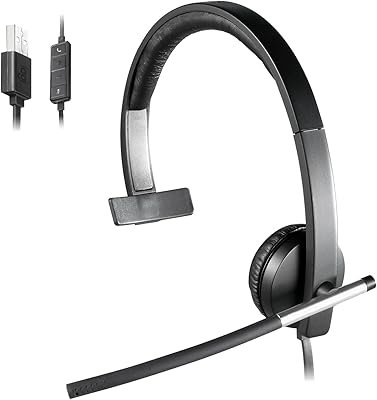
Logitech USB Headset Mono H650e
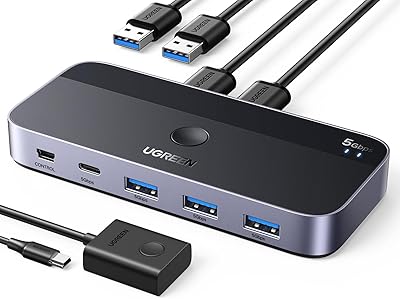
UGREEN USB 3.0 Switch 15705
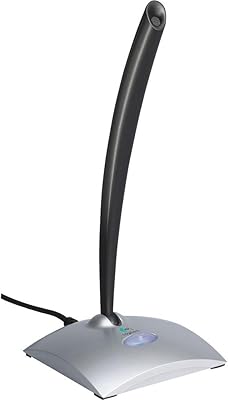
Logitech USB Desktop Gooseneck Microphone
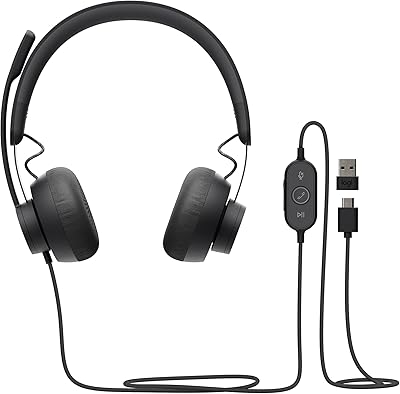
Logitech Zone Wired
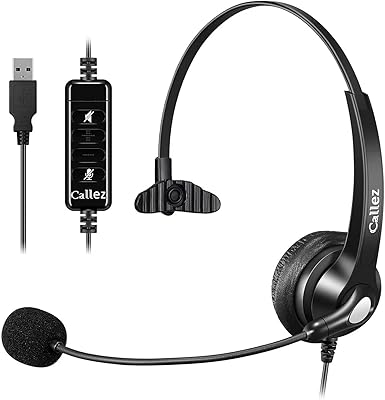
Callez C500U2 USB Headset
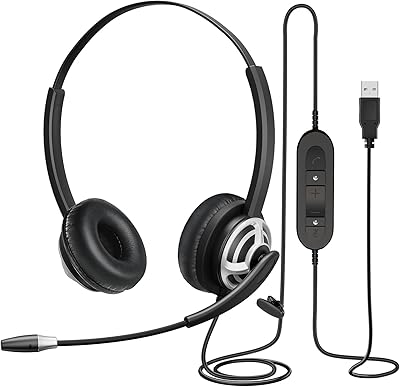
MAIRDI M805DUC USB Headset