

Overview
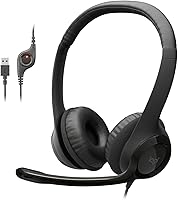
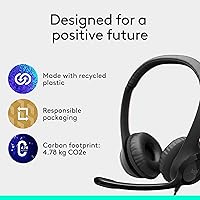
Finding a reliable tool for daily calls shouldn't be complicated, and the Logitech H390 USB Computer Headset proves that simplicity often wins. This wired headset bypasses the headache of pairing issues or dying batteries by using a straightforward USB-A connection that works the second you plug it in. Its design leans into a classic office aesthetic, prioritizing functional utility over flashy looks. You get a dedicated set of in-line controls on the cord, allowing you to stay focused on your conversation rather than fumbling with software settings. For anyone seeking a staple entry-level piece of gear that handles professional voice communication without a steep learning curve, this Logitech office model remains a consistent and practical choice for the modern workspace.
Features & Benefits
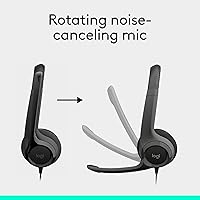
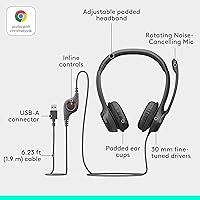
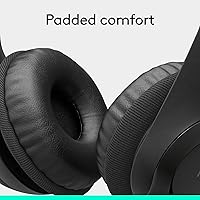
The standout feature of this USB communication tool is undoubtedly the rotating boom microphone. It effectively filters out background chatter, which is a lifesaver if you are working from a noisy kitchen or a busy office floor. When it comes to audio, the 30mm drivers are specifically tuned for speech clarity, making voices sound crisp and much fuller than what you get from standard laptop speakers. Comfort is also surprisingly decent for an on-ear design; the adjustable headband and leatherette cushions help it sit securely without feeling like a clamp. The nearly six-foot cable gives you enough slack to stand up or stretch during a long meeting. Plus, the plug-and-play nature means it is compatible with almost any operating system right out of the box.
Best For
This Logitech office model hits the sweet spot for remote workers who spend their afternoons toggling between Zoom and Microsoft Teams. It is a dependable workhorse for those who value uninterrupted connectivity and cannot risk a wireless connection dropping during an important pitch. Students will also find it a solid companion for online lectures, as it is durable enough to survive being tossed into a backpack. If you wear glasses, the swivel-mounted ear cups provide enough flexibility to avoid awkward pressure against your frames. Ultimately, it is ideal for anyone who wants a dedicated, no-fuss audio solution for voice-heavy tasks without spending a fortune on high-end studio gear or gaming peripherals that often include unnecessary features for a work environment.
User Feedback
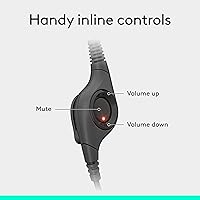
Regular users often highlight the reliable mic performance and the sheer convenience of the physical mute button, which features a helpful light to prevent those embarrassing talking-while-muted moments. It is frequently called one of the best values in the peripheral market because it simply does its job well day after day. However, it is worth noting that while the ear pads are soft, some people find the on-ear pressure starts to become noticeable after four or five hours of continuous wear. The build is primarily plastic, so while it is lightweight, it does not feel like a premium luxury item. Still, most agree that for the price, the clear digital sound and ease of use far outweigh these minor ergonomic trade-offs for typical daily office use.
Pros
- The noise-canceling boom microphone effectively filters out household distractions like fans or distant television noise.
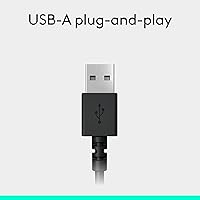
- A direct USB-A connection ensures instant compatibility without the need for troubleshooting Bluetooth pairing or software drivers.
- Integrated in-line controls provide quick, tactile access to volume adjustments and a dedicated mute button.
- Digital stereo sound is specifically optimized to make human voices sound crisp and distinct during virtual meetings.
- The adjustable padded headband allows for a customized fit across different head sizes.
- Swivel-mounted ear cushions help the speakers sit flush against the ear for better sound isolation.
- Official Chromebook certification guarantees a seamless experience for students using Google Classroom or Meet.
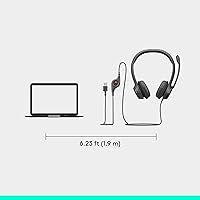
- A generous 5.9-foot cable provides enough slack to stand or stretch during long professional calls.
Cons
- The on-ear clamping force can become physically fatiguing or painful during continuous use throughout an entire workday.
- Lack of low-end bass response makes this USB communication tool unsuitable for high-quality music or movie consumption.
- The leatherette ear pad covers are known to peel or flake away after extended daily wear.
- A non-detachable cable means the entire unit must be replaced if the internal wiring or plug becomes damaged.
- The plastic construction feels somewhat basic and lacks the robust durability of high-end professional headsets.
- Absence of a folding mechanism makes it awkward to store safely in a crowded laptop bag without a case.
- The in-line control module is relatively bulky and can occasionally snag on the edge of your desk.
- This Logitech H390 USB Computer Headset requires a separate adapter for use with modern USB-C only laptops.
Ratings
To give you an honest look at the Logitech H390 USB Computer Headset, we used AI to distill thousands of verified buyer experiences from around the world into a single, transparent scorecard. By filtering out promotional spam and incentivized reviews, we have mapped out exactly where this wired headset shines in a professional setting and where the entry-level design might fall short for power users.
Microphone Voice Clarity
Value for Money
Ease of Setup
Long-Term Comfort
In-Line Control Tactility
Build Durability
Speech Frequency Tuning
Cable Length & Flexibility
OS Compatibility
Portability
Suitable for:
The Logitech H390 USB Computer Headset is a practical choice for home office workers and students who prioritize a reliable, no-fuss connection over wireless freedom. It excels in environments where background noise is a constant distraction, as the noise-canceling microphone effectively isolates your voice for clearer calls on Zoom or Teams. If you frequently jump into back-to-back meetings and need a dedicated tool that won't run out of battery, this wired headset is a dependable workhorse. Its plug-and-play design is especially beneficial for those using corporate-managed laptops where installing new software or drivers is restricted.
Not suitable for:
This Logitech office model is not the right fit for audiophiles or anyone looking for a rich, immersive music-listening experience, as the 30mm drivers are strictly tuned for vocal clarity. Users who participate in marathon calling sessions lasting more than four hours may find the on-ear design creates uncomfortable pressure on the ears and glasses frames. If your workspace requires mobility, the 5.9-foot tether will likely feel restrictive compared to modern Bluetooth alternatives. Additionally, the Logitech H390 USB Computer Headset is built primarily from lightweight plastic, so it may not satisfy those looking for a premium, heavy-duty build that can withstand extreme daily abuse.
Specifications
- Connectivity: This device uses a standard wired USB-A interface for digital audio transmission.
- Cable Length: The integrated cable measures 5.9 feet, which is approximately 1.9 meters.
- Microphone Type: It features a bi-directional noise-canceling microphone mounted on a rotating boom arm.
- Driver Size: The headset is equipped with 30mm dynamic audio drivers.
- Frequency Response: The audio output covers a frequency range from 20 Hz to 20 kHz.
- Sensitivity: The input sensitivity is rated at 94 dBV/Pascal for clear voice pickup.
- Impedance: The internal speakers have an input impedance of 32 Ohm.
- Total Weight: The entire unit weighs approximately 7.04 oz.
- Operating Systems: It is officially compatible with Windows, macOS, and ChromeOS platforms.
- In-Line Controls: The cable includes a built-in remote for adjusting volume and toggling microphone mute.
- Ear Cushions: The on-ear cups are padded with a swivel-mounted leatherette material.
- Headband: The headband is fully adjustable and includes a padded section for user comfort.
- Input Latency: The digital USB connection provides a low-latency response of approximately 30 milliseconds.
- Material: The primary chassis is constructed from high-grade, lightweight plastic.
Related Reviews
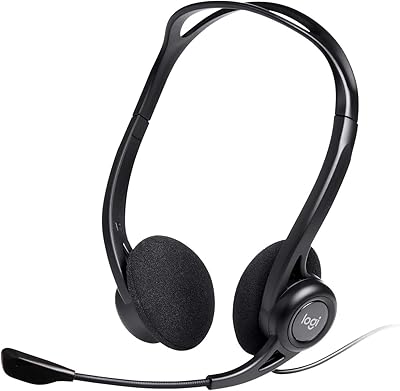
Logitech H960 USB Computer Headset
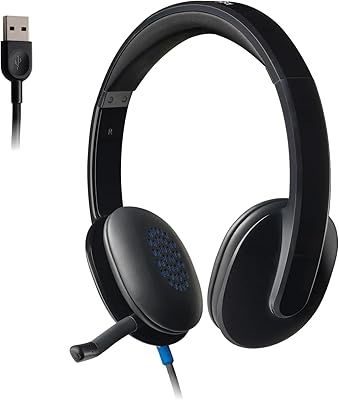
Logitech H540
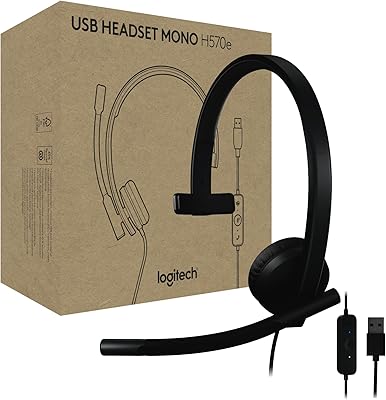
Logitech H570e Mono USB Headset
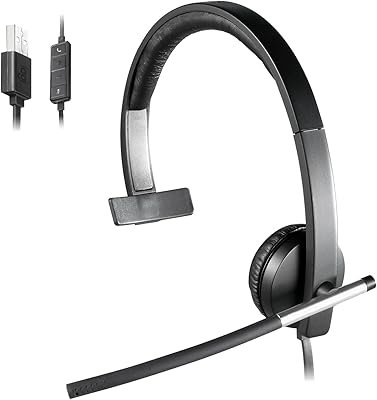
Logitech USB Headset Mono H650e
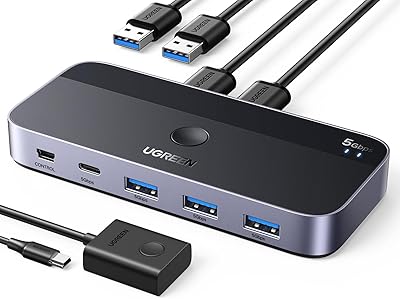
UGREEN USB 3.0 Switch 15705
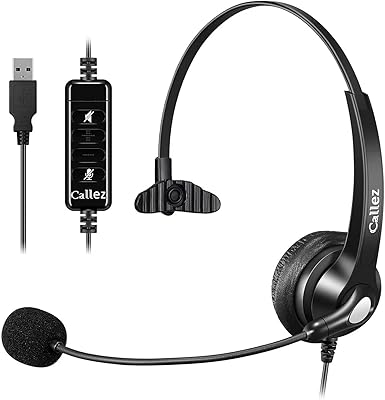
Callez C500U2 USB Headset
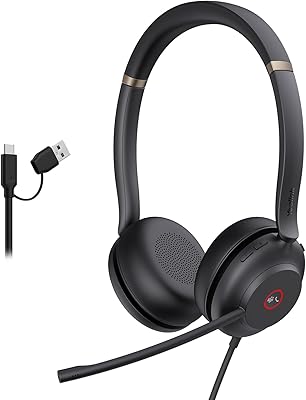
Yealink UH37
Logitech Zone Wired
KEMEILE KML02DUSB USB Headset