

Overview
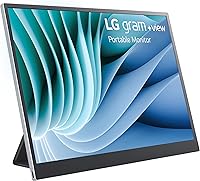
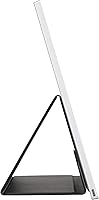
The LG gram +view 16″ Portable Monitor is built for professionals who need a dependable second screen without hauling extra weight. Most portable monitors stick to a 16:9 ratio, but this one goes wider with a 16:10 panel — that extra vertical space makes a real difference when working through spreadsheets or long documents. At under 1.5 pounds and barely a third of an inch thick, it slides into a laptop bag without taking up meaningful room. A single USB-C cable handles both display signal and power, and the included cover doubles as a stand right out of the box. Just know going in: this is a productivity tool, not a media or gaming display.
Features & Benefits
At 2560×1600 resolution on a 16-inch IPS panel, text stays crisp even when you scale the display down for side-by-side work — it holds up well in moderately bright environments thanks to the non-reflective coating. The DCI-P3 99% color gamut is meaningful if you edit photos or review design assets on the road; colors look accurate without needing to recalibrate. Flip it vertically using the integrated cover stand and the auto-pivot kicks in automatically — handy for long code files or documents without constant scrolling. Two USB-C ports let you route power so your laptop battery isn't drained by the monitor alone. The LG Switch app adds practical controls like split-screen presets and custom hotkeys, though its usefulness varies by operating system.
Best For
This portable monitor makes the most sense for remote and hybrid workers who live out of a laptop bag and need a productivity boost at client sites, coffee shops, or hotel rooms. Designers and photographers will appreciate the color accuracy — it's one of the few portable options where you can trust what you see on screen without second-guessing output. LG gram laptop owners get an especially well-matched companion, since the silver finish and form factor were clearly designed together. Students and consultants who share screens during walkthroughs will find the large format genuinely helpful. That said, skip this if you need HDMI connectivity or a high refresh rate for gaming — it simply isn't built for that.
User Feedback
With a 4.3-star average across over 100 ratings, buyers are generally happy with this travel-friendly display — especially its build quality and color output, which get consistently called out as highlights. The single-cable USB-C setup earns repeated praise for how quickly you can get a second screen running. On the critical side, some users report that the stand can wobble on uneven surfaces, which matters when working somewhere other than a proper desk. There's also recurring confusion about the screen surface, as a few buyers expected a fully matte finish based on listing descriptions. The LG Switch app draws mixed reactions, with limited macOS support noted by some. Most reviewers feel the premium price is justified given the combination of portability and display performance.
Pros
- The 2560×1600 IPS panel delivers sharp, detailed visuals that hold up well in office and indoor environments.
- Near-full DCI-P3 color coverage makes this portable monitor a credible option for color-sensitive creative work.
- At 1.45 pounds and barely a third of an inch thick, it adds almost nothing to a laptop bag.
- A single USB-C cable handles both power and display signal, meaning setup takes under a minute.
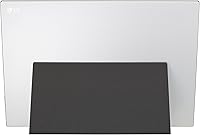
- The included cover stand doubles as a functional display stand without needing to pack a separate accessory.
- Auto-pivot in vertical mode is genuinely useful for reviewing code, long documents, or reading-heavy workflows.
- Two USB-C ports allow pass-through charging so your laptop battery is not being drained by the monitor alone.
- Build quality is consistently praised by buyers, with the silver aluminum finish feeling durable and premium.
- The 16:10 aspect ratio gives noticeably more vertical working space than the standard 16:9 portable displays.
- The LG Switch app adds real productivity shortcuts like split-screen presets and customizable hotkeys.
Cons
- No HDMI port limits compatibility with older laptops and most desktop setups entirely.
- The integrated stand can wobble on uneven or soft surfaces, making it unreliable outside of flat desk environments.
- LG Switch app support is inconsistent on macOS, reducing its usefulness for Apple-first users.
- Product listing descriptions have caused buyer confusion about whether the screen surface is matte or glossy.
- Maximum brightness is not high enough for comfortable use in direct sunlight or very bright outdoor settings.
- No high refresh rate means this display is completely unsuitable for gaming or fast-motion video work.
- The premium price point is hard to justify for buyers who only occasionally need a second screen.
- Vertical auto-pivot relies on the cover stand, which means the feature breaks down if you travel without the cover.
Ratings
The scores below for the LG gram +view 16″ Portable Monitor were generated by our AI system after analyzing verified buyer reviews from global markets, with spam, bot-submitted, and incentivized feedback actively filtered out. Ratings reflect the full picture — what this travel-friendly display genuinely does well and where real users have run into frustration. Both strengths and recurring pain points are weighted transparently into every score.
Display Quality
Color Accuracy
Portability
Build Quality
Stand & Cover System
Connectivity
Ease of Setup
LG Switch App
Value for Money
Vertical Mode Usability
Screen Surface Clarity
Compatibility Range
Multitasking Performance
Suitable for:
The LG gram +view 16″ Portable Monitor is a strong match for professionals who regularly work outside the office and find a single laptop screen genuinely limiting. Hybrid workers who bounce between home, client sites, and co-working spaces will get the most out of it — the wide 16:10 panel gives enough room to keep reference material open alongside a working document without constant window switching. Creative freelancers who need to trust what they see on screen, particularly photographers and graphic designers reviewing output away from a calibrated desktop, will find the near-full DCI-P3 color coverage reassuring. Consultants or students who frequently walk others through content side-by-side will also appreciate having a properly sized second screen rather than crowding around one laptop display. LG gram laptop owners in particular get a companion that feels purpose-built, with matching aesthetics and a single USB-C cable that keeps the setup clean and fast to deploy.
Not suitable for:
Buyers looking for a versatile display that connects to a wide range of older laptops or desktop setups should look elsewhere, as this travel-friendly display is USB-C only with no HDMI fallback — a real limitation if your hardware is even a few years old. Gamers will find nothing here to interest them: there is no high refresh rate, no adaptive sync, and no features aimed at fast-moving visuals. Anyone hoping to use this as a casual TV or entertainment screen in a hotel room may be underwhelmed by the brightness ceiling in dark environments compared to consumer-grade panels. The stand, while clever in concept, has been noted to feel unstable on uneven or soft surfaces, which means it is less reliable at a coffee shop with a textured table than at a proper desk. Budget-conscious buyers comparing this against cheaper no-name portable monitors will need to genuinely value the build quality and color accuracy to feel comfortable with the price gap.
Specifications
- Screen Size: The display measures 16 inches diagonally, offering a larger working area than most portable monitors in this category.
- Resolution: Native resolution is 2560×1600 (QXGA Wide), delivering sharp text and fine detail at standard working distances.
- Aspect Ratio: The 16:10 aspect ratio provides more vertical screen space than the 16:9 standard, which is useful for documents and spreadsheets.
- Panel Type: Uses an IPS panel with a non-reflective coating, which reduces glare under indoor lighting conditions.
- Color Gamut: Covers 99% of the DCI-P3 color space, making it suitable for color-sensitive work such as photo editing and graphic design.
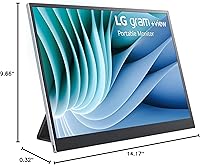
- Dimensions: The monitor body measures 14.17 × 9.66 × 0.32 inches, keeping it slim enough to slide alongside a laptop in most bags.
- Weight: Weighs 1.45 pounds, which is light enough to carry daily without meaningfully increasing the load of a laptop bag.
- Connectivity: Equipped with two USB-C ports, both capable of carrying display signal and power, with no HDMI or DisplayPort options.
- Included Cable: Ships with a USB Type-C cable for connecting to a host laptop, so no additional cable purchase is required to get started.
- Stand System: The included cover functions as an integrated stand supporting both horizontal and vertical orientations with auto-pivot detection.
- Orientation Support: Auto-pivot automatically adjusts the display orientation when the stand is rotated to vertical, requiring no manual software toggle.
- Companion App: Compatible with the LG Switch app on Windows and macOS, which provides split-screen presets, brightness controls, and custom hotkeys.
- Color: Available in Silver, with a finish designed to complement LG gram laptop aesthetics.
- Model Number: The official model identifier is 16MR70.ASDU1, which can be used to verify compatibility with LG accessories and support resources.
- Release Date: First became available in March 2023, making it a relatively current-generation product with ongoing software support.
Related Reviews
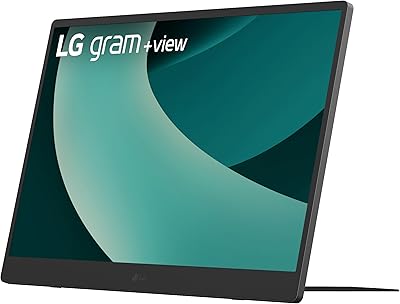
LG gram +View 17-inch Portable Monitor
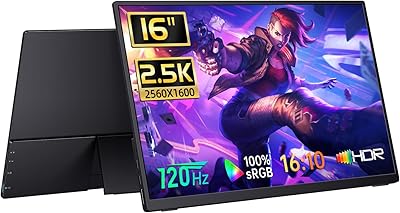
CAPERAVE BQ16H 16″ Portable Monitor
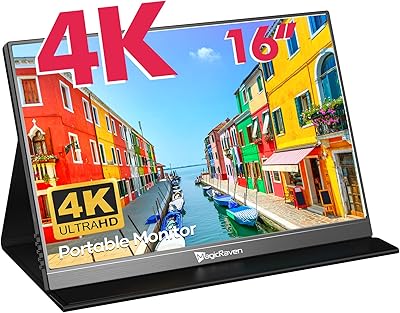
MAGICRAVEN M1603 16″ 4K Portable Monitor
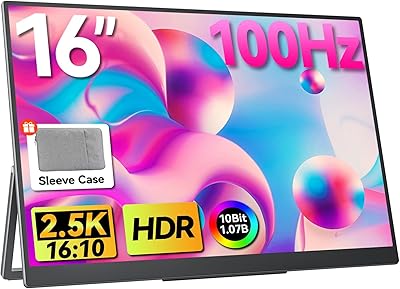
Upperizon U16LS 16″ 2K Portable Monitor
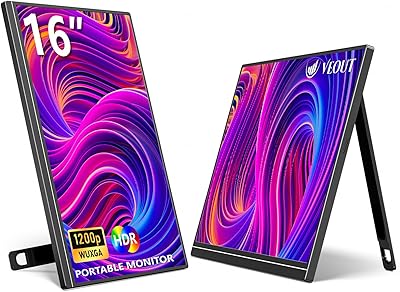
Veout V1 16″ Portable Monitor
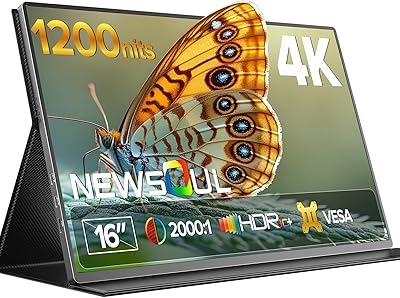
Newsoul M1620 16″ 4K Portable Monitor
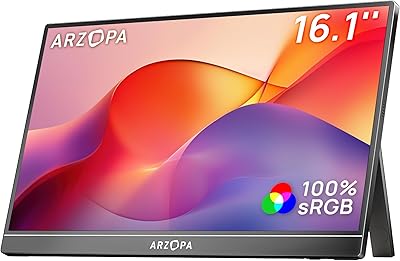
ARZOPA Z1C 16.1″ Portable Monitor
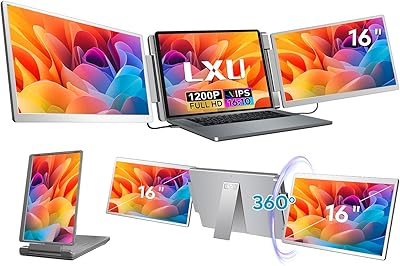
LXU S11 16-inch Portable Screen Extender
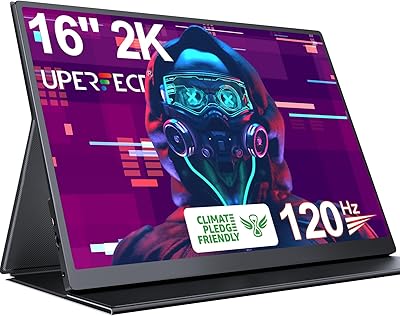
UPERFECT 1602K 16″ 2K Portable Gaming Monitor