Lenovo Chromebook Duet 10.1″ 2-in-1 Tablet



Overview
The Lenovo Chromebook Duet 10.1″ 2-in-1 Tablet sits at an interesting crossroads — part tablet, part laptop, fully budget-conscious. What sets it apart from bare-bones tablets in its class is the detachable keyboard and kickstand that come included in the box, a genuinely rare perk at this price. The compact 10.1-inch form factor keeps it light and easy to carry, but don't mistake portability for power. Chrome OS keeps things simple and secure, though it does mean your app options are narrower than on a full Windows machine. Think of this as a capable secondary device, not a replacement for a proper laptop.
Features & Benefits
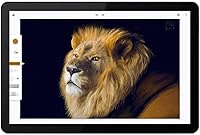
The display is one of the Chromebook Duet's genuine strengths — the 10.1″ IPS panel at 1920x1200 looks noticeably crisp for a device in this category, and 400 nits of brightness handles indoor use comfortably. The MediaTek Helio P60T processor gets the job done for browsing, streaming, and Google Docs, but push it with multiple tabs or Android apps and you will feel the lag. Four gigabytes of RAM is workable, though it has its limits. Battery life is a real highlight, regularly hitting close to the full 10-hour estimate. The included keyboard snaps on magnetically via pogo pins and functions well enough, though the compact layout takes some adjustment.
Best For
This 2-in-1 Chromebook is most at home in the hands of students and casual users who live inside Google's ecosystem — Drive, Docs, Gmail, YouTube. It is a natural fit for kids handling schoolwork, parents who want a simple low-maintenance device around the house, or light travelers who want something easier to carry than a laptop for reading and video calls on the go. If your daily workflow stays in the browser and you do not need heavy software, this covers the bases well. Just be clear-eyed: anyone who regularly works offline or relies on specialized desktop applications will find Chrome OS more limiting than liberating.
User Feedback
Owners of Lenovo's compact tablet tend to agree on a few things. The screen gets consistent praise — it looks better than most expect at this price point. Battery life also overdelivers for many buyers, which earns real goodwill. On the other side, the keyboard draws the most complaints: keys feel cramped, and using it on your lap is awkward because the kickstand does not sit stably on soft surfaces. Several buyers flag the 64GB storage as tight once apps and files accumulate, especially for anyone not fully committed to cloud storage. The missing headphone jack also catches people off guard, and performance hiccups under heavier loads are common, though rarely described as a surprise given the hardware tier.
Pros
- The 10.1″ IPS display is genuinely sharp for the price, with colors and clarity that exceed expectations.
- A detachable keyboard included out of the box is rare value at this price tier.
- Battery life regularly meets or beats the 10-hour estimate — a reliable all-day companion for school or travel.
- Chrome OS boots fast, stays secure automatically, and requires almost no maintenance.
- At under a pound, the Chromebook Duet is easy to carry in a bag or hold one-handed for extended reading.
- The dual-tone aluminum and fabric design feels more considered than most devices in this budget range.
- USI stylus compatibility opens up light note-taking and sketching without needing to replace the device.
- Dual Dolby Audio speakers deliver cleaner, louder sound than the slim chassis would suggest.
- The 8MP rear camera is adequate for document scanning and video calls in a pinch.
- Setup is fast and nearly effortless for anyone already using a Google account.
Cons
- The included keyboard is cramped and shallow — usable, but not comfortable for extended typing sessions.
- Using the kickstand on a lap is awkward; it needs a flat, firm surface to sit stably.
- The Helio P60T slows noticeably when juggling multiple tabs or heavier Android apps.
- 4GB of RAM starts to feel limiting if you habitually keep more than five or six tabs open.
- 64GB of storage fills up faster than expected once apps and offline files accumulate.
- There is no headphone jack, which catches many buyers off guard after purchase.
- The glossy display picks up glare and reflections in bright outdoor or strongly lit environments.
- Bluetooth is capped at version 4.2, which may frustrate users with newer wireless peripherals.
- The Android app experience on Chrome OS is inconsistent — some apps run well, others feel poorly optimized.
- No option to expand storage means cloud dependency is effectively non-negotiable long-term.
Ratings
The scores below reflect AI-analyzed findings from thousands of verified global user reviews for the Lenovo Chromebook Duet 10.1″ 2-in-1 Tablet, with spam, bot activity, and incentivized feedback actively filtered out. Each category score is calibrated to reflect real-world buyer experiences — not manufacturer claims — so both the genuine strengths and the recurring frustrations are represented honestly.
Display Quality
Battery Life
Value for Money
Portability
Performance
Keyboard & Typing
Build Quality
Storage
Software & OS
Touchscreen Responsiveness
Audio Quality
Camera Quality
Connectivity
Stylus Experience
Suitable for:
The Lenovo Chromebook Duet 10.1″ 2-in-1 Tablet is a strong fit for anyone whose digital life revolves around Google's ecosystem — students writing papers in Docs, families managing schedules in Google Calendar, or remote learners jumping into Meet calls. Kids in particular benefit from Chrome OS's simplicity and built-in security; there is not much to misconfigure, and automatic updates run quietly in the background. Light travelers will appreciate the under-one-pound tablet weight and the fact that the keyboard is already included, removing a common accessories cost. If your day-to-day computing stays in a browser and you lean heavily on cloud storage, this 2-in-1 Chromebook covers those bases reliably. It also works well as a dedicated couch device for streaming, reading, or casual browsing without the bulk of a full laptop.
Not suitable for:
Anyone who relies on Windows or Mac software — Adobe Creative Suite, specialized business tools, or even Microsoft Office beyond its web version — will run into a wall with the Chromebook Duet fairly quickly. The Helio P60T processor is honest about its limits: heavy multitasking, running demanding Android apps, or keeping a dozen tabs open at once will produce noticeable slowdowns. The 64GB of onboard storage sounds manageable until you factor in apps and offline files, so users who cannot or do not want to depend on cloud storage will feel squeezed. The missing headphone jack is also a legitimate friction point for anyone who uses wired audio daily. Professionals or college students who need their primary portable machine to handle video editing, coding environments, or extended productivity sessions should look elsewhere — the Lenovo Chromebook Duet 10.1″ 2-in-1 Tablet is built for supplemental use, and it shows when pushed beyond that role.
Specifications
- Display: 10.1″ IPS WUXGA touchscreen with a 1920x1200 resolution, glossy finish, and 400 nits of brightness.
- Processor: MediaTek Helio P60T octa-core chip clocked at 2.0 GHz, built on an ARM architecture.
- RAM: 4GB LPDDR4X memory soldered to the board, with no option for user upgrades.
- Storage: 64GB eMCP SSD provides onboard storage; there is no microSD slot for expansion.
- Graphics: ARM Mali-G72 MP3 integrated GPU handles everyday rendering and light media tasks.
- Operating System: Ships with Chrome OS, which receives automatic security updates and supports Android apps via Google Play.
- Battery: Built-in lithium polymer battery rated for up to 10 hours of mixed use on a single charge.
- Connectivity: Dual-band Wi-Fi 802.11ac (2.4GHz and 5GHz) with MIMO 2x2 support and Bluetooth 4.2.
- Ports: One USB-C Gen 2 port for charging and data transfer, plus a 5-point pogo pin connector for the keyboard.
- Cameras: 8MP auto-focus rear camera and a 2MP fixed-focus front camera with an LED activity indicator.
- Audio: Dual speakers tuned with Dolby Audio and a smart amplifier for louder, cleaner output from a slim chassis.
- Stylus Support: Compatible with USI (Universal Stylus Initiative) pens for note-taking and drawing; stylus is sold separately.
- Tablet Weight: The tablet alone weighs 450g (0.99 lbs), making it comfortable for one-handed use and extended reading.
- Combined Weight: With the keyboard and kickstand cover attached, total weight reaches 920g (2.03 lbs).
- Dimensions: The tablet measures 9.44″ x 6.29″ x 0.29″; with the keyboard attached, depth increases to 0.71″.
- Keyboard: Detachable fabric-covered keyboard connects via magnetic pogo pins and is included in the box at no extra cost.
- Kickstand Cover: A dual-purpose back cover doubles as an adjustable kickstand and features a premium fabric texture finish.
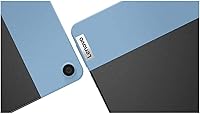
- Color: Available in an Ice Blue and Iron Grey dual-tone design, with aluminum on the tablet body and fabric on the cover.
- Charging: Charges via the USB-C port at 12V; a compatible charger is included in the box.
- Bluetooth: Bluetooth 4.2 supports wireless peripherals including headphones, mice, and keyboards.
Related Reviews

RCA Cambio 10.1″ Windows 2-in-1 Tablet
Lenovo Chromebook 300e Yoga 11.6″ 2-in-1
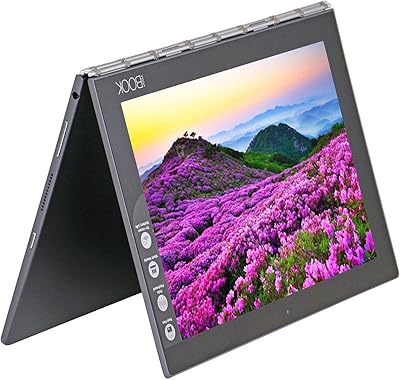
Lenovo Yoga Book 10.1″ Android 2-in-1 Tablet
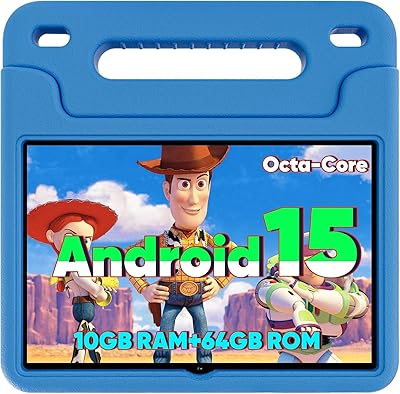
WXUNJA X-C30 10.1-inch Kids Tablet
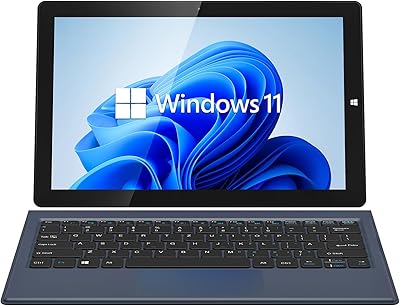
AWOW AiBook 10 10.1″ 2-in-1 Windows Tablet

ITMEIPC T-10 10.1-inch Android Tablet
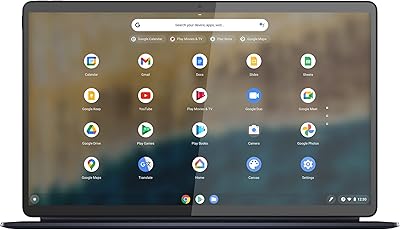
Lenovo IdeaPad Duet 5 Chromebook
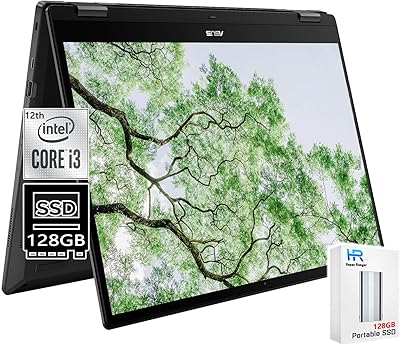
ASUS Chromebook 16 2-in-1 Touchscreen Laptop

YYSWIE CT1001 10.1-inch 64GB Kids Tablet