Lenovo Yoga Book 10.1″ Android 2-in-1 Tablet



Overview
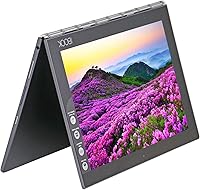
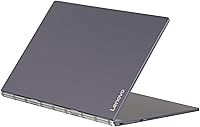
The Lenovo Yoga Book 10.1″ Android 2-in-1 Tablet is one of those rare devices that leads with concept over convention — and you feel that the moment you pick it up. At just 1.52 lbs and under half an inch thick, the gunmetal build feels genuinely premium for its price tier. The Halo keyboard and Real Pen stylus set it apart from every standard Android tablet on the market. That said, be clear-eyed going in: this is a mid-range Android device, not a Windows productivity machine. It launched in late 2016 on Android 6.0, which means software support has long since ended — a real consideration for anyone who takes security seriously.
Features & Benefits
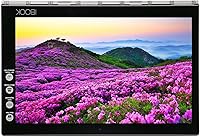
The Yoga Book's most talked-about feature is its Halo touch keyboard — a backlit, touch-sensitive surface that replaces physical keys entirely. In practice, it demands patience; touch-typists accustomed to tactile feedback will find it frustrating until muscle memory kicks in. That same pad doubles as a digitizer, which is where the Real Pen stylus earns its keep: lay a sheet of paper on the surface, write with actual ink, and the device captures your handwriting simultaneously. The 10.1″ FHD display delivers crisp 1920×1200 visuals that hold up well for video and reading. The Intel Atom processor handles everyday Android tasks without trouble, though it hits a ceiling fast with anything intensive. Battery life during light daily use comfortably reaches 10–12 hours, falling short of the headline claim under sustained video playback.
Best For
This Lenovo 2-in-1 is a genuinely niche pick — and that is not a criticism. Students and professionals who hand-write notes and want them digitized without a separate scanning step will find the concept compelling. If you commute or travel frequently, under two pounds and a near-zero footprint make this far easier to carry than most comparable devices. It also works well as a casual media tablet for watching content on a decent screen. Sketchers and artists curious about the Android creative app ecosystem may enjoy experimenting with the drawing surface. What it is not suited for: anyone needing Windows software, heavy multitasking, or long-term OS support. Know what you are buying, and it can fit a very specific lifestyle well.
User Feedback
Owners of this Android tablet tend to either love it or feel let down — sometimes both. The form factor earns consistent praise; people are genuinely surprised by how slim and solid it feels in hand, and the display draws positive comments for sharpness and color. Where things get mixed is the Halo keyboard: fast typists struggle with it, reporting missed keystrokes and fatigue during longer sessions. The Real Pen digitizer is clever, but several users admit they rarely reach for it once the novelty fades. Battery feedback is mostly positive for light use. The larger long-term concern many owners raise is the outdated Android 6.0 OS — no further updates means accumulating security vulnerabilities, which is something any prospective buyer should weigh honestly before committing.
Pros
- Exceptionally slim and light build — under 1.6 lbs makes it one of the easiest tablets to carry daily.
- The Halo keyboard doubles as a drawing pad, giving two input modes in a single compact surface.
- Real Pen stylus uses actual ink, so paper notes and digital capture happen at the same time.
- The 10.1″ FHD IPS display offers crisp, color-accurate visuals that hold up well for video and reading.
- 64GB SSD storage loads apps and files noticeably faster than eMMC-based tablets in the same class.
- Real-world battery life of 10 to 12 hours covers a full workday of light to moderate use comfortably.
- The gunmetal finish and precision-built chassis feel more premium than most Android tablets at this tier.
- Android app ecosystem provides broad access to note-taking, sketching, and media apps out of the box.
Cons
- Android 6.0 Marshmallow no longer receives security updates, creating real risk for privacy-conscious users.
- The Halo keyboard has a steep learning curve and frustrates fast typists with frequent missed inputs.
- Intel Atom x5 processor struggles noticeably with demanding apps, heavy multitasking, or media editing.
- The Real Pen digitizer concept loses its appeal quickly for users who do not commit to regular practice.
- Only one USB 2.0 port severely limits connectivity options for accessories, peripherals, or file transfers.
- Marketed 15-hour battery claim drops significantly during sustained video streaming or screen-intensive tasks.
- The 2MP rear camera is barely functional — unsuitable for anything beyond basic document scanning.
- No software update path means growing app incompatibility issues are likely to worsen over time.
- Infrared wireless rather than standard Bluetooth limits compatibility with common accessories and peripherals.
Ratings
The scores below reflect our AI-powered analysis of verified global user reviews for the Lenovo Yoga Book 10.1″ Android 2-in-1 Tablet, with spam, bot-generated, and incentivized feedback actively filtered out to ensure accuracy. We have weighed both the genuine enthusiasm from users who found this device transformative for their workflow and the real frustrations reported by buyers who ran into its limitations head-on. The result is a transparent, category-by-category breakdown that shows exactly where the Yoga Book earns its praise and where it falls short.
Build Quality
Portability
Display Quality
Halo Keyboard Usability
Real Pen & Digitizer
Performance
Battery Life
Software & OS
App Compatibility
Value for Money
Camera
Connectivity
Note-Taking Experience
Setup & Ease of Use
Suitable for:
The Lenovo Yoga Book 10.1″ Android 2-in-1 Tablet was built for a specific kind of user, and if you fit that profile, it genuinely delivers. Students who fill notebooks during lectures and want those notes digitized without any extra scanning step will find the Real Pen concept surprisingly practical once they invest time learning it. Frequent travelers and commuters who resent carrying heavy gear will appreciate a device that weighs under two pounds and slips into a bag without bulk. If your workload lives comfortably inside Android — browsing, light document editing, streaming, the occasional sketch — the Yoga Book handles it without complaint. Casual creative users curious about digital drawing but not ready to invest in a dedicated artist tablet will also find enough here to experiment meaningfully.
Not suitable for:
Anyone expecting a Windows laptop replacement should look elsewhere before considering this Android tablet. The Lenovo Yoga Book 10.1″ Android 2-in-1 Tablet runs Android 6.0 Marshmallow with no path to further OS updates, meaning it no longer receives security patches — a dealbreaker for anyone handling sensitive personal or professional data. Fast typists who depend on tactile keyboard feedback for accuracy and speed will find the Halo touch surface genuinely frustrating, not just a minor adjustment. Users who routinely run demanding apps, edit video, or multitask heavily across many open applications will hit the Intel Atom processor's ceiling quickly. And buyers who need robust port selection, modern wireless connectivity, or a capable rear camera will find the hardware spec sheet underwhelming by any current standard.
Specifications
- Display: 10.1″ FHD IPS touchscreen with a 1920×1200 pixel resolution, offering wide viewing angles and solid color reproduction for a tablet in this class.
- Processor: Intel Atom x5-Z8550 quad-core chip clocked at up to 2.4 GHz, suited for everyday Android tasks but not designed for intensive workloads.
- RAM: 4GB LPDDR3 RAM supports comfortable multitasking across standard Android apps without significant slowdown under light to moderate use.
- Storage: 64GB onboard SSD provides faster app load times than eMMC-based alternatives; check for microSD expansion availability before purchase if more space is needed.
- Operating System: Ships with Android 6.0 Marshmallow and has received no further OS or security updates since its release in late 2016.
- Battery: Lenovo rates the built-in lithium polymer battery at up to 15 hours, though real-world use under mixed workloads typically yields 10 to 12 hours.
- Weight: The device weighs 1.52 lbs, making it one of the lighter 10-inch 2-in-1 tablets available at its launch tier.
- Dimensions: The chassis measures 10.1 × 6.72 × 0.38 inches, delivering an impressively slim profile for a device that includes an integrated keyboard surface.
- Keyboard Input: The Halo keyboard is a backlit, touch-sensitive flat surface that replaces physical keys and doubles as a digitizer pad for stylus and pen input.
- Stylus: The included Real Pen stylus uses actual ink cartridges, allowing users to write on paper placed over the Halo pad while the device simultaneously captures digital strokes.
- Rear Camera: A 2MP rear-facing camera is included, functional for basic document scanning but not suited for photography or video recording in any meaningful capacity.
- Ports: One USB 2.0 port is the sole wired connectivity option, which limits the ability to connect multiple peripherals or transfer large files quickly.
- Wireless: Wireless connectivity uses infrared technology; buyers should verify compatibility with their intended accessories and network environment before purchase.
- Color & Finish: Available in Gunmetal Grey, the device features a precision-machined finish that conveys a more premium aesthetic than most Android tablets in its price range.
- Form Factor: Designed as a 2-in-1 with the keyboard surface integrated into the lower half of the chassis rather than as a detachable accessory.
Related Reviews

RCA Cambio 10.1″ Windows 2-in-1 Tablet

ITMEIPC T-10 10.1-inch Android Tablet
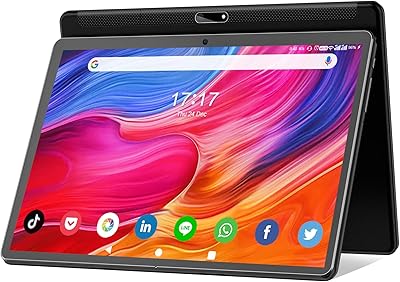
FEONAL K118 10.1-inch Android Tablet
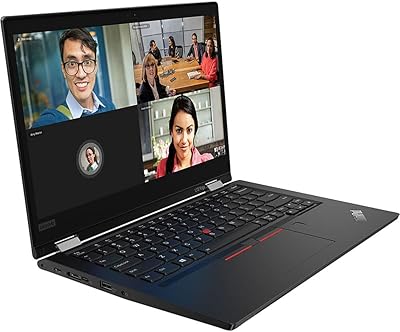
Lenovo ThinkPad L13 Yoga 2-in-1 Laptop
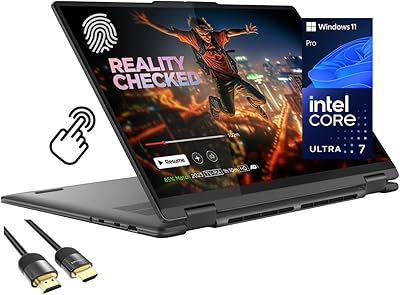
Lenovo Yoga 7i 16″ 2-in-1 Laptop, Core Ultra 7 155U, 16GB, 1TB
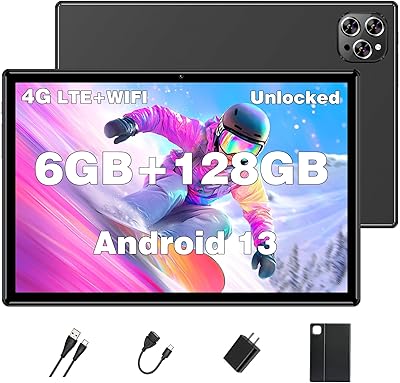
XINHENGTAI M10 Android 13 Tablet, 128GB, 10.1-inch
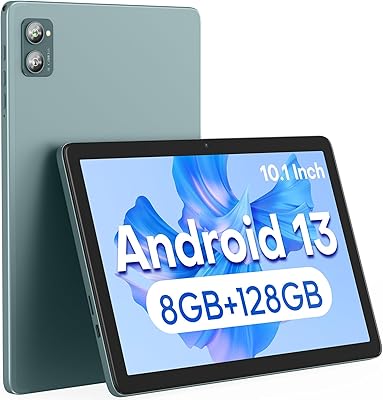
Xiskt A5505 Android 13 Tablet 10.1-inch 128GB Storage
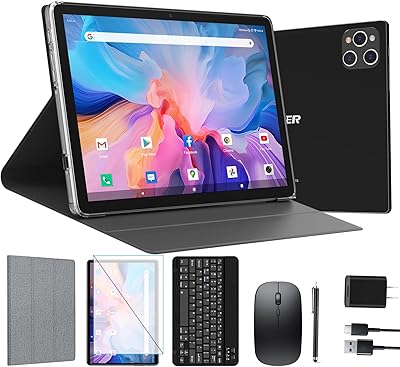
ANTEMPER D116 10-Inch Android Tablet
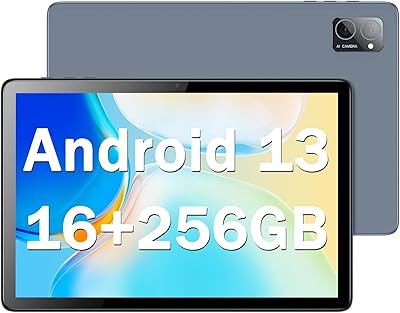
CONSUNG N101B 10-inch Android Tablet
