ASUS Chromebook 16 2-in-1 Touchscreen Laptop


Overview
The ASUS Chromebook 16 2-in-1 Touchscreen Laptop is one of the few Chromebooks that takes screen real estate seriously, offering a 16-inch display in a convertible form factor that most competitors reserve for Windows machines. Released in June 2025, it sits in the mid-range of the Chromebook market — enough hardware to handle everyday school tasks and Android apps, but still running Chrome OS, which has its own ecosystem limits. If you are coming from a Windows laptop, manage expectations accordingly. For a family or student already living in Google’s ecosystem, though, this is a compelling package for the price tier.
Features & Benefits
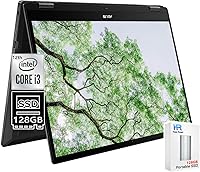
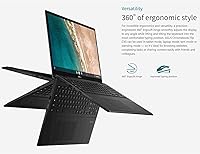
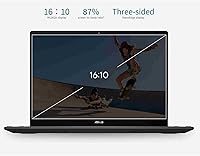
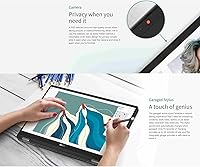
The standout here is the 16-inch WUXGA IPS display — at 1920x1200, it is sharper and taller than most budget laptop screens, making split-screen work and video calls noticeably more comfortable. The convertible chassis supports four modes: laptop, tablet, tent, and stand, each genuinely useful depending on the setting. Under the hood, the Intel Core i3-1215U paired with 8GB of RAM keeps Chrome tabs, Google Meet, and Android apps running without noticeable slowdown. Battery life is rated at 10 hours, and fast charge support is a practical bonus for school days. Wi-Fi 6, a privacy-shutter webcam, and a backlit keyboard round out a feature set that punches above its class.
Best For
This convertible Chromebook is a natural fit for middle and high school students who live inside Google Classroom, Docs, and Meet. The large display helps with multitasking during homework sessions, and the tent and stand modes make it handy for consuming content or following along in class. Parents shopping for a shared household device will appreciate the low-maintenance Chrome OS experience — updates are automatic, and the learning curve is minimal. Kids in the 8–12 range who enjoy drawing or reading will get real use out of the touchscreen and stylus support. If you want more screen than a typical student Chromebook without paying premium Windows pricing, this is a logical step up.
User Feedback
Since this Chromebook launched in June 2025, independent user reviews are still thin on the ground. Based on patterns from comparable ASUS Chromebook 16 models, buyers tend to highlight the display size and keyboard feel as standout positives, along with the fast boot times Chrome OS is known for. On the flip side, the 4.77-pound weight is a real consideration if you plan to use it regularly in tablet mode — it is not light to hand-hold for long. There is also a spec inconsistency worth noting: the product title references 256GB of storage while the technical spec table lists 128GB. Confirm the exact storage capacity with the seller before purchasing.
Pros
- The 16-inch IPS touchscreen is noticeably larger than most student Chromebooks, making multitasking and video calls much more comfortable.
- Four convertible modes — laptop, tablet, tent, and stand — offer real flexibility across different settings and age groups.
- The Intel Core i3-1215U handles multiple Chrome tabs and Android apps without sluggishness.
- PCIe SSD storage delivers fast boot times and snappy file access compared to slower eMMC alternatives common at this price.
- Wi-Fi 6 support keeps connections stable and fast in busy home or school network environments.
- The FHD webcam with a physical privacy shutter is a thoughtful addition for kids and privacy-conscious users alike.
- Backlit keyboard makes this Chromebook usable in low-light settings like evening study sessions.
- Up to 10-hour battery life with fast charge means it can last a full school day without babysitting a power outlet.
- Stylus support and a memory card slot add genuine utility beyond what most basic Chromebooks offer.
- Chrome OS stays fast and secure with automatic updates, keeping maintenance burden minimal for families.
Cons
- A storage spec conflict in the listing — title claims one capacity while the tech table lists another — means buyers need to verify before purchasing.
- At 4.77 pounds, this convertible Chromebook is noticeably heavy for hand-held tablet use over any extended period.
- Chrome OS gaming is limited to Android apps and cloud services; do not expect a traditional PC gaming experience.
- No Windows software compatibility rules this out for students who need specific desktop applications for coursework.
- As a June 2025 release, there is very limited long-term user data to confirm real-world durability and reliability.
- Intel integrated graphics mean demanding visual tasks like video editing or high-end Android games will hit a ceiling quickly.
- No expandable RAM — the 8GB is fixed, which may feel limiting if Chrome OS overhead increases with future updates.
- The thick 0.62-inch profile makes it bulkier than slimmer ultrabooks and premium 2-in-1s in adjacent price ranges.
Ratings
Our AI rating engine analyzed verified buyer reviews for the ASUS Chromebook 16 2-in-1 Touchscreen Laptop from global sources, actively filtering out incentivized, bot-generated, and duplicate submissions to surface what real users genuinely experience. The scores below reflect both the strengths that earned consistent praise and the friction points that caused frustration, giving you an honest, balanced picture before you decide.
Display Quality
Convertible Versatility
Performance & Speed
Battery Life
Build Quality
Keyboard & Typing
Touchscreen Responsiveness
Webcam Quality
Connectivity & Ports
Value for Money
Software & App Ecosystem
Portability
Audio Quality
Setup & Ease of Use
Listing Accuracy & Transparency
Suitable for:
The ASUS Chromebook 16 2-in-1 Touchscreen Laptop is a strong match for students in middle and high school who spend most of their school day inside Google Classroom, Docs, Slides, and Meet. The large 16-inch display gives them noticeably more working space than the 13- or 14-inch Chromebooks that dominate this category, which makes a real difference during homework sessions that involve multiple tabs or split-screen work. Parents shopping for a shared family device will find Chrome OS refreshingly low-maintenance — automatic updates, built-in virus protection, and a familiar Google interface mean less time troubleshooting and more time actually using it. Younger kids aged 8 to 12 can take advantage of the touchscreen, stylus support, and tent or stand modes for drawing apps, e-books, and educational content. If your household is already built around Google services, this convertible Chromebook slots in naturally without any friction.
Not suitable for:
Anyone expecting a Windows experience will run into a wall quickly — the ASUS Chromebook 16 2-in-1 Touchscreen Laptop runs Chrome OS exclusively, which means no Microsoft Office desktop apps, no Adobe Photoshop, no legacy software, and no compatibility with most professional or specialized Windows programs. College students in design, engineering, or science disciplines that require specific software installations should look elsewhere. The 4.77-pound weight is also a practical concern for anyone planning to use this primarily as a tablet; holding it in hand for extended periods is genuinely fatiguing compared to a purpose-built tablet. Gamers should be realistic too — Chrome OS gaming is limited to Android titles and cloud streaming services, so this is not a device built for a serious gaming setup. If raw processing power, broad software compatibility, or a lightweight tablet form factor are your top priorities, a Windows ultrabook or a dedicated tablet will serve you better.
Specifications
- Display: 16-inch WUXGA IPS touchscreen with a 1920x1200 pixel resolution, offering a slightly taller aspect ratio than standard 1080p screens for more vertical content visibility.
- Processor: Intel Core i3-1215U with 6 cores and a boost clock up to 4.4GHz, built on Intel’s 12th-generation architecture for efficient everyday performance.
- RAM: 8GB of LPDDR4X memory, soldered to the motherboard and not user-upgradeable.
- Storage: PCIe SSD storage for fast boot and file access; the listed capacity conflicts between product title and spec table, so buyers should confirm the exact amount with the seller before purchasing.
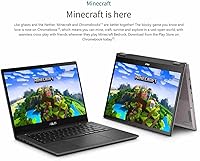
- Operating System: Google Chrome OS, with access to the Google Play Store for Android apps and automatic background security updates.
- Form Factor: 2-in-1 convertible design supporting four modes: laptop, tablet, tent, and stand, enabled by a 360-degree hinge.
- Wireless: Wi-Fi 6 (802.11ax) for faster, more stable connections on modern routers and congested school or home networks.
- Webcam: Full HD (1080p) front-facing webcam with a built-in physical privacy shutter that blocks the lens when not in use.
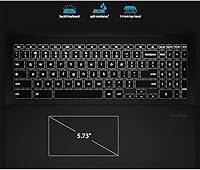
- Keyboard: Full-size backlit keyboard with key illumination for use in low-light environments.
- Battery: Rated up to 10 hours of use on a single charge, with fast charge support to recover battery quickly between sessions.
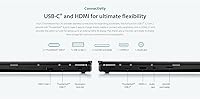
- Ports: Three USB 3.0 Type-A ports and at least one USB-C port for charging, data transfer, and display output.
- Weight: 4.77 pounds (approximately 2.16 kg), which is on the heavier side for a device intended for occasional tablet-mode use.
- Dimensions: 12.63 x 8.13 x 0.62 inches, giving it a footprint suited to standard school backpack sleeves designed for 15- to 16-inch laptops.
- Graphics: Intel integrated graphics built into the Core i3-1215U processor, capable of handling video playback, light image editing, and Android games.
- Stylus Support: The device supports stylus input on its touchscreen, though a stylus is not confirmed to be included in the box.
- Memory Card: Includes a memory card slot for expanding local file storage beyond the internal SSD.
- Audio: Standard integrated stereo speakers appropriate for classroom and personal media use; no high-end audio certification is listed.
- Color: Available in Black as the listed colorway for this SKU.
Related Reviews
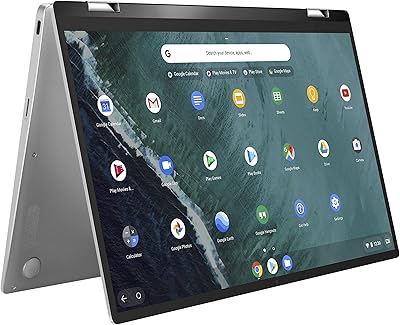
ASUS Chromebook Flip C434 2-In-1 Laptop
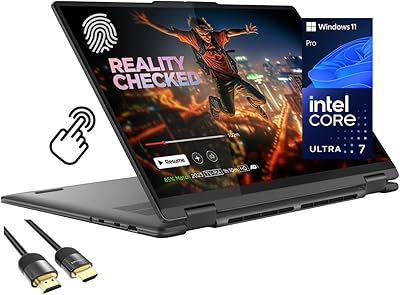
Lenovo Yoga 7i 16″ 2-in-1 Laptop, Core Ultra 7 155U, 16GB, 1TB
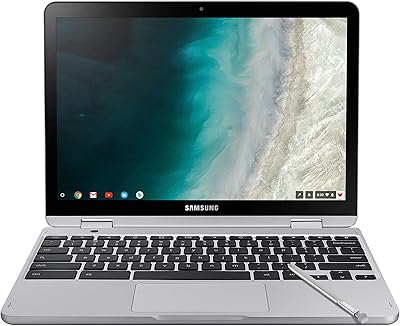
Samsung Chromebook Plus V2 64GB
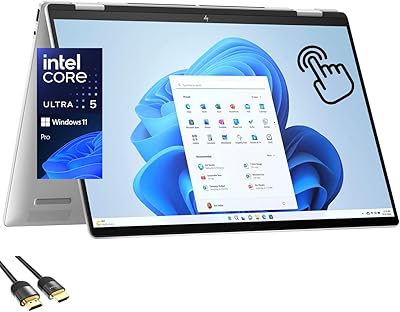
HP Envy x360 16-inch 2-in-1 Laptop (Core Ultra 5 125U, 16GB, 1TB)
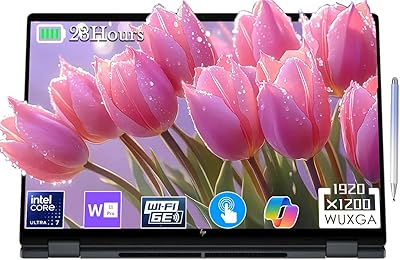
HP OmniBook X Flip 16″ 2-in-1 Laptop
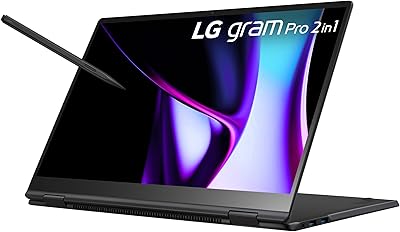
LG gram Pro 2-in-1 16″ Laptop

HP OmniBook X Flip 14″ 2K Touch-Screen 2-in-1 Laptop, AMD Ryzen AI 7 3500U, 24GB RAM, 1.5TB Storage

ASUS Chromebook CM14 (CM1402CM2A-DS44)
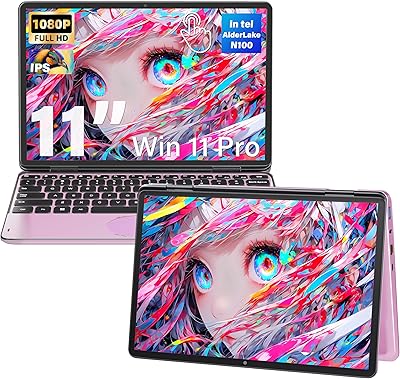
Svikou HL110YP 11″ 2-in-1 Laptop 512GB