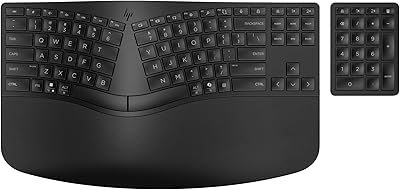
Kinesis Freestyle2 Ergonomic Keyboard w/ VIP3 Lifters
Overview
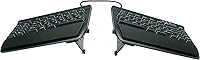
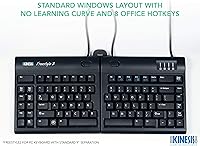
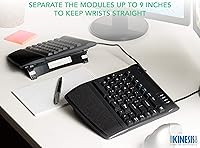
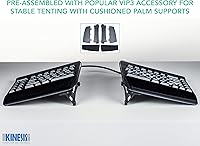
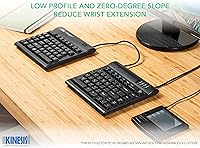
The Kinesis Freestyle2 Ergonomic Keyboard w/ VIP3 Lifters is designed to help reduce typing strain and promote better posture for long hours of use. This split ergonomic keyboard allows users to adjust the key modules up to 9 inches apart, offering a more customized typing experience. With the included VIP3 lifters, users can also adjust the tilt of the keyboard to find a more comfortable, neutral wrist position. The keyboard is pre-assembled with palm supports and requires no software, making setup quick and easy. It's compatible with both Windows and Linux systems, offering plug-and-play functionality.
Features & Benefits
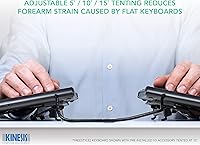
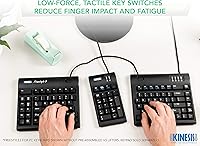
One of the standout features of this ergonomic keyboard is its adjustable splay, allowing users to set the key separation up to 9 inches. It also offers three customizable tenting angles—5°, 10°, and 15°—so you can choose the optimal tilt for your wrists. The low-force membrane key switches help reduce finger fatigue and improve comfort during long typing sessions. Additionally, the inclusion of multimedia and shortcut keys makes it easier to perform everyday tasks. The detachable pivot tether provides added flexibility, allowing you to adjust the keyboard's layout as needed.
Best For
This ergonomic keyboard is ideal for anyone who spends long hours typing, especially professionals and programmers. It is particularly beneficial for users with wrist discomfort or those recovering from repetitive strain injuries. The keyboard’s customizable layout and palm supports make it a great choice for people who want to reduce discomfort during prolonged use. Those who prefer a more natural typing posture will find it suits them well. If you're someone who values ergonomic comfort and flexibility, this keyboard provides a personalized solution to fit your needs.
User Feedback
Overall, users appreciate the comfort and adjustability the Kinesis Freestyle2 provides, particularly the palm supports and tenting features. Many report that the split keyboard layout helps alleviate wrist strain over long periods, making it a solid choice for extended typing sessions. However, some users mention there is a bit of a learning curve when adapting to the split design, and it may take time to adjust to the layout. While it’s generally praised for its build quality, a few users feel the keyboard lacks the tactile feedback found in mechanical keyboards, which may be a dealbreaker for some.
Pros
- The adjustable tenting angles (5°, 10°, 15°) allow for a customized and comfortable wrist posture.
- Integrated cushioned palm supports improve comfort, especially during long typing sessions.
- The split keyboard layout helps alleviate wrist strain for users with repetitive strain injuries.
- Plug-and-play setup with no software required makes this device easy to use on both Windows and Linux.
- The 9-inch separation between the key modules provides flexibility for personalized typing positioning.
- Low-force membrane switches reduce finger fatigue, making this keyboard ideal for professionals who type for long hours.
Cons
- The split design can be difficult to adjust to for users who are used to traditional keyboard layouts.
- Some users find the lack of a 'clicky' sound a downside, especially those accustomed to mechanical keyboards.
- This device is not as portable as more compact keyboards, making it less suitable for on-the-go use.
- The weight and size may be cumbersome for those with limited desk space or who prefer a minimalist setup.
- The absence of backlighting can be a disadvantage for those working in low-light environments.
- Certain users may find the learning curve of the split design too steep for quick adoption.
Ratings
After analyzing verified user reviews from multiple platforms and languages, we evaluated the Kinesis Freestyle2 Ergonomic Keyboard w/ VIP3 Lifters based on genuine, high-quality feedback. Spam, bot-generated, incentivized, and duplicated reviews were filtered out to ensure only authentic user experiences informed the scores. While this ergonomic keyboard excels in comfort and adjustability, user opinions vary across different aspects, with both strengths and pain points considered in the overall rating.
Ergonomic Comfort
Build Quality
Adjustability and Customization
Ease of Setup
Key Press Comfort
Learning Curve
Wrist Support Effectiveness
Key Separation
Splay Adjustment Flexibility
Multimedia Keys
Compatibility with Operating Systems
Price for Features
Suitable for:
The Kinesis Freestyle2 Ergonomic Keyboard w/ VIP3 Lifters is best suited for users who spend long hours typing and seek to minimize wrist strain. This includes professionals, such as programmers, writers, or data analysts, who often experience discomfort from prolonged use of traditional keyboards. Additionally, those with repetitive strain injuries or wrist discomfort will find the adjustable tenting and key separation helpful for promoting a more neutral posture. The customizable nature of the keyboard makes it a great option for anyone looking for a tailored ergonomic setup to improve typing comfort during extended use, particularly for people working on desktops in office environments or home offices.
Not suitable for:
However, this keyboard may not be ideal for users who are accustomed to mechanical switches or prefer a more tactile feedback while typing. Those looking for a more compact and portable keyboard for on-the-go use might find its size and weight less convenient. Additionally, the learning curve associated with adapting to the split design could be a drawback for individuals who are used to traditional, non-split keyboards. If you’re someone who frequently switches between different typing setups or needs highly customizable software features, the lack of advanced software support may also be a limitation.
Specifications
- Type: Split ergonomic keyboard designed to reduce strain and promote better posture.
- Tenting: Adjustable tenting angles of 5°, 10°, and 15° for a more neutral wrist position.
- Palm Support: Integrated cushioned palm rests provide comfort during long typing sessions.
- Key Switches: Low-force membrane switches reduce finger fatigue and strain for extended use.
- Key Separation: 9-inch separation between key modules allows for customizable positioning.
- Connectivity: USB-A connection for easy plug-and-play setup with no software required.
- Compatibility: Compatible with Windows 7, 8, 10, and Linux operating systems.
- Special Features: Adjustable splay with a detachable pivot tether for customized key module positioning.
- Dimensions: Measures 19 x 12.5 x 3.5 inches, providing a spacious typing area.
- Weight: Weighs 2 pounds, making it lightweight for an ergonomic keyboard.
- Backlighting: No backlighting is included, ensuring a more natural and distraction-free typing experience.
- Included Accessories: Comes with VIP3 lifters, pivot tether, and a quick start guide for easy setup.
- Build Quality: The keyboard is praised for solid construction and durability.
- Learning Curve: Users may experience a slight learning curve when adjusting to the split layout.
- Adjustable Angles: Three adjustable angles for tilt (5°, 10°, 15°) to suit individual ergonomic needs.
- Key Layout: Split keyboard layout for a more natural hand and wrist positioning.
- Target Audience: Ideal for users with wrist discomfort, long typers, and those seeking ergonomic customization.
- Multimedia Keys: Multimedia and shortcut keys are included to enhance productivity.
- Splay Adjustment: Detachable pivot tether allows for flexible splay adjustment of the keyboard modules.
Related Reviews
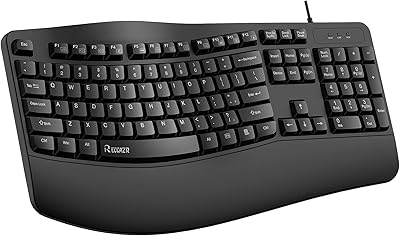
RECCAZR Ergonomic Wired Keyboard
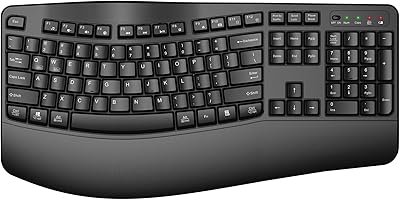
QUASIO Wave Keys Ergonomic Wireless Keyboard with Wrist Rest
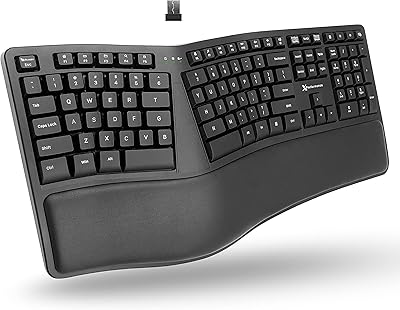
X9 Performance Wireless Ergonomic Split Keyboard
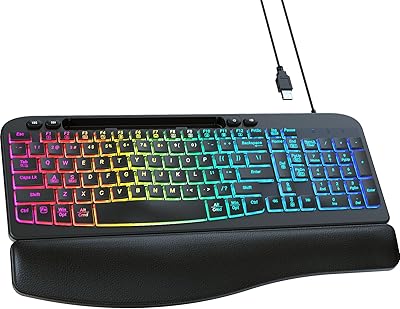
VEILZOR Ergonomic Backlit Keyboard with Wrist Rest
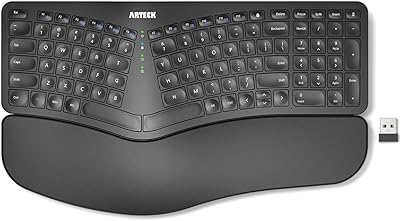
Arteck HW315
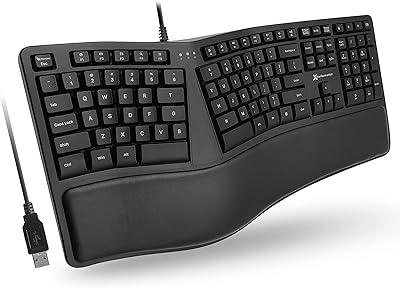
X9 Performance X9ERGOKEY Ergonomic Split Keyboard

TECKNET TK-EKB01040BS01 Wireless Keyboard
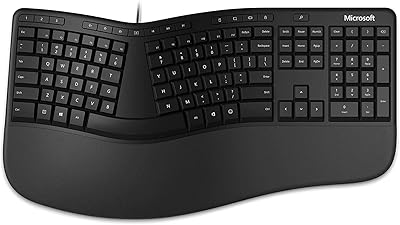
Microsoft Ergonomic Keyboard for Business Wired
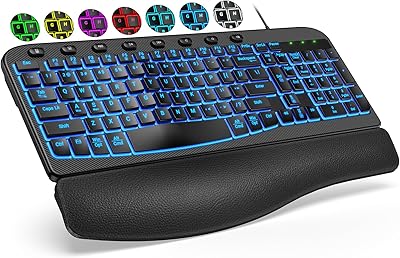
SABLUTE KG812B Ergonomic Wired Keyboard