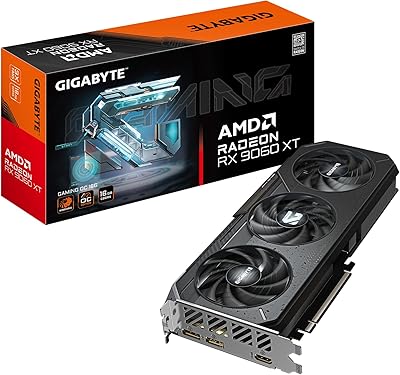
Gigabyte RTX 2070 Super Gaming OC Graphics Card
Overview
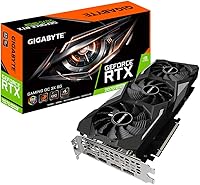
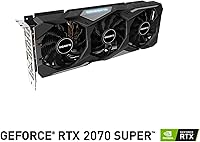
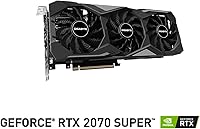
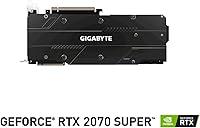
The Gigabyte RTX 2070 Super Gaming OC Graphics Card is Gigabyte's factory-overclocked take on Nvidia's RTX 2070 Super, arriving in 2019 as part of a Super refresh that delivered a meaningful performance jump over the original 2070. What separates it from the reference design is the Windforce 3X cooling system — three fans working in alternating directions to reduce turbulence and keep temperatures stable under sustained load. It was built with enthusiast 1440p gamers firmly in mind, and capable 4K players willing to invest at the higher end of the mid-range market. Gigabyte also includes AORUS Engine, a straightforward utility for adjusting clocks and fan curves without needing deep technical knowledge.
Features & Benefits
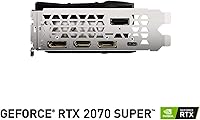
The Windforce 3X setup is one of the more thoughtful cooling implementations at this tier — three 80mm fans that alternate spin direction cut down on airflow turbulence and keep things stable during long sessions. Out of the box, the card boosts to 1815 MHz, nudging ahead of Nvidia's own Founders Edition without any manual tuning required. Memory-wise, 8GB of GDDR6 running at 14 Gbps over a 256-bit bus gives this RTX 2070 Super variant solid bandwidth for high-resolution textures and demanding workloads. Ray tracing and DLSS are both supported through the Turing architecture, though it is worth being realistic: ray tracing in demanding titles will cost you frames, as it does across the entire Turing generation. Four display outputs — three DisplayPort and one HDMI — round out a practical feature set.
Best For
This Gigabyte 2070 Super hits its stride at 1440p gaming, where it handles high to ultra settings in most AAA titles without much trouble. If you are stepping up from something like a GTX 1070 or an RX 580, the gap in raw performance and feature support is substantial — this is not a marginal generational bump. Light content creators will also find value here; the CUDA core count and VRAM headroom hold up reasonably well for video editing and moderate 3D rendering work. The quiet operation and efficient cooling make it a natural fit for open mid-tower builds where fan noise is a concern, and the four display outputs handle most multi-monitor setups without needing adapters.
User Feedback
With a 4.7-star average across nearly 800 ratings, the Gaming OC card has built a strong reputation, and most of it comes down to thermal performance. Owners consistently report that temperatures stay controlled even during long gaming sessions, and the fans are nearly silent at idle — a combination that is harder to find than it should be. The most common practical complaint is physical size: at just over 11 inches long, this card will not fit in compact or smaller mid-tower cases, so checking clearance before ordering is genuinely important, not optional. On value, opinions are more nuanced. At its original launch price it was a significant investment, and whether it makes sense today depends almost entirely on what current market pricing looks like against newer-generation alternatives.
Pros
- The Windforce 3X triple-fan cooling keeps GPU temperatures genuinely controlled during extended gaming sessions.
- Fans are nearly silent at idle — the card only ramps up noticeably under real sustained load.
- Factory overclock at 1815 MHz means slightly better out-of-box performance compared to the reference Founders Edition.
- 8GB of GDDR6 memory provides strong bandwidth headroom for high-resolution textures and GPU-accelerated creative work.
- DLSS support helps recover frame rates in compatible titles, extending the useful life of the hardware.
- Four display outputs — three DisplayPort and one HDMI — cover multi-monitor setups without adapters.
- AORUS Engine makes fan and clock adjustments accessible to users without deep overclocking experience.
- Broad PCIe 3.0 x16 compatibility means it drops into a wide range of existing and older motherboard platforms.
- A 4.7-star rating across nearly 800 buyers reflects consistent real-world reliability over time.
- Represents a substantial generational leap for users upgrading from GTX 1070 or RX 580-class hardware.
Cons
- At over 11 inches long, the Gaming OC card will not physically fit in many compact and smaller mid-tower cases.
- Ray tracing in demanding titles carries a real frame rate cost — do not expect to max out RT settings at 1440p.
- This is a 2019-era GPU, and newer-generation cards now offer comparable performance at lower market prices.
- Value proposition is highly dependent on current street pricing; overpaying relative to RTX 30-series options is an easy mistake.
- No USB-C or VirtualLink output, which limits compatibility with certain VR headsets that use that connector.
- Power consumption is substantial — plan for a quality 650W or higher PSU and adequate case airflow.
- AORUS Engine software has received mixed feedback for stability and interface polish over the years.
- 4K gaming at ultra settings in modern titles is possible but inconsistent without leaning on DLSS.
Ratings
The scores below were generated by our AI review engine after analyzing hundreds of verified global purchases of the Gigabyte RTX 2070 Super Gaming OC Graphics Card, with spam, bot submissions, and incentivized reviews actively filtered out before scoring. Each category reflects the full spectrum of real buyer sentiment — including the pain points that marketing materials tend to quietly ignore. The result is a balanced, data-grounded snapshot of where this card genuinely excels and where it falls short.
1440p Gaming Performance
Thermal Management
Noise Level
Value for Money
Ray Tracing Capability
Build & Physical Quality
Case Compatibility
4K Gaming Performance
DLSS Support
Driver & Software Stability
Display Connectivity
Upgrade Value from Older GPUs
Long-Term Reliability
Suitable for:
The Gigabyte RTX 2070 Super Gaming OC Graphics Card is a strong match for PC gamers who have settled on 1440p as their target resolution and want to run modern AAA titles at high to ultra settings without constantly babysitting frame rates. If you are still running a GTX 1070, RX 580, or anything from that mid-range generation, the performance gap here is large enough to feel genuinely transformative — not just in raw frame rates, but in feature access like DLSS, which can recover performance in supported titles. Builders who prioritize a quiet, thermally stable system without resorting to aftermarket cooling or custom water loops will appreciate the Windforce 3X setup, which keeps things controlled even under sustained load. Light content creators — anyone doing video editing in Premiere, moderate Blender renders, or similar GPU-accelerated tasks — will find the 8GB of fast GDDR6 and the CUDA core count adequate for their workloads. It also suits multi-monitor users well, given the four display outputs available out of the box.
Not suitable for:
Buyers shopping for the Gigabyte RTX 2070 Super Gaming OC Graphics Card at anywhere near its original launch price should pause and compare carefully against current-generation alternatives, because the GPU market has moved considerably since 2019 and cards like the RTX 3060 Ti can offer comparable or better performance at a lower cost today. Anyone building in a compact or small-form-factor case should be aware that this card stretches past 11 inches in length — that rules out a surprising number of popular mini-ITX and smaller mid-tower enclosures, so checking your case specifications before ordering is essential, not optional. Gamers who want to enable ray tracing in every title without frame rate penalties will also find this card frustrating; Turing-generation ray tracing works, but it extracts a meaningful performance cost in demanding scenes, and it is not the hardware you want if ray tracing fidelity at high resolution is a top priority. Finally, anyone chasing peak performance for native 4K gaming at ultra settings in the most demanding modern titles may find this card works but struggles to maintain consistently smooth frame rates without leaning heavily on DLSS.
Specifications
- GPU Chip: Built on the NVIDIA GeForce RTX 2070 Super using the Turing architecture, which introduced dedicated RT cores for ray tracing and Tensor cores for DLSS.
- Boost Clock: Factory overclocked to 1815 MHz boost clock out of the box, running slightly faster than the reference Nvidia Founders Edition without any manual tuning required.
- Video Memory: Equipped with 8GB of GDDR6 memory running at 14,000 MHz effective speed across a 256-bit memory bus.
- Cooling System: Uses Gigabyte's Windforce 3X setup with three 80mm fans that alternate spin direction to reduce turbulence and improve airflow efficiency under load.
- Display Outputs: Provides three DisplayPort 1.4 connectors and one HDMI 2.0b port, supporting up to four simultaneous displays.
- Max Resolution: Capable of driving displays up to 3840x2160 (4K UHD) resolution.
- Card Length: Measures 11.26 inches (286mm) in length, which requires verification against case specifications before purchase.
- Card Dimensions: Full dimensions are 11.26 x 4.49 x 1.97 inches, occupying a dual-slot-plus footprint in the expansion bay.
- Card Weight: Weighs approximately 1.32 pounds, which is typical for a triple-fan card of this size and may benefit from a GPU support bracket in some builds.
- Interface: Connects via a PCIe 3.0 x16 slot and is also backward and forward compatible with PCIe 4.0 motherboards.
- Ray Tracing: Supports real-time hardware ray tracing via dedicated RT cores, though enabling it in demanding titles carries a meaningful frame rate cost.
- DLSS Support: Supports DLSS (Deep Learning Super Sampling) using onboard Tensor cores, which can recover lost frame rates in supported titles when ray tracing is enabled.
- Tuning Software: Compatible with Gigabyte's AORUS Engine software for adjusting boost clock, memory clock, fan curves, and monitoring GPU vitals in real time.
- Power Connector: Requires two 8-pin PCIe power connectors; Nvidia recommends a minimum 650W power supply unit for stable operation.
- API Support: Fully supports DirectX 12 Ultimate, OpenGL 4.6, and Vulkan, covering all major modern gaming and compute APIs.
- Release Date: First made available in August 2019 as part of Nvidia's Super refresh lineup, which meaningfully improved upon the original RTX 2070.
Related Reviews
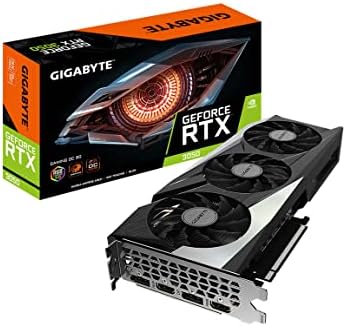
GIGABYTE GeForce RTX 3050 Gaming OC 8GB Graphics Card
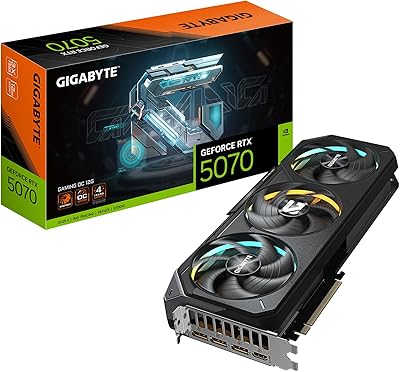
GIGABYTE RTX 5070 Gaming OC 12GB GPU
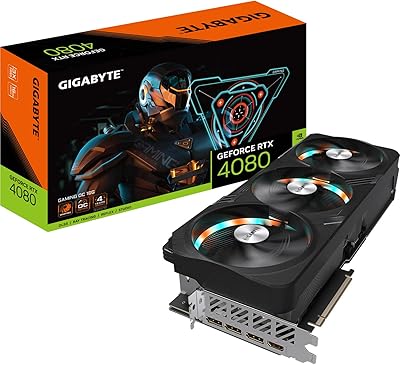
GIGABYTE RTX 4080 Gaming OC 16GB GPU
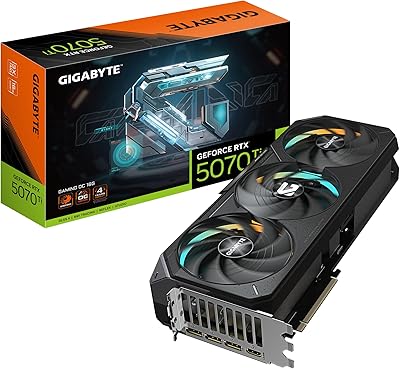
GIGABYTE GeForce RTX 5070 Ti Gaming OC 16G

GIGABYTE GeForce RTX 4060 Ti Gaming OC 8GB Graphics Card
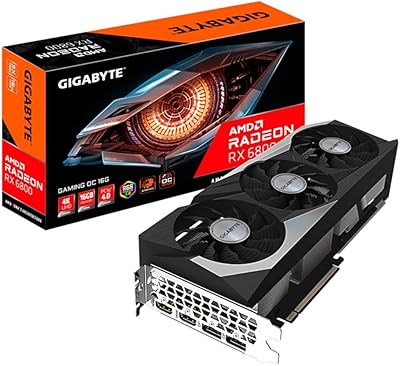
Gigabyte Radeon RX 6800 16GB Graphics Card
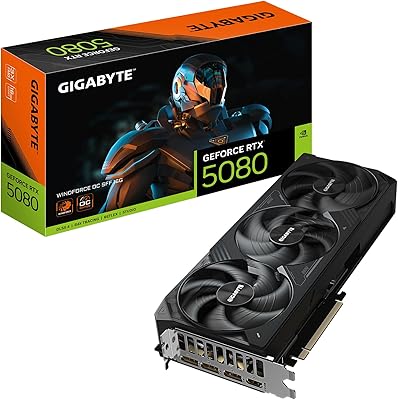
GIGABYTE GeForce RTX 5080 WINDFORCE OC SFF 16G
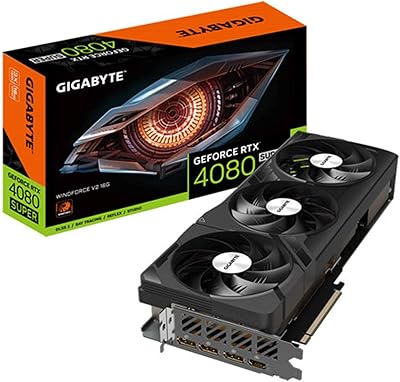
Gigabyte GeForce RTX 4080 SUPER WINDFORCE V2 Graphics Card
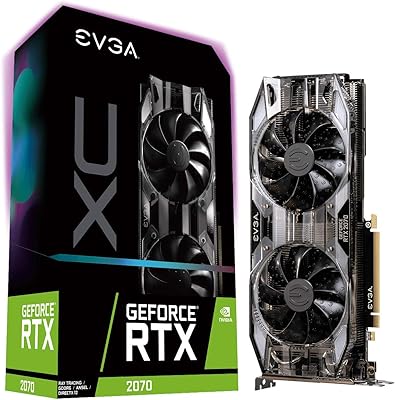
EVGA GeForce RTX 2070 XC Graphics Card