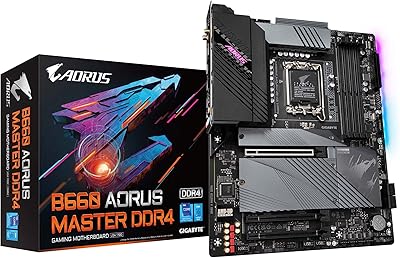
GIGABYTE B760I AORUS PRO Mini-ITX Motherboard
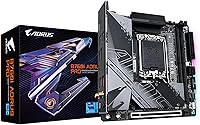
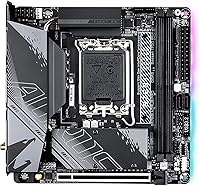
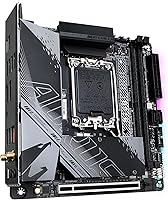
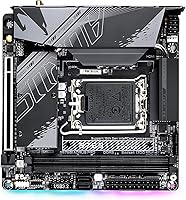
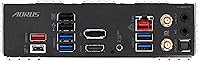
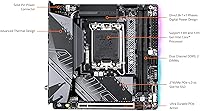
Overview
The GIGABYTE B760I AORUS PRO Mini-ITX Motherboard is one of the more well-rounded options in the SFF space right now — a board that takes the Intel B760 chipset and LGA 1700 socket and packages them into a compact footprint without stripping out the features experienced builders actually care about. It supports 12th and 13th Gen Intel Core processors, works with DDR5 memory, and ships with connectivity you'd normally expect on a much larger board. Since its May 2023 launch, it has earned a 4.1-star rating across over 120 reviews, landing in the top 100 of Amazon's motherboard category — a respectable result for a compact Intel platform.
Features & Benefits
The B760I AORUS PRO packs a surprising amount of capability into its small frame. The 8+1+1 phase VRM with 90A power stages gives you real headroom to run a Core i7 or a 13900K without the board straining under sustained loads, though pairing it with the most power-hungry chips in poorly ventilated cases is still a calculated risk. Dual M.2 PCIe 4.0 slots let you run fast NVMe storage without sacrificing your GPU slot. The USB 3.2 Gen 2x2 Type-C rear port stands out at this price point, and Q-Flash Plus removes a lot of the anxiety from staged builds by letting you update the BIOS before a CPU is even installed.
Best For
This compact Intel motherboard is a natural fit for builders putting together a serious small PC in something like an NCase M1, a Dan A4, or any similarly tight chassis. If you're moving from an older DDR4 platform, the DDR5 future-proofing here is a genuine draw — you get a board that won't feel dated in two years without needing to step up to a Z790. It also works well as a home office or living room build anchor, where the Wi-Fi 6E and 2.5GbE networking combo handles wireless and wired demands without add-in cards. Content creators wanting dual NVMe bandwidth in a compact rig will find it covers most bases.
User Feedback
Buyers generally come away satisfied, with recurring praise for I/O density that punches well above what you'd typically expect from a Mini-ITX board. The VRM heatsink draws positive comments in SFF forums for holding up during sustained workloads — a meaningful detail when your case offers limited airflow. That said, a few users note the board runs noticeably warm in ultra-compact enclosures, so case selection genuinely matters here. The BIOS has a learning curve for first-time GIGABYTE users, though Q-Flash Plus softens that during initial setup. One practical note: DDR5 kit compatibility isn't universal, so cross-referencing the QVL before buying your RAM is simple due diligence worth doing.
Pros
- Dual M.2 PCIe 4.0 NVMe slots deliver serious storage speed without giving up the GPU slot.
- The 8+1+1 phase VRM with 90A power stages handles mid-to-high-end Intel CPUs without breaking a sweat.
- Intel Wi-Fi 6E and 2.5GbE LAN together make this one of the best-connected Mini-ITX boards in its class.
- USB 3.2 Gen 2x2 Type-C on the rear I/O is a rare and practical inclusion at this price point.
- Q-Flash Plus lets you update the BIOS before installing a CPU or RAM, simplifying staged builds significantly.
- DDR5 support future-proofs the platform beyond what most competing B760 boards at this tier offer.
- The extended MOSFET and M.2 heatsinks genuinely help manage thermals in tight SFF enclosures.
- Build quality is consistently praised by buyers, with the 10-layer PCB adding structural and electrical integrity.
- RGB Fusion 2.0 with ARGB and RGB headers gives lighting flexibility without requiring third-party controllers.
Cons
- Not all DDR5 kits train reliably on this board — checking the QVL before buying RAM is essential.
- The B760 chipset blocks CPU overclocking, which is a real limitation if you want to push clock speeds.
- Board thermals in ultra-compact, low-airflow cases can become a concern under sustained workloads.
- Only two DIMM slots means no upgrade path beyond the initial two sticks of memory.
- The BIOS interface has a learning curve that first-time GIGABYTE users may find frustrating out of the box.
- A single PCIe x16 slot offers zero expansion flexibility for users needing capture cards or additional controllers.
- Mini-ITX cable routing can be tricky in smaller cases, and the board layout may complicate tight builds.
- Wi-Fi antenna connections in restricted chassis can be fiddly, occasionally requiring improvised routing solutions.
Ratings
The scores below for the GIGABYTE B760I AORUS PRO Mini-ITX Motherboard were generated by our AI system after analyzing verified global buyer reviews, actively filtering out incentivized, bot-generated, and low-quality feedback to surface what real builders actually experienced. Ratings reflect both the genuine strengths and the honest pain points reported across SFF communities, Amazon reviews, and enthusiast forums worldwide — nothing is glossed over.
Feature Density
VRM & Power Delivery
Thermal Management
Connectivity & I/O
DDR5 Compatibility
Build Quality
BIOS Experience
Wireless Performance
Storage Performance
Value for Money
RGB & Aesthetics
Installation & Setup
Long-Term Reliability
Suitable for:
The GIGABYTE B760I AORUS PRO Mini-ITX Motherboard is purpose-built for builders who want a genuinely capable platform in a compact chassis — not a stripped-down board that happens to fit a small case. It's the right call for SFF enthusiasts putting together a powerful gaming or workstation PC in enclosures like the NCase M1 or Dan A4, where every cubic inch matters but performance can't be compromised. Builders migrating from older DDR4 platforms will appreciate the DDR5 support, which adds longevity without requiring a jump to a premium Z790 board. It also suits home office or living room setups well, since the onboard Intel Wi-Fi 6E and 2.5GbE LAN eliminate the need for add-in networking cards in a build where expansion slots are precious. Content creators and gamers running dual NVMe drives will find the two PCIe 4.0 M.2 slots handle fast storage configurations without any slot trade-offs.
Not suitable for:
The GIGABYTE B760I AORUS PRO Mini-ITX Motherboard is not the right fit for every builder, and it's worth being honest about where it falls short. Enthusiasts who want to run heavily overclocked or extreme-TDP processors will find the B760 chipset itself a limiting factor, since it lacks the unlocked overclocking features of Z790 — this board is best matched to mid-to-high-range CPUs, not all-out power builds. Buyers planning a large tower build with multiple GPU slots, extensive PCIe expansion, or four memory slots should look at ATX or mATX options instead, as the Mini-ITX form factor simply can't accommodate that kind of expansion. Those building in ultra-compact cases with very restricted airflow should also proceed carefully, since the board runs noticeably warm under sustained loads in poorly ventilated enclosures. Finally, buyers who prefer a plug-and-play BIOS experience with zero configuration may find the initial setup has a steeper learning curve than some competing brands.
Specifications
- Form Factor: Mini-ITX (170mm x 170mm), designed for compact small form factor builds.
- Chipset: Intel B760 chipset, supporting 12th and 13th Gen Intel Core processors without CPU overclocking.
- CPU Socket: LGA 1700 socket, compatible with Intel 12th Gen Alder Lake and 13th Gen Raptor Lake processors.
- Memory Type: DDR5 dual-channel, with 2 DIMM slots supporting XMP profiles beyond the 2666 MHz base speed.
- Memory Slots: 2 x DDR5 DIMM slots in a dual-channel configuration, with no option to expand beyond two sticks.
- M.2 Storage: Two M.2 slots, both supporting PCIe 4.0 NVMe drives for high-throughput storage without sacrificing the GPU slot.
- PCIe Expansion: One PCIe 4.0 x16 slot for a discrete GPU, which is the only expansion slot on this Mini-ITX board.
- Wireless: Intel Wi-Fi 6E onboard, supporting 2.4GHz, 5GHz, and 6GHz bands for fast and low-latency wireless connectivity.
- Wired LAN: Intel 2.5GbE LAN port delivers wired network speeds well above standard Gigabit Ethernet.
- Rear USB: Rear I/O includes USB 3.2 Gen 2x2 Type-C, providing up to 20Gbps transfer speeds for compatible devices.
- VRM Design: 8+1+1 phase digital VRM with 90A power stages, capable of supporting mid-to-high-end Intel CPUs under sustained loads.
- PCB Construction: 10-layer PCB with 2x copper design, improving signal integrity, power delivery stability, and overall board rigidity.
- Thermal Design: Extended MOSFET heatsink and multi-layered PCH M.2 heatsink help dissipate heat in restricted SFF enclosures.
- BIOS Feature: Q-Flash Plus allows BIOS updates via USB without requiring a CPU, RAM, or GPU to be installed.
- Lighting: RGB Fusion 2.0 with onboard ARGB and RGB headers for addressable LED strip and fan lighting control.
- USB Headers: Includes internal USB 2.0 headers providing up to 4 additional USB 2.0 ports for case front-panel connectors.
- Audio: Onboard audio solution with rear audio jacks for standard analog headphone and microphone connectivity.
- Weight: Approximately 2 pounds, which is typical for a fully featured Mini-ITX board with heatsink hardware installed.
Related Reviews
GIGABYTE B550I AORUS PRO AX Mini-ITX Motherboard
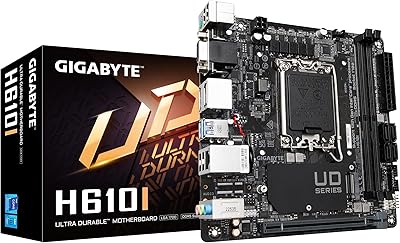
GIGABYTE H610I Mini-ITX DDR5 Motherboard
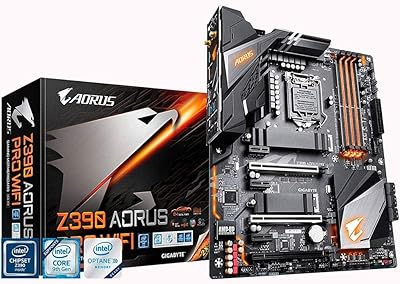
GIGABYTE Z390 AORUS PRO Wi-Fi ATX Motherboard
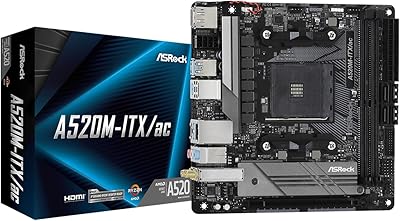
ASRock A520M-ITX/AC Mini ITX Motherboard
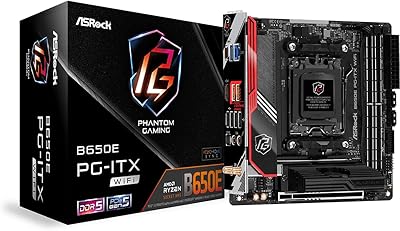
ASRock B650E PG-ITX WiFi Mini-ITX Motherboard
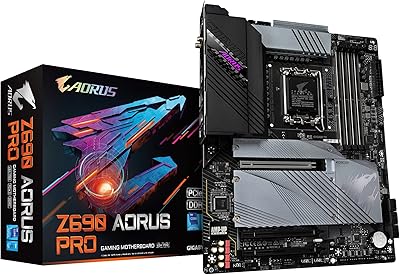
GIGABYTE Z690 AORUS PRO
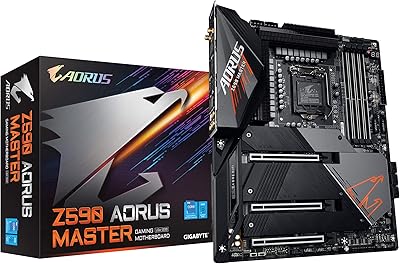
GIGABYTE Z590 AORUS Master ATX Motherboard
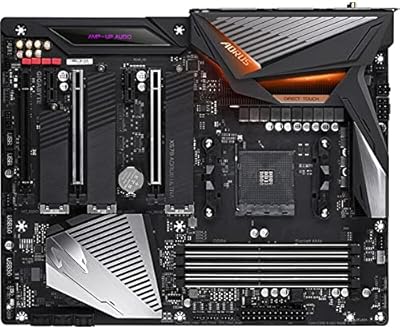
Gigabyte X570 AORUS Ultra ATX Motherboard
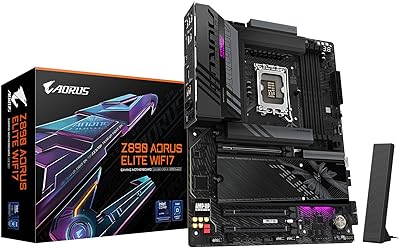
GIGABYTE Z890 AORUS Elite Motherboard