Overview
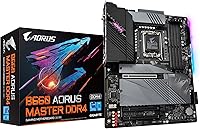
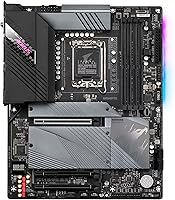
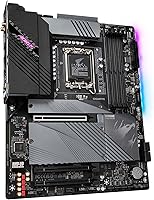
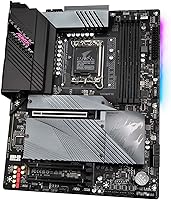
The GIGABYTE B660 AORUS Master DDR4 Motherboard sits in an interesting spot — it carries most of what made the AORUS Master line compelling on Z690, but at a noticeably lower cost of entry. The AORUS Master branding has long signaled a step above GIGABYTE's mainstream offerings, and that holds here: better VRM coverage, reinforced slots, and a cleaner feature set than you'd find on a budget B660 board. It uses the full ATX footprint, so it fits naturally into mid-tower and full-tower cases without compromise. The DDR4 platform is a conscious choice — it trades the raw bandwidth ceiling of DDR5 for lower kit costs and wider compatibility, which for most 12th Gen workloads is a perfectly reasonable call.
Features & Benefits
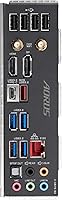
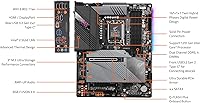
The 16+1+1 VRM design is where this board earns its price. Each phase runs a 60A DrMOS component, which translates to sustained, stable power delivery when you're pushing a Core i7-12700K through long rendering sessions or all-core loads — no thermal throttling, no sagging voltages. Three PCIe 4.0 x4 M.2 slots mean you can run a fast boot drive, a secondary work drive, and a dedicated scratch disk without touching SATA. The Intel 2.5GbE LAN paired with WiFi 6 covers both wired and wireless users well. The rear I/O includes a USB 3.2 Gen 2x2 Type-C port, which is still uncommon at this tier. Onboard audio uses an ALC1220 codec reinforced with WIMA capacitors — genuinely capable for most users who skip a sound card.
Best For
This GIGABYTE motherboard makes most sense for builders who want serious hardware without paying for a full Z690 platform. Pairing it with a Core i5-12600K or i7-12700K gives you access to memory overclocking and PCIe tuning even though B660 locks CPU core multipliers — that's a real distinction worth keeping in mind. Content creators who juggle large files across multiple fast drives will appreciate having three M.2 slots occupied simultaneously. For home studio or small-office use, the onboard WiFi 6 and audio quality reduce the need for add-in cards, keeping the build clean. If you're already invested in a DDR4 memory kit, this board removes any DDR5 migration pressure without feeling like a compromise.
User Feedback
Owners of the B660 AORUS Master DDR4 tend to praise the build quality and thermals, with several noting that the board stays cool during sustained workloads even without added airflow over the VRM area. BIOS navigation gets mixed marks — experienced builders find it functional and well-organized, but a few users flagged the initial setup as less intuitive compared to competing brands. Q-Flash Plus gets consistent appreciation from those who updated the BIOS before inserting a CPU. On the downside, RGB Fusion 2.0 software draws the most complaints — instability and limited third-party sync support are recurring themes. A handful of users also reported difficulty hitting the highest XMP speeds with certain DDR4 kits, though swapping to a tested kit typically resolved the issue.
Pros
- The VRM design handles sustained heavy workloads on high-core-count CPUs without thermal throttling.
- Three PCIe 4.0 x4 M.2 slots let you run a full multi-drive NVMe setup without using any SATA ports.
- Intel 2.5GbE LAN delivers noticeably faster local network transfers compared to standard gigabit boards.
- WiFi 6 and Bluetooth 5 are built in, so no add-in wireless card is needed.
- Q-Flash Plus allows BIOS updates before a CPU is installed, saving real headaches during fresh builds.
- Onboard audio quality is well above average for a motherboard at this tier, thanks to WIMA capacitors.
- The rear USB 3.2 Gen 2x2 Type-C port is a genuinely useful addition that many competing boards omit.
- PCIe slot reinforcement and overall build quality consistently draw positive feedback from hands-on builders.
- Memory XMP support up to 4400 MHz gives DDR4 users meaningful headroom beyond standard speeds.
Cons
- RGB Fusion 2.0 software is frequently criticized for instability and poor third-party RGB sync support.
- Some DDR4 kits struggle to post reliably at the highest advertised XMP speeds without manual tuning.
- B660 chipset blocks CPU core multiplier overclocking, which limits tuning options compared to Z690 boards.
- The ATX footprint rules out smaller cases, reducing build flexibility for compact or living room setups.
- BIOS navigation has a steeper learning curve than some rival platforms, particularly for less experienced builders.
- Being a DDR4-only platform means this board has no upgrade path if you later want to move to DDR5 memory.
- The premium price over basic B660 options is harder to justify if you only need one or two M.2 slots.
Ratings
The GIGABYTE B660 AORUS Master DDR4 Motherboard earns a well-rounded but honest assessment here — these scores were generated by AI after analyzing verified global buyer reviews, actively filtering out incentivized, bot-driven, and outlier feedback. The result reflects where this board genuinely excels and where real builders have run into friction, with no category inflated to make the product look better than it is.
VRM & Power Delivery
Build Quality
Connectivity & I/O
Storage Expandability
BIOS Usability
Memory Compatibility
Onboard Audio
RGB & Software
Thermal Design
Value for Money
Installation Experience
Overclocking Headroom
Wireless Performance
Aesthetics
Suitable for:
The GIGABYTE B660 AORUS Master DDR4 Motherboard is a strong fit for enthusiast PC builders who want a well-equipped 12th Gen Intel platform without stretching their budget to Z690 territory. If you're pairing it with a Core i5-12600K or i7-12700K, the robust VRM handles sustained all-core loads without complaint, and the triple PCIe 4.0 M.2 slots give content creators and power users room to run multiple fast NVMe drives simultaneously. The built-in WiFi 6 and Intel 2.5GbE LAN make it practical for both wired workstation setups and cleaner wireless builds. Home studio users and small-office builders will find the onboard ALC1220 audio more than capable, reducing the need for a separate sound card. Builders who already own a solid DDR4 kit and want to maximize that investment rather than migrate to DDR5 will feel right at home here.
Not suitable for:
The GIGABYTE B660 AORUS Master DDR4 Motherboard is not the right call if your primary goal is pushing CPU clock speeds to the limit — the B660 chipset locks CPU core multiplier overclocking, so if that matters to you, a Z690 board is the honest answer. Builders planning to adopt DDR5 should also look elsewhere, since this platform is DDR4-only and won't carry forward if you upgrade memory later. Anyone sensitive to software ecosystems should know upfront that RGB Fusion 2.0 has a patchy reputation — if you're building a heavily synced RGB setup across multiple brands, expect friction. It's also not ideal for compact or small form factor builds, since the full ATX size demands a mid-tower or larger case. Finally, first-time builders who need extensive hand-holding through the BIOS may find the initial experience less intuitive compared to some competing platforms.
Specifications
- Chipset: The board is built on the Intel B660 chipset, designed specifically for 12th Gen Intel Core processors on the LGA 1700 socket.
- CPU Socket: Uses the LGA 1700 socket, compatible with Intel 12th Gen Core series CPUs including K, KF, and non-K variants.
- Form Factor: Full ATX form factor measuring 13.18 x 10.62 x 3.14 inches, suited for standard mid-tower and full-tower cases.
- Memory Support: Supports dual-channel DDR4 across 4 DIMM slots with XMP profiles up to 4400 MHz; does not support DDR5.
- VRM Design: Features a 16+1+1 Twin Hybrid Digital VRM with 60A DrMOS power stages for stable delivery under sustained CPU loads.
- M.2 Storage: Provides three M.2 slots, all running PCIe 4.0 x4 NVMe, allowing simultaneous installation of three high-speed drives.
- PCIe Slot: Includes a reinforced PCIe 4.0 x16 primary slot for graphics cards, with additional PCIe slots for expansion cards.
- Wired LAN: Onboard Intel 2.5 Gigabit Ethernet delivers faster local network throughput than standard 1GbE implementations.
- Wireless: Integrated WiFi 6 (802.11ax) and Bluetooth 5 module provides high-speed wireless connectivity without an add-in card.
- Rear USB: Rear I/O includes a USB 3.2 Gen 2x2 Type-C port offering up to 20 Gbps transfer speeds, along with USB 3.2 Gen 2 Type-A ports.
- Onboard Audio: AMP-UP Audio system uses a Realtek ALC1220 codec paired with WIMA audio capacitors for improved signal quality and lower noise.
- BIOS Feature: Q-Flash Plus allows users to flash or update the BIOS using a USB drive without needing a CPU or memory installed.
- RGB Lighting: RGB Fusion 2.0 controls onboard lighting and supports both addressable RGB (ARGB) and standard RGB LED strip headers.
- Weight: The board weighs 4.69 pounds, which is typical for a fully featured ATX motherboard with substantial heatsink coverage.
- Fan Control: Smart Fan 6 technology provides granular control over up to multiple fan and pump headers using temperature-based curves.
- SATA Ports: Includes multiple SATA III (6 Gbps) ports for connecting traditional HDDs or SSDs alongside the M.2 slots.
- USB 2.0 Headers: Two USB 2.0 internal headers are available for connecting front-panel USB ports or compatible peripherals inside the case.
Related Reviews
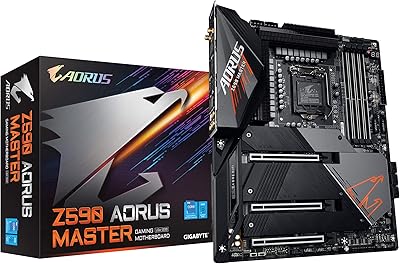
GIGABYTE Z590 AORUS Master ATX Motherboard
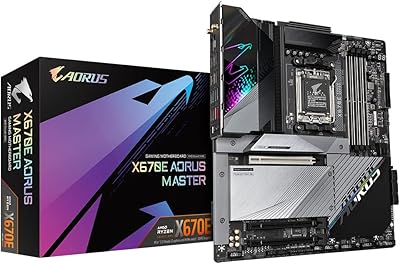
GIGABYTE X670E AORUS Master AMD AM5 ATX Motherboard
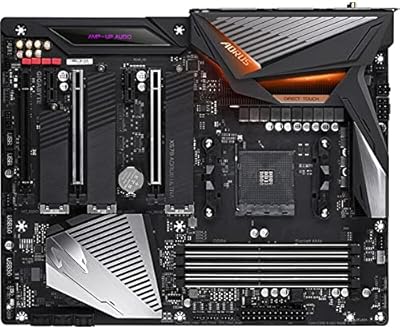
Gigabyte X570 AORUS Ultra ATX Motherboard
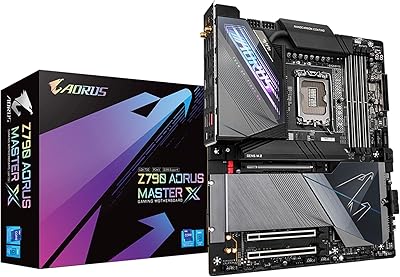
GIGABYTE Z790 AORUS Master X Motherboard
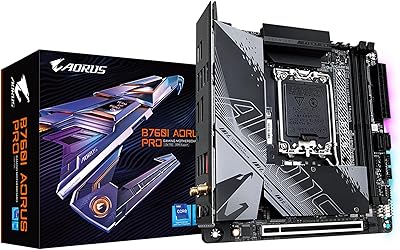
GIGABYTE B760I AORUS PRO Mini-ITX Motherboard
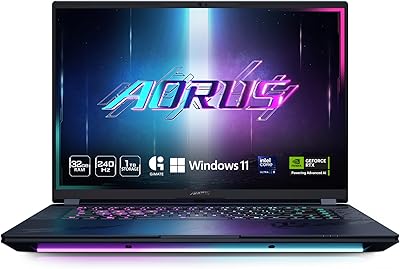
GIGABYTE AORUS Master 16 Gaming Laptop
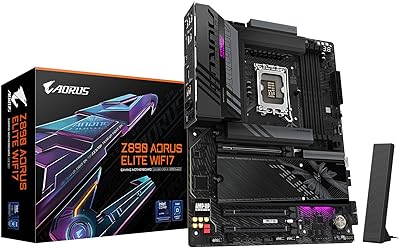
GIGABYTE Z890 AORUS Elite Motherboard
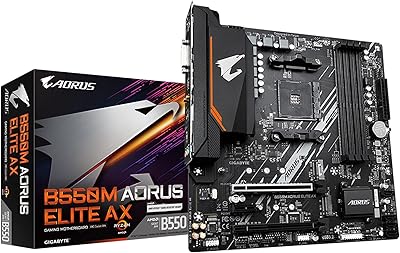
GIGABYTE B550M AORUS Elite AX Motherboard
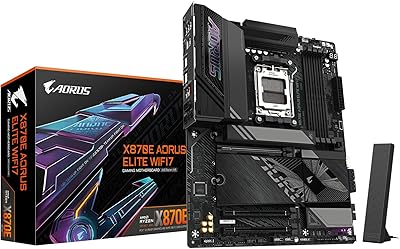
GIGABYTE X870E AORUS Elite WIFI7